
10 Paraphrase Tool Online Options Compared
Compare 10 paraphrase tool online options by features, pricing models, use cases, rewrite fidelity, and limits, including Simple Unmark.
Choosing a paraphrase tool online as if every product does the same thing is a miscalculation. They don't. One tool may make a light sentence edit, another may reshape professional prose, and a third may target academic language. None should be treated as a substitute for checking facts, citations, names, numbers, or the writer's actual intent.
The useful comparison is practical: How aggressively does the tool rewrite? Does it preserve technical details and proper nouns? Does it work inside your existing apps? What are the input limits and pricing rules? How does it handle privacy? Does it remove hidden Unicode artifacts, reduce statistical watermark signals, or only change visible wording? Those are separate jobs, and combining them creates bad buying decisions. For broader editorial workflows, this content planning for software editors resource is a useful adjacent reference.
The ten options below are grouped by the work they perform, from quick everyday editing to academic polishing and fact-preserving cleanup. Treat every output as a draft. Human review isn't optional, especially when a rewrite touches claims, formulas, quotations, citations, or regulated content.
Table of Contents
- 1. Simple Unmark
- 2. QuillBot Paraphraser
- 3. Wordtune Rewrite
- 4. DeepL Write Pro
- 5. Grammarly
- 6. ProWritingAid Rephrase
- 7. Writefull
- 8. Smodin Text Rewriter and Humanizer
- 9. Paraphraser.io
- 10. Wordvice AI Paraphraser
- Top 10 Online Paraphrase Tools Comparison
- Choose by Fidelity, Workflow, and Cost
1. Simple Unmark
Simple Unmark is the most specialized option here because it handles two problems that ordinary paraphrasers often leave separate: visible rewriting and invisible text cleanup. Its web app rewrites AI-assisted passages to reduce statistical watermark signals associated with systems such as SynthID or Gemini, while also stripping hidden Unicode characters, including zero-width marks, direction controls, and unusual spacing.
The workflow is deliberately narrow: paste, clean, copy. Text is scanned locally as you type, so hidden characters can be identified before the rewrite is submitted. The rewrite-first approach matters because changing only a few tokens may leave the broader token-choice pattern intact. Simple Unmark instead changes wording while aiming to preserve meaning, facts, numbers, proper nouns, tone, and intent.
Where it fits best
This is a strong fit for editors, publishers, researchers, academics, compliance teams, and writers who need copy-safe plaintext rather than another general writing suite. It accepts passages of up to 5,000 words per request, with processing rounded to the next 100 words. Guest users receive three free cleans of up to 100 words each without an account, while new accounts include 10 starter credits. Paid credits begin at an entry tier of credits from $5, never expire, and use one-time purchases rather than subscriptions. The billing model charges 0.1 credit per started 100 words, with payments handled by Stripe.
Privacy is clear but not absolute. Private mode is the default, and submissions are processed transiently through the app and its AI provider, DeepInfra, without saving the submitted text. A fully confidential mode that avoids sending text to the app is coming soon, so users handling sensitive material should account for that limitation.
Practical rule: Use Simple Unmark when invisible characters or watermark signals are part of the problem. Use another tool when you mainly need grammar coaching, tone suggestions, or document-level editing.
No tool can guarantee detector outcomes. Research on SynthID found that meaning-preserving paraphrase eliminated detection in 98.3% of initially detected texts, but that result doesn't establish a guarantee for every tool, model, or passage. Google describes SynthID as a watermarking method that embeds signals in AI-generated text, and its detector can scan text and highlight portions more likely to be watermarked. The public implementation also uses detector configurations with different mechanics, so results remain model- and configuration-dependent. Simple Unmark publishes technical guides documenting its scope and limits, which makes its claims easier to evaluate than vague “undetectable” promises.
2. QuillBot Paraphraser
QuillBot is the broadest everyday paraphraser in this comparison. It offers multiple rewrite modes, side-by-side comparisons, a synonym slider, and a way to freeze important words. That combination makes it useful when you want to compare a restrained rewrite with a more substantial change without moving text between several tools.
Its modes cover common needs such as Standard, Fluency, Formal, Creative, Expand, Shorten, Humanizer, and Custom. The Compare Modes view is particularly practical for editors who don't want to accept the first suggestion automatically. You can inspect alternative versions and choose the one that keeps the original rhythm instead of selecting the most heavily rewritten output.
Strengths and limits
QuillBot also includes grammar, summarization, and citation-related tools, so it works well as part of a general writing workflow. The free plan has a 125-word input cap per run, while advanced modes require payment. That limit makes the free version better for sentence and paragraph work than for full-page editing.
The main risk is over-normalization. Aggressive modes can make distinctive prose sound generic, flatten deliberate phrasing, or alter a technical relationship between clauses. Freeze words helps protect terminology, but it doesn't replace a human check of the surrounding sentence.
For fast rewrites, QuillBot is a sensible default. It isn't the right choice if the core task is invisible-character removal or a dedicated attempt to reduce statistical watermark signals. Those concerns require a different workflow, as explained in this guide to how AI text watermarks work.
3. Wordtune Rewrite
Wordtune is built for rewriting inside everyday work rather than for batch cleanup. Its editor and browser extension support sentence and paragraph rewrites, tone changes, Smart Synonyms, summarization, and “Ask AI” assistance. That makes it convenient for emails, Google Docs, and web text fields where opening a separate paraphrasing site would interrupt the workflow.
A useful distinction is its multilingual-to-English capability. Wordtune can accept input in 10 languages and automatically translate it to English, which makes it more relevant to multilingual teams than tools limited to English rewrites. The tradeoff is that translation and paraphrasing are not the same operation. If a sentence contains a legal term, product name, or culturally specific expression, review the English result against the source rather than assuming the rewrite preserved every nuance.

Wordtune's free plan has low daily generation limits, and several features are restricted to paid tiers. It also lacks granular style locks for names and numbers, so it isn't a precision tool for technical or compliance-heavy content. Use it for quick improvements to awkward sentences, tone shifts, and English polishing after multilingual drafting.
The practical advantage is speed. The practical weakness is control. If you need to preserve a fixed phrase, a metric, or a sequence of technical steps, copy those elements aside and compare them after rewriting.
4. DeepL Write Pro
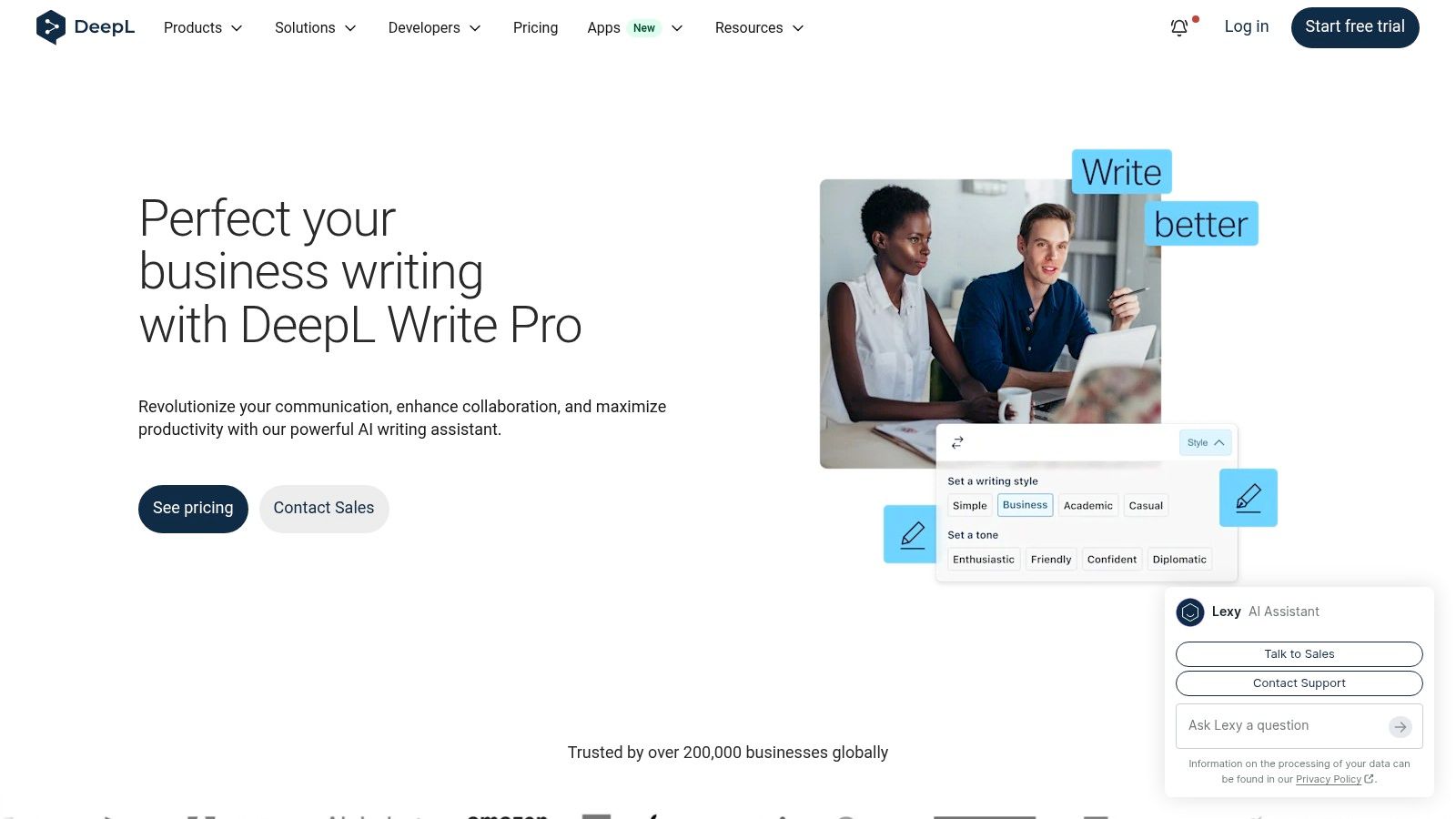
DeepL Write Pro is less a “spin” tool than a professional writing assistant. It focuses on clarity, tone, formality, and correctness, with a close relationship to DeepL Translator. That makes it a better fit for business correspondence, multilingual teams, and formal documents than for deliberately aggressive paraphrasing.
The product sits within the DeepL ecosystem and is offered as a Write Pro add-on to DeepL plans. Users who already manage DeepL products may find that structure logical. New buyers need to account for the added plan relationship, because Write Pro isn't a standalone paraphraser with one universal purchase.
Best use case
DeepL Write Pro suits professional writing where a controlled tone matters more than maximum lexical distance. Its rewrite suggestions can help make a sentence clearer or more formal without turning the document into obviously machine-shaped prose. Enterprise-oriented options and a stated security posture may matter to teams with procurement requirements.
The product's limitations are structural. Managing a DeepL plan plus the Write Pro add-on adds administrative overhead, and API access for Write isn't included with the add-on. That makes it less convenient for automated content pipelines than tools with a direct rewriting API.
Choose DeepL Write Pro when language quality and translation context are central. Don't choose it because you expect it to solve hidden Unicode artifacts or watermark detection concerns. Those are different technical problems from clarity and correctness.
5. Grammarly
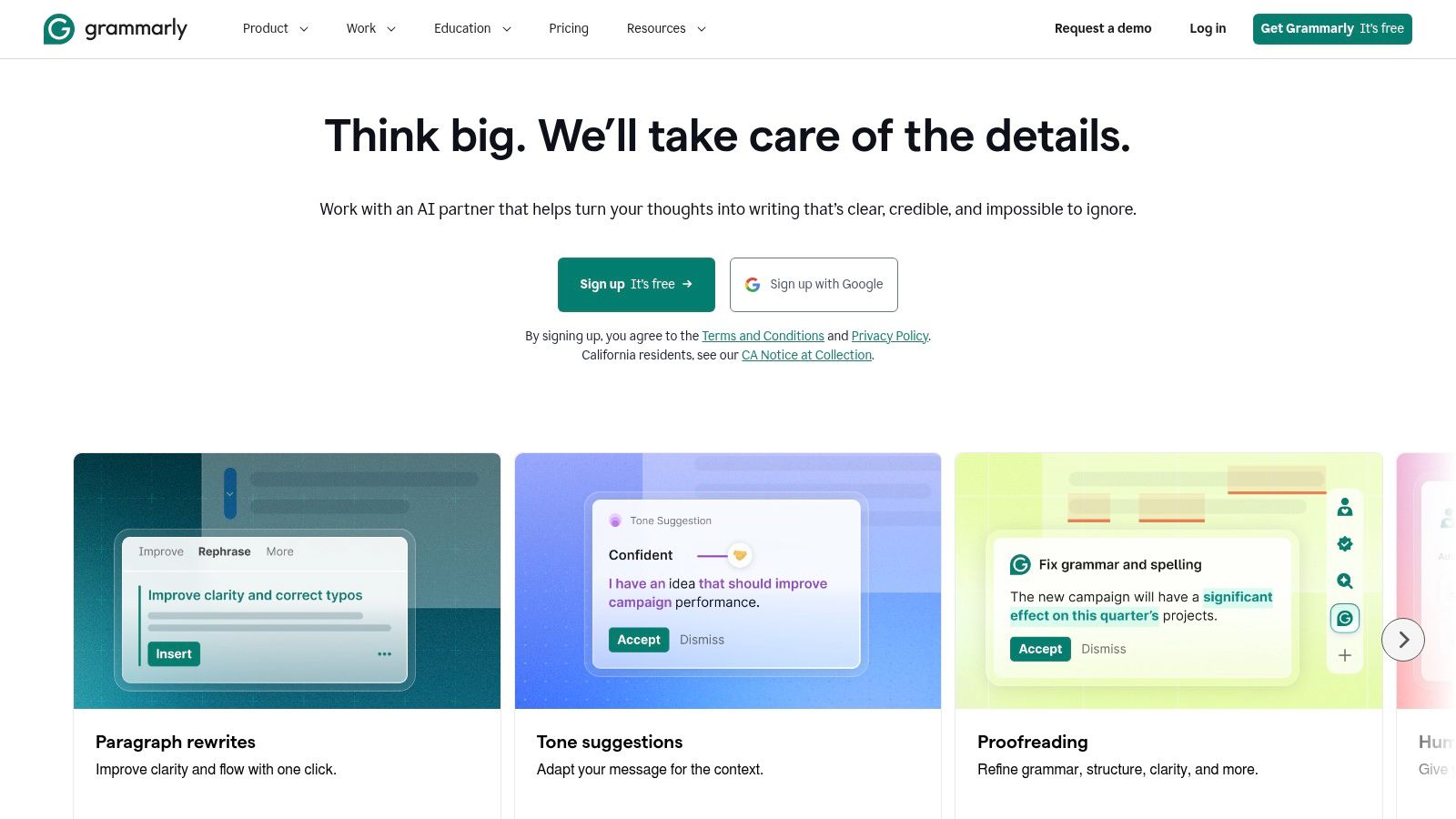
Grammarly makes sense for users who already depend on it for grammar and style feedback. Its AI features add full-sentence rewrites and tone adjustments across desktop, browser, and mobile environments, so paraphrasing happens inside the same interface that flags writing issues.
That integration is Grammarly's main advantage. You can revise a sentence, inspect grammar feedback, and adjust tone without switching applications. Pro also includes plagiarism and AI detection features, while enterprise plans offer organizational controls and SOC 2 controls. Those features make Grammarly more relevant to teams that need a broad writing assistant rather than a single-purpose rewriter.
What to watch
Full rewrites require a subscription, and the monthly plan is comparatively expensive for occasional users. Grammarly's style suggestions can also feel rigid when the writer has a deliberate voice, a house style, or a specialized vocabulary. Accepting every suggestion can make copy more uniform while reducing personality.
Use Grammarly for integrated professional editing, especially when the document already lives in a supported desktop, browser, or mobile workflow. Check every rewrite that changes a claim, qualification, or technical phrase. Detection features are review aids, not proof that text is original, compliant, or free of hidden signals.
6. ProWritingAid Rephrase
ProWritingAid combines sentence-level paraphrasing with unusually deep editorial analysis. Its Rephrase feature offers methods such as Standard, Fluency, Formal, Informal, Shorten, Expand, Sensory, and Emotion, while its broader editor provides 25+ analytical reports for style, structure, readability, and recurring writing issues.
That combination makes it more suitable for authors and long-form writers than for someone who wants a quick replacement for one awkward sentence. The reports can expose patterns that a simple rewrite won't fix, such as repetitive openings, weak transitions, excessive adverbs, or uneven pacing. The user still needs to decide whether a suggested change serves the manuscript.
ProWritingAid also integrates with Word, Google Docs, Scrivener, and other writing environments. Those integrations reduce copying and pasting for long projects, although some integrations and advanced capabilities sit behind paid plans. The interface can feel heavy beside a focused web paraphraser, especially when the immediate task is only to reword a paragraph.
Editorial verdict
ProWritingAid is the better choice when paraphrasing is one stage in a larger manuscript edit. It isn't the fastest option for a clean paste-and-copy task, and it doesn't specifically target invisible characters or statistical watermark signals. Authors should compare the original and revised sentence, then use the reports to decide whether the underlying passage needs a deeper rewrite.
7. Writefull
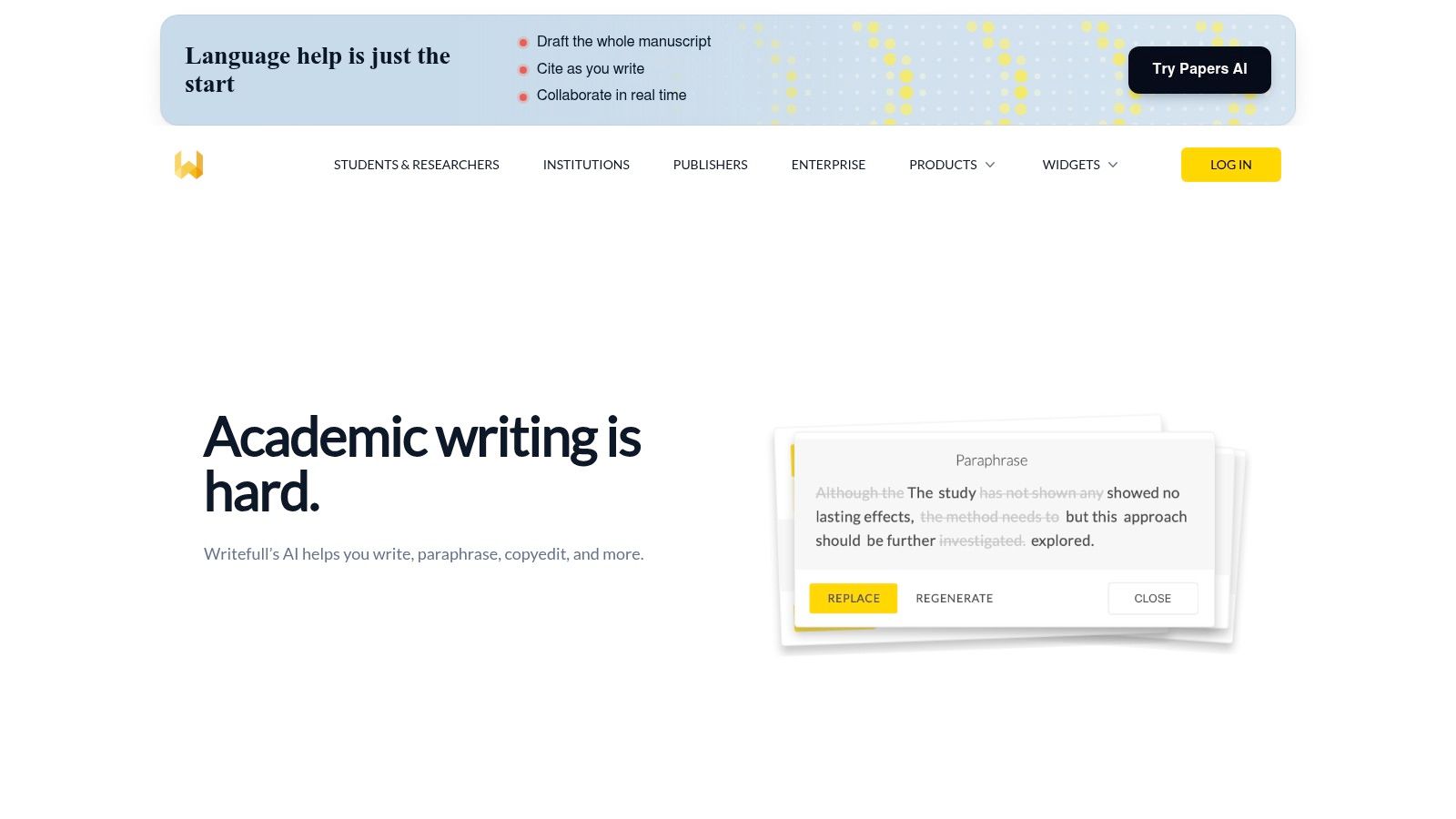
Writefull is designed around academic writing, particularly scholarly prose and LaTeX workflows. Its tools include Paraphrase, Change Style, and synonyms in context, with integration into Overleaf and Word. The Writefull Revise web app extends that academic focus beyond the editor itself.
The important difference is vocabulary and context. A general paraphraser may produce fluent language while weakening the cautious style expected in research writing. Writefull is aimed at preserving that scholarly register, which makes it more appropriate for abstracts, literature reviews, manuscripts, and other formal research passages.
Institutional options and adoption by scholarly publishers strengthen its fit for research organizations. Premium access is required for some features and unlimited quotas, so occasional users should inspect the current allowance before adopting it for a large project. General copywriting controls are lighter, which is a feature rather than a flaw if the goal is academic polish.
Writefull won't solve academic integrity by itself. A paraphrase can lower surface similarity while leaving the need for attribution, source checking, and original reasoning untouched. Research on AI text and plagiarism systems highlights that rewritten passages can still trigger plagiarism systems at high rates, while detection may also drop sharply after rewriting. In other words, a cleaner-looking passage isn't automatically ethical scholarship.
8. Smodin Text Rewriter and Humanizer
Smodin bundles rewriting with AI detection, humanization, plagiarism checking, long-form writing, and API access. That makes it attractive to users who want one platform for several stages of an AI-content workflow instead of separate tools for rewriting and checking.
Its Text Rewriter supports sentence- and paragraph-level passes. The platform also offers an AI Content Detector and an AI Humanizer intended to reduce detector flagging, with both interface and API paths available. The combination is useful for testing workflows, but it also creates a reason to be cautious. A detector score is an output from a particular system, not a universal judgment about authorship or quality.
Use it with verification
Smodin's “bypass detection” positioning deserves scrutiny. Research shows that meaning-preserving rewriting can reduce watermark detection, but it doesn't prove that the resulting text is original scholarship or that every detector will respond the same way. Fidelity also varies by model and setting, so check names, numbers, citations, and technical claims manually.
Smodin is a practical choice when bundled tools or API workflows matter more than a minimal interface. It's less compelling when you only need controlled professional tone or a predictable copy-cleaning operation. In either case, compare the source and output rather than trusting the humanizer label.
9. Paraphraser.io
Paraphraser.io is easy to try and offers several distinct rewrite modes, including Word Changer, Fluency, Advanced, Creative, Smarter, and Shorten. It also provides focused options such as a word changer and sentence rewriter, which can be useful when a full paragraph rewrite would be excessive.
The free-to-start web app doesn't require an account for basic use. That lowers the barrier for occasional edits, but the free tier includes ads and captchas. Stronger modes and higher limits require payment, so the initial experience shouldn't be treated as a complete view of the product.
Language and automation
Paraphraser.io supports 20+ languages via its API, and its API plans use word allowances and per-word costs on higher tiers. That makes it more relevant to multilingual production and automated content pipelines than a browser-only tool. The web interface remains the simpler route for one-off work.
Output quality varies by mode, so review tone and accuracy. A Word Changer-style pass may be appropriate for a light edit, while Creative or Advanced rewriting may alter emphasis or implied meaning. Paraphraser.io also isn't an invisible-character cleaner or a dedicated watermark-signal tool. If those are the actual requirements, use a dedicated AI watermark remover instead of expecting a general paraphraser to handle them.
10. Wordvice AI Paraphraser
Wordvice AI Paraphraser targets students and researchers who need formal prose polished without losing an academic register. Its modes include Fluent, Academic, Professional, and Creative, and the surrounding suite includes proofreading and summarization tools for research workflows.
The free plan has limited modes and word caps. Paid tiers raise throughput, including submissions of up to 20,000 words on Premium plans. That makes Wordvice more suitable for larger academic documents than a heavily restricted free sentence rewriter, although users should verify the current limits and plan details before submitting a long manuscript.
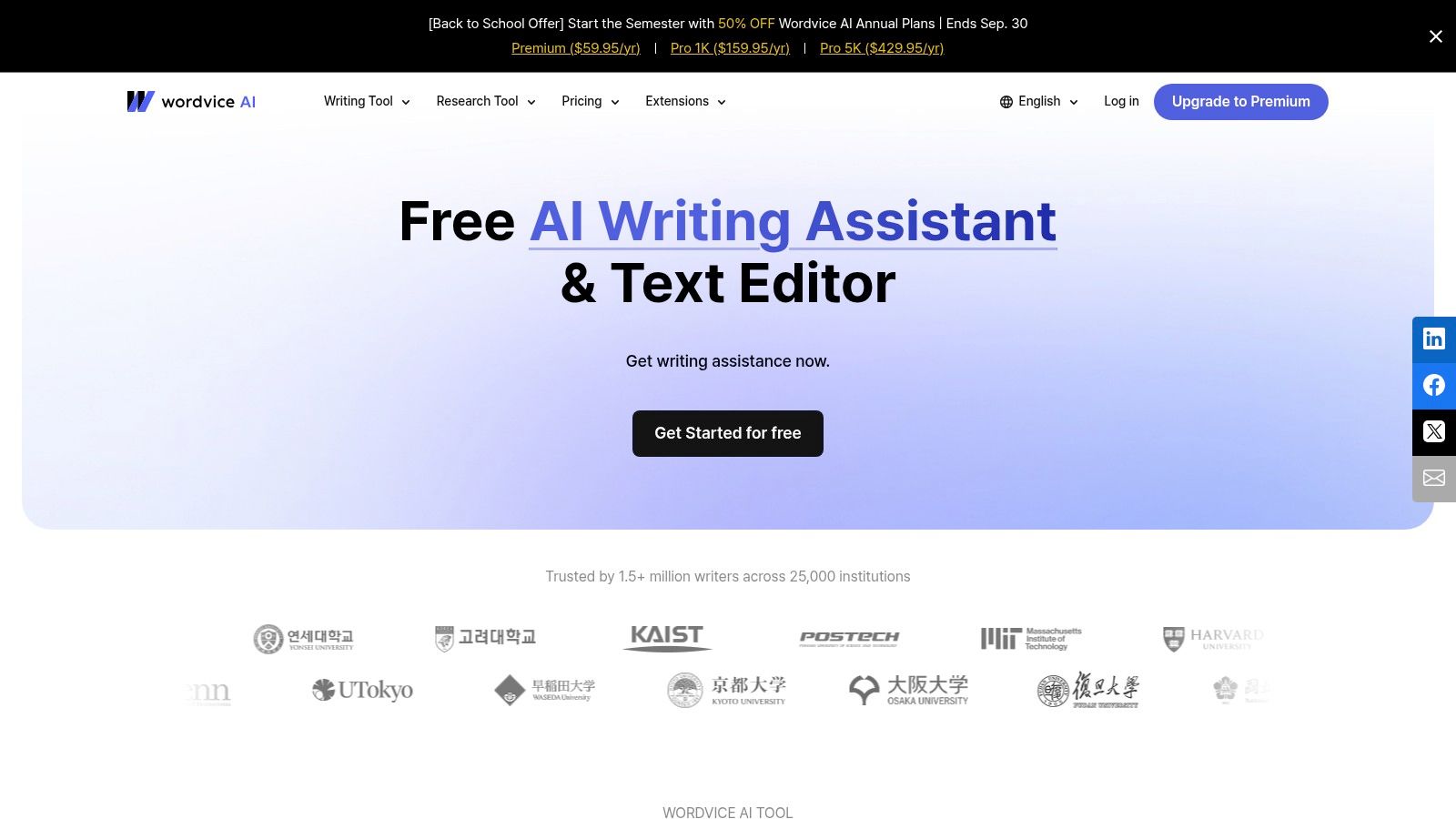
Wordvice's strength is mode clarity. Academic and Professional settings give users a more deliberate starting point than a single generic rewrite button. Its weakness is workflow depth. The web app doesn't offer the same level of desktop integration as some established competitors, so users working across Word, Google Docs, or LaTeX may spend more time moving text around.
Use Wordvice for academic tone and clarity, not for concealing unattributed work. A paraphrase still requires citation where the ideas come from a source, and the final text needs checks for factual accuracy, terminology, and authorial voice. This guide to removing AI watermarks from text addresses a separate cleanup problem, not academic attribution.
Top 10 Online Paraphrase Tools Comparison
| Tool | Core capability | Quality (★) | Price/value (💰) | Target (👥) | Unique (✨) |
|---|---|---|---|---|---|
| 🏆 Simple Unmark | Watermark + invisible‑Unicode remover; rewrite‑first cleaning (up to 5k w) | ★★★★☆ | 💰 Credit-based (0.1/100w), credits never expire; 3 free 100w runs | 👥 Writers, editors, researchers, compliance teams | ✨ Rewrites to reduce SynthID/Gemini signals + auto zero‑width stripper |
| QuillBot Paraphraser | Multi‑mode paraphrasing with compare view | ★★★★☆ | 💰 Freemium (125w free); Pro subscription | 👥 Students, marketers, general writers | ✨ 9+ modes, synonym slider, Freeze words |
| Wordtune (Rewrite) | In‑app sentence/paragraph rewrites; browser extension | ★★★★☆ | 💰 Freemium (low daily limits); paid tiers | 👥 Everyday editors; docs & email users | ✨ Browser extension + multilingual auto‑translate |
| DeepL Write Pro (DeepL Write) | Clarity/tone rewrites integrated with DeepL Translator | ★★★★★ | 💰 Paid Write Pro add‑on (annual) | 👥 Professionals, translators, teams | ✨ High‑quality models + enterprise security |
| Grammarly | Grammar, tone and one‑click rewrites across platforms | ★★★★★ | 💰 Subscription (Pro); limited free tier | 👥 Broad professionals, students, enterprises | ✨ Plagiarism & AI detection (Pro); deep real‑time feedback |
| ProWritingAid (Rephrase) | Rephrase + 25+ style/analysis reports; integrations | ★★★★☆ | 💰 Paid (annual/lifetime options) | 👥 Authors, long‑form writers, editors | ✨ In‑depth analytic reports + Word/Docs/Scrivener integrations |
| Writefull | Academic paraphrase; Overleaf & LaTeX integration | ★★★★☆ | 💰 Freemium → Premium for higher quotas | 👥 Researchers, academics, LaTeX users | ✨ Academic‑trained models + Overleaf integration |
| Smodin (Text Rewriter & Humanizer) | Rewriter + AI detector, humanizer and APIs | ★★★☆☆ | 💰 Freemium + paid API plans | 👥 Developers, educators, content teams | ✨ Bundles detection, humanizer & API access |
| Paraphraser.io | Multi‑mode paraphraser (20+ languages) + API | ★★★☆☆ | 💰 Free‑to‑start (ads/captcha); paid tiers for limits | 👥 Casual multilingual users, quick trials | ✨ Many languages; no‑account quick use |
| Wordvice AI Paraphraser | Academic/professional paraphrasing with suite tools | ★★★★☆ | 💰 Freemium; Premium raises caps (up to 20k/submission) | 👥 Students, researchers, professionals | ✨ Modes tuned for academic/professional styles + proofreading suite |
Choose by Fidelity, Workflow, and Cost
The right choice depends on what must survive the rewrite. If the priority is invisible-character removal, fact preservation, statistical watermark-signal reduction, transient processing, or non-expiring credits, choose Simple Unmark. Its workflow is narrower than a full writing suite, but that focus is useful when the text contains hidden Unicode artifacts or when you want rewriting and Unicode cleanup in one pass. Unicode documents characters such as U+200B ZERO WIDTH SPACE and U+FEFF, which can behave as invisible formatting controls rather than ordinary spaces. That distinction matters when pasted text needs to be copy-safe.
Choose QuillBot or Wordtune for fast everyday rewrites. QuillBot gives more explicit mode and comparison controls, while Wordtune is better suited to rewriting inside browser-based work and multilingual-to-English editing. Neither should be trusted blindly with proper nouns, numbers, or technical language. Compare the original and revised versions, especially when an aggressive mode changes sentence structure.
DeepL Write Pro and Grammarly are better fits for integrated professional editing. DeepL Write Pro emphasizes clarity, tone, and formality within the DeepL ecosystem. Grammarly adds rewriting to a broad grammar and style environment across desktop, browser, and mobile. Their value is workflow integration, not specialized hidden-character cleanup or guaranteed detector outcomes.
For academic and long-form work, look at ProWritingAid, Writefull, and Wordvice. ProWritingAid adds analytical reports and writing-app integrations. Writefull is more specifically shaped around scholarly prose and Overleaf. Wordvice offers academic and professional modes with a research-oriented proofreading and summarization suite. These tools can improve language, but they don't replace source attribution or original analysis.
Smodin and Paraphraser.io make more sense when bundled tools, multilingual options, or API workflows are priorities. Smodin combines rewriting, detection, humanization, plagiarism checking, and APIs. Paraphraser.io offers multiple modes, a simple free-to-start web experience, and API support for multilingual workflows. In both cases, marketing language around detection reduction should trigger verification, not automatic trust.
Review every output against the source. Protect names, numbers, citations, qualifications, and technical terms before publishing or submitting.
Compare limits and pricing at the point of use because plans change. Also check how each service handles submitted text, especially if you're working with unpublished manuscripts, client data, research material, or confidential business content. A tool's convenience doesn't remove the need to understand its processing model.
Detector results are uncertain by design. Google's SynthID documentation explains that detection identifies text more likely to carry a watermark, while the open reference implementation distinguishes between a Weighted Mean detector that needs no training and a Bayesian detector that does require training. That model and configuration dependence is why a low score isn't proof of human authorship, and a high score isn't a complete judgment about the writer or the work.
For a wider set of writing workflows, this guide to best tools for writers and creators can help place paraphrasers alongside editing, planning, and production software. Start by naming the job, then choose the tool that preserves what matters most. Don't buy a general rewriter to solve a Unicode problem, and don't use a detector score as a substitute for editorial judgment.
Simple Unmark cleans AI-assisted text by removing hidden Unicode characters and rewriting passages to reduce probabilistic watermark signals such as SynthID, while aiming to preserve meaning, facts, numbers, proper nouns, tone, and intent. If that matches your cleanup problem, visit Simple Unmark and test the paste, clean, copy workflow with a short passage.
- paraphrase tool online
- AI paraphrasing tools
- text rewriter
- writing tools
- AI text cleanup
More posts
10 AI Tools for Content Creators in 2026
Compare 10 AI tools for content creators, from writing and research to video and text cleanup, with use cases, trade-offs, and pricing guidance.
AI Watermark Explained: How Detection Works and Fails
Learn how AI watermark detection works, why it often fails, and what writers and editors should realistically expect from tools like SynthID in 2026.
AI Writing for Students: A Responsible Workflow Guide
Master AI writing for students with practical steps for drafting, cleaning text, citation, and avoiding plagiarism while preserving academic integrity.