
AI Rewriter Free Online: 10 Tools Worth Trying
Compare the 10 best AI rewriter free online tools, including features, limitations, use cases, and where Simple Unmark fits your editing workflow.
Free tools can fool detectors more easily than detectors can fool anyone. In one evaluation of 805 generated and human-written samples, six major AI detectors averaged only 39.5% accuracy on unmodified AI text, and that fell to 22.14% after simple manipulation, a 17.36-percentage-point decline documented in research on AI detector manipulation. That's why picking an AI rewriter free online by a single detector score is a mistake.
Free doesn't mean feature-free. Pick by job. You might need natural phrasing, tone control, academic clarity, grammar improvement, or cleanup of hidden AI-related signals. Those aren't the same task, and the tools below aren't interchangeable.
Start with the smallest workflow that solves your problem, then check the free limits before you build around it. Word caps, daily limits, locked modes, and ads are where free usually stops being free. If you're also drafting social copy, these free AI writing tools for LinkedIn posts cover a different niche.
Here's the short version. QuillBot is the safe general pick. DeepL Write wins on fluency. Grammarly and Wordtune fit editing in place. The SEO-suite paraphrasers are fine for quick, low-stakes rewrites. None of them is built specifically for watermark-focused cleanup, and that distinction matters throughout this list.
Table of Contents
- 1. QuillBot Paraphraser
- 2. DeepL Write
- 3. Grammarly Free Rewording Tool
- 4. Wordtune Rewrite
- 5. LanguageTool Paraphrasing Tool
- 6. Paraphraser.io
- 7. PrePostSEO Paraphrasing Tool
- 8. SmallSEOTools Paraphrasing Tool
- 9. Scribbr Paragraph Rewriter and Paraphrasing Tools
- 10. Paraphrasing-Tool.com
- Top 10 Free Online AI Rewriters: Feature Comparison
- Choose by Workflow, Not Hype
1. QuillBot Paraphraser
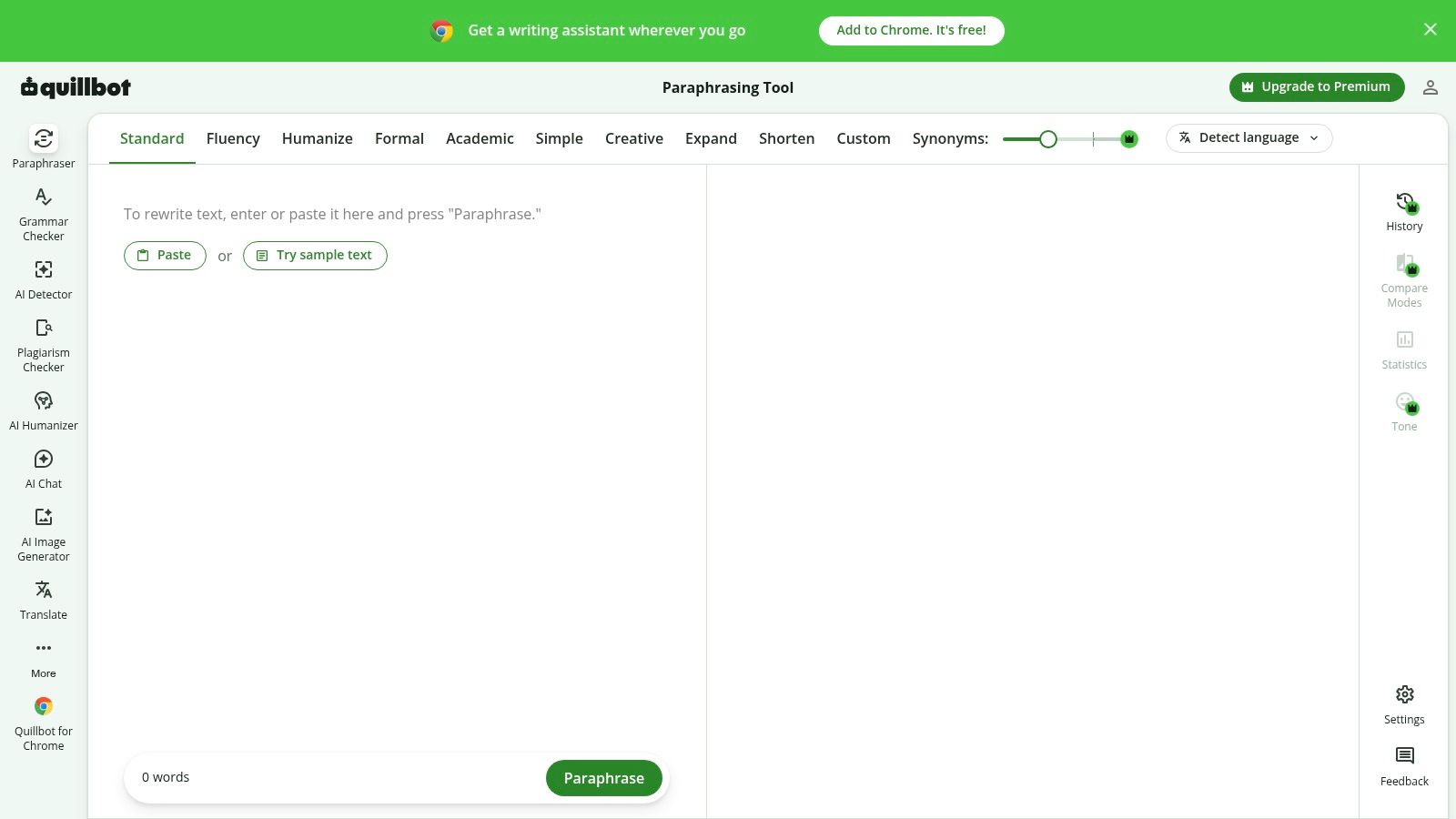
Use QuillBot Paraphraser if you want the most familiar general-purpose rewriter and don't want to learn a new interface. Students and bloggers already know it. Output is consistent for ordinary paraphrasing.
What you get free
- Multiple paraphrasing modes: Includes a free Standard mode for everyday rewrites.
- Side-by-side comparison: Check original against rewritten text before you copy.
- Synonym slider: Control how aggressively wording changes.
- Document uploads: Supports DOCX and TXT files.
The slider is the useful part. Push it low for light cleanup. Push it high and you risk changing meaning, especially with technical terms and numbers. Always compare facts after a heavy rewrite.
The catch: the free plan has usage and feature limits, and more rewrite modes sit behind a paid tier. That's fine for occasional paragraphs. It's annoying for daily volume.
Best for: quick, controlled paraphrasing where you want to see the before and after. If your real problem is hidden characters or probabilistic token-choice signals, a general paraphraser isn't the same job as a dedicated AI watermark remover for text cleanup. Use QuillBot for wording, not as proof of authorship.
2. DeepL Write
Pick DeepL Write when fluency matters more than modes. It improves clarity, tone, grammar, and phrasing while trying to preserve meaning. For academic and professional prose, it's often the cleanest output on this list.
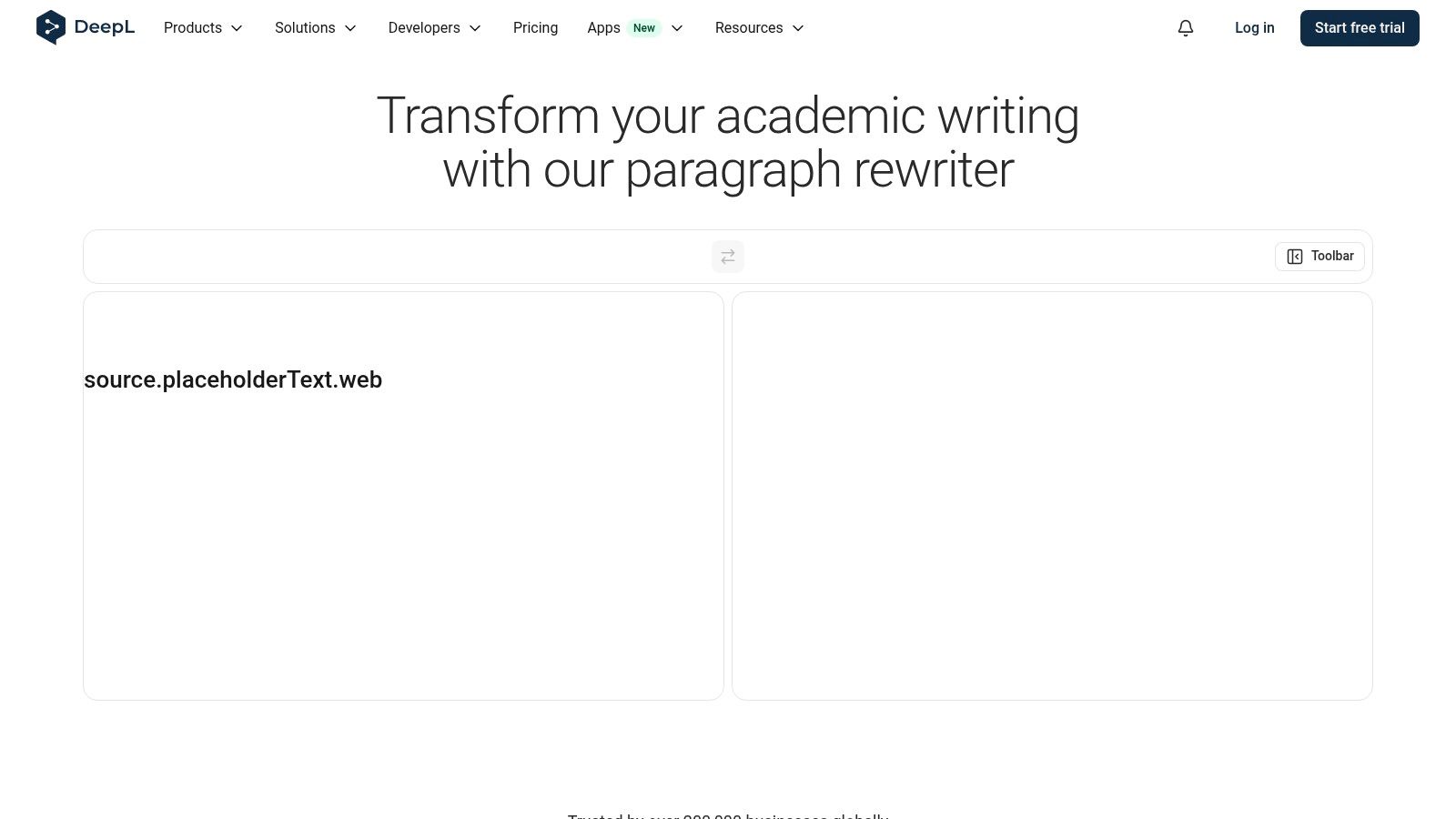
The interface is simple and distraction-free. Paste text, review tone and word-choice suggestions, accept what helps. Sentence-structure improvements make clunky drafts readable without turning every sentence into marketing copy.
Practical rule: If the draft is already accurate but sounds stiff, start here. Don't use a heavy paraphraser when a light edit will do.
That restraint is also the limit. You get fewer explicit rewrite modes than QuillBot or Paraphraser.io. If you want Formal, Creative, Academic, and six other buttons, look elsewhere. Some advanced features may also require a DeepL subscription.
Best for: non-native English writers, researchers, and professionals who need natural-sounding English without a stylistic overhaul. Be careful, though. Standardizing prose can flatten your voice. Keep your original draft, especially for assessed work, so you can show what you wrote and what you only polished.
Skip it if you need aggressive restructuring or lots of tone variants in one pass.
3. Grammarly Free Rewording Tool
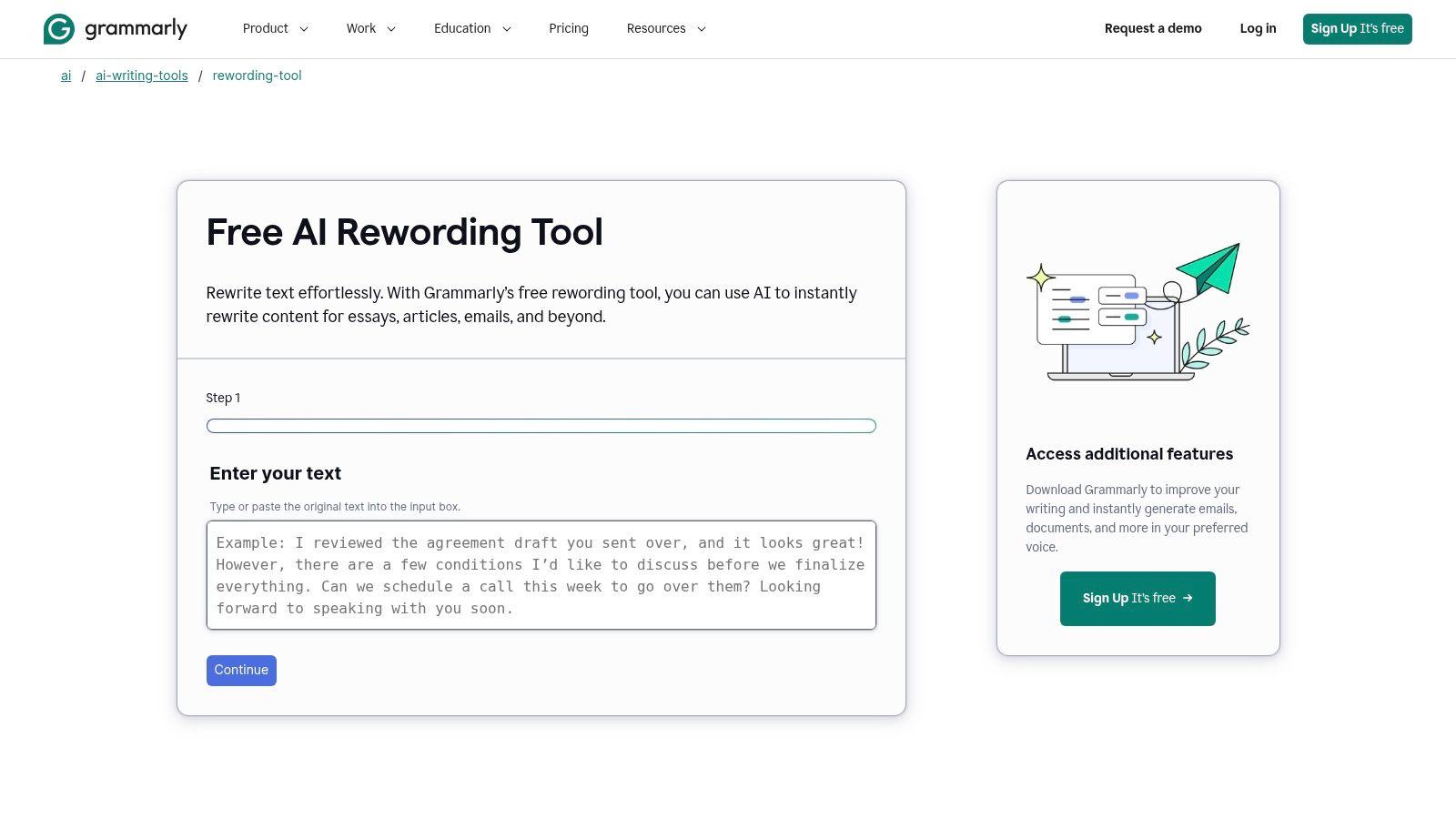
Grammarly's free rewording tool makes sense if you already edit inside Grammarly. Don't adopt it just for rewriting. Adopt it to avoid switching apps.
Why it earns a spot
- One-click rewording: Generates multiple options so you can pick, not just accept.
- Sentence and paragraph support: Works at both levels in supported apps.
- Integrations: Browser and desktop coverage puts rewrites where you already write.
- Correctness plus clarity: Grammar checks run alongside rephrasing.
That combination is the point. A standalone paraphraser can give you fluent text with a comma error intact. Grammarly catches the error and the awkward phrasing in one pass.
The catch: the free plan includes rewording and AI prompts only within plan-specific limits. Some rewrite features and higher usage require paid plans. If you rewrite all day, you'll hit the wall.
Best for: emails, documents, and everyday workplace writing inside an existing editing workflow. Skip it if you want a no-account, paste-and-go paraphraser or deep mode control. Grammarly is an editor with rewriting built in, not a dedicated paraphrasing engine.
4. Wordtune Rewrite
Need options, not one answer. Wordtune Rewrite gives you multiple rewrite suggestions for sentences and paragraphs, so you can compare phrasing fast. That's the whole appeal.
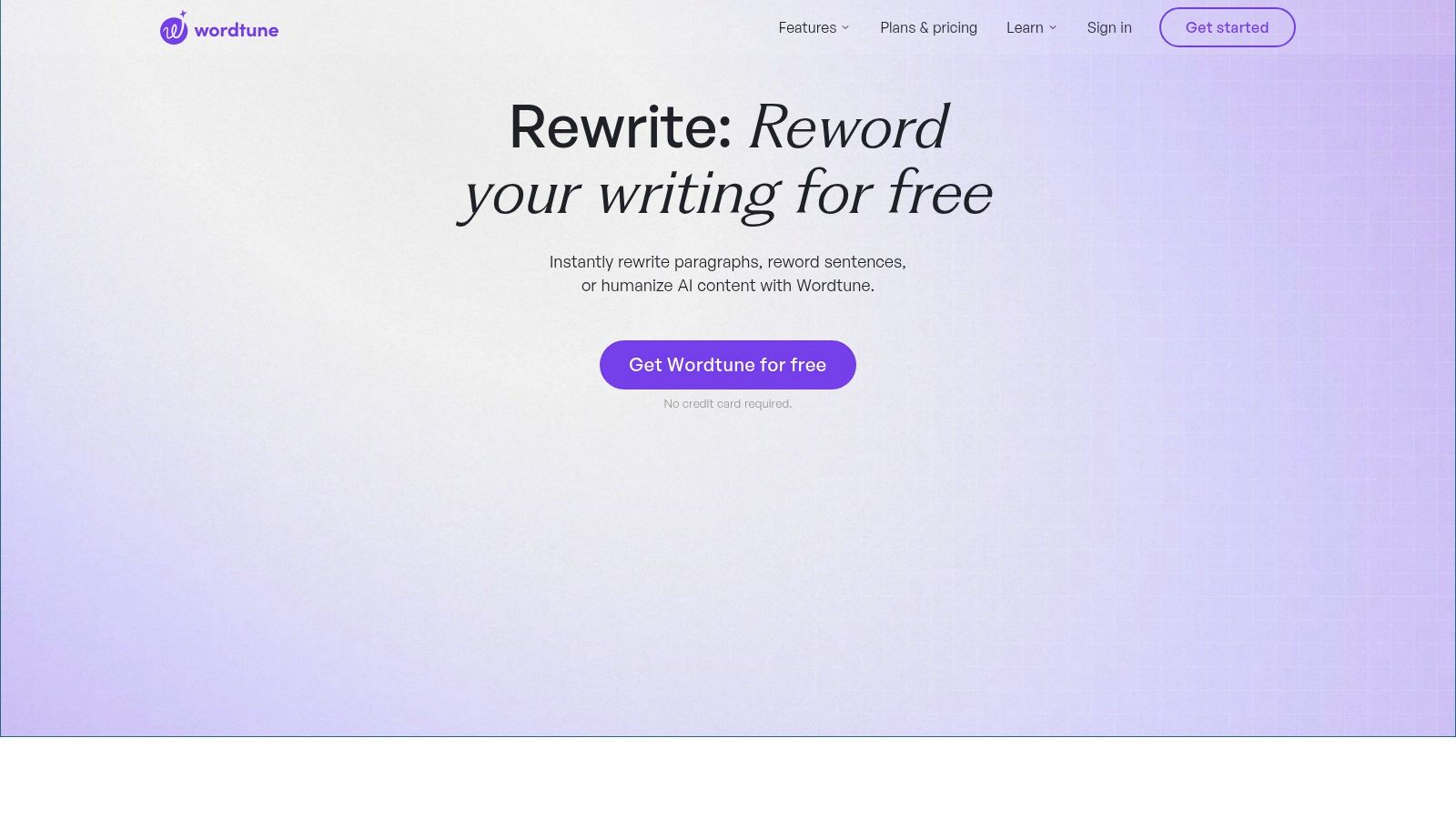
Use it for marketing copy and emails. Short text lives or dies on tone, and Wordtune's tone and style variants help you land concise, audience-appropriate wording without rewriting from scratch. The browser extension and editor keep it close to your draft.
The free Basic plan suits occasional use. It has daily or feature limits, and the best features are reserved for paid tiers. Treat free Wordtune as a trial you can use, not a long-term volume solution.
Don't pick the first suggestion because it's first. Read it against your intent. A shorter sentence that drops a qualifier can change a promise into a claim you can't support.
Best for: polishing short, high-visibility copy. Skip it for long documents or heavy academic rewriting. And if you're trying to understand how rewriting interacts with watermark signals rather than just tone, read this guide on how to remove AI watermarks from text before you assume a tone tool does that work.
5. LanguageTool Paraphrasing Tool
LanguageTool's paraphrasing tool is the controlled option. It pairs rewrites with grammar and style checking, so you're not trading one problem for another.
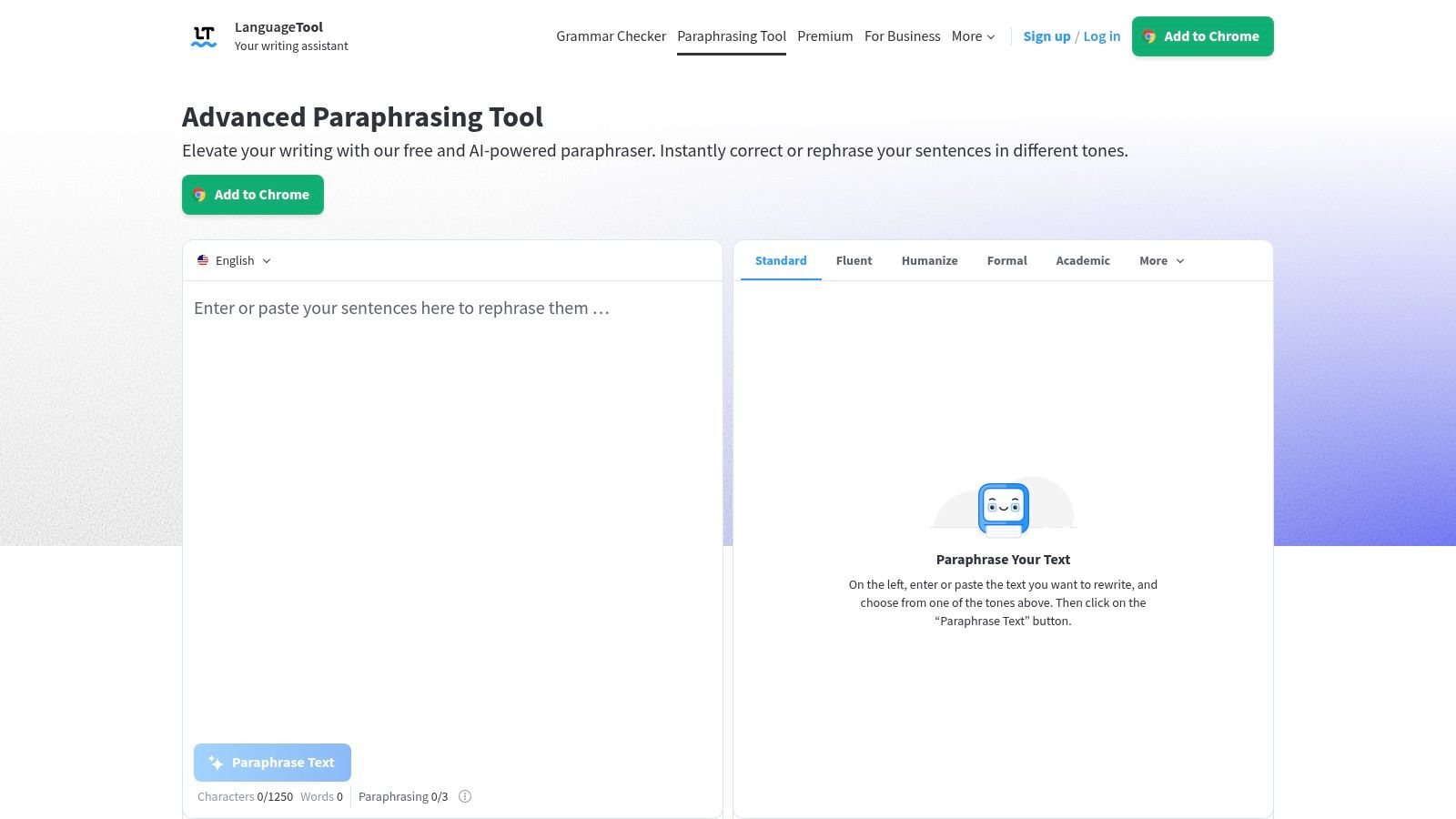
Tone presets that actually help
- Formal: Safer for professional and academic contexts.
- Concise: Cuts padding when a draft rambles.
- Fluent: Smooths awkward phrasing.
- Simple: Lowers reading difficulty for broader audiences.
It handles sentence and paragraph rewrites, offers multilingual support, and adds integrated proofreading suggestions. If you write in more than one language, that combination beats bouncing between a paraphraser and a separate checker.
The catch: heavier usage and advanced options may require Premium. The web interface also has fewer features than some competitors. You won't get QuillBot's depth of modes or Wordtune's stream of alternatives.
Best for: controlled rewrites where correctness matters as much as phrasing, especially multilingual work. Skip it if you want creative, high-variation paraphrasing. LanguageTool keeps text tidy. It doesn't reinvent it, and for a lot of professional writing, that's exactly right.
6. Paraphraser.io
Want modes. Paraphraser.io has more than 10 modes, including Standard, Fluency, Formal, Smooth, Humanize, Creative, and Academic. If your complaint about other tools is too little control, start here.
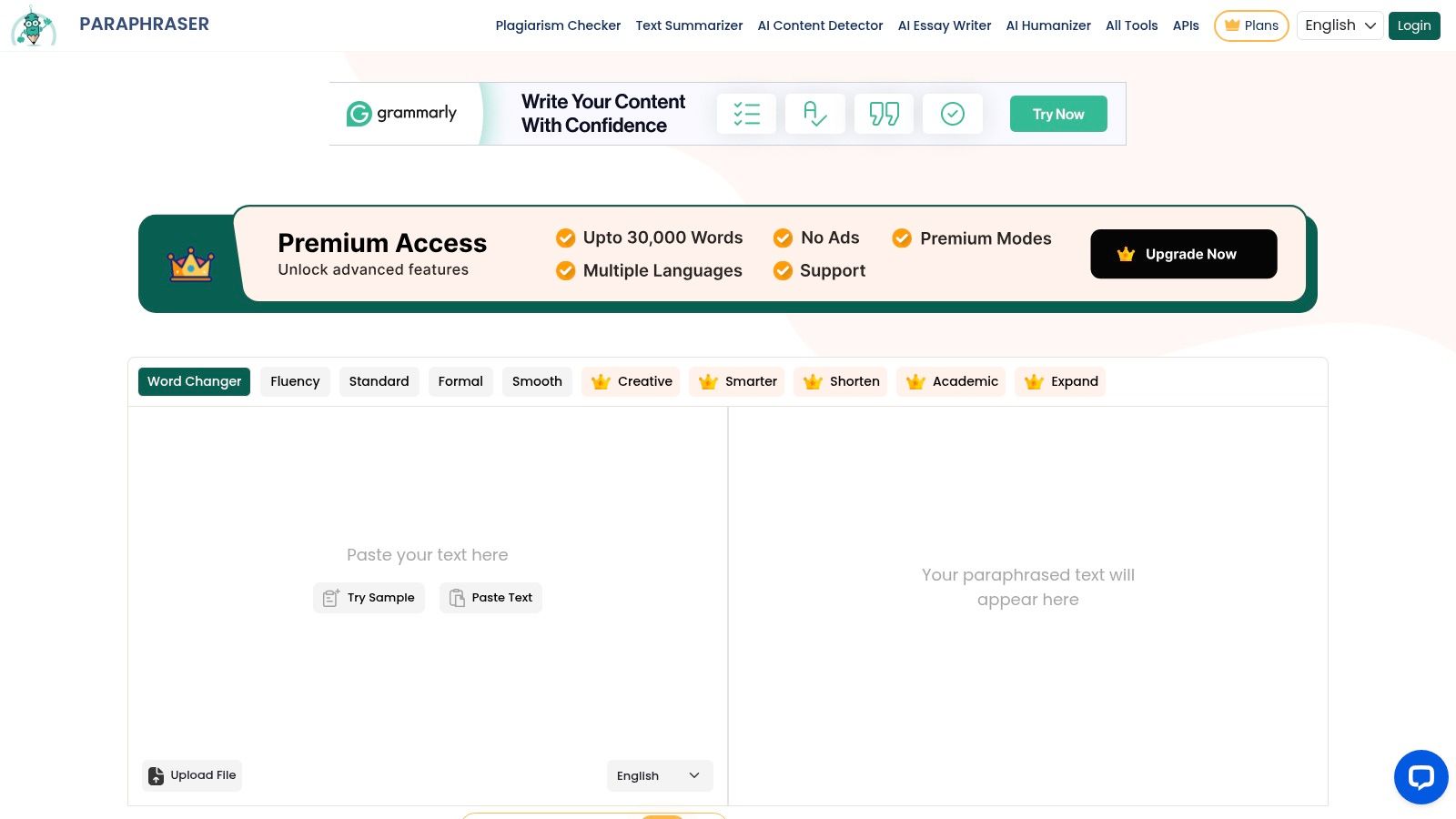
The free terms are unusually clear, with an approximately 600-word limit per run. You know the boundary before you paste. It also offers file uploads, a multilingual interface, and an API for developers, which none of the simpler tools on this list match.
That API matters if you're building rewriting into a workflow instead of pasting by hand. For everyone else, the mode range is the draw. Just don't confuse a mode label with a guarantee. A button called Humanize doesn't prove anything about authorship.
The catch: the free version includes ads, and higher capacity plus some modes require a paid plan. Output still needs review, particularly in Creative mode where variation can outrun accuracy.
Best for: users who want transparent per-run limits and mode variety, plus developers testing an API. Skip it if ads break your focus or you mainly need subtle, faithful polishing. DeepL Write is calmer for that.
7. PrePostSEO Paraphrasing Tool
PrePostSEO's paraphrasing tool is for people already using SEO utilities. Its advantage is convenience, not best-in-class rewriting. Paraphrasing sits inside a larger suite of writing and SEO tools, including related utilities like plagiarism checking and summarizing.
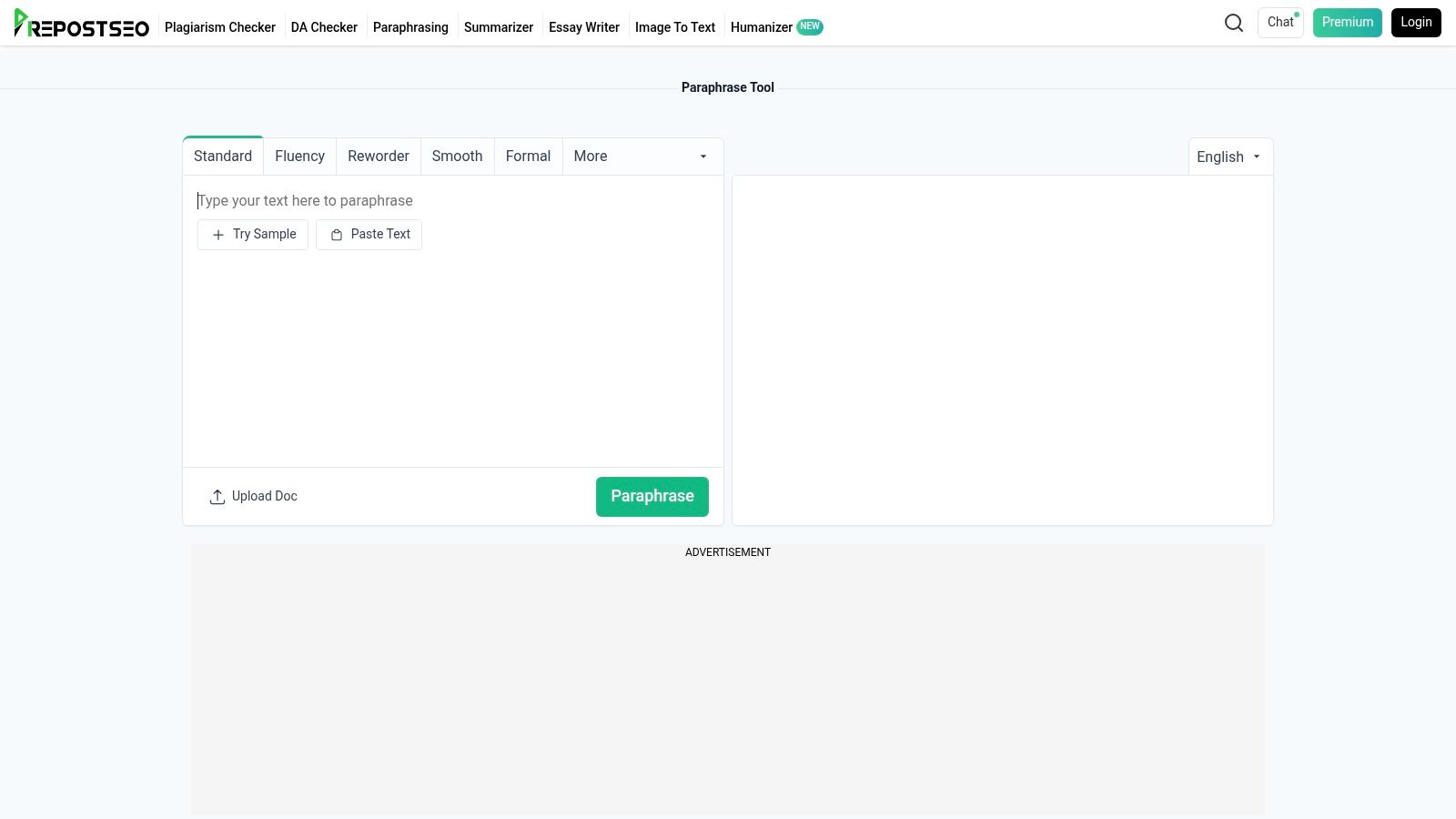
You get mode selection, multilingual support, and a fast, one-click paraphrasing workflow with no heavy onboarding. Paste, rewrite, move to the next check. For quick blog edits, that speed is enough.
Be honest about the tradeoff. The free tier includes ads and upsells, free access comes with request-rate rules, and quality can vary with complex or technical prose. Paid word-quota plans exist for higher usage, which tells you where the free ceiling is.
Best for: bloggers and site owners who want paraphrasing next to their other checks. Skip it for legal, medical, academic, or technical text where a loose synonym can change meaning. Run those drafts through a more controlled editor, then verify every term yourself.
Used within its limits, it's a handy utility. Used as your only quality control, it's a risk.
8. SmallSEOTools Paraphrasing Tool
SmallSEOTools' paraphrasing tool does one thing quickly. It rewrites paragraphs and articles in the browser, supports multiple languages, and keeps basic use free. No complicated workflow, no learning curve.
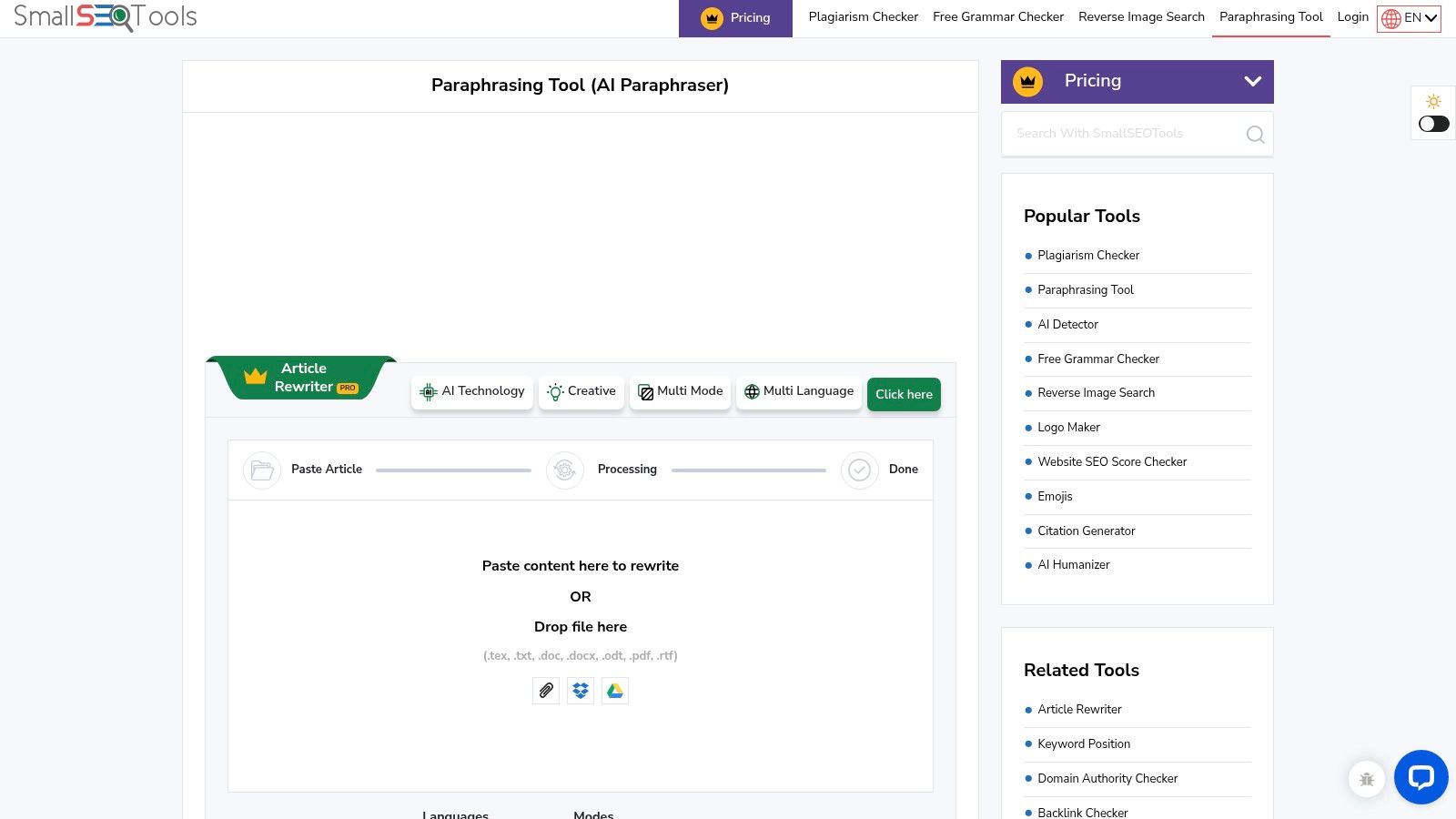
That's useful for a fast second version of low-stakes text. It's not a reason to trust the output blindly. Output consistency can vary, so read every rewrite before you publish. Check names, numbers, and claims line by line.
Know what's paid
- AI Rewriter mode: Part of the paid add-ons, not the free core.
- Higher word limits: Sold through paid word-quota packs.
- Ads on free tier: Expect them around the tool.
Best for: quick rewrites when speed beats polish and you'll edit afterward anyway. Skip it if you need consistent tone across a long document, because variability compounds over pages. One uneven paragraph is an edit. Twenty uneven paragraphs is a rewrite of the rewrite.
Think of it as a rough draft machine. It gets you alternative wording fast. The judgment, fact-checking, and final voice still have to come from you.
9. Scribbr Paragraph Rewriter and Paraphrasing Tools
Students, start with Scribbr's paragraph rewriter. It's built for academic clarity and readability, not content marketing, and basic use doesn't require a login.
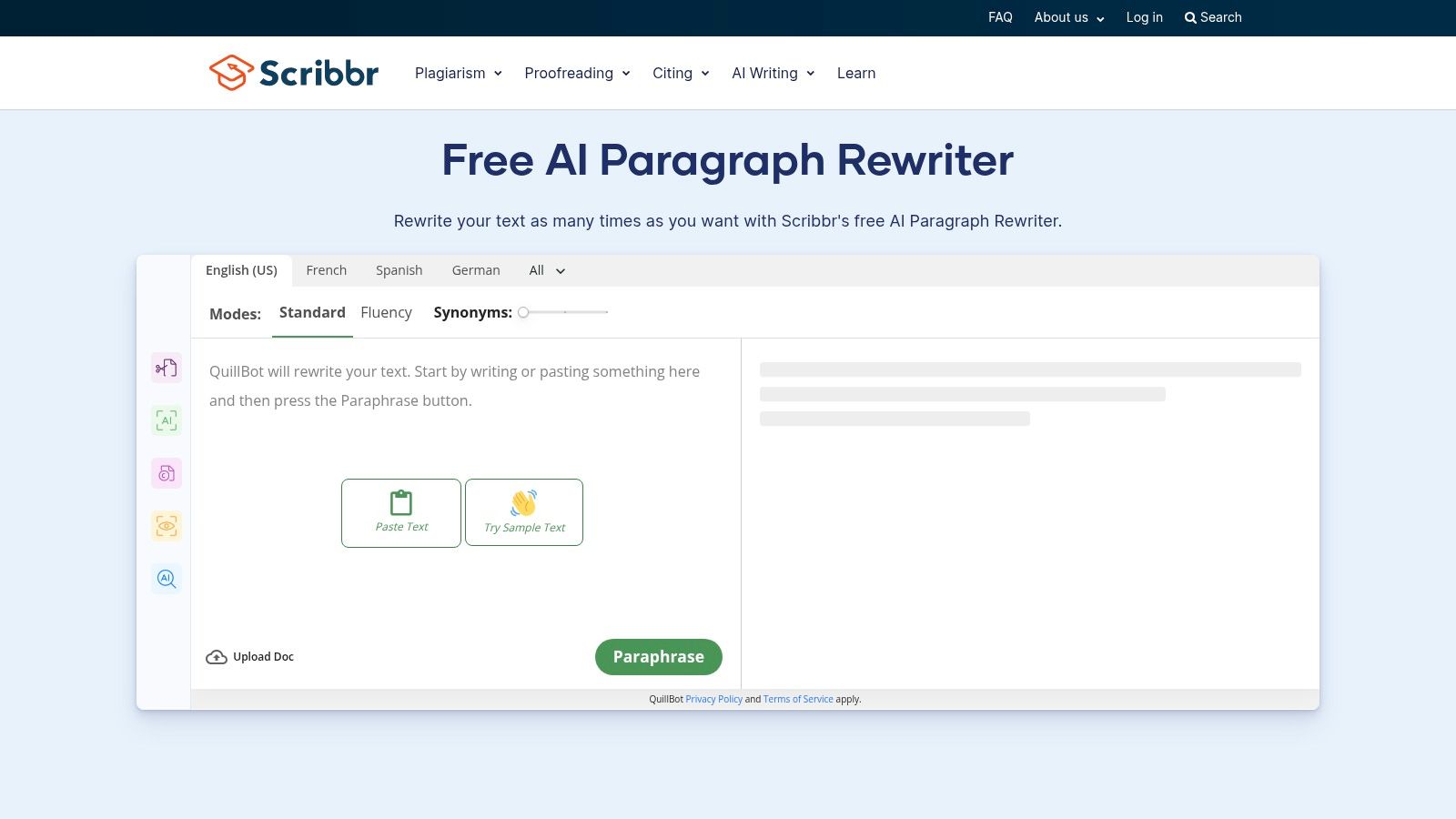
You get paragraph-level rewriting, free use with repeated rewrites noted by the site, and companion citation and grammar tools. That pairing matters in academic work. A cleaner paragraph with a broken citation is still a problem.
The interface is straightforward and student-friendly. The catch: advanced checks and services are paid, and you get fewer modes and controls than QuillBot or Paraphraser.io. Scribbr improves clarity. It doesn't give you ten stylistic directions.
Use it transparently. Rewriting your own draft for readability is editing. Rewriting someone else's text to disguise its source is still a source problem, whatever the tool outputs. Keep drafts and notes so your process is visible.
If a detector flags your work, a score alone isn't proof. To understand why, this explainer on how AI text watermarks work covers the statistical signals detectors look for. Bring evidence of your drafts, not just a lower score from another tool.
10. Paraphrasing-Tool.com
Paraphrasing-Tool.com is the no-friction option. No registration, multi-paragraph input, and a stated 250-word limit per paraphrase. You know exactly what you're getting before you start.
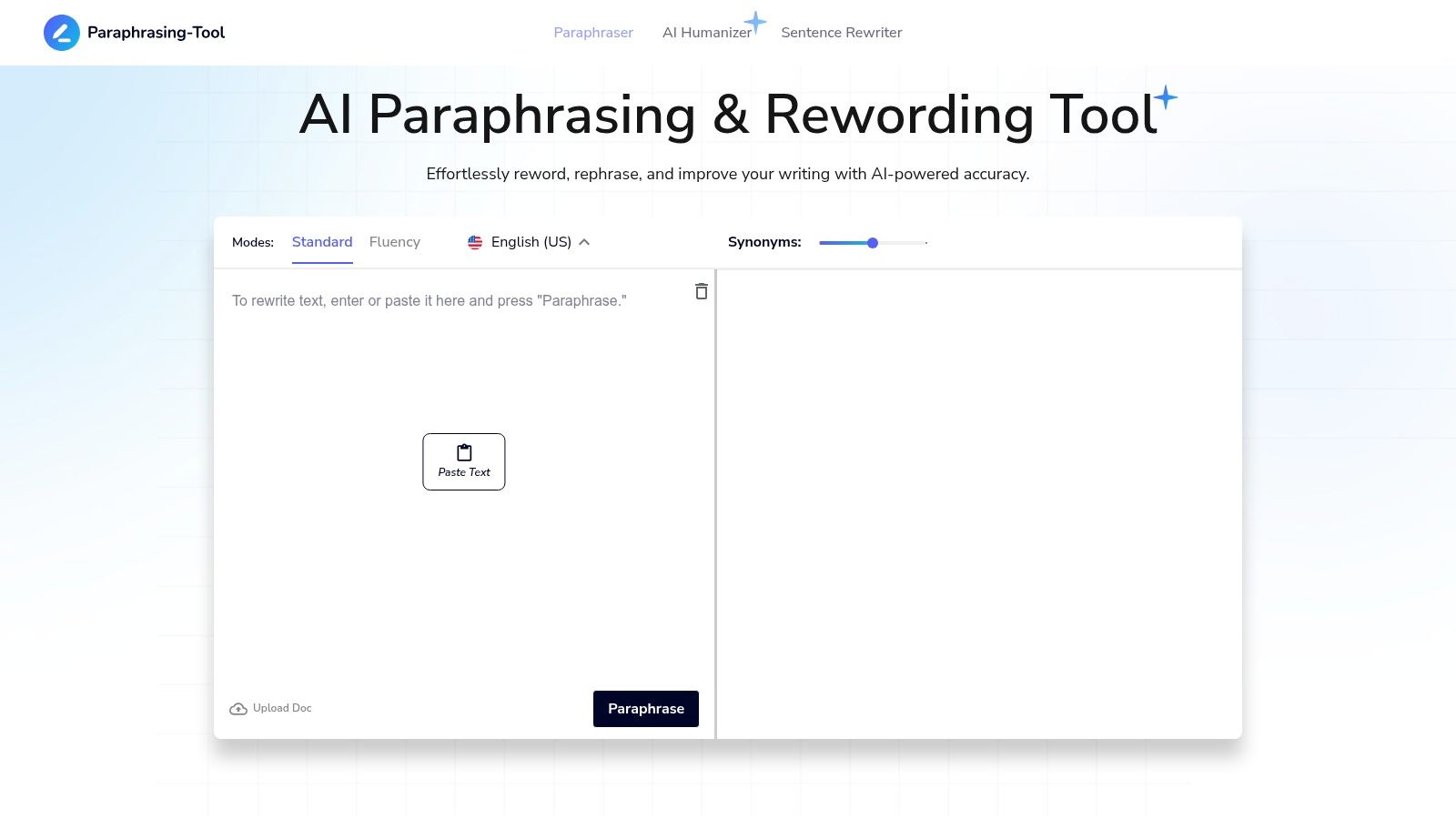
It emphasizes clarity and preserving meaning, which makes it suitable for quick, light edits. Paste a paragraph that reads awkwardly, get a cleaner version, move on. The predictable per-run guidance also forces you to work in small chunks, which improves review quality.
Don't ask it to do more. You get fewer controls and modes than newer AI assistants, and it's less suited to major stylistic overhauls. There's no tone system to steer a full document and no deep integration with your editor.
Best for: one-off paragraphs when signing up for anything feels like overkill. Skip it for long documents, branded copy, or anything needing consistent voice across sections. Chunking a long draft into small runs invites tonal drift between pieces.
It's the simplest tool here, and used for simple jobs, that's a strength rather than a limitation.
Top 10 Free Online AI Rewriters: Feature Comparison
| Tool | Core Capability | Standout Feature | Experience & Limits | Best For | Value / Pricing |
|---|---|---|---|---|---|
| Simple Unmark | Rewrites text to reduce probabilistic watermark signals; removes hidden Unicode | ✨ SynthID-focused options; aims to preserve facts, names, numbers, tone, and intent | ★ Paste–clean–copy; up to 5,000 words; detector results aren't guaranteed | 👥 Users cleaning AI text and invisible characters | 💰 10 starter credits; 3 guest cleans up to 100 words; one-time credits never expire |
| QuillBot Paraphraser | General-purpose paraphrasing | ✨ Rewrite modes, synonym slider, document uploads | ★ Side-by-side comparison; free plan has limits | 👥 Students, bloggers, and general writers | 💰 Free Standard mode; more modes on paid plans |
| DeepL Write | Clarity, grammar, tone, and phrasing improvements | ✨ Fluent English rewrites for academic and professional prose | ★ Simple browser interface; some advanced features may require subscription | 👥 Academic and professional writers | 💰 Free browser use; subscription for some advanced features |
| Grammarly Free Rewording Tool | Sentence and paragraph rewording with grammar and style support | ✨ Browser and desktop integrations | ★ Works within supported apps; free features and usage may be limited | 👥 Writers editing across apps | 💰 Free plan available; paid plans expand features and limits |
| Wordtune Rewrite | Alternative phrasings and tone variants | ✨ Compare rewrite suggestions | ★ Browser extension and editor; free plan has daily or feature limits | 👥 Users polishing emails and marketing copy | 💰 Free Basic plan; best features are paid |
| LanguageTool Paraphrasing Tool | Rewriting with proofreading and style checks | ✨ Formal, concise, fluent, and simple tone presets | ★ Multilingual support; advanced usage may require Premium | 👥 Multilingual writers seeking controlled edits | 💰 Online trial available; Premium for heavier use |
| Paraphraser.io | Multi-mode paraphrasing | ✨ 10+ styles, file uploads, and API | ★ About 600 words per free run; free version includes ads | 👥 Users needing varied rewrite styles or API access | 💰 Free word limit; paid plans add capacity and modes |
| PrePostSEO Paraphrasing Tool | Quick paraphrasing within a writing and SEO tool suite | ✨ Related utilities, including plagiarism checking and summarizing | ★ One-click workflow; ads, upsells, and request-rate rules | 👥 Users who want paraphrasing alongside SEO tools | 💰 Free access; paid word-quota plans available |
| SmallSEOTools Paraphrasing Tool | Paragraph and article rewriting | ✨ Multilingual support | ★ Easy access; output consistency may vary; free tier includes ads | 👥 Users seeking quick, basic rewrites | 💰 Free basic use; paid add-ons for modes and higher limits |
| Scribbr Rewriter & Paraphrasing Tools | Academic-oriented paragraph rewriting | ✨ Companion citation and grammar tools | ★ Student-friendly; basic use without login | 👥 Students and researchers | 💰 Free base tools; advanced checks and services are paid |
| Paraphrasing-Tool.com | Light rewriting focused on clarity and meaning | ✨ No-sign-up, multi-paragraph input | ★ Low-friction; stated 250-word limit per paraphrase | 👥 Users needing quick, simple edits | 💰 Free use; per-run word limit applies |
Choose by Workflow, Not Hype
Stop looking for the best AI rewriter free online in the abstract. It doesn't exist. There's a best fit for a specific job, and the jobs split into three.
For clearer wording, use a general paraphraser. QuillBot gives you control and comparison. DeepL Write gives you fluency with the least drama. Paraphraser.io gives you modes and a clear per-run limit. Scribbr is the academic pick, and Paraphrasing-Tool.com is the zero-signup option for one paragraph at a time.
For integrated editing, use a grammar-focused assistant. Grammarly, Wordtune, and LanguageTool rewrite where you already write, and they catch correctness problems a pure paraphraser will happily preserve. If you're refining AI-assisted drafts at scale, pair that discipline with sound AI content generation best practices instead of treating rewriting as a cleanup step for weak drafts.
For hidden-signal cleanup, use a tool built for it. That's a different mechanism. Google's SynthID Text works by modifying the probability distribution for token selection during generation, and Google reported weaker performance on short, translated, or rewritten text, as described in coverage of Google's SynthID text watermark release. Changing token-choice patterns through genuine rephrasing is not the same as swapping a few synonyms.
Be skeptical of any tool promising undetectable output. Research surveyed on paraphrasing attacks reports that DIPPER-style paraphrasing degraded detection capability by 52.8% for a watermark-based detector and 65.7% for DetectGPT, while also warning that aggressive rewriting can alter meaning, in research on paraphrasing evading AI text detectors. Signal reduction is real. Guarantees aren't.
Honest standard: Judge a rewrite on preserved facts, numbers, names, and intent first, and on any detector score last.
Detectors themselves are unreliable arbiters. University research guidance summarizes false classification of human writing as AI-generated in 15 to 50% of cases depending on tool, threshold, and sample, in university guidance on AI detector accuracy and bias. That risk falls hardest on non-native English writers, whose clearer, more standardized prose can look more detector-like after rewriting. Keep original drafts. Document your edits. Don't let a probabilistic score override evidence of your own process.
Simple Unmark fits the third workflow. It removes invisible Unicode characters and rewrites text to reduce SynthID-style token-choice signals while preserving facts, numbers, proper nouns, tone, and intent. Its guest option includes three free cleans of up to 100 words, and larger runs use transparent, credit-based processing rather than a subscription.
Whichever tool you pick, the last step is yours. Read the output against the original, verify important claims, and check every number and name before publishing. A rewriter changes wording fast. Accuracy is still your job.
Paste your draft into Simple Unmark to strip hidden Unicode artifacts and rewrite token-choice patterns while keeping your facts, numbers, names, and tone intact. Start with the free guest cleans, compare the output against your original, and pay only for larger runs when you need them.
- ai rewriter free online
- free paraphrasing tools
- AI writing assistant
- online paraphraser
- text rewriting tools
More posts
10 AI Essay Checker Tools for Detection and Cleanup
Compare 10 AI essay checker tools for detecting AI-generated text, reviewing flagged passages, cleaning watermarks, and managing false positives.
Unicode Text Converter: What It Does and Why It Matters
Learn what a unicode text converter actually does, why pasted AI text behaves strangely, and how to remove invisible characters without breaking real content.
Undetectable AI Content Without the False Promises
Undetectable AI Content. Learn how to reduce AI-detection signals in text through rewriting, Unicode cleanup, quality checks, and honest limits—without