
10 AI Essay Checker Tools for Detection and Cleanup
Compare 10 AI essay checker tools for detecting AI-generated text, reviewing flagged passages, cleaning watermarks, and managing false positives.
AI detectors can flag writing that predates the technology they're supposed to detect. In testing on pre-release academic samples, Turnitin estimated a sentence-level false-positive rate of about 4%, illustrating why highlighted sentences aren't proof of AI use (Turnitin's reliability explanation).
Detection scores are signals, not verdicts. No AI essay checker is perfectly reliable, especially when you're assessing short, edited, mixed-author, or formulaic writing. Use results to identify passages worth reviewing, not to decide who wrote them.
These tools also answer different questions:
- AI detection estimates whether writing resembles machine-generated text.
- Plagiarism checking looks for overlap with existing material.
- Watermark detection tests for a particular statistical generation pattern.
- Unicode cleanup removes invisible characters and formatting artifacts, not evidence of authorship.
Choose according to your review situation. A student checking a draft needs something different from an instructor reviewing submissions or an editor processing documents. The options below connect detection with practical review and cleanup, without pretending that a percentage can settle an authorship dispute.
Table of Contents
- 1. GPTZero
- 2. Winston AI
- 3. Originality.ai
- 4. Copyleaks
- 5. Turnitin
- 6. QuillBot AI Detector
- 7. Scribbr AI Detector
- 8. Pangram
- 9. Sapling AI Detector
- 10. ZeroGPT
- Top 10 AI Essay Checkers: Feature Comparison
- Use Detection, Review, and Cleanup in Sequence
1. GPTZero
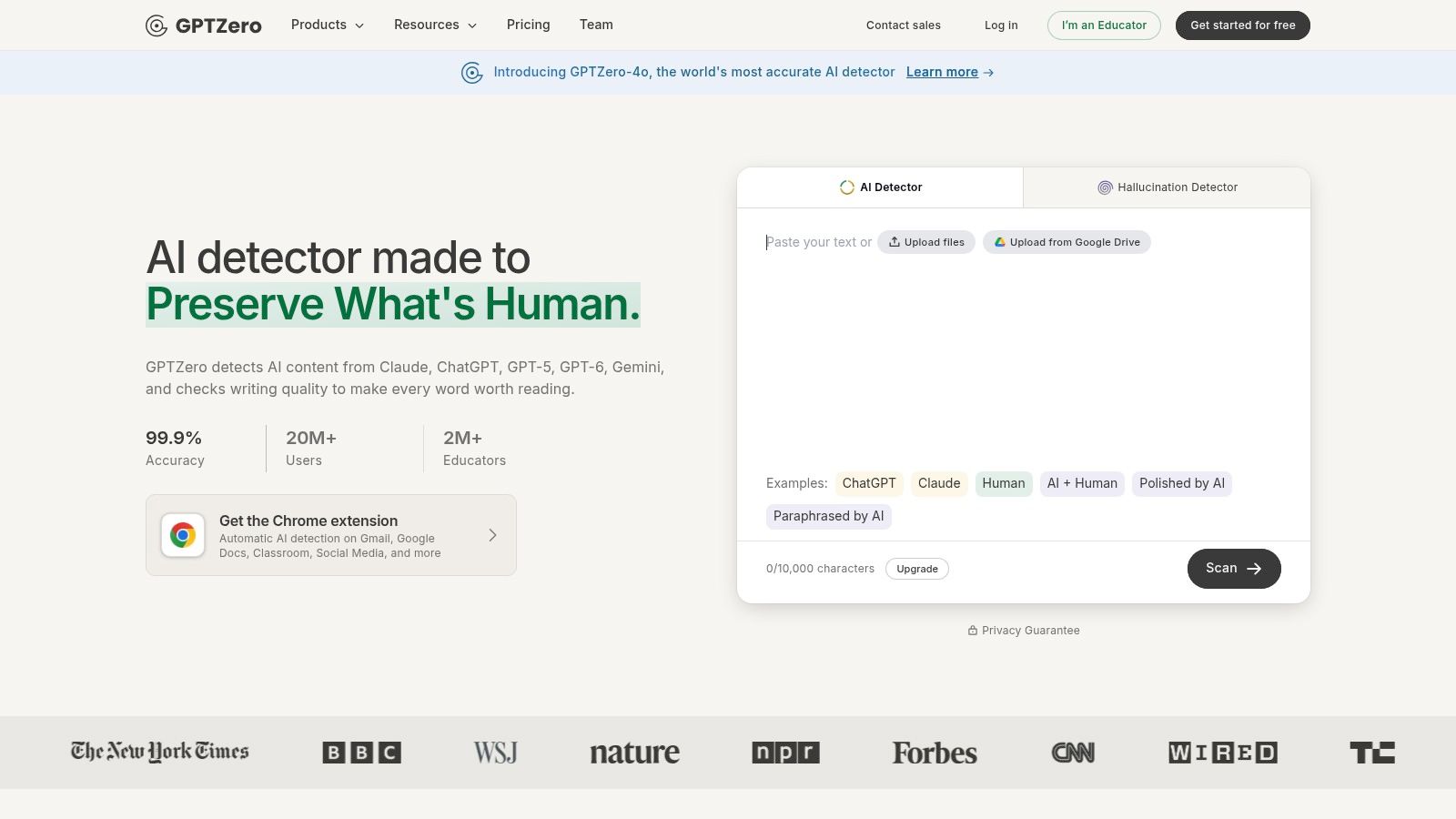
Choose GPTZero for passage-by-passage essay review. GPTZero accepts pasted text and uploaded files, with document-level results, sentence highlights, and explanations. Its browser extension and education or team options also support recurring review.
The main advantage is context. Instead of reacting to an overall percentage, you can inspect the flagged passage, compare it with surrounding paragraphs, and ask whether the writer can explain its argument and sources.
- Useful for: Students reviewing longer drafts and educators identifying passages for discussion.
- Strength: Sentence-level feedback gives you somewhere specific to begin.
- Limitation: Free and paid usage limits vary, and detailed highlighting doesn't make a classification definitive.
Interpret the highlight, not just the score
A highlighted paragraph should trigger a source check and a comparison with earlier drafts. Don't rewrite clear, accurate prose solely because the interface marks it as suspicious.
Keep AI watermarks and AI detectors separate in your reasoning. GPTZero's classification isn't automatically evidence that it found an embedded watermark, and removing invisible characters doesn't establish human authorship.
2. Winston AI
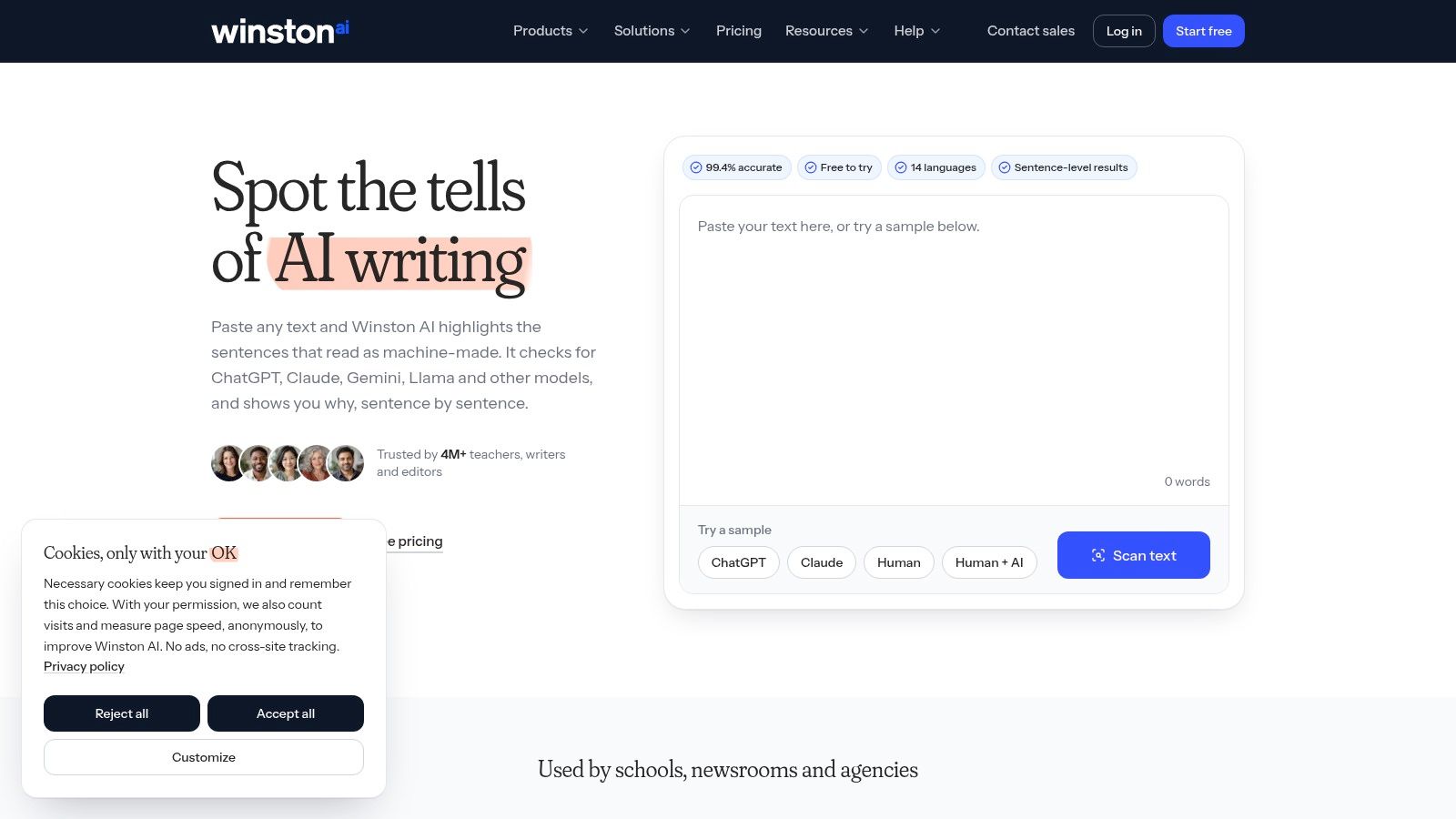
For teachers and editors who need a report they can discuss with someone else, Winston AI is a practical shortlist option. Winston AI supports text and document scans, sentence highlights, and shareable reports. Eligible plans also include plagiarism checking.
That combination suits a document-review workflow better than a basic paste-and-score page. You can examine suspected AI writing and possible source overlap within the same platform, while keeping those findings distinct.
Practical rule: Share the flagged passages and the reason for your concern, not just a screenshot of an overall score.
Winston AI offers a free starting allowance, but paid features and credit limits matter if you're scanning submissions regularly. Check which scans consume credits and whether plagiarism checking is included before choosing a plan.
Recommend it for collaborative review, not automated accusations. A shareable report should support a conversation about sources, drafting, and permitted assistance. It shouldn't replace that conversation or turn an uncertain classification into a disciplinary finding.
3. Originality.ai
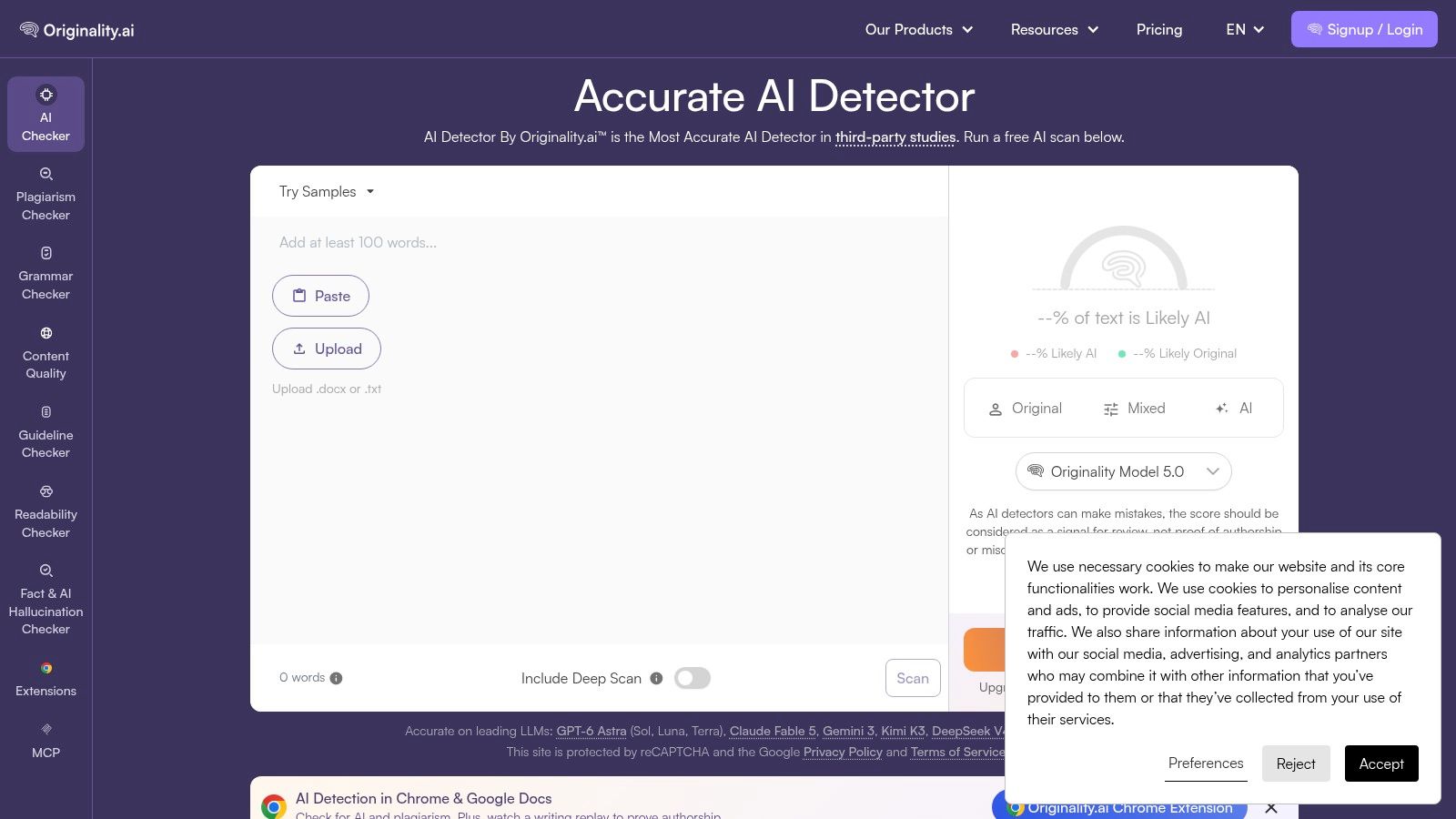
Originality.ai fits editorial teams better than occasional student checks. Originality.ai combines AI detection with plagiarism, readability, and fact-checking tools. Document uploads, eligible URL scans, API access, and team options make it relevant to publishers and agencies reviewing essay-style content.
Its appeal is the surrounding editorial workflow. A draft can need citation repair, factual corrections, or clearer wording regardless of its AI classification.
Watch the credit terms
- Strength: Multiple review tools reduce the need to move a draft between separate services.
- Access: A limited free checker provides an entry point, while broader scans and collaboration require payment.
- Cost constraint: Subscription credits expire monthly; separately purchased credits have their own expiry terms.
Use its findings to create distinct editing tasks. Verify facts against original sources, inspect matching passages for attribution problems, and treat AI highlights as a separate review category.
If rewriting is appropriate, understand how AI watermark removal from text works before changing the draft. Lowering a detector signal isn't the same as correcting an unsupported claim or satisfying a publication's disclosure policy.
4. Copyleaks
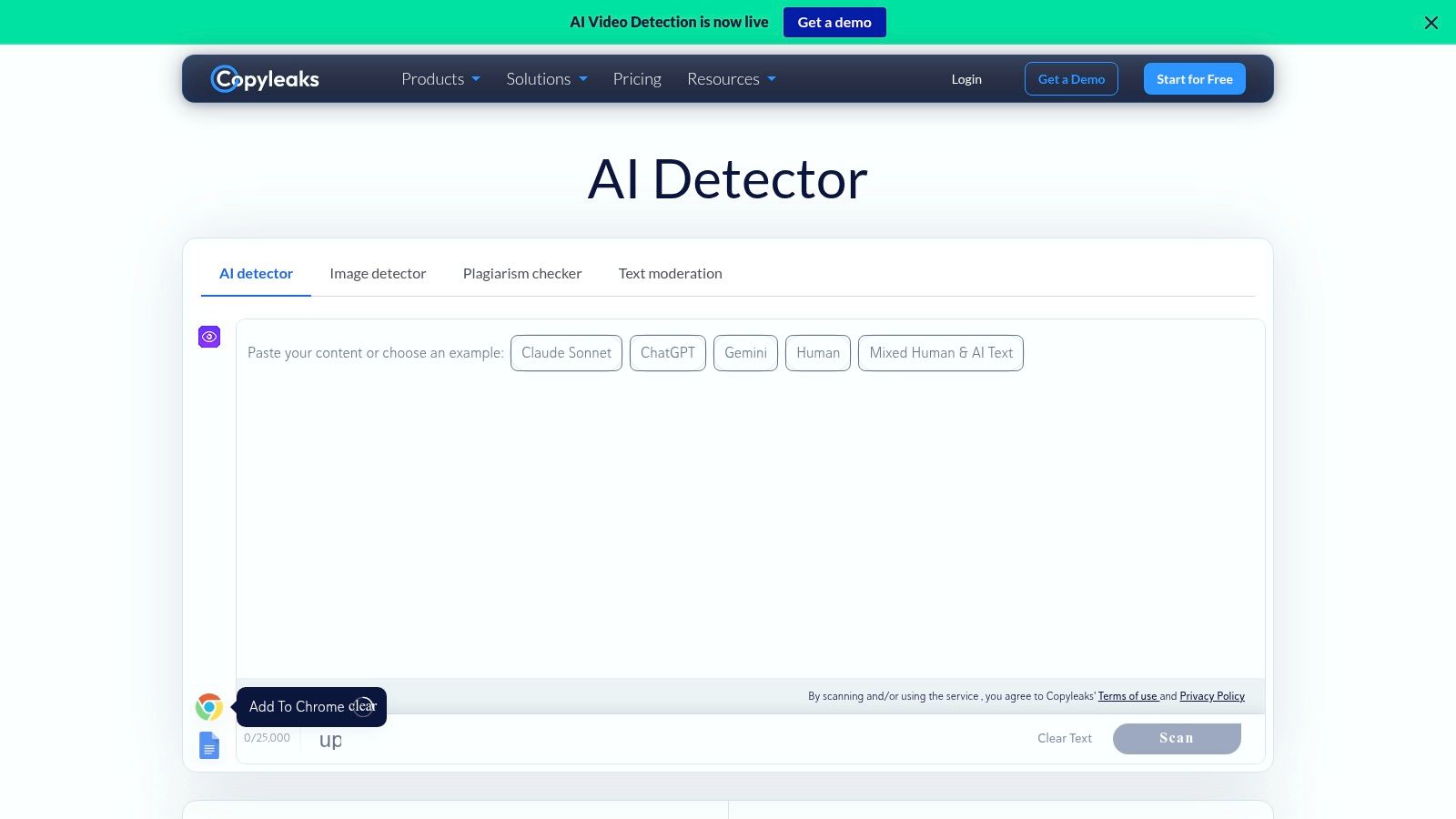
Schools and businesses should consider Copyleaks when integration matters as much as the scan itself. Copyleaks combines AI detection and plagiarism checking, with document scans, multilingual support, API options, and institutional integrations.
Learning-management-system options on organization plans make it relevant to established submission workflows. Individual access and a free scan also let occasional users try it without committing to an institutional setup.
- Best fit: Organizations that need AI and source-overlap review in their existing processes.
- Main advantage: Individual and institutional options accommodate different review settings.
- Main drawback: Frequent scanning can require a subscription or custom plan, with credit-based usage affecting cost.
Don't confuse language support with equal reliability across every writer and writing context. In controlled STEM-writing research, the strongest detector group still had a mean false-positive rate of 1.3% and false-negative rate of 6.1% (independent detector benchmarking).
Those aren't Copyleaks-specific performance guarantees. They demonstrate why institutions should evaluate both error types and require corroborating evidence before taking action.
5. Turnitin
Use Turnitin when it's already part of your institution's submission process. Turnitin's AI-writing solution is primarily designed for educators and institutions, not students looking for a standalone consumer checker.
Its AI Writing Report provides indicators for qualifying text within an academic-integrity workflow. Similarity checking may also be available through the institution's wider setup, but an AI indicator and a similarity result answer different questions.
Institutional context is its practical advantage
An instructor can review the report alongside the actual assignment, permitted assistance, source material, and submission history. Access and available features depend on the institution's license and configuration.
Turnitin had reviewed more than 65 million papers by July 25, 2023, following its AI-detection launch in April of that year (Turnitin's deployment retrospective). That establishes the scale of deployment, not the number of confirmed misconduct cases.
Don't buy an unrelated consumer scan expecting it to reproduce your school's report. If you're challenged, request the relevant passages and the policy basis for the concern. Present drafts, notes, and revision history rather than trying to win an argument with another detector's percentage.
6. QuillBot AI Detector
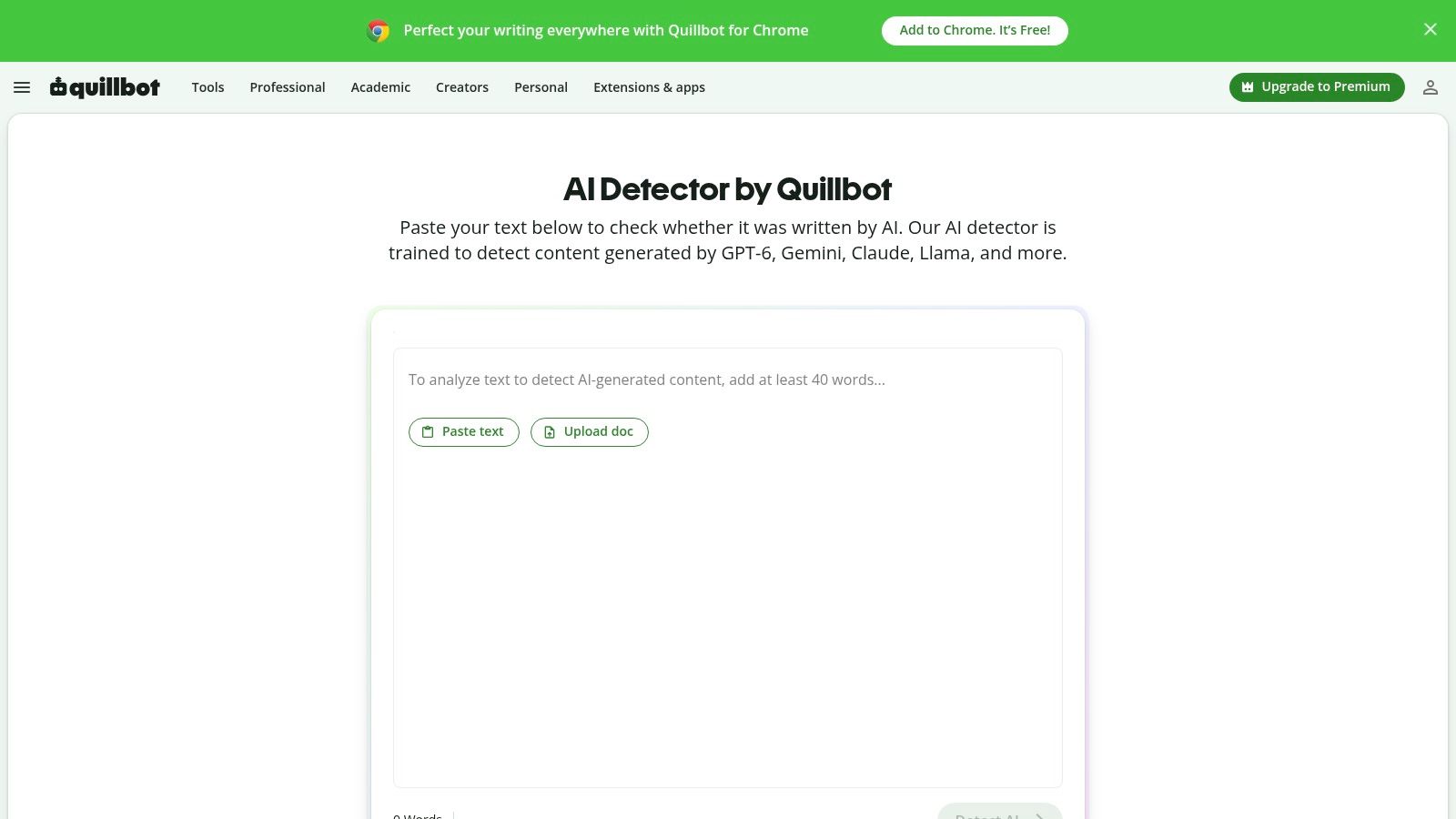
Pick QuillBot when the draft is already inside its editing stack. QuillBot AI Detector gives an AI-likelihood result with section-level pointers, so it works as a first pass before grammar fixes or citation cleanup.
QuillBot states the free tier allows up to 1,200 words per submission and six scans per day, which favors targeted passages over full manuscript dumping. Treat the score as triage, not proof: open the flagged sentences, compare them with your outline and sources, then decide what needs revision.
Audit before rewriting. Check flagged lines for unsupported claims, repeated cadence, possible watermark signals, and hidden Unicode or odd spacing left by copy-paste. Use the paraphraser only after the argument is clear, and keep a clean copy so meaning, qualifiers, and citations do not drift.
Do not loop the same paragraph through rewrites until the percentage drops. That can sand down precision and leave wording you cannot defend; revise the idea, cite the source, then rescan once.
7. Scribbr AI Detector
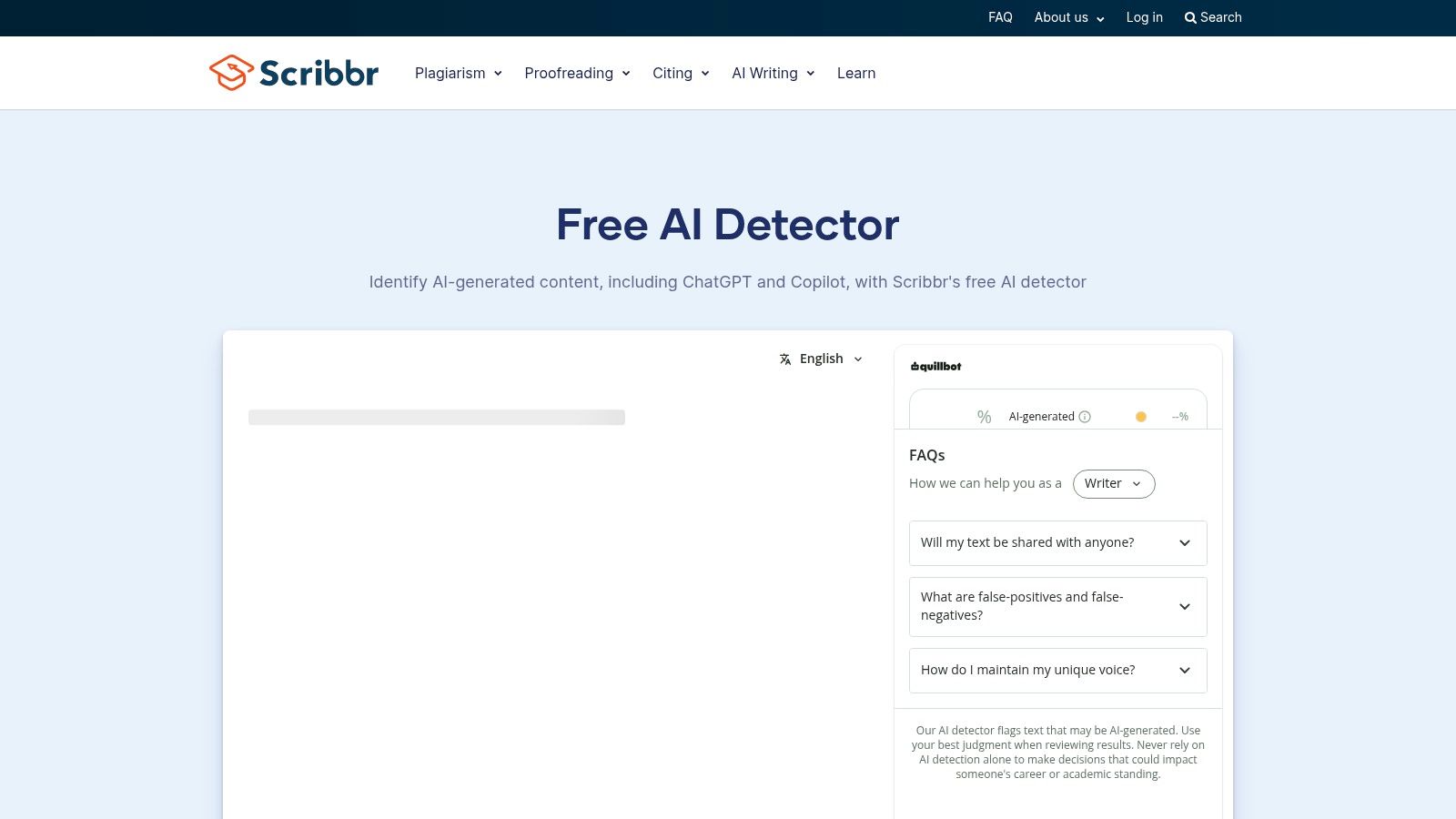
Start with Scribbr when you want an academic check without creating an account. Scribbr AI Detector runs checks with no signup, returns paragraph-level feedback, and separates AI-generated from AI-refined text across multiple languages.
Free submissions cap at 1,200 words, according to Scribbr's detector page. That limit favors targeted review: send the paragraphs you are least sure about instead of dumping a full draft. Its surrounding guides on citation and acceptable writing assistance also make it a reasonable home base if your next task is improving attribution.
A label such as AI-refined describes the detector's reading of your prose. It records nothing about how the paragraph was actually produced.
Use the paragraph-level view to locate flagged sections, then read each one against your outline and draft history. If a passage was flagged because it makes broad, unsourced claims, tighten the claim and cite the source. Do not paraphrase blindly to chase a lower number.
Choose Scribbr for an initial academic review, not a submission guarantee. Your school may run a different detector with a different threshold. If a result contradicts your documented writing history, keep that history intact and request human review.
8. Pangram
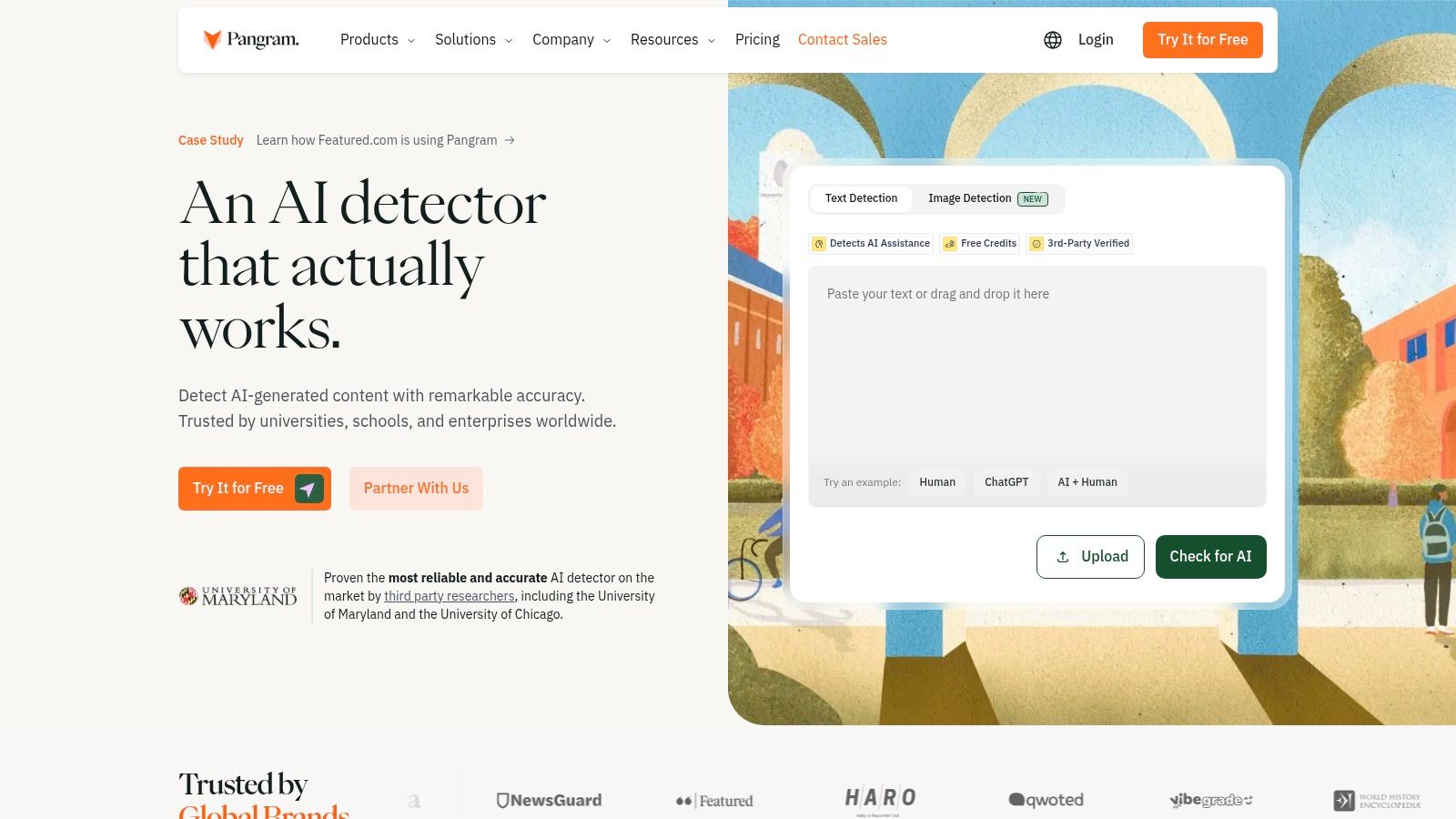
Scanned documents create an extra review problem: you need readable text before you can assess the writing. Pangram is worth considering when document capture, multilingual work, and browser access matter.
Pangram offers detection in more than 20 languages, alongside document uploads, optical character recognition, a browser extension, and Google Docs integration. Its free tier includes text detection and document-oriented features, with a stated daily word allowance; paid plans provide higher scan volumes and additional capabilities.
Check the extracted text first
- For scanned submissions: Compare extracted text against the original document before interpreting highlights.
- For multilingual essays: Keep the writer's language background and assignment genre in view.
- For recurring review: Check the current free allowance and paid feature boundaries before adopting it.
Recommend Pangram for workflow flexibility, not as a shortcut around contextual review. OCR mistakes, missing passages, or altered spacing should be corrected before you draw conclusions from the scan.
Preserve both the original document and the text you submitted. That makes it easier to distinguish a concern about the actual writing from a problem introduced during extraction or copying.
9. Sapling AI Detector
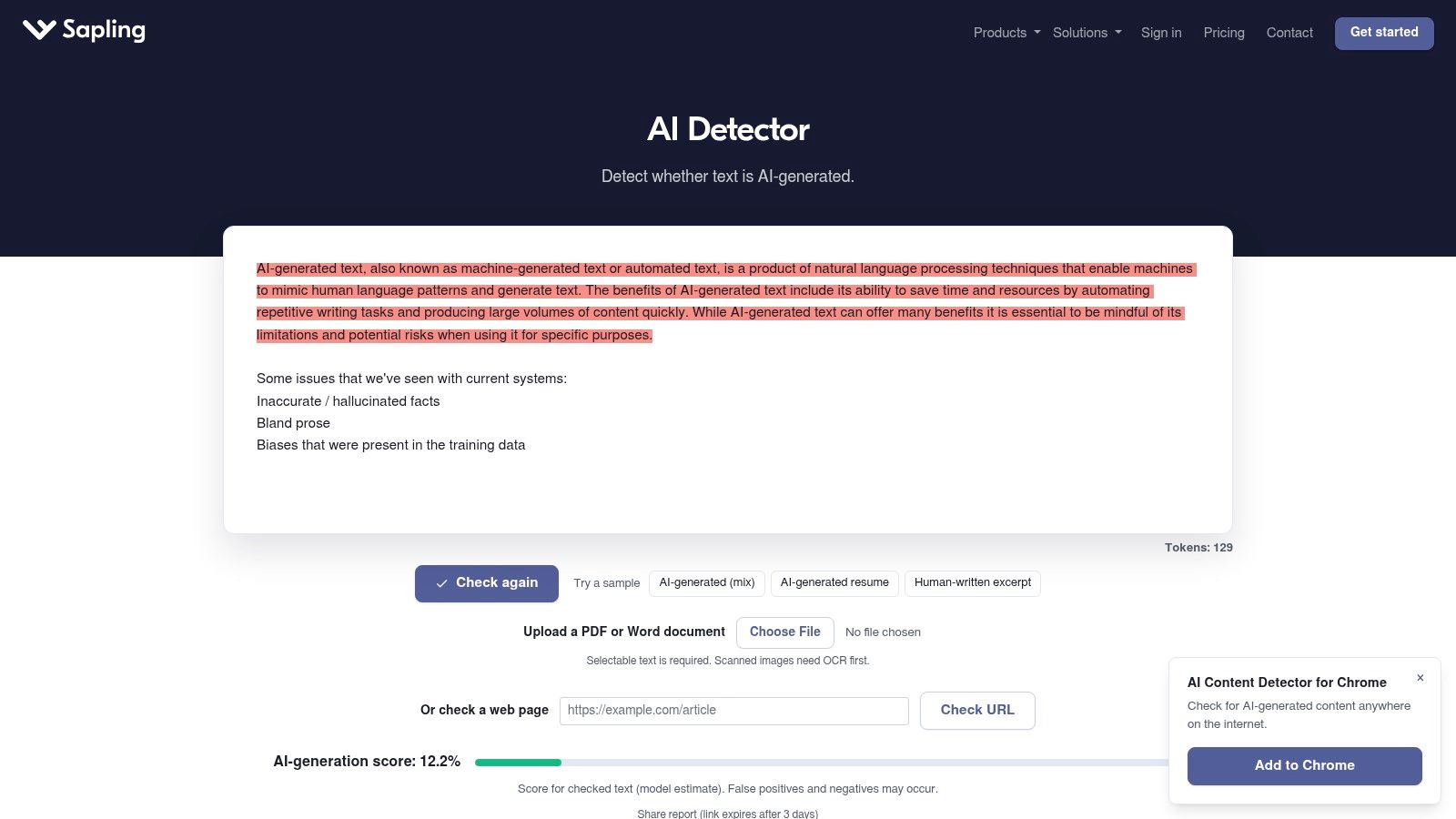
Run Sapling on a paragraph, not a paper. Its free checker is capped at 2,000 characters, as stated on Sapling's detector page, so treat it as a spot-check tool for single passages.
Sapling AI Detector sits within a broader writing-assistance product, with browser and office add-ons, paid options for longer text, and documented API access. Use it for a quick browser check or a developer-led integration, and keep it away from verdicts on complete submissions.
- For occasional users: Paste a passage to identify something worth inspecting.
- For developers: Evaluate the documented API and usage-based option against your own review needs.
- For academic decisions: A short excerpt cannot support a conclusion about the authorship of an entire essay.
Short, generic academic passages deserve particular caution. A conventional introduction or methods description offers little distinctive context, so a classification there tells you even less than usual.
Treat a flagged excerpt as a review trigger. Check the surrounding argument before changing anything, and keep accurate terminology and required academic conventions even when they make the prose predictable. Predictable phrasing is a feature of honest academic writing too. For integrated workflows, retain the original passage, the detector output, and the human decision that followed, so any reviewer can trace what happened.
10. ZeroGPT
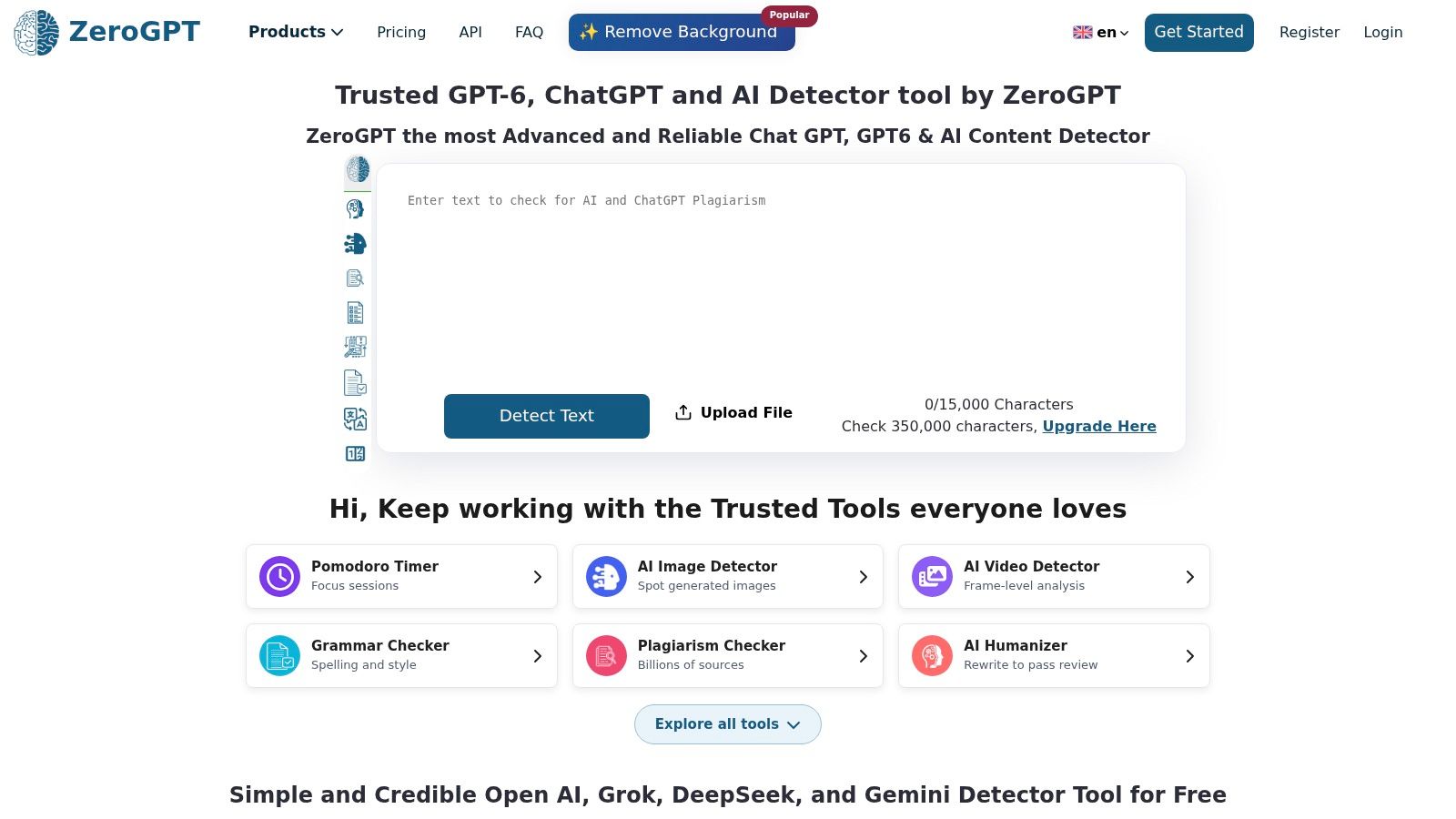
ZeroGPT is useful when you want multiple levels of feedback and adjacent writing utilities. ZeroGPT provides document-, paragraph-, and sentence-level results, with a free tier and paid plans.
It also offers batch processing, API and business options, plus related plagiarism, paraphrasing, translation, and grammar tools. That breadth is convenient, but each function needs its own interpretation.
Keep the tasks separate
- Detection: Use highlights to select passages for human review.
- Plagiarism checking: Investigate matching language and attribution independently.
- Rewriting: Check that revised wording preserves the original claim.
- Plan selection: Confirm current limits and feature access before processing a document batch.
False positives and false negatives remain possible. More detailed output doesn't turn a probabilistic estimate into an authorship certificate, and a changed result after paraphrasing doesn't establish that the new passage is human-written.
Before choosing cleanup, understand hidden Unicode versus statistical watermarks. Invisible-character removal addresses text artifacts; rewriting changes wording and token-choice patterns. Neither operation resolves whether the original assistance complied with an instructor's rules or a publisher's disclosure requirements.
Top 10 AI Essay Checkers: Feature Comparison
| Tool | Primary purpose | Core features | Target audience | Access & value | Key distinction |
|---|---|---|---|---|---|
| Simple Unmark | Clean text and reduce watermark signals | ✨ Rewrites wording; removes hidden Unicode; up to 5,000 words | 👥 People cleaning AI-generated text | 💰 3 free guest cleans; credits never expire; 0.1 credit per started 100 words | 🏆 Preserves meaning, facts, names, tone, and intent; detector outcomes aren't guaranteed |
| GPTZero | Detect likely AI-written text | Sentence-level highlights, file uploads, browser extension | 👥 Students, educators, reviewers | 💰 Free option; plan limits vary | ★ Detailed passage feedback, not just an overall score |
| Winston AI | Review content for AI writing and plagiarism | Sentence highlights, document scans, shareable reports | 👥 Teachers, editors, teams | 💰 Free starting allowance; some tools are paid | ✨ Combines detection with plagiarism checks on eligible plans |
| Originality.ai | Check content for AI writing and other editorial concerns | AI detection, plagiarism, readability, fact-checking, team tools | 👥 Publishers, agencies, content teams | 💰 Limited free checker; broader features are paid | 🏆 Supports document, URL, API, and team workflows |
| Copyleaks | Detect AI writing and plagiarism | Document scans, multilingual checks, integrations, API | 👥 Individuals, schools, businesses | 💰 Free scan; frequent or large-scale use may cost more | ✨ Offers institutional and learning-platform integrations |
| Turnitin | Review academic submissions | AI-writing reports, sentence-level indicators, similarity workflow | 👥 Educators and institutions | 💰 Usually accessed through an institution | 🏆 Fits established academic-integrity workflows |
| QuillBot AI Detector | Check shorter passages for AI likelihood | Section-level feedback and related writing tools | 👥 Quick-check users and QuillBot users | 💰 Free; up to 1,200 words and 6 scans daily | ✨ Part of a broader writing toolkit |
| Scribbr AI Detector | Check academic text for AI writing | Paragraph feedback, multilingual support, no-signup checks | 👥 Students, educators, academic writers | 💰 Free; submissions limited to 1,200 words | ★ Classifies human-written, AI-generated, or AI-refined text |
| Pangram | Detect AI writing across text and documents | 20+ languages, uploads, OCR, browser extension, Google Docs | 👥 Educators, editors, researchers, organizations | 💰 Free daily allowance; paid plans add features | ✨ Includes OCR and Google Docs workflows |
| Sapling AI Detector | Quickly check text for AI writing | Browser checks, writing tools, add-ons, API | 👥 Short-text users and developers | 💰 Free checks capped at 2,000 characters; paid/API options | ✨ Usage-based developer option |
| ZeroGPT | Detect AI writing at multiple text levels | Document, paragraph, and sentence results; batch processing | 👥 Individuals and businesses | 💰 Free plan; limits depend on plan | ✨ Includes paraphrasing, translation, and other writing tools |
Use Detection, Review, and Cleanup in Sequence
Choose an AI essay checker that fits the actual review setting. Use an institutional report when that's the relevant process, a document-oriented tool for longer submissions, or a free checker for preliminary passage review. Don't keep switching services until one produces a preferred answer.
Inspect the flagged passages before changing anything. Compare them with the instructor's rules, check their citations, and gather drafts, notes, source material, and revision history. If the score conflicts with credible authorship evidence, request human review and a clear explanation of the concern.
Before cleanup: Save the original draft and detection report. Rewriting first can remove useful evidence of your writing process.
For drafts that need cleanup, separate hidden Unicode artifacts from probabilistic watermark signals such as SynthID. Invisible spacing and formatting controls are a text-hygiene issue. Statistical watermark reduction involves changing wording, not deleting an invisible label.
Simple Unmark is a relevant web-based option at this remediation stage. It removes invisible characters and rewrites passages to reduce token-choice watermark patterns, with preservation of meaning, facts, numbers, proper nouns, tone, and intent as its stated objective.
Verify the revision yourself
- Compare claims: Confirm that qualifications, conclusions, and causal language haven't changed.
- Check details: Match names, numbers, citations, and technical terms against the original.
- Respect policy: Disclose assistance when required; cleanup doesn't cancel disclosure obligations.
A cleaned passage may still trigger a detector. Watermark reduction isn't a guarantee of passing any checker, and a lower score doesn't prove human authorship. Don't use a rewrite to conceal prohibited assistance or treat cleanup as a substitute for doing the underlying academic work.
For future assignments, make the writing process easier to document. Use practical prep and drafting techniques, retain your outline and source notes, and save meaningful revisions. Your goal should be a defensible, accurate essay with a clear writing history, not merely a favorable score.
Simple Unmark offers invisible-character removal and rewriting-based reduction of probabilistic watermark signals in a paste–clean–copy workflow. Visit it when your draft needs cleanup, then compare the revised text with your original for factual accuracy and meaning. Keep your authorship evidence and follow the applicable disclosure rules, regardless of the detector result.
- ai essay checker
- AI detection tools
- AI text detectors
- watermark remover
- AI content checker
More posts
Unicode Text Converter: What It Does and Why It Matters
Learn what a unicode text converter actually does, why pasted AI text behaves strangely, and how to remove invisible characters without breaking real content.
Undetectable AI Content Without the False Promises
Undetectable AI Content. Learn how to reduce AI-detection signals in text through rewriting, Unicode cleanup, quality checks, and honest limits—without
AI Rewriter Free Online: 10 Tools Worth Trying
Compare the 10 best AI rewriter free online tools, including features, limitations, use cases, and where Simple Unmark fits your editing workflow.