
10 AI Paraphrase Tool Free Picks for Better Rewrites
Compare 10 ai paraphrase tool free options by features, limits, use cases, and drawbacks, plus when Simple Unmark is the better cleaning choice.
Free doesn't mean unlimited, and it doesn't mean suitable for serious rewriting. An AI paraphrase tool free plan may impose a short word cap, require an account, limit daily suggestions, or produce text that sounds polished while subtly changing the meaning. The right choice depends on the job, not the number of rewrite modes shown on the landing page.
This list compares practical access, rewrite controls, audience fit, and output risk. Some tools work well for a sentence or short paragraph. Others handle longer passages but need closer editing. You'll also see an important distinction that most comparison pages miss: paraphrasing changes wording, while hidden-character and watermark-signal cleanup addresses artifacts that may remain in AI-generated text.
Table of Contents
- 1. QuillBot Paraphraser
- 2. DeepL Write
- 3. Grammarly Paraphrasing Tool
- 4. Wordtune
- 5. LanguageTool Paraphrasing
- 6. Scribbr Paraphrasing Tool
- 7. Smodin Rewriter and Paraphraser
- 8. Wordvice AI Paraphraser
- 9. Paraphraser.io
- 10. ParaphraseTool.ai
- Top 10 Free AI Paraphrase Tools, Quick Comparison
- Choose by the Job, Not the Hype
1. QuillBot Paraphraser
QuillBot remains the safest starting point for short, everyday rewrites. Its interface is familiar, the output is generally consistent on ordinary paragraphs, and the surrounding ecosystem includes browser extensions, document editors, mobile access, and related writing tools. It's a practical baseline, not a magic originality button.
The free version offers Standard and Fluency modes, plus a synonym slider and a way to freeze words that must remain unchanged. Those controls matter when you're rewriting product names, technical terms, citations, or brand language. The free plan's per-run limit is 100 words, so longer drafts must be divided into sections, which can weaken context and create repetitive phrasing. QuillBot's paraphrasing tool documents the available workflow and plan differences.
Best use and main risk
Use QuillBot for short emails, isolated paragraphs, captions, and sentence cleanup. Premium access adds more modes, higher limits, faster processing, and history, but the free version is enough to test whether its writing style suits you.
Practical rule: Freeze names, figures, legal terms, and specialist vocabulary before rewriting, then compare the output against the source sentence by sentence.
QuillBot also offers tools such as summarization, humanization, and AI detection with free-use limits. Those features don't replace editorial review. If your concern is hidden Unicode or statistical AI signals rather than awkward wording, use a dedicated AI watermark remover instead of assuming a conventional paraphraser solves both problems.
2. DeepL Write
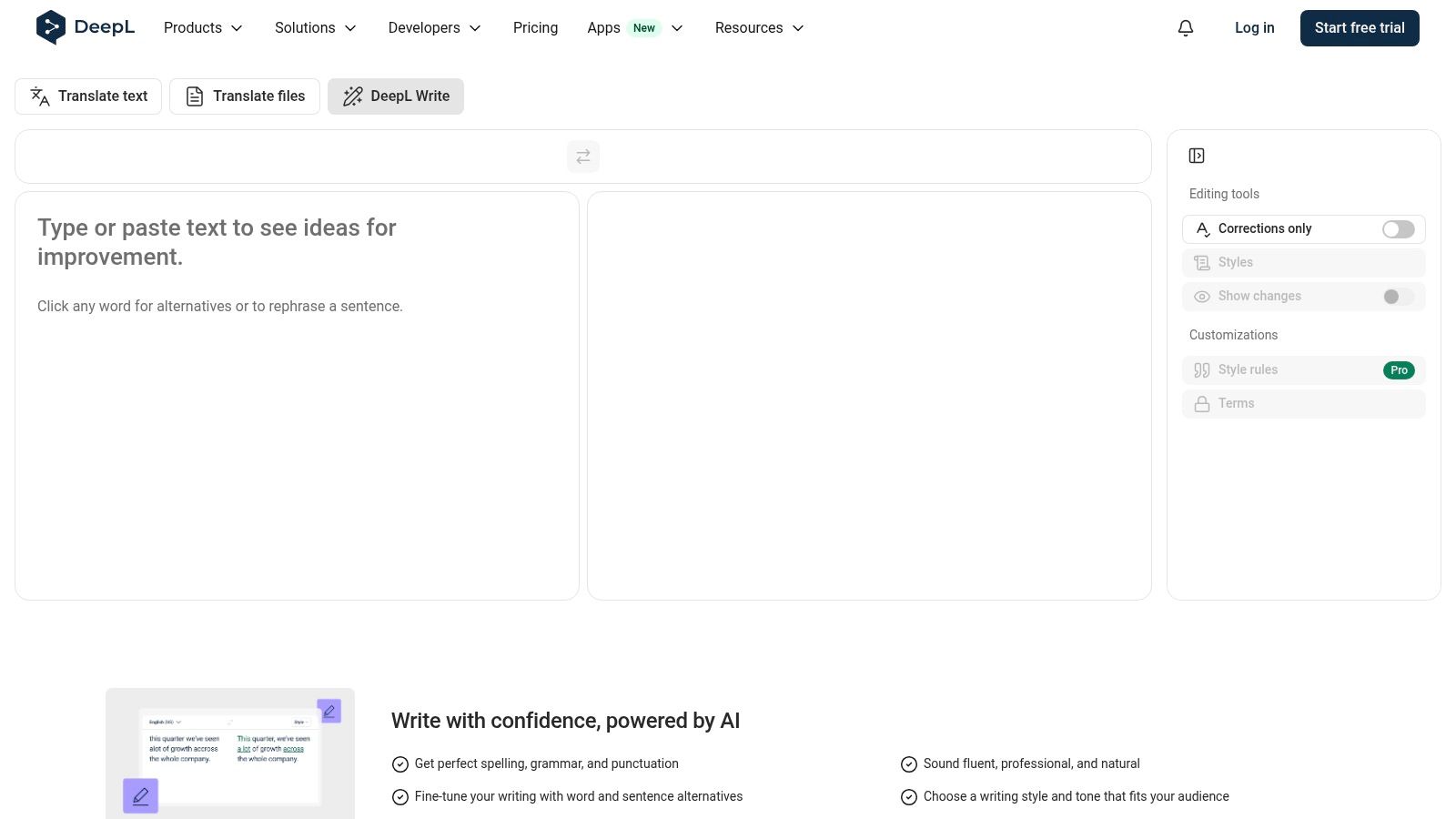
DeepL Write is the strongest choice here when context, tone, and natural phrasing matter more than aggressive rewriting. It behaves like a writing assistant rather than a spinning tool. You can refine a sentence, adjust its style, and compare alternatives without losing sight of the original wording.
The tool supports British and American English variants and offers multilingual writing support. Its tracked-changes view helps you inspect what changed, which is useful for academic paragraphs, business communications, and client copy. Browser extensions let you improve text where you're already writing instead of moving every sentence into a separate editor. DeepL Write's official page explains its writing and plan features.
Free access and workflow fit
Free access comes with character caps per pass. DeepL documents a limit of about 1,500 characters for users without an account, while the cited Pro limit is about 2,000 characters per pass. Those caps make DeepL Write better for sentence groups and compact paragraphs than for a complete article. Treat each pass as a focused edit, not a document-wide transformation.
The main trade-off is control. DeepL often preserves meaning well, but it may produce a conservative revision when you need a substantially different structure. Advanced custom rules and some additional features are reserved for Pro.
Use it when you want a sentence to sound clearer, more professional, or more idiomatic. Don't use it as a substitute for checking facts, citations, names, or technical definitions.
3. Grammarly Paraphrasing Tool
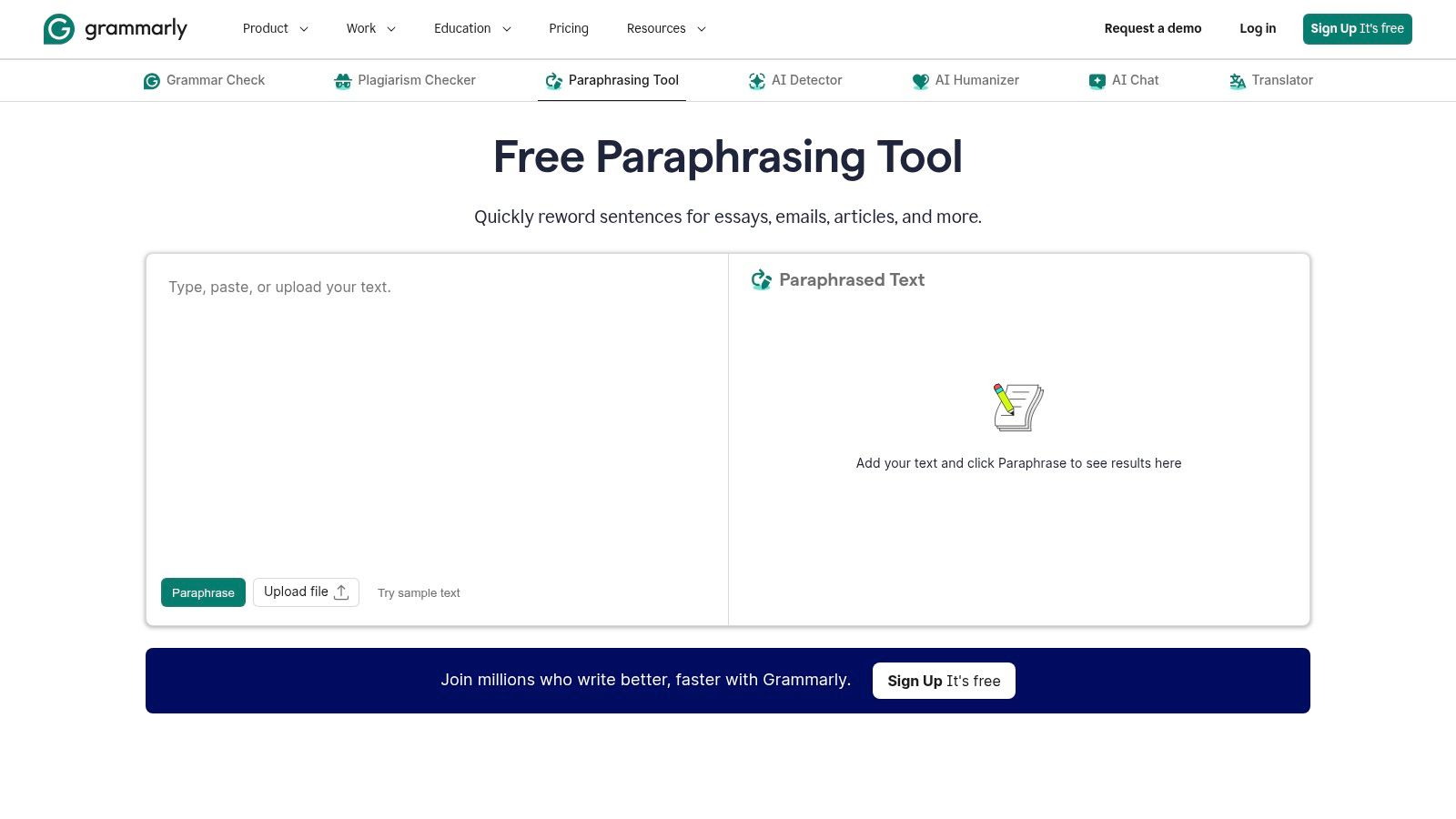
Grammarly's paraphrasing page is built for speed. You can paste text into the web tool, request a rewrite, and move on without learning a complicated interface. That makes it useful when the underlying problem is a clumsy sentence, a repetitive email, or a paragraph that needs a cleaner professional tone.
The dedicated web paraphraser is available without sign-up, while creating an account connects the workflow to Grammarly's wider grammar and style assistant. Sign-in also enables multilingual paraphrasing support. Grammarly's paraphrasing tool is the appropriate place to check current access and feature details because the broader platform changes separately from the standalone page.
What it does well
Grammarly is a good fit for users who already work inside its writing ecosystem. After paraphrasing, grammar and style checks can help identify fragments, vague wording, inconsistent tone, and other surface problems. It's especially convenient for workplace writing where the goal is a polished sentence, not a radical rewrite.
The limitation is transparency. The dedicated page doesn't present a simple hard free limit in the same way that some competitors disclose daily quotas or per-run caps. Broader and advanced features may require an account or paid plan, so don't assume the free web experience equals full platform access.
Review every output for meaning drift and factual drift. A fluent sentence can still soften a qualification, change who performed an action, or turn a possibility into a fact. Grammarly is a strong quick editor, but it shouldn't receive unsupervised control over regulated, academic, or technical text.
4. Wordtune
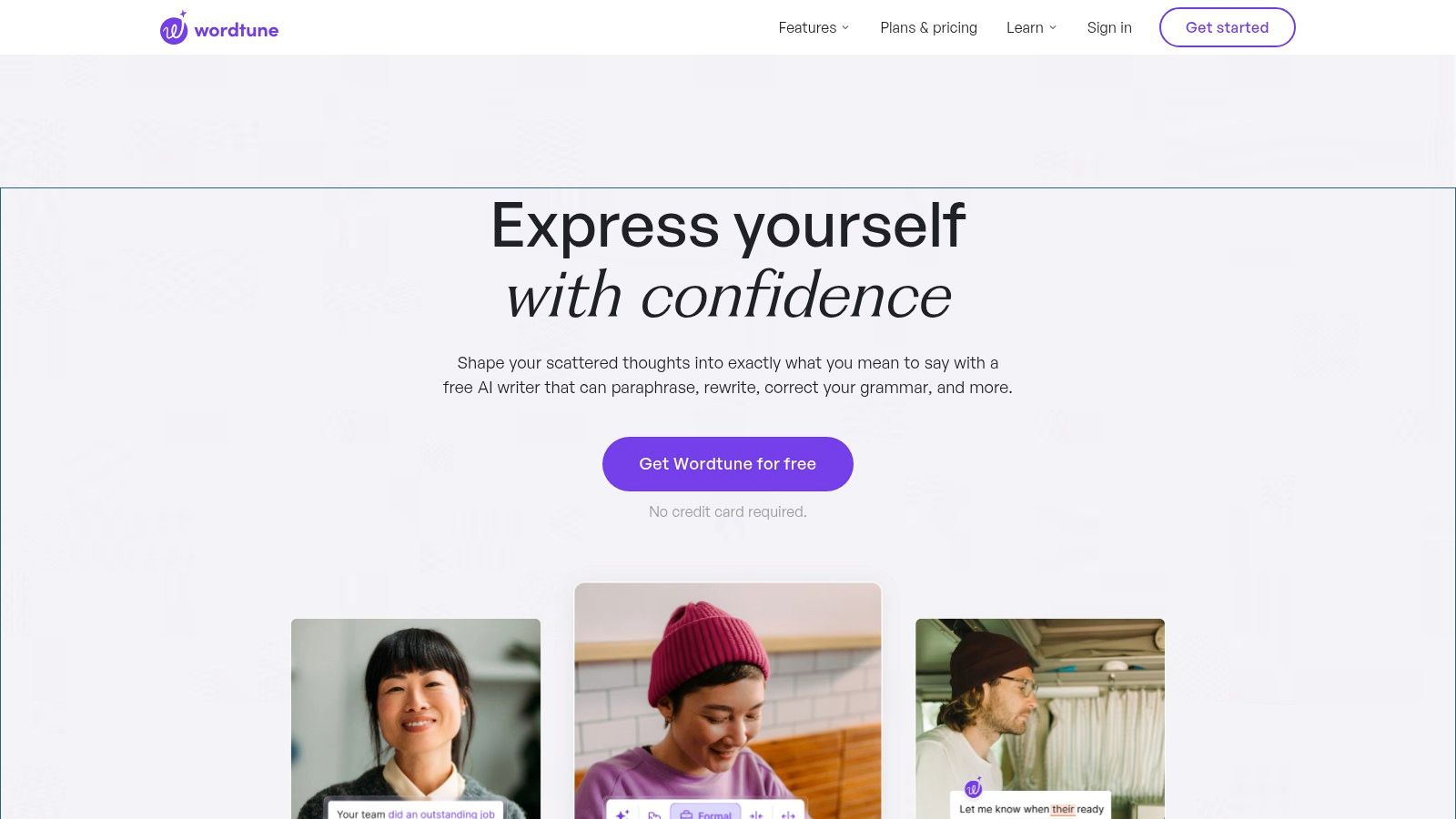
Wordtune is designed around sentence-level decisions. Instead of asking you to accept one complete rewrite, it presents alternate ways to reshape a sentence or paragraph. That makes it a good fit for writers who want to compare a concise version with a more formal or conversational one.
The free Basic plan provides 10 suggestions per day, according to Wordtune's plan information. The quota is clear, which is better than a vague “free” label that changes after repeated use. It also makes the tool easy to budget for occasional editing.
Where Wordtune fits
Use Wordtune for introductions, transitions, subject lines, short explanations, and individual sentences. Its tone and style variants can help when a paragraph is technically correct but doesn't sound like the intended audience. The interface is approachable, and the suggestions are usually easier to evaluate than a full document rewrite.
The daily quota is the central drawback. Ten suggestions can disappear quickly during a long article, especially if you test several alternatives for the same sentence. Heavy users will need a paid plan, so Wordtune isn't the right free option for rewriting an entire report in one sitting.
Wordtune also shouldn't be treated as an AI-detection workaround. If you're investigating hidden marks or want a dedicated cleanup pass, see this guide to removing AI watermarks from text. That is a different task from choosing a better sentence structure.
5. LanguageTool Paraphrasing
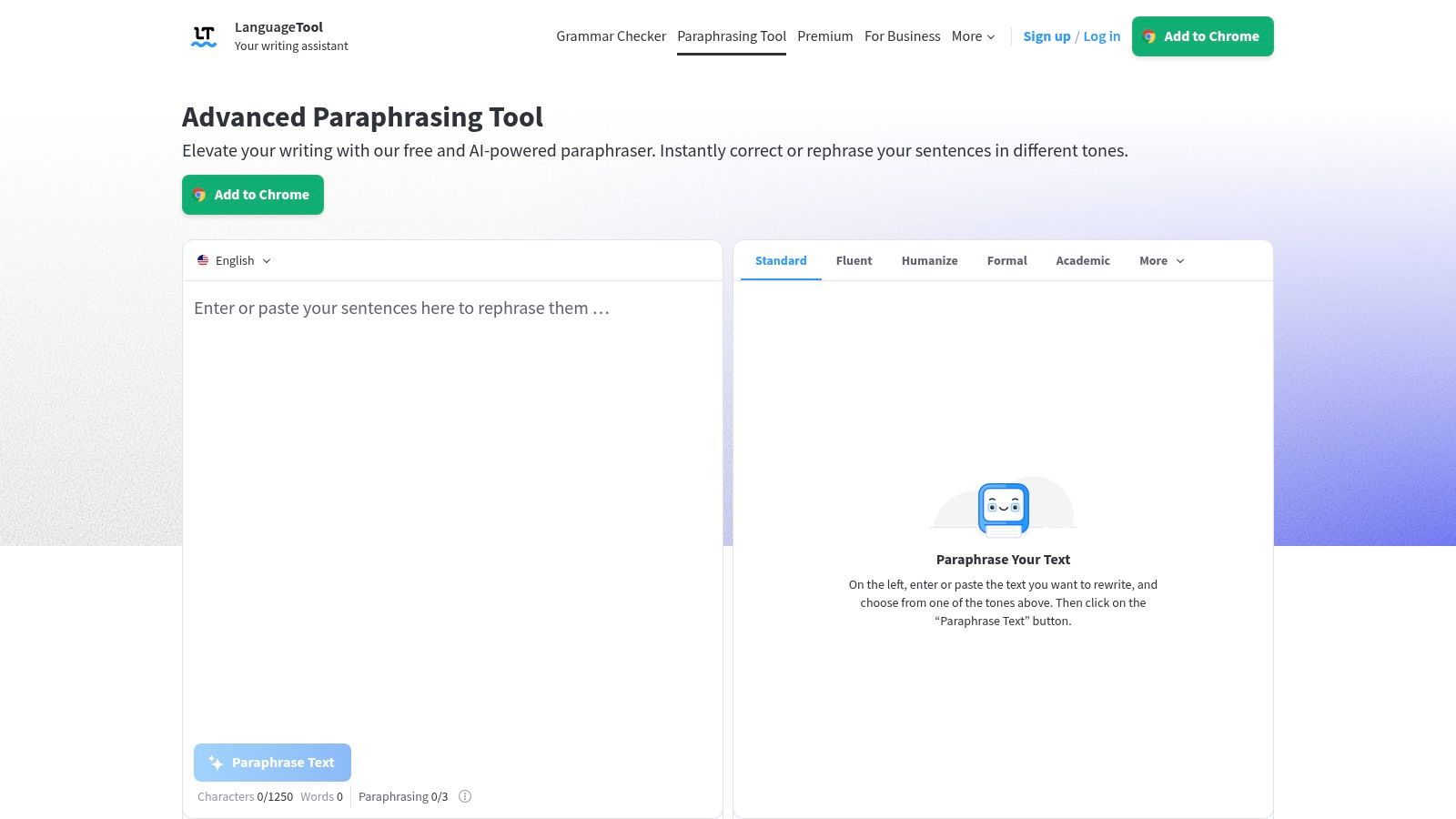
LanguageTool makes the most sense for multilingual writers who want paraphrasing and grammar review in one place. Its modes focus on formality, fluency, and brevity, so you can choose whether to make a sentence more polished, easier to read, or shorter. The surrounding editor and browser add-ons keep the process close to the document.
Its multilingual coverage is a meaningful advantage, particularly for users who don't write primarily in English. LanguageTool's paraphrasing tool presents the available modes and access options. The tool can help identify grammar problems after a rewrite, which reduces the chance that a smoother sentence introduces an obvious agreement or punctuation error.
Free tier trade-offs
Free access is useful for testing the editor and handling modest rewriting tasks. Premium provides unlimited sentence paraphrasing and higher limits, while some extensions and features have become more restricted behind paid access in 2026. The free plan's character and paraphrase limits are tighter than Premium access.
LanguageTool is best for sentence refinement, multilingual editing, and tone adjustments, not for blindly reworking a full manuscript. A translation-like rewrite can make a statement sound natural while changing a technical distinction. Compare terms against the original and verify every number, name, citation, and claim.
It's also worth separating grammar quality from originality. LanguageTool can improve fluency, but a paraphrased sentence still needs proper attribution when it expresses someone else's idea.
6. Scribbr Paraphrasing Tool
Scribbr is the clearest choice for students and academic writers who need guidance alongside a rewrite. The interface is simple, and the surrounding resources explain paraphrasing, citation, and academic integrity in practical terms. That context matters because changing sentence structure doesn't remove the need to credit the original source.
You can try the web paraphraser without signing up. Current market pages describe Scribbr's free tool as handling about 125 words per input with no signup, a limit that makes it suitable for a sentence or compact paragraph rather than a whole essay. Scribbr's paraphrasing tool provides the direct workflow and supporting explanations.
A sensible academic workflow
Paste only the passage you need to reformulate. Read the source first, write down the point in your own understanding, compare Scribbr's version with the source, and add the required citation. This sequence prevents the common mistake of treating automatic rewording as independent authorship.
Scribbr has fewer power-user controls than broader writing suites. You won't find the same depth of sliders, modes, or document automation that some general-purpose platforms promote. Advanced services, including AI detection and paid editing, are separate products.
Choose Scribbr when academic correctness and responsible paraphrasing matter more than maximum throughput. It's a focused educational tool. It won't rescue a weak argument, verify a study, or decide whether a quotation needs attribution.
7. Smodin Rewriter and Paraphraser
Smodin targets users who want more aggressive control over the degree of rewriting. Its web tool includes rewrite and humanize methods, an adjustable strength scale from 1 to 4, and support for document uploads in formats such as DOC, DOCX, and PDF. Smodin's AI paraphrasing tool shows the available workflow.
That flexibility helps when a light edit isn't enough. A lower setting can preserve sentence structure, while a stronger setting can reorganize phrasing more substantially. The tool also connects with plagiarism and AI detection features, which gives users more ways to inspect a draft.
The output risk
Smodin is free to try without sign-up, but larger runs and uploads use a credit model. Heavy use therefore moves quickly beyond fully free access. The interface also emphasizes humanization and detector-bypass language, so you need to judge the output by accuracy and authorship standards, not by whether it appears less machine-like.
A stronger rewrite can change emphasis, remove a qualification, or introduce an unnatural synonym. Check proper nouns, figures, citations, and technical vocabulary manually. For academic work, use the tool to improve expression after you understand the source, not to conceal copied reasoning.
Smodin is a reasonable choice for users who need adjustable rewrite strength and file support. It is not the best option for unsupervised production copy, sensitive material, or any workflow where the marketing promise matters more than verifiable meaning.
8. Wordvice AI Paraphraser
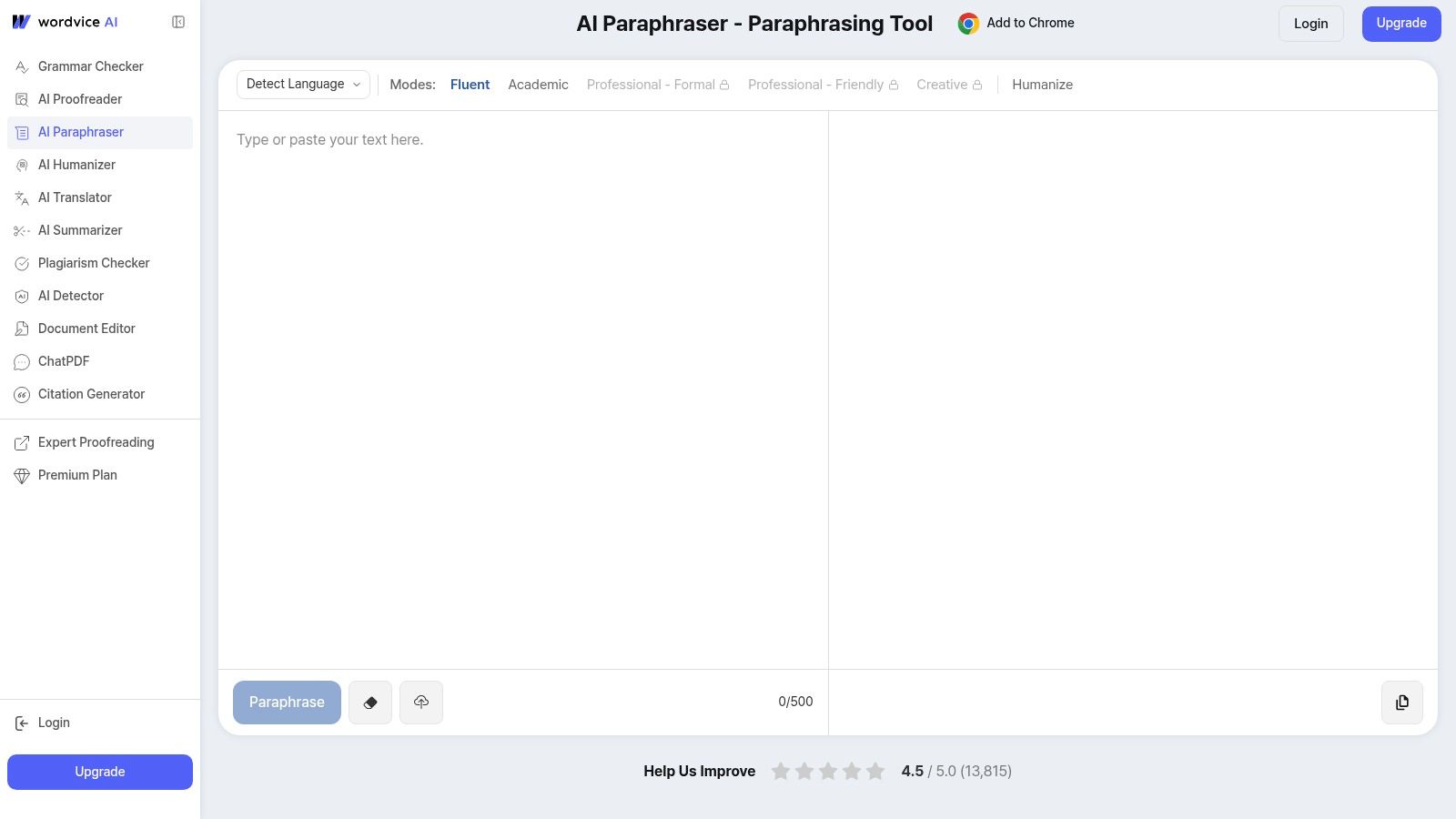
Wordvice AI is built with research and academic writing in mind. Its modes include Fluent, Academic, Professional, and Creative, giving you a more targeted starting point than a single generic rewrite button. The academic orientation also makes its terminology and editing context more relevant to papers, applications, and research drafts.
The free tier provides a starter allowance with transparent per-submission word limits. Registration is required before full use, which adds friction compared with no-sign-up tools. Wordvice AI's paraphraser describes its modes, account access, and related editor integrations.
Best audience
Choose Wordvice when you're revising research prose, academic explanations, or professional documents and want the rewrite mode to match the intended register. Chrome and Microsoft Word add-ins can reduce copying between applications, especially when editing inside a long document.
The trade-off is language coverage. Wordvice supports fewer languages than some competitors, so multilingual users should test a representative paragraph before committing to a workflow. A tool that handles English academic prose well may be less reliable with specialist terminology in another language.
Registration also means you should review the service's current privacy terms before pasting unpublished research, confidential client material, or sensitive personal information. Regardless of the tool, preserve the original draft and compare the output. A polished academic tone doesn't guarantee that the claim remains precise.
9. Paraphraser.io
Paraphraser.io is the practical pick when the main constraint is passage length. Its free tool supports up to 600 words per run, which is more workable for a blog section, draft explanation, or several connected paragraphs than the short caps found in many free plans. Paraphraser.io presents the tool, modes, and related services.
The platform offers more than 10 modes, including Word Changer, Fluency, Creative, Academic, Shorten, and Expand. That variety is useful for experimentation, especially when you're deciding whether a passage needs compression, expansion, or a different level of formality.
Why you still need a close edit
The ad-supported interface can be distracting, and related SEO-style content may compete for attention while you work. Output quality varies by passage. A mode that handles a general explanation may perform poorly on legal language, scientific terminology, or sentences with several conditions.
Use Paraphraser.io for longer first-pass rewrites, then edit in a controlled writing environment. Don't accept every synonym automatically. Check whether the tool preserved the subject, tense, scope, and relationship between claims.
Its plagiarism checker and multilingual tools may be useful as secondary checks, but they don't establish that a passage is accurate or properly cited. The larger free cap saves time, but it also increases the amount of text you must review when the rewrite takes a wrong turn.
10. ParaphraseTool.ai
ParaphraseTool.ai is easy to test because its workflow starts with copy and paste. It offers Creative, Fluency, Formal, Academic, and SEO modes, along with related AI detector and humanizer tools. The platform also advertises an API, so it may appeal to developers who want to connect rewriting with another application.
ParaphraseTool.ai promotes basic no-sign-up use and privacy language about not keeping content. Its marketing also refers to unlimited paraphrasing after login, but the exact free feature set and limits aren't presented as clearly as they are on more transparent tools.
Use it for testing, not blind automation
The simple interface works for quick experiments. Try a representative sentence from your actual workflow rather than judging the tool on a generic sample. Longer or technical passages may produce uneven results, and SEO mode can introduce wording that sounds optimized rather than natural.
If you use the API, review authentication, retention, and data-handling terms before sending client or unpublished content. Free access doesn't remove those operational questions. For text that contains zero-width marks, direction controls, or unusual spacing, use an invisible character remover rather than expecting a paraphrase mode to clean every hidden artifact.
ParaphraseTool.ai is worth testing when you need multiple style modes or an integration path. Its ambiguous free limits mean it shouldn't be your only production workflow until you confirm the current terms and output quality.
Top 10 Free AI Paraphrase Tools, Quick Comparison
| Tool | Core features | Quality & UX | Pricing & Value | Target & Unique strengths |
|---|---|---|---|---|
| QuillBot Paraphraser | ✨ Multiple modes, synonym slider, freeze words, integrations (Docs/Word/extension) | ★★★★, Familiar UI, stable short-paragraph quality | 💰 Freemium; Premium for higher caps, speed, history | 👥 Writers, students, professionals; 🏆 Integrations & reliable baseline |
| DeepL Write | ✨ Context‑aware rewrites, tone control, multilingual variants, tracked changes | ★★★★★, High context sensitivity and natural output | 💰 Free with char caps; Pro for unlimited/improved limits | 👥 Professionals, academics, multilingual users; 🏆 Best for nuanced tone & language accuracy |
| Grammarly Paraphrasing Tool | ✨ One‑click web paraphrase; integrates with Grammarly checks when signed in | ★★★★, Very simple, polished UX | 💰 Free tool; full features require Grammarly account/paid plan | 👥 General users & writers; 🏆 Strong grammar/style ecosystem |
| Wordtune | ✨ Sentence & paragraph rewrites, tone/style variants, clear daily quota | ★★★★, Concise, approachable suggestions | 💰 Free basic (daily suggestions); paid for unlimited use | 👥 Sentence-level editors, marketers; 🏆 Good for concise tone/tweak work |
| LanguageTool Paraphrasing | ✨ Paraphrase for formality/fluency/brevity; integrated with grammar checks | ★★★☆, Solid multilingual UX, integrated editor | 💰 Freemium; Premium unlocks higher limits | 👥 Multilingual writers, non‑English users; 🏆 Strong non‑English coverage |
| Scribbr Paraphrasing Tool | ✨ Simple web paraphraser + academic guidance/ethics resources | ★★★, Clean UI focused on clarity | 💰 Free to use; paid editing services separate | 👥 Students & researchers; 🏆 Educational framing and citation guidance |
| Smodin Rewriter/Paraphraser | ✨ Multiple modes (Rewrite/Humanize), strength slider, uploads, plagiarism tools | ★★★, Flexible controls; variable output quality | 💰 Free trial; credit model for larger runs | 👥 Users needing adjustable rewrite strength; ✨ Uploads & bundled detection tools |
| Wordvice AI Paraphraser | ✨ Multiple academic modes, Word/Chrome add‑ins, transparent per‑submission limits | ★★★★, Academic‑focused, reliable for research prose | 💰 Free starter; paid tiers increase size/modes | 👥 Researchers, academics; 🏆 Tailored academic modes |
| Paraphraser.io | ✨ 10+ modes, multilingual support, plagiarism checker | ★★★, Generous per‑run free cap, ad‑supported UI | 💰 Free up to ~600 words/run; paid for more | 👥 Users needing longer free runs; 🏆 Generous free cap & many modes |
| ParaphraseTool.ai | ✨ Multiple modes, API, claims privacy/no retention, detector/humanizer tools | ★★★, Easy no‑sign‑up trial; quality varies | 💰 Freemium; limits/claims somewhat ambiguous | 👥 Quick trial users & integrators; ✨ API access, marketing‑heavy claims |
Choose by the Job, Not the Hype
Short-cap tools are best for isolated sentences and compact paragraphs. Choose QuillBot when you want familiar controls, DeepL Write when context and tone matter, Grammarly when you already use its editing ecosystem, or Wordtune when you want to compare sentence-level alternatives. These tools reduce friction for small jobs, but their free access isn't designed for rewriting an entire article in one pass.
For multilingual editing, LanguageTool is the most practical starting point because paraphrasing sits alongside grammar and style checks. Use Scribbr for student and research drafts where citation guidance and academic integrity matter. Choose Wordvice AI when you want academic, professional, or fluent modes and don't mind registering before full access.
Longer passages need a different decision. Paraphraser.io offers a free cap of up to 600 words per run, which is more useful for connected sections than short sentence tools. Smodin is the better fit when you need adjustable rewrite strength and document uploads, but its credit model and humanization-focused marketing demand close review. ParaphraseTool.ai is convenient for testing styles and API possibilities, yet its free limits are less transparent.
Do not confuse a wording rewrite with an originality or detection solution. A paraphraser changes syntax, vocabulary, and sentence structure. It doesn't automatically verify facts, preserve every qualification, remove hidden characters, or eliminate probabilistic signals.
AI text watermarks aren't visible marks hidden in metadata. They can reflect statistical biases in token selection, where a generation system nudges probability choices rather than inserting a readable label, as explained in IBM's overview of LLM watermarks. Independent reporting on SynthID-Text found detection varied by text length, reaching 86.7% at 100 tokens and 100% at 400 tokens in open-ended prompts, while paraphrasing with another model reduced detection to about 11.7% in that test set. The reported SynthID test results show why those outcomes shouldn't be treated as a guaranteed pass or fail.
Hidden Unicode is a separate problem. Zero-width characters can exist without a visible glyph, but removing every invisible code point is unsafe because characters such as U+200C and U+200D can support script shaping. Unicode guidance on zero-width characters explains why cleanup must inspect exact code points. A dedicated cleaner can also target zero-width spaces, the byte-order mark, direction marks, and related copy-paste artifacts, as described by this Unicode cleaning guide.
Simple Unmark is relevant when the problem is AI-generated text that needs both wording cleanup and artifact reduction. Its paste, clean, and copy workflow combines Unicode cleanup with a rewrite pass, supports requests up to 5,000 words, and processes text in 0.1-credit increments per started 100 words. Guests get three free cleans of up to 100 words. The service is designed to preserve meaning, facts, numbers, proper nouns, tone, and intent, but you still need to review every result. Detector outcomes cannot be guaranteed, and no tool should replace human checking for sensitive, academic, legal, or publisher-facing text.
For broader workflow planning, compare this decision with guidance on the best AI for freelance workflow. Then choose based on the passage in front of you, the amount of review you can afford, and the consequences of an unnoticed change.
Simple Unmark cleans hidden Unicode characters and rewrites AI-generated passages to reduce probabilistic watermark signals while preserving the intended meaning. Visit Simple Unmark to paste, clean, and copy text, then test the workflow on a short passage before using it in a larger editorial process.
- ai paraphrase tool free
- AI paraphrasing tools
- free writing tools
- text rewriting tools
- AI text cleanup
More posts
AI Plagiarism Remover: What It Is and What It Actually Does
An honest guide to AI plagiarism removers: how they differ from paraphrasers, what they can and cannot remove, plus a real cleaning workflow and example.
Watermark Removal Tool: What It Does and How It Works
Learn what a watermark removal tool actually does, how it tackles probabilistic marks like SynthID, and where Simple Unmark's approach stands out.
AI Paraphrasing Tool: What It Is and How It Works
Learn what an AI paraphrasing tool does, how it works, and when to pair it with cleanup tools like Simple Unmark for clean, human-ready text.