
AI Writing Assistant Free: 10 Tools That Work in 2026
Discover 10 AI writing assistant free tools with honest limits, privacy notes and cleanup tips. No fluff, just what works in 2026.
Most free assistants waste your time when you choose them by feature count instead of the writing you need to finish. The popular advice is to find the most powerful generator. Better advice: pick the tool that leaves you with the least editing.
For general drafting, start with ChatGPT. For proofreading, choose Grammarly or LanguageTool. For awkward sentences, try QuillBot or Wordtune. Don't sign up for a marketing platform just to improve an email.
Free access isn't unlimited access. Character caps, restricted rewriting, and paid-only features determine whether a tool fits your routine. A generous allowance means little if you spend your afternoon correcting unsupported claims.
Judge a free assistant by the text you can actually use, not the text it can generate.
The demand is real. Writing was the most common workplace application among generative-AI users, cited by 38% in the NBER's workplace adoption research. That research covers generative AI broadly, not just free writing products.
If you're searching for an AI writing assistant free of subscription costs, match the allowance to your task before committing. For sales-focused alternatives, you can also find tools for stronger marketing copy.
Finally, separate drafting from publishing. Check facts, protect confidential material, and inspect copied text for hidden characters. Watermark cleanup is a different operation from proofreading, and neither makes inaccurate writing trustworthy.
Table of Contents
- 1. ChatGPT
- 2. Grammarly
- 3. QuillBot
- 4. Rytr
- 5. Canva Magic Write
- 6. LanguageTool
- 7. ProWritingAid
- 8. Wordtune
- 9. Copy.ai
- 10. Hemingway Editor
- 10 Free AI Writing Assistants: Feature Comparison
- Pick One, Then Clean Your Output
1. ChatGPT
Best starting point for drafting from a blank page. ChatGPT suits writers who want to explain a task in ordinary language rather than select a rigid template.
Ask it to turn approved notes into an email, organize an outline, summarize supplied material, or critique a draft. Conversational revisions make it easy to change direction without restarting: shorten the introduction, preserve the technical terminology, or make the request more direct.
ChatGPT's free offering includes everyday text conversations, with limits on some tools and capabilities. It's available on web and mobile, with a Word add-in also available.
Give it material, not permission to invent
The strongest workflow starts with your facts. Supply the intended audience, approved source material, desired format, and anything the assistant must preserve.
- Use it for: Outlines, rough drafts, summaries, and feedback on structure.
- Expect the paywall: Broader access to restricted tools and capabilities.
- Check carefully: Names, quotations, figures, and claims introduced during drafting.
Don't treat confident wording as evidence. A polished paragraph can still contain mistakes, and asking for a rewrite doesn't verify its contents.
For questions about text provenance, read the guide on whether ChatGPT watermarks text. Keep watermark questions separate from factual accuracy and any disclosure requirements.
Verdict: Start here for flexible writing help. Skip the habit of accepting the first answer as a finished document.
2. Grammarly
Grammarly is a proofreader, not a substitute for deciding what to say. Use it when you have a draft and want help catching errors while you write.
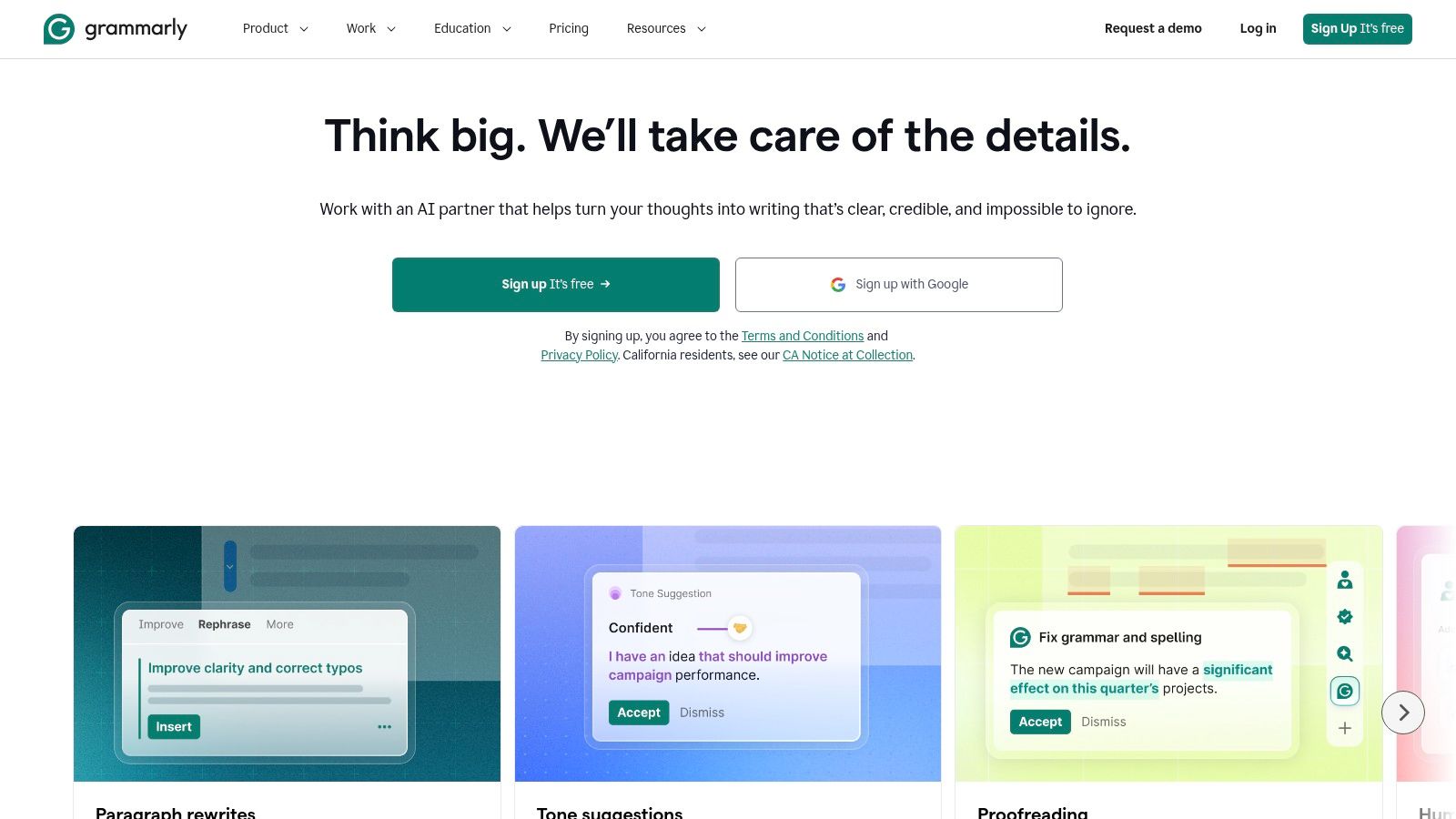
The Grammarly free plan includes spelling and grammar checks, tone feedback, and 100 AI prompts. Its editor, browser extension, and mobile apps let you work across different writing environments.
Choose it for emails, proposals, and routine documents where you want to keep your own voice and review edits as you draft. The free plan handles basic correction, but it does not replace a full editorial review.
Pay for deeper rewriting, not basic reassurance
Advanced rewriting and larger AI allowances require paid access. Start with the free plan. Upgrade only when a specific paid feature would improve your work, and compare Grammarly's own paid tiers before choosing one.
- Keep: Corrections that fix real errors or remove ambiguity.
- Question: Suggestions that flatten your voice or shift your emphasis.
- Skip: An upgrade before you know which feature you need.
A customer apology, for example, needs accurate details and a clear remedy. Better punctuation cannot make an evasive message honest.
Keep sensitive documents in an account you control. If the free plan covers your needs, there is no reason to share access. If it does not, compare Grammarly's paid options directly rather than using an account-sharing service.
Verdict: Use Grammarly for everyday proofreading. Choose a conversational assistant when you need help developing an argument or shaping its structure.
3. QuillBot
An awkward sentence doesn't always need a new draft. Sometimes you need alternate wording so you can see what's wrong with the original.
QuillBot's free tier offers paraphrasing for up to 100 words at a time in two modes. It also includes basic grammar correction, a summarizer with an input limit, and limited access to its AI Detector and other utilities.
That makes it better suited to short passages than sustained long-form revision. You can test a sentence or paragraph without handing over the whole document.
Editing rule: Compare every paraphrase with the original. Smoother wording isn't an improvement if it changes the claim.
Use it to clarify, not disguise weak sourcing
Try it on a crowded introduction, an unnecessarily formal email, or a paragraph with repetitive phrasing. Then choose the version that communicates the intended meaning most accurately.
- Strength: Direct access to alternate wording.
- Free-tier friction: Short passages mean more manual work on longer drafts.
- Paid boundary: Additional modes and broader access require Premium.
Free access doesn't require a credit card. That's convenient for occasional editing, but the short passage limit makes it a poor choice for rewriting an entire manuscript.
Paraphrasing also isn't the same as character cleanup. An AI watermark remover addresses a different publishing concern from ordinary sentence revision.
Verdict: Keep QuillBot for targeted rewrites. Skip it as your main long-form drafting workspace.
4. Rytr
Rytr is for writers who prefer a guided starting point. Instead of inventing the entire prompt, you choose a writing use case and steer the tone.
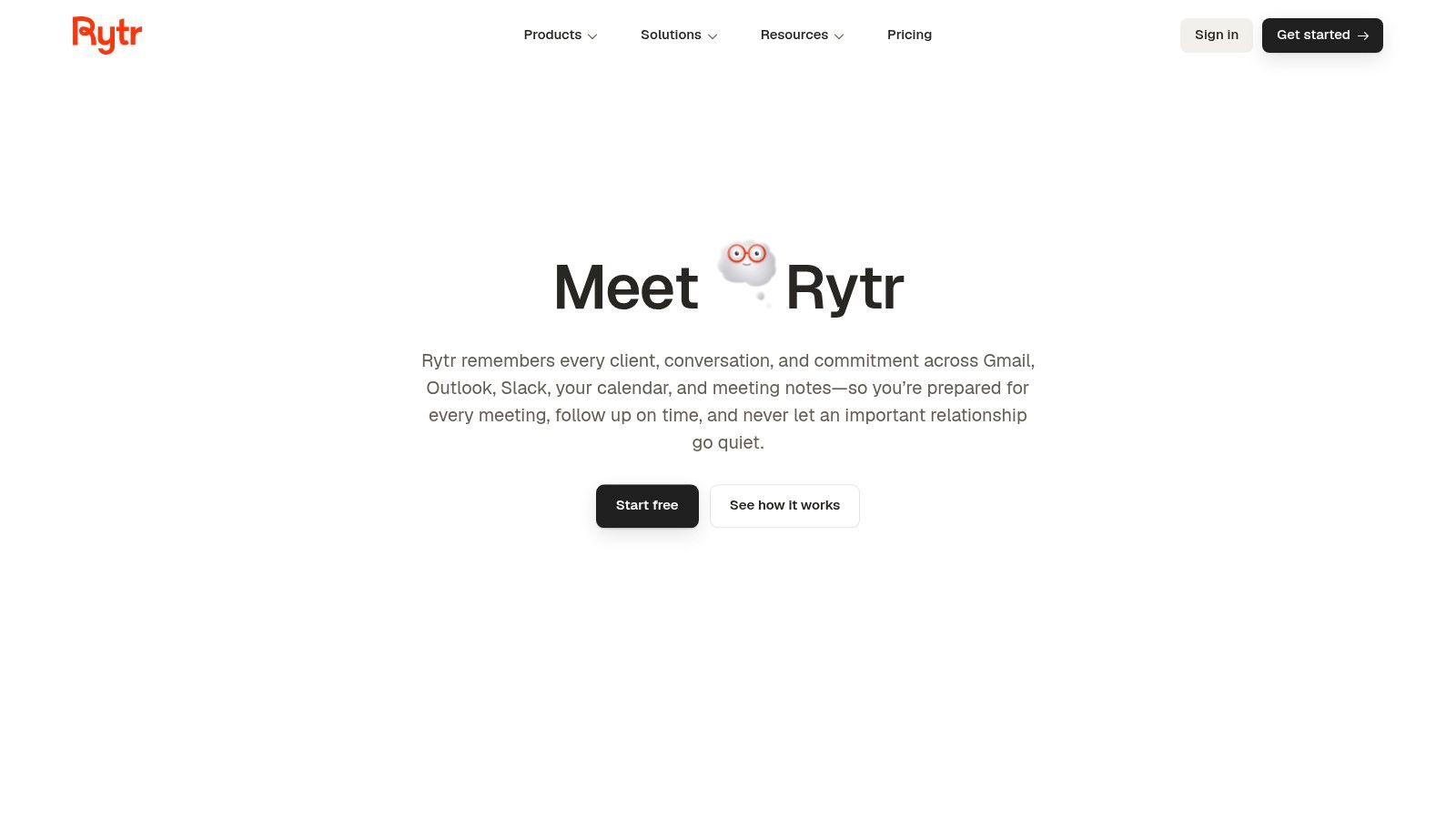
Rytr's free plan includes 10,000 characters per month and more than 20 pre-programmed tones. Templates cover tasks such as marketing copy, emails, and social posts, while paid plans add higher or unlimited usage and additional features.
Watch the unit. Characters aren't words. Don't compare this allowance directly with a competitor's word budget and assume they're equivalent.
Templates help you start, not differentiate
A template can give a beginner a useful structure for a promotional email or product introduction. It can't supply a distinctive offer, verified benefits, or knowledge of your customers unless you provide that material.
- Good fit: Short promotional drafts and routine messages.
- Weak fit: Frequent long-form production under a character cap.
- Required editing: Replace generic benefits with approved product details and audience-specific language.
For a launch email, supply the actual feature, intended buyer, and action you want them to take. Reject any benefit the output adds without support.
Verdict: Choose Rytr if templates reduce your blank-page friction. Skip it if you already write detailed prompts comfortably or need substantial free long-form capacity.
5. Canva Magic Write
Use Canva Magic Write when the writing belongs inside a design. A caption, presentation introduction, or invitation is a better fit than a research-heavy article.
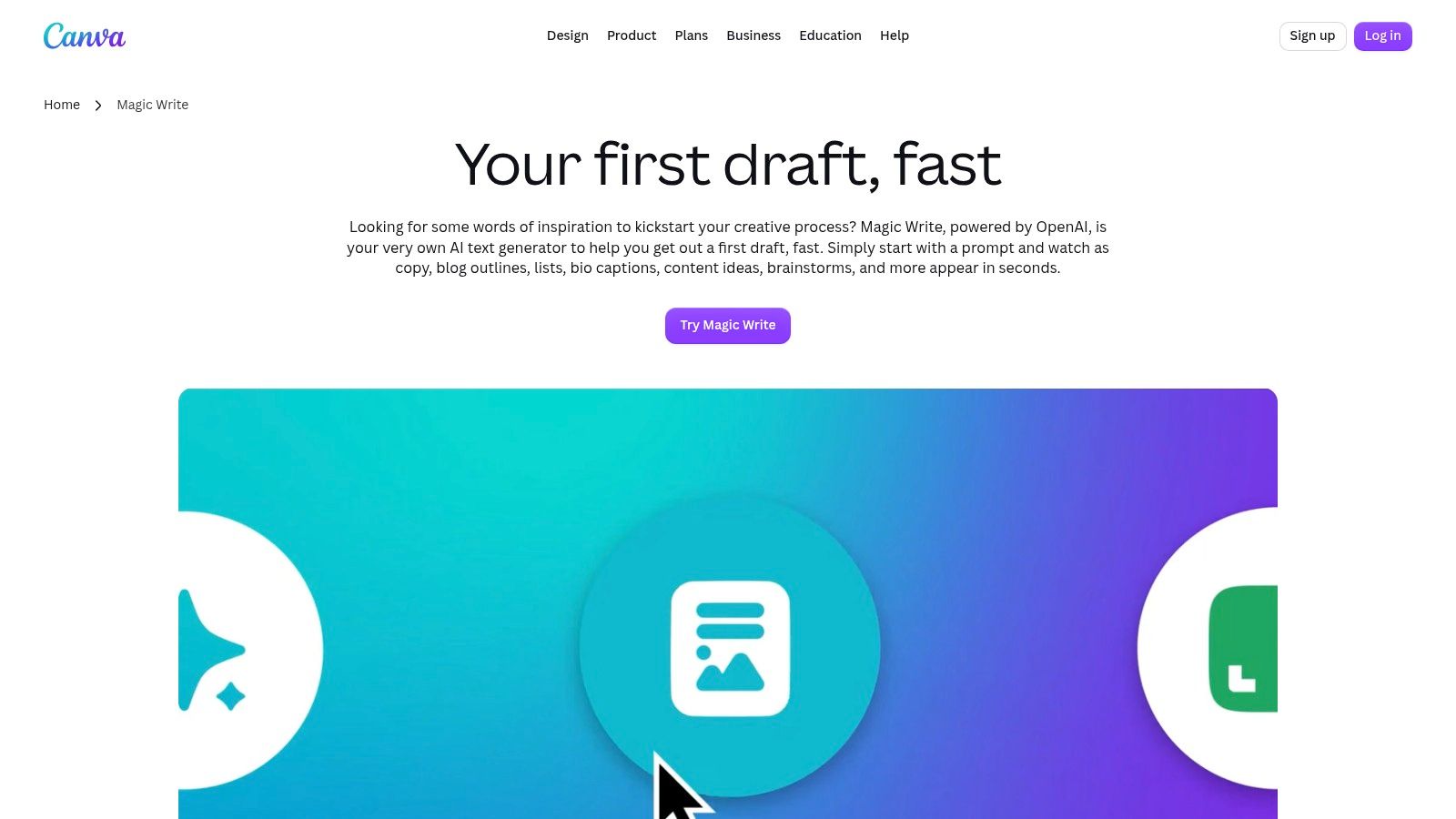
Canva Magic Write supports 20 languages, and Canva Free accounts receive 25 free queries. It generates drafts such as captions, outlines, bios, and ideas inside Canva designs and Docs.
Its practical advantage is location. You can draft copy beside the visual material instead of moving between separate writing and design tools.
Spend the allowance on a clear brief
Before generating, specify the audience, purpose, approved facts, and available space. A presentation title and a social caption need different wording, even when they promote the same thing.
- Use it for: Copy that will go directly into a visual asset.
- Avoid wasting queries: Decide what the message must communicate first.
- Review before export: Check dates, names, claims, and whether the copy fits the design.
The limited query allowance makes repeated experimentation expensive in terms of access. Don't spend it generating generic variations when the underlying message is still undecided.
Verdict: Pick Magic Write if you already work in Canva. Skip it as your primary free writing assistant if most of your work happens outside design projects.
6. LanguageTool
Multilingual writers should put LanguageTool near the top of their shortlist. Grammar support matters more than a large generation allowance when your main job is refining text you've already written.
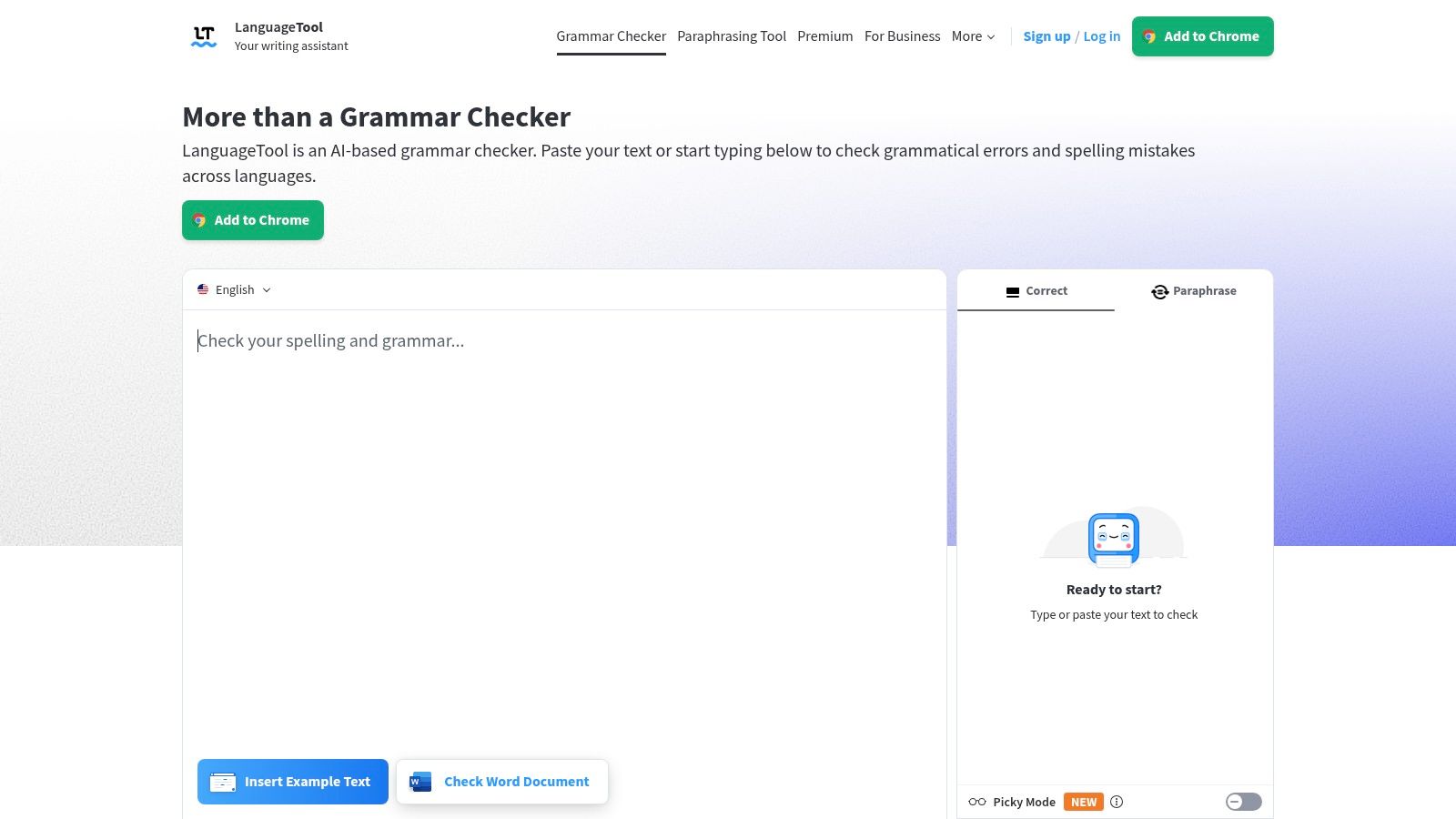
LanguageTool supports more than 30 languages and gives free users three rephrased sentences per day. It combines spelling, grammar, and style feedback with browser extensions and integrations for common writing apps.
The free paraphrasing allowance is modest. Treat it as help for a stubborn sentence, not a replacement for a rewriting workspace.
Proofreading comes first
Use LanguageTool to review a professional email, application, or article written in a supported language. Examine suggestions in context, especially when terminology, regional usage, or intentional phrasing matters.
- Main advantage: Multilingual proofreading in places where you already write.
- Free limitation: Very restricted paraphrasing capacity.
- Paid boundary: More extensive checks and unlimited paraphrasing.
Don't assume a suggested replacement is the only correct wording. You remain responsible for meaning, tone, and specialist vocabulary.
For confidential material, check the relevant service settings and your organization's rules before enabling an extension or submitting text. Convenience isn't permission to process client information.
Verdict: Choose LanguageTool for multilingual correction. Skip it if your primary need is generating drafts or repeatedly rewriting paragraphs.
7. ProWritingAid
ProWritingAid makes more sense for writers who want to examine recurring habits than for someone who only needs a quick typo check.
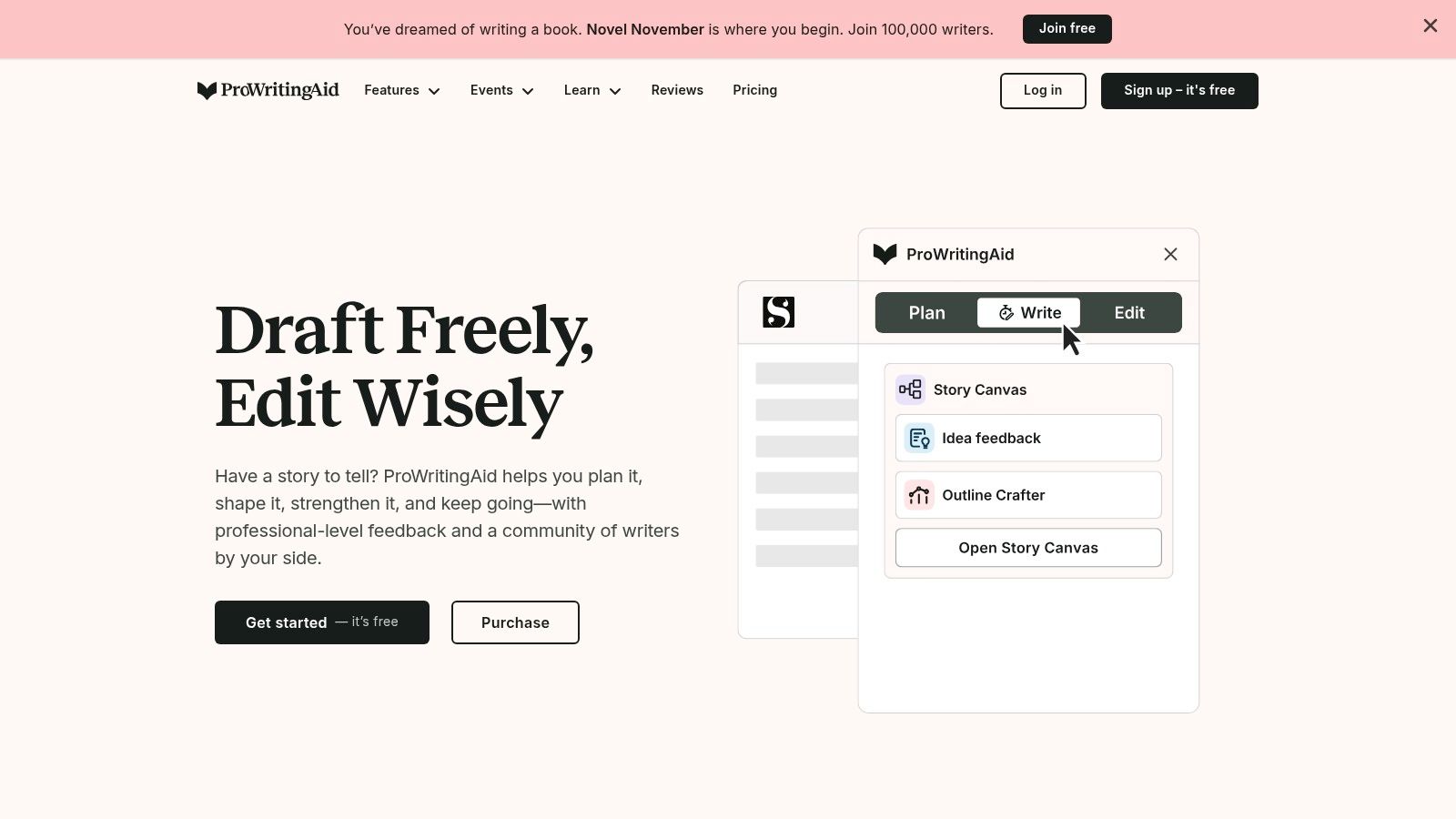
ProWritingAid's free plan allows editing up to 500 words at a time. It provides grammar, spelling, and punctuation suggestions alongside limited daily reports, rephrases, and writing prompts.
Its style, readability, and revision tools make it relevant to fiction, nonfiction, and business writing. The catch is workflow: reviewing a long document in small pieces requires patience.
Use a sample to diagnose a habit
Start with a representative passage rather than the easiest paragraph in your draft. Look for recurring problems, then apply what you learn across the document.
- Worth using: Reports that help you recognize repeated revision needs.
- Less convenient: Editing a complete long-form project through the free passage limit.
- Paid boundary: Broader access and fewer restrictions on capped features.
An author might examine an opening scene for readability, then decide which suggestions fit the narrative voice. A business writer might use the same approach on an overcomplicated report introduction.
Don't accept every recommendation mechanically. Clear prose and intentionally stylized prose don't always follow identical rules.
Verdict: Choose ProWritingAid for deliberate revision and learning from your drafts. Skip the free tier as a frictionless solution for editing an entire book.
8. Wordtune
Wordtune is useful when you know the meaning but can't find the wording. Its emphasis is alternate phrasing, not building a whole article from scratch.
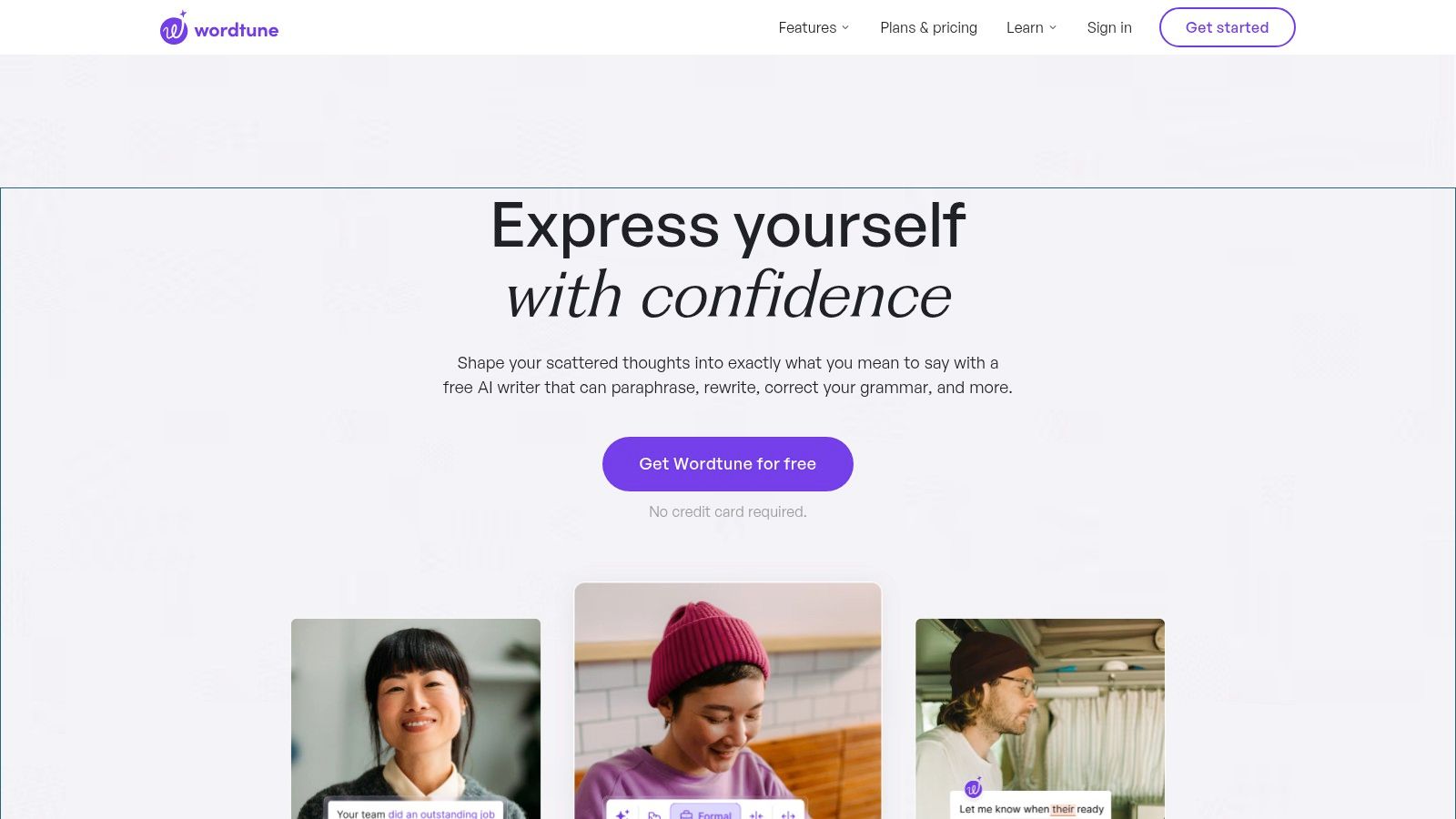
Wordtune's free plan includes 10 rewrites and AI suggestions per day, plus three AI summaries per month. Spelling and grammar checks are included, while paid tiers raise limits and add features.
That allowance suits occasional editing better than an intensive revision session. Use it where alternate wording will make a meaningful difference.
Save rewriting assistance for sentences that obstruct the reader. Don't spend your allowance replacing language that already works.
Choose precision over polish
A softer sentence can accidentally weaken a commitment. A shorter sentence can remove an exception that matters.
- Good candidate: An awkward request with a clear intended meaning.
- Poor candidate: Technical or legal wording you don't understand well enough to evaluate.
- Final check: Confirm that obligations, conditions, and emphasis remain intact.
The summary allowance also makes Wordtune a poor default for regularly condensing substantial reading material. Don't build a workflow around access you'll quickly exhaust.
Verdict: Use Wordtune for selective sentence improvements. Choose a broader drafting assistant for outlines, sustained generation, and extensive back-and-forth revision.
9. Copy.ai
Copy.ai belongs on the shortlist for marketing work, not because every writer needs a business-content platform.
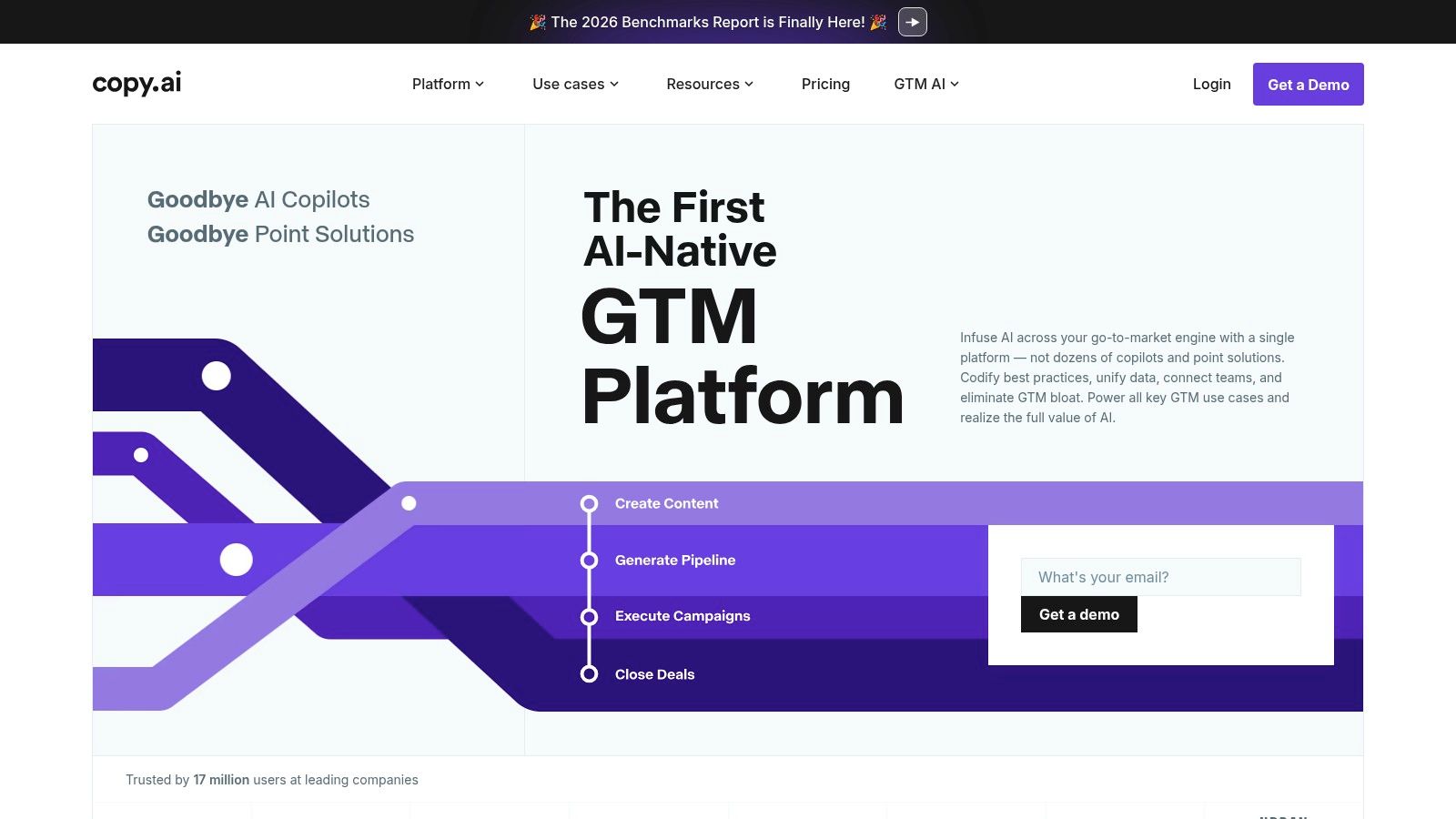
Copy.ai lists a free allowance of 2,000 words per month, more than 90 content types, support for more than 25 languages, and access without a credit card. Its templates and workflows focus on business tasks such as product descriptions, blog content, and outreach.
The free allowance is best treated as room to test formats. It isn't a comfortable foundation for frequent publishing.
Test the format before expanding the copy
Give it approved product information, a defined buyer, and a specific action. Compare whether the resulting structure helps communicate the offer.
- Use it for: Exploring marketing formats before committing to a workflow.
- Watch closely: Unsupported benefits, exaggerated claims, and generic positioning.
- Skip it for: Routine personal writing that doesn't need business templates.
For example, a product description should reflect actual capabilities, not whatever benefit sounds persuasive. An outreach draft should make a relevant request rather than manufacture familiarity.
Marketing copy also needs a proper final review. The distinction between AI watermarks and AI detectors matters because detector scores and embedded watermark signals aren't interchangeable.
Verdict: Try Copy.ai for structured marketing experiments. Skip it as your default free assistant for general writing or sustained content production.
10. Hemingway Editor
Hemingway Editor deserves a place here, but with a clear warning: its ongoing free editor isn't a free AI rewriting service.
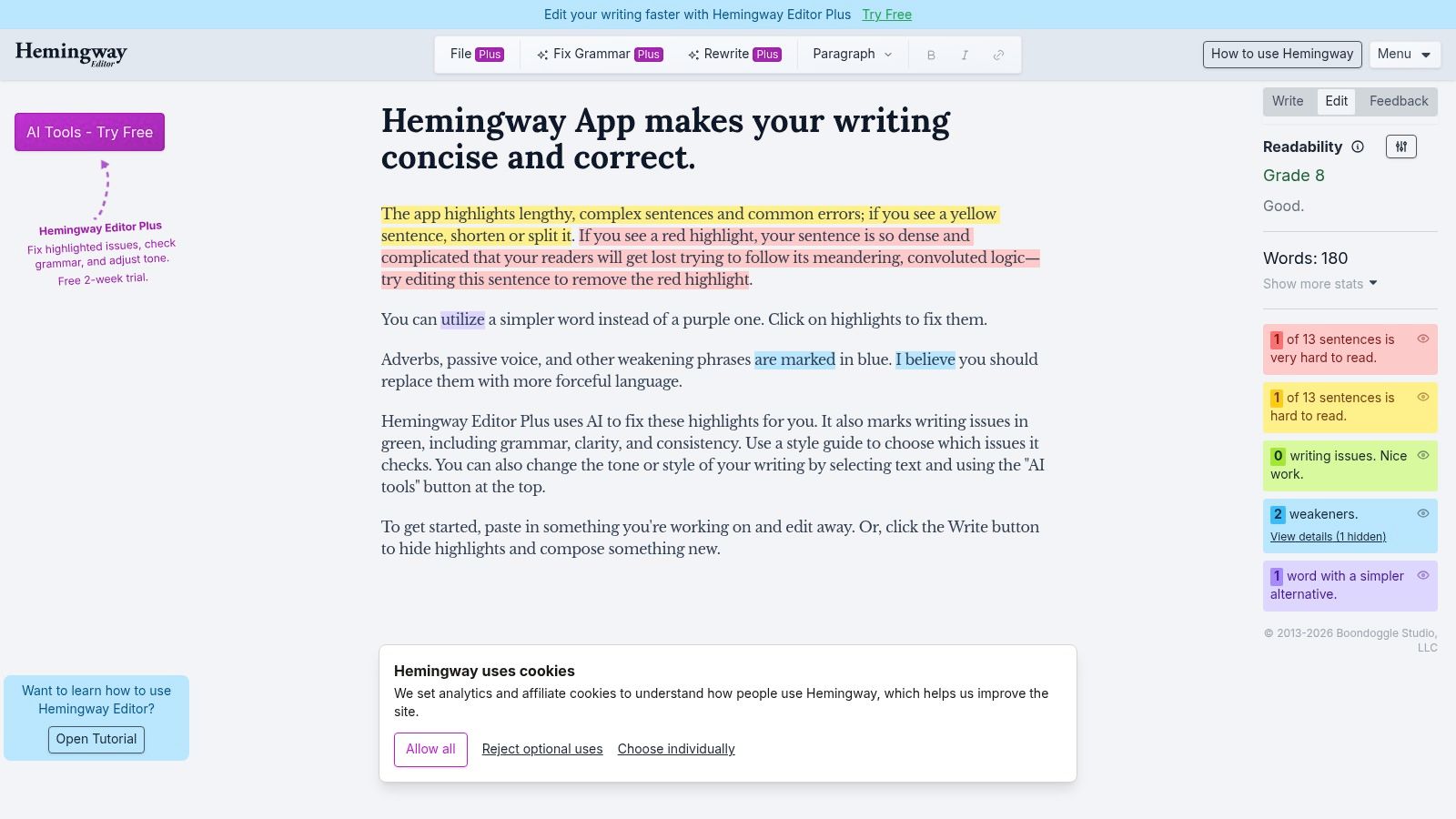
The free Hemingway online editor highlights complex sentences, wordiness, passive voice, adverbs, and other readability issues. Editor Plus adds AI rewrites, grammar tools, and tone adjustments through paid access with a free trial.
That distinction matters. A trial isn't the same as an ongoing free allowance.
Use the highlights as questions
A highlighted sentence needs attention, not automatic deletion. Ask whether a reader will understand it and whether simplifying it would preserve the intended meaning.
- Strong use: Reviewing a dense introduction or wordy business document.
- Useful restraint: Keeping specialist language when your audience needs it.
- Wrong expectation: Unlimited free AI rewriting in the online editor.
For a service-page introduction, remove needless setup and make the offer clear. For fiction or an essay, preserve rhythm and voice when a simpler construction would weaken the writing.
Hemingway won't supply the missing evidence behind a claim. Its role is readability feedback, not research verification.
Verdict: Keep the free editor for a final clarity pass. Skip Editor Plus if ongoing free AI access is essential.
10 Free AI Writing Assistants: Feature Comparison
The “free” label does not mean unlimited access, and these tools do different jobs. This table compares the ten writing assistants reviewed here. Check each service's current terms before relying on its free allowance.
| Tool | Core focus | Key capabilities | Free access / value | Best suited for |
|---|---|---|---|---|
| ChatGPT | General-purpose AI assistant | Drafting, brainstorming, summarizing, and conversational revisions | 💰 Free plan with usage limits | 👥 Flexible writing and ideation |
| Grammarly | Grammar, spelling, and tone | Inline writing feedback across editor, browser, and mobile | 💰 Free editing; 100 AI prompts on free tier | 👥 Polishing everyday writing |
| QuillBot | Paraphrasing and text transformation | Paraphrasing, grammar correction, and summarization | 💰 Free paraphrasing up to 100 words at a time | 👥 Sentence-level rewrites and short passages |
| Rytr | Template-based AI writing | Templates and 20+ tones for common writing tasks | 💰 Free plan includes 10,000 characters/month | 👥 Beginners creating short-form content |
| Canva Magic Write | Writing within design workflows | Generates captions, outlines, bios, and ideas in Canva; supports 20 languages | 💰 25 free queries on Canva Free | 👥 Copy for designs and social content |
| LanguageTool | Multilingual proofreading | Grammar, spelling, and style checks; limited paraphrasing | 💰 Free tier includes 3 rephrased sentences/day | 👥 Multilingual writers seeking proofreading |
| ProWritingAid | Proofreading and long-form revision | Writing reports, grammar checks, and style and readability tools | 💰 Free editing up to 500 words at a time | 👥 Authors and writers revising longer projects |
| Wordtune | Rewriting and editing | Alternate phrasings, grammar checks, and summaries | 💰 Free plan includes 10 rewrites/day and 3 summaries/month | 👥 Refining existing sentences |
| Copy.ai | Business and marketing content | Templates and workflows for marketing and business copy | 💰 Free plan includes 2,000 words/month | 👥 Teams and marketers creating varied copy |
| Hemingway Editor | Readability and clarity | Highlights complex sentences, wordiness, passive voice, and adverbs | 💰 Free online readability editor; AI rewrites require Editor Plus | 👥 Writers aiming for clearer, more concise prose |
Simple Unmark is a separate cleanup tool, not an eleventh writing assistant in this comparison. It removes hidden Unicode characters and rewrites text while aiming to preserve facts, names, tone, and meaning. Its free access covers three cleans of up to 100 words; credits do not expire, and use is charged per started 100 words. It may help clean AI text, including Gemini/SynthID-related text, but outcomes are not guaranteed. Use it as a final cleanup step, not as a drafting tool or a promise of detection-proof writing.
Pick One, Then Clean Your Output
Choose by task, not by the longest feature list. Start with ChatGPT for drafting, Grammarly for everyday proofreading, or LanguageTool for multilingual correction. Use QuillBot or Wordtune when a specific passage needs alternate wording.
Pick Rytr or Copy.ai when templates help your marketing work. Use Canva Magic Write inside design projects, ProWritingAid for deeper revision, and Hemingway for readability. Don't maintain a collection of accounts you rarely use.
Respect the limits and protect the draft
Check the current allowance before making any free tier essential to your workflow. Record where you hit restrictions and how much editing the output requires. The practical cost of free is your time, not just whether a payment screen appears.
Before submitting unpublished research, client material, legal text, or personal information, review retention disclosures, training settings, deletion options, and account requirements. Don't assume free means unsafe or paid means confidential.
- Draft from approved material: Supply facts instead of inviting invention.
- Verify independently: Check claims against original sources and preserve citations.
- Review meaning: Compare revisions with the original, especially names, figures, and qualifications.
For larger publishing projects, settle the structure before generating sections. Genesize's guide to ebook creation is relevant when your output needs to become a complete publication rather than another disconnected draft.
Clean hidden characters and treat watermark claims honestly
Hidden characters and statistical watermarks are different problems. The Unicode Consortium explains that default-ignorable characters can render invisibly and occupy no width. Visual proofreading alone won't identify every such character.
SynthID works differently. Google's explanation of SynthID Text describes a statistical signal created through adjusted token-selection probabilities, not an ordinary visible marker.
Run an approved draft through Simple Unmark to remove hidden Unicode artifacts and rewrite wording to reduce probabilistic watermark signals. Then compare the cleaned version with your original to confirm that meaning, facts, proper nouns, tone, and intent remain intact.
Publishing boundary: Cleanup doesn't verify facts, establish human authorship, or replace required disclosure of AI assistance.
Avoid promises of guaranteed detector results. Google's SynthID documentation describes detection as probabilistic, with outcomes that include uncertainty and confidence affected by the text's condition.
Publish only after factual review, cleanup, and a final read in the destination editor. That's a more useful workflow than repeatedly generating text and hoping the next version is ready.
Simple Unmark offers hidden-character removal and rewriting designed to reduce statistical watermark signals while preserving your draft's meaning and details. Visit Simple Unmark to clean an AI-assisted passage, compare the result with your original, and copy the reviewed text into your publishing workflow.
- ai writing assistant free
- free writing tools
- AI paraphrasing tools
- grammar checkers
- AI text cleanup
More posts
Paraphrase Tool Free: 10 Honest Picks for 2026
Compare 10 paraphrase tool free options by limits, fidelity, privacy, and watermark resistance—plus where Simple Unmark fits for cleaner AI text.
10 AI Essay Checker Tools for Detection and Cleanup
Compare 10 AI essay checker tools for detecting AI-generated text, reviewing flagged passages, cleaning watermarks, and managing false positives.
Unicode Text Converter: What It Does and Why It Matters
Learn what a unicode text converter actually does, why pasted AI text behaves strangely, and how to remove invisible characters without breaking real content.