
Paraphrase Tool Free: 10 Honest Picks for 2026
Compare 10 paraphrase tool free options by limits, fidelity, privacy, and watermark resistance—plus where Simple Unmark fits for cleaner AI text.
"Use a free paraphraser and publish the result" is popular advice. It's also careless. Free paraphrasers can help with short rewrites, but the limits are part of the product: small input caps, daily quotas, locked modes, account requirements, and output that still needs fact-checking. A polished sentence can change a claim without you noticing.
This roundup compares what matters in practice: how closely each tool follows the source, what you must do to use it, how much text it accepts, and whether it handles hidden text artifacts as well as wording. For short, low-stakes edits, a quick rewrite may be enough. For academic, legal, technical, or confidential writing, check every fact and understand how the service processes your text before pasting it in. Writers researching content can also use these free keyword and backlink research tools.
Table of Contents
- 1. Simple Unmark
- 2. QuillBot Paraphraser
- 3. Grammarly Paraphrasing Tool
- 4. Wordtune
- 5. LanguageTool Paraphrasing Tool
- 6. ProWritingAid Paraphrasing Tool
- 7. Ahrefs Paraphrasing Tool
- 8. Paraphraser.io
- 9. SmallSEOTools Paraphrasing Tool
- 10. Wordvice AI Paraphraser
- 10 Free Paraphrasing Tools Compared
- The No-Regrets Way to Choose
1. Simple Unmark
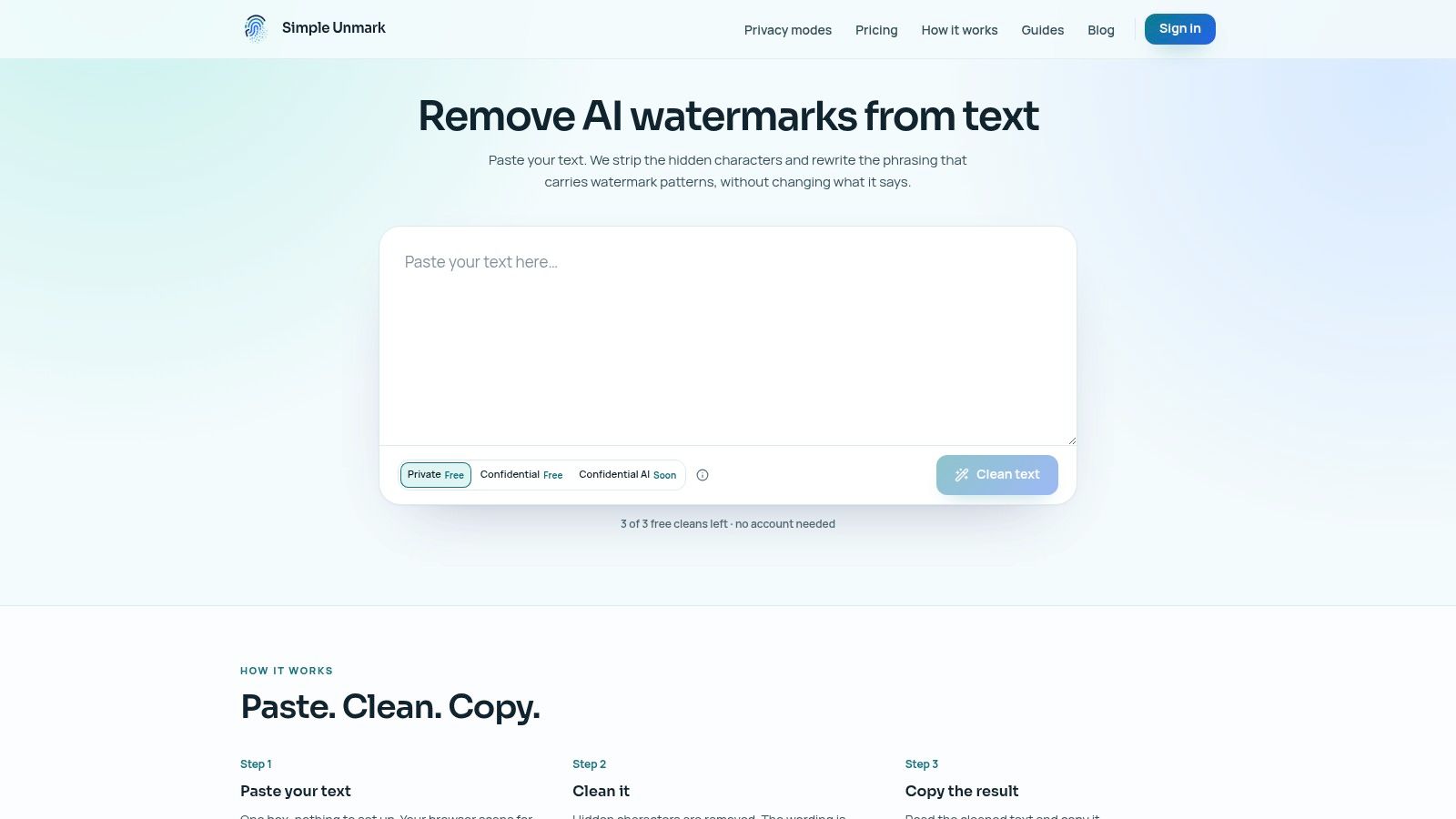
Simple Unmark is the clearest choice when the job is more than swapping synonyms. It combines wording changes with cleanup for hidden Unicode characters and formatting controls, so it addresses both visible phrasing and invisible text artifacts. The workflow is simple: paste, clean, and copy.
The service supports text-only requests of up to 5,000 words. You can try three cleans of up to 100 words each without an account, and new accounts receive 10 starter credits. After that, credit purchases start at $5; each started 100 words costs 0.1 credit, credits don't expire, and there's no subscription.
Best for AI-text cleanup, with review
Simple Unmark says its rewrites aim to preserve meaning, facts, numbers, proper nouns, tone, and intent while reducing statistical watermark patterns, including SynthID-style signals associated with Gemini. That's a more specific job than a standard paraphraser performs. Its AI watermark remover and text-cleanup workflow combines rewriting with hidden-character removal rather than treating them as separate chores.
Practical rule: Treat watermark reduction as an aim, not a guaranteed detector result. Re-read the output and compare the claims, names, quantities, citations, and tone with your source.
According to the service, submitted text and results aren't stored in its database or analytics. However, Private-mode text is processed by the app and its AI provider, DeepInfra; the more protective Confidential AI mode isn't yet available. Simple Unmark is a strong fit for cleanup, but don't use any rewrite as a substitute for checking accuracy or meeting disclosure rules.
2. QuillBot Paraphraser
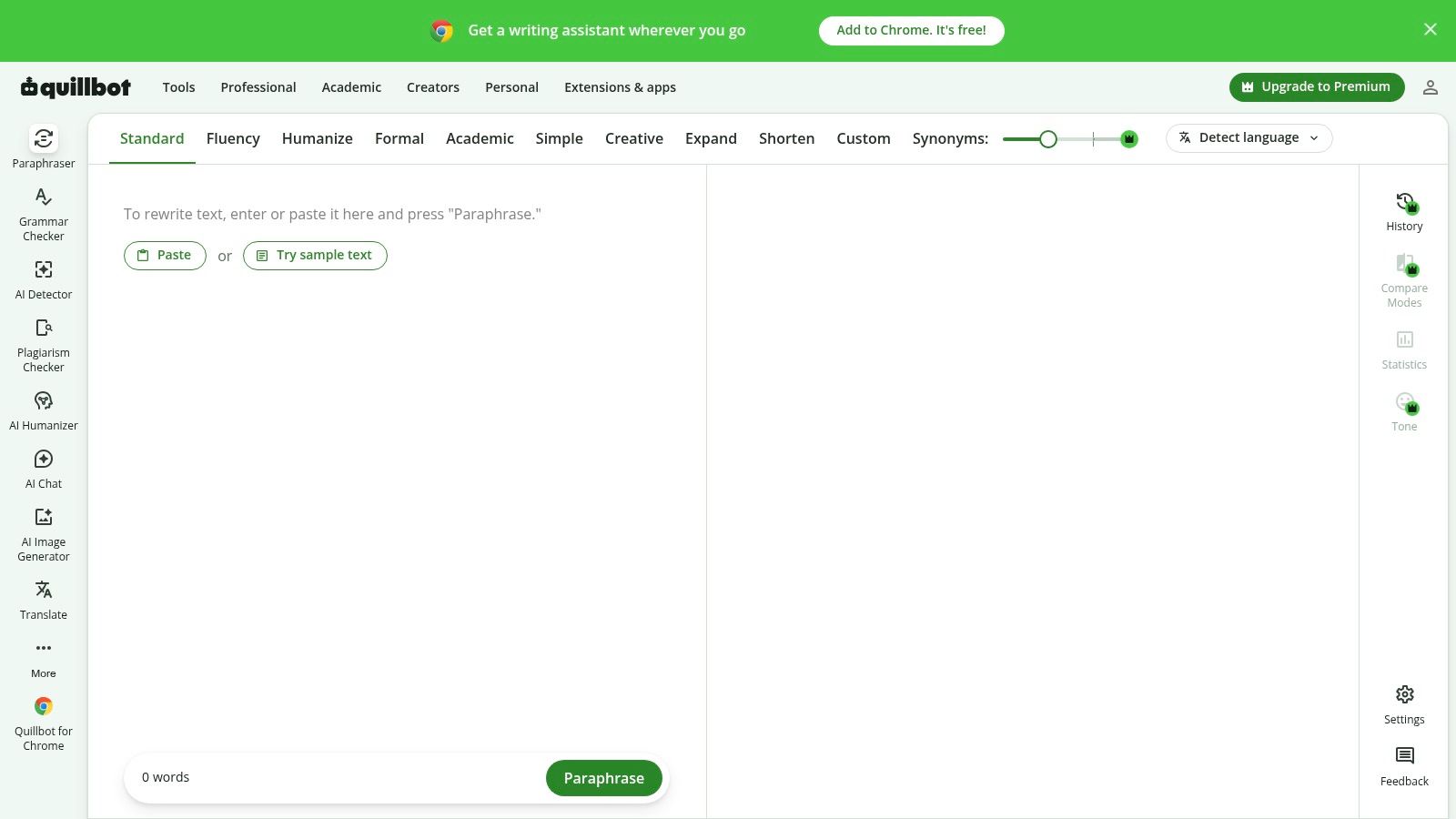
QuillBot is a practical pick for quick, ordinary rewrites. Its free paraphraser handles up to 100 words per use in Standard and Fluency modes, with synonym controls for adjusting wording. Grammar checking and summarizing are also available within the wider writing suite.
The short limit is the main drawback. It works for a sentence or compact passage, not for rewriting a long section in one pass. The free tier includes only two modes, so users who want more rewriting styles or higher limits will run into the paid plan.
Use QuillBot when you want a fast comparison between a couple of phrasings. Don't assume the smoothest version is the most accurate one, especially when the source contains technical wording, qualifications, or citations. Rewriting changes phrasing, not the obligation to credit the original source. If you're comparing ordinary paraphrasing with watermark-related cleanup, this guide to hidden Unicode and statistical watermarks explains why those are different tasks.
3. Grammarly Paraphrasing Tool
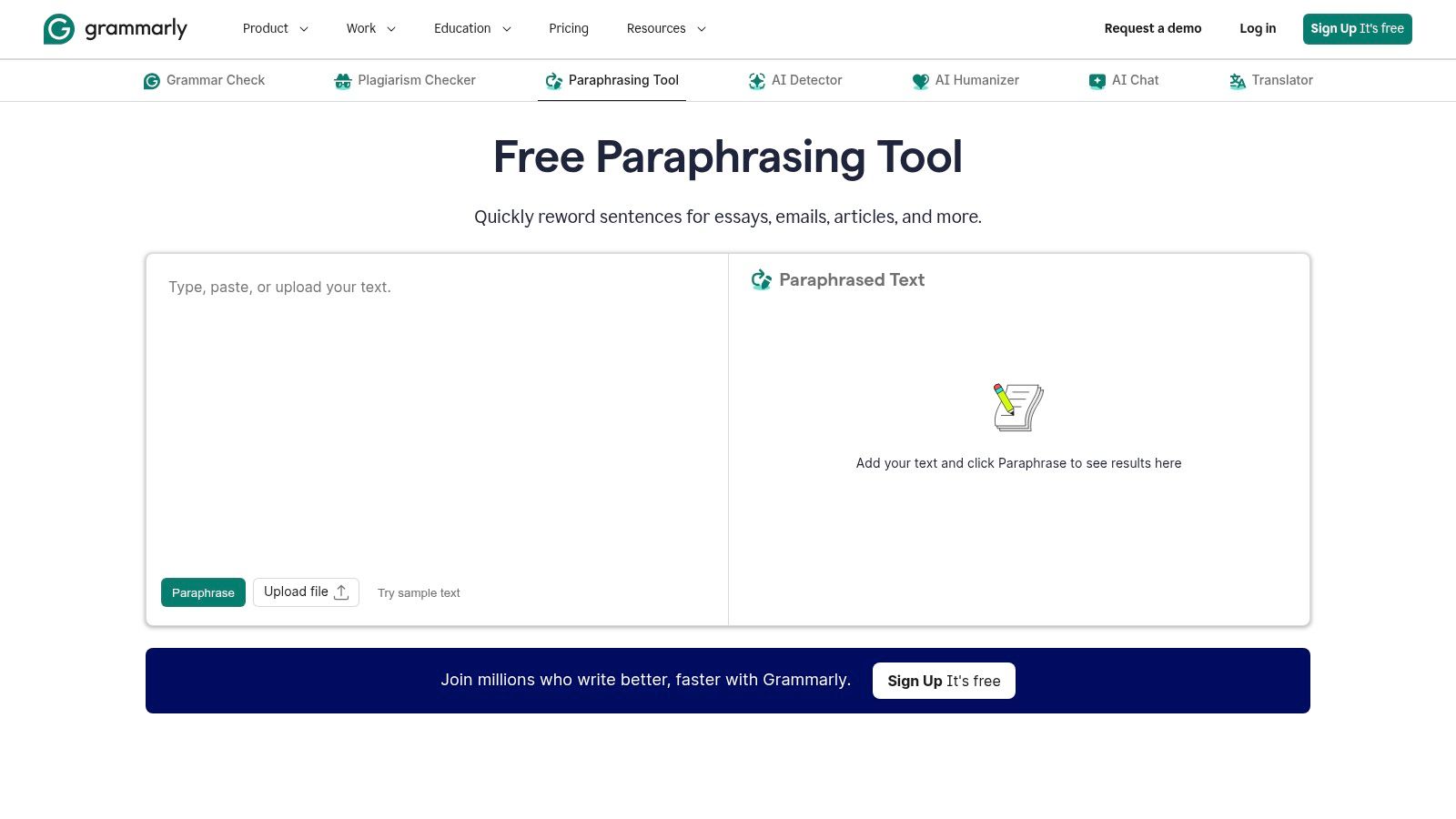
Grammarly suits people who already use it for proofreading and want paraphrasing in the same workflow. Its tool offers six preset styles and supports English, Spanish, French, German, Portuguese, and Italian. A free Grammarly account is required.
The appeal is convenience. You can adjust phrasing for a different reader or context, then use Grammarly's broader writing assistance to review the draft. That can help with clarity, but a fluent rewrite can still shift emphasis or alter a fact. “Designed to retain meaning” isn't a reason to skip comparison with the original.
Use Grammarly when you want a rewrite alongside general editing, particularly across supported languages. Don't rely on it to validate claims or decide whether a paraphrase still represents a source fairly. Keep citations attached to borrowed ideas, even when every sentence has been reworded. For a broader look at watermark-cleaning methods and limits, see this guide to removing AI watermarks from text.
4. Wordtune
Wordtune works best as a sentence-level editor. It offers contextual rewrites and alternative wording for sentences and paragraphs, with options that can help make a passage clearer, shorter, or differently phrased. The free plan allows 10 rewrites or AI suggestions per day.
That daily allowance is useful for occasional editing, but it can feel restrictive if you're revising a long document. The alternatives are worth comparing rather than accepting automatically: a shorter sentence may drop a qualification, and a more polished one may no longer sound like you.

Wordtune offers a web app and browser extension. Its web app isn't recommended for mobile use, and Android isn't currently supported. Choose it for comparing sentence alternatives on a desktop, not for large-scale document rewriting or mobile-first editing.
5. LanguageTool Paraphrasing Tool
LanguageTool is a sensible option if your rewrite needs a grammar and style pass as well. It offers formal, concise, fluent, and simple tones, alongside spelling, grammar, and style suggestions. Browser extensions and writing-app integrations make it useful beyond its standalone paraphrasing page.
The free account allows three paraphrases per day. You'll need an account and an internet connection, and more frequent use requires Premium. Those limits make it a better fit for occasional edits than for a steady stream of rewrites.
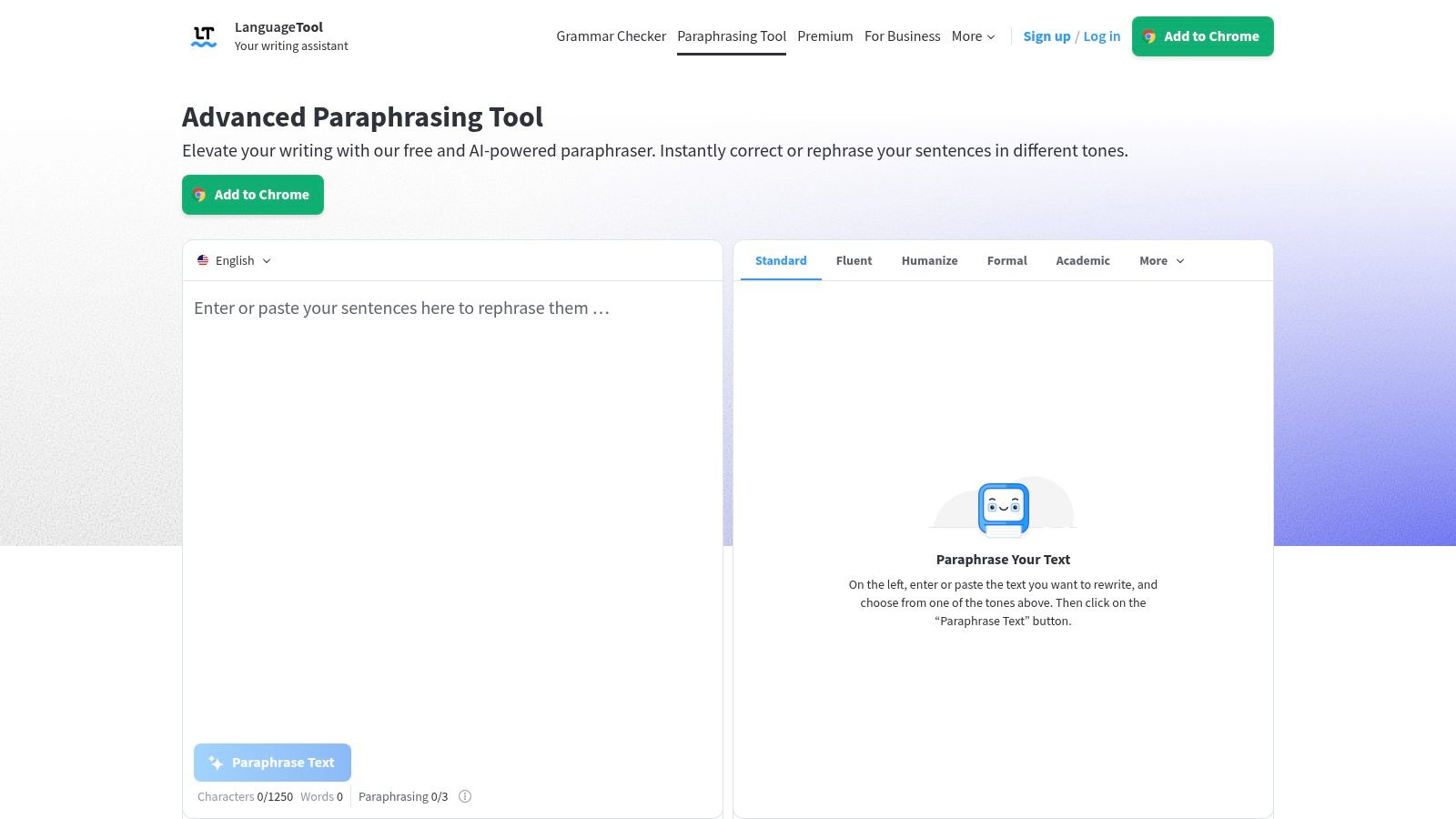
Pick a tone based on the audience, then check whether the rewrite preserves the original meaning. The integrated correctness checks can catch language problems, but they don't confirm that the revised sentence retains every fact or citation. LanguageTool is an editing aid, not a source-verification tool.
6. ProWritingAid Paraphrasing Tool
ProWritingAid's Sparks feature is for writers who want to change how a passage works, not just replace a few words. Its options include readability, fluency, transitions, summarizing, expansion, tense changes, and first- or third-person rewrites. A web demo lets you try it before signing up; an account provides three Sparks uses per day.
That range gives you more control over the goal of a rewrite, but it also raises the risk of changing the passage substantially. Summarizing can remove supporting details, while expansion can add wording that wasn't in the original. Review the result line by line when precision matters.
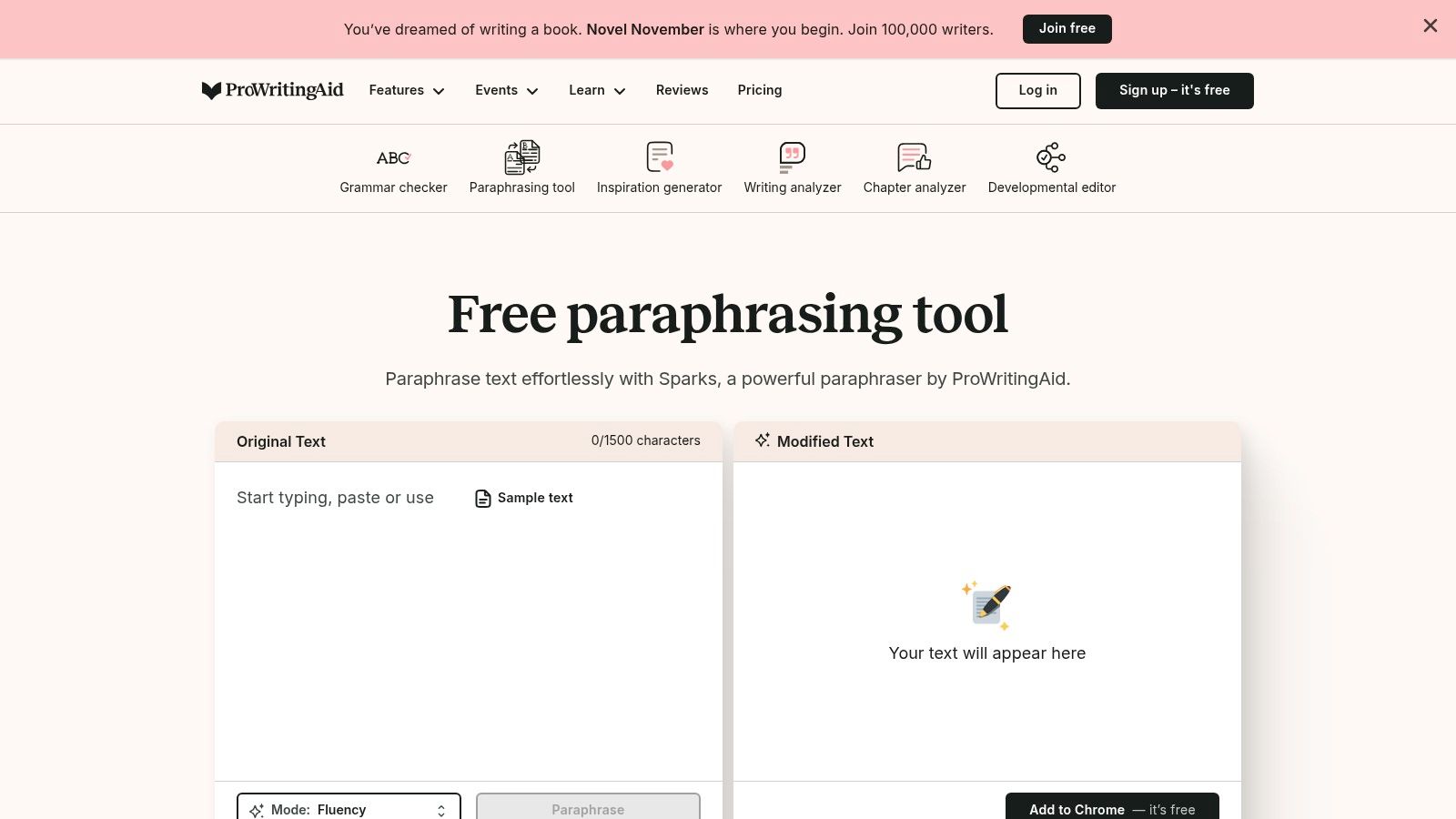
The demo has a relatively short character limit, and the free daily allowance is limited. ProWritingAid also integrates with Word, Google Docs, and Scrivener, which helps if you already write in those apps. Choose it for targeted editing; don't assume its more extensive modes preserve meaning by default.
7. Ahrefs Paraphrasing Tool
Ahrefs keeps its paraphraser straightforward. It's available through the company's free writing-tools page, offers tone selection including formal, and lets you edit the structure of the output. The displayed input limit is 2,048 characters, so it's for short passages, not long documents.
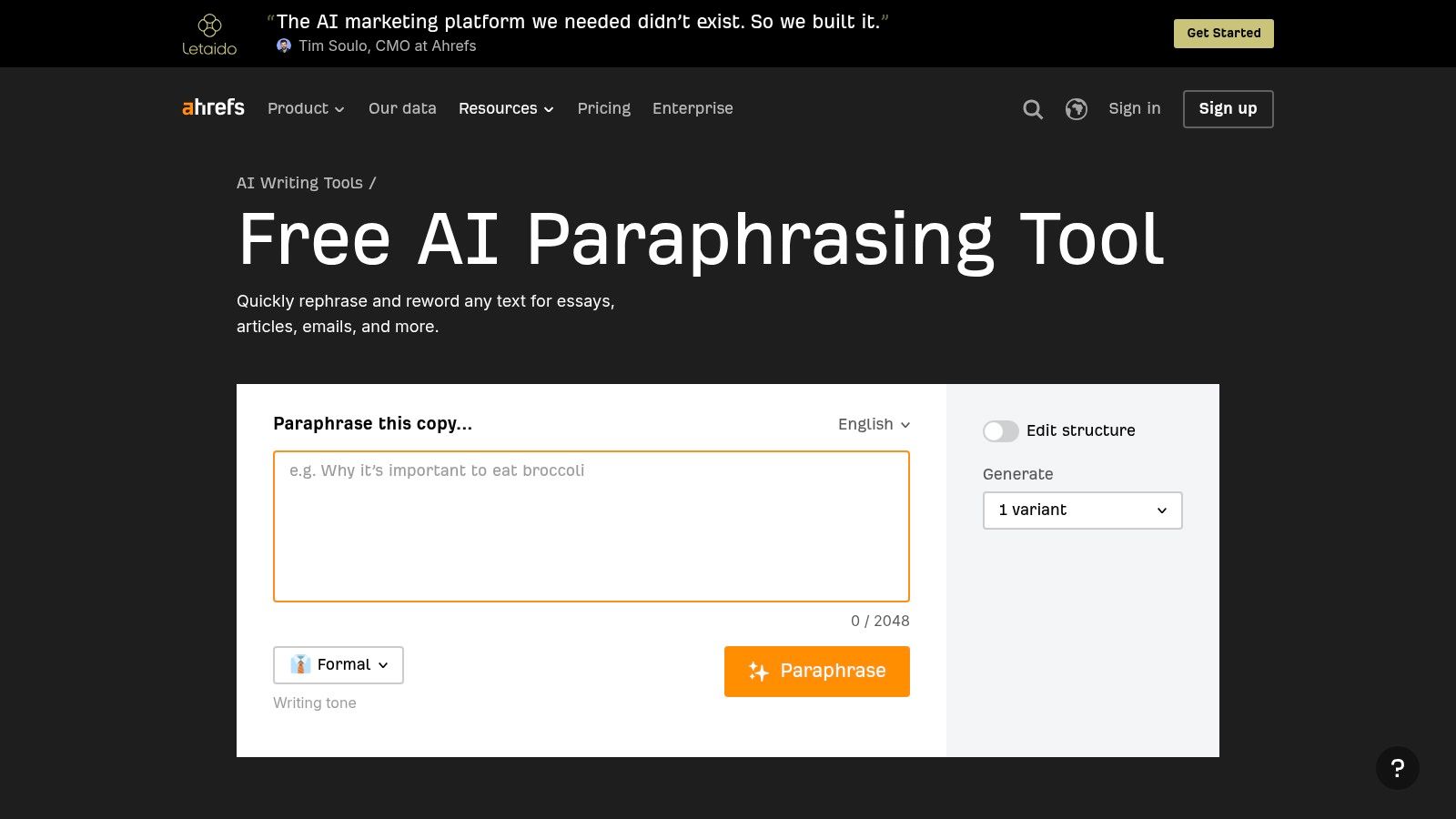
The no-frills interface is useful for a quick draft, a short excerpt, or a language-learning exercise. It has fewer dedicated controls than specialist paraphrasers, and its output isn't verified or ready to cite. If you use it for academic or factual writing, check the claims and cite the original source yourself.
Ahrefs is a good fit when you want a brief rewrite without opening a larger editing suite. Don't choose it for long passages or assume that an SEO-focused provider makes the generated wording accurate.
8. Paraphraser.io
Paraphraser.io focuses on rewriting, with multiple modes and multilingual paraphrasing. Its dedicated interface is more specialized than a general writing assistant, and the mode choices can help when one default rewrite isn't enough.
The catch is that free limits and available features depend on the plan. Check the live tool before pasting a long passage or relying on a particular mode; don't assume every option or volume is free. Paid tiers list word allowances and mode access, but the applicable free allowance should be confirmed directly.
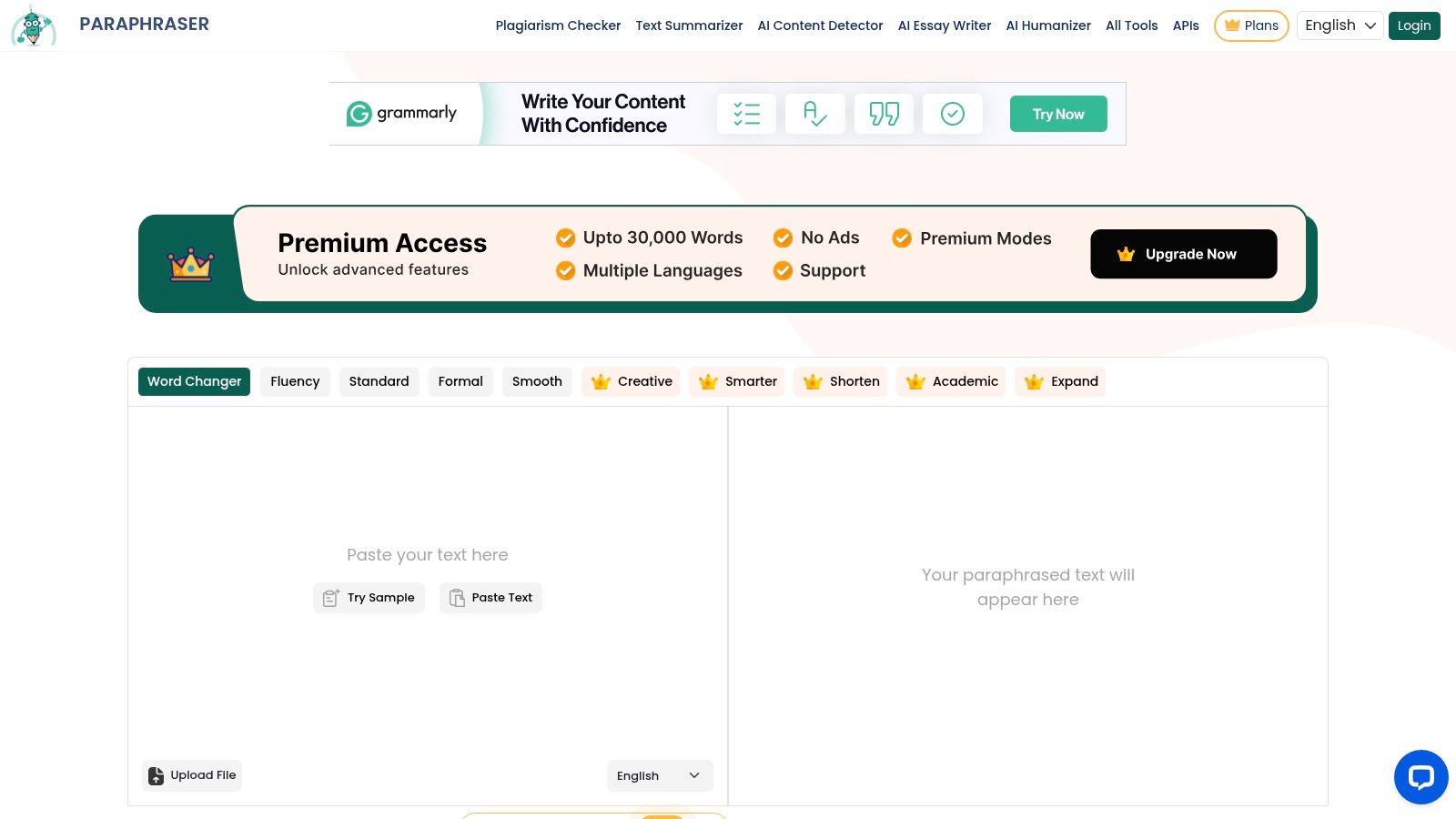
Use it when you need a dedicated paraphrasing interface or multilingual rewriting. Be especially careful with technical details, names, and numbers. Multiple modes create more choice, not a guarantee that the output preserves the source.
9. SmallSEOTools Paraphrasing Tool
SmallSEOTools stands out for accepting pasted text or supported document uploads and displaying an input limit of 2,000 words. Its paraphraser offers multiple modes, with some modes and features reserved for premium use. The larger surrounding suite also includes grammar, plagiarism, and SEO utilities.
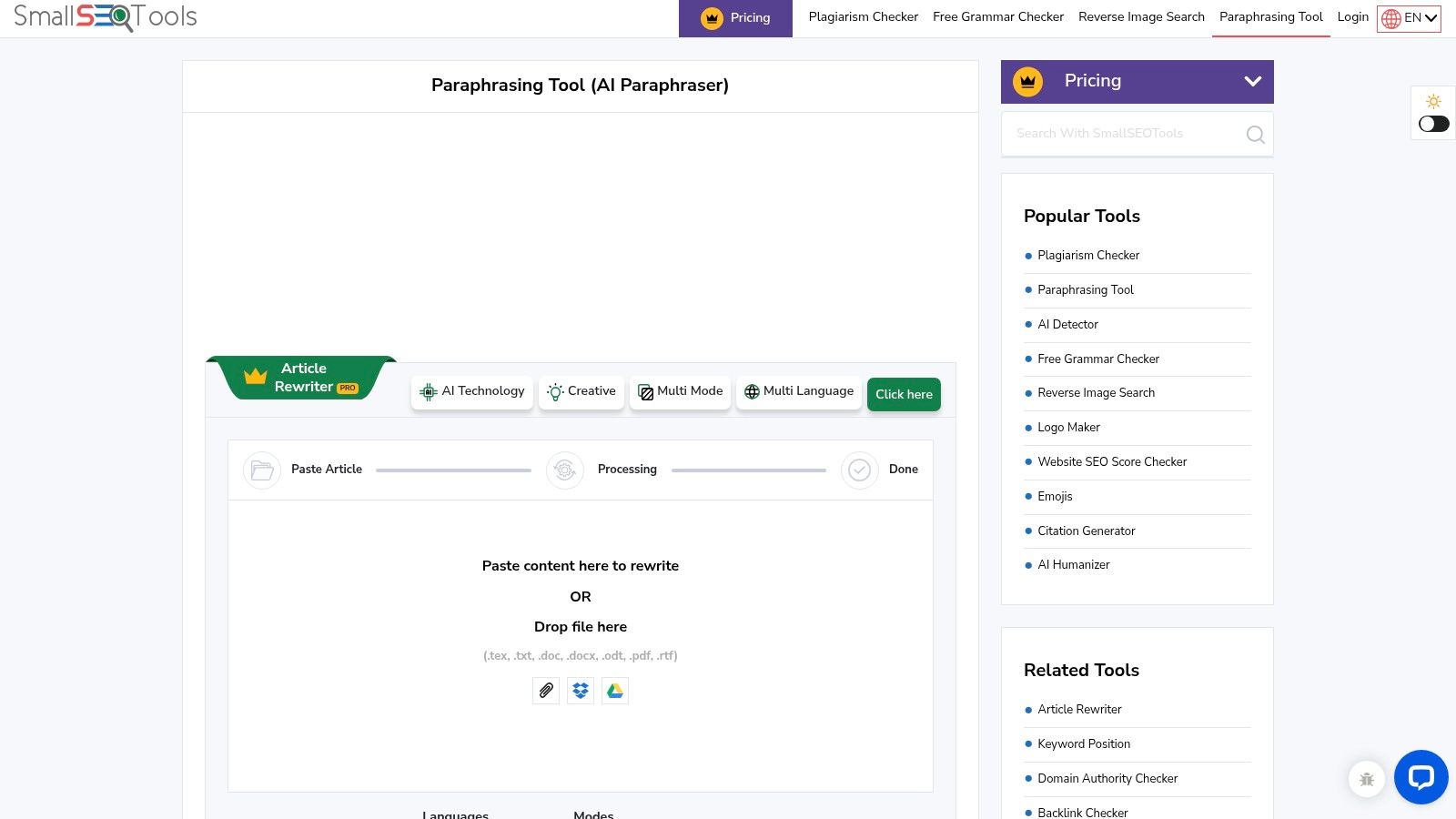
Choose it when uploading a document is more convenient than copying text, or when you want several related tools in one place. Confirm which modes are free before building it into your workflow. Claims about originality don't replace proper citation, source comparison, or a separate plagiarism review.
The wide tool collection may feel less focused than an editing suite built around a single writing workflow. For a quick paraphrase, that may not matter. For work where attribution or exact meaning matters, check the output yourself.
10. Wordvice AI Paraphraser
Wordvice AI is geared toward academic and professional writing. Its free Basic plan includes two paraphrasing modes, and the wider tool set includes proofreading, translation, and summarizing. A Chrome extension supports browser-based writing assistance.
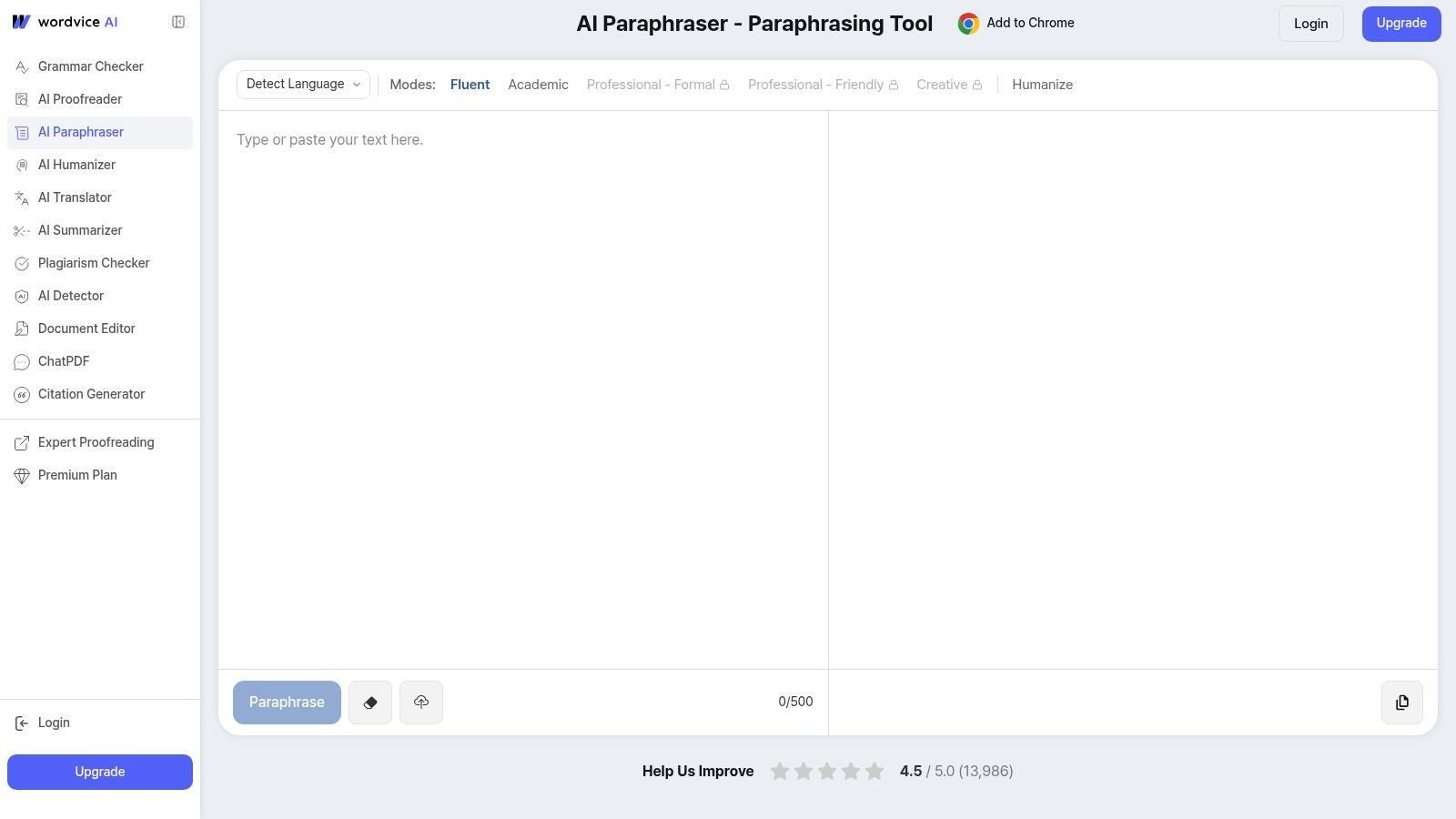
The academic focus makes it a reasonable choice for editing scholarly or professional prose, especially if you also want proofreading. But account and plan limits apply, and the free plan offers fewer paraphrasing modes than paid tiers. Don't mistake a formal style for a faithful rewrite.
Check the revised text against the source, particularly where it contains technical terminology or carefully qualified claims. Rephrasing a source doesn't remove the need to cite it. Wordvice AI can help shape the wording, but you remain responsible for its accuracy and attribution.
10 Free Paraphrasing Tools Compared
| Tool | Core Features & Quality | Unique Selling Point | Best For | Price & Value |
|---|---|---|---|---|
| 🏆 Simple Unmark | ★ Unicode cleanup + watermark-focused rewriting; up to 5,000 words | ✨ Targets SynthID-style signals; aims to preserve facts, names, tone, and intent | 👥 AI-text cleanup and occasional watermark-conscious editing | 💰 3 guest cleans; 10 starter credits; credits from $5, no expiry or subscription |
| QuillBot Paraphraser | Standard and Fluency modes; free limit of 100 words per use | ✨ Synonym controls and other writing tools | 👥 Quick, short rewrites | 💰 Free tier; paid plans offer more modes and higher limits |
| Grammarly Paraphrasing Tool | Six styles; supports six languages | ✨ Integrated with broader writing assistance | 👥 School, work, and multilingual writing | 💰 Free account required; additional features may require a paid plan |
| Wordtune | Sentence and paragraph rewrites; 10 free uses per day | ✨ Compare contextual alternatives; web app and extension | 👥 Occasional clarity, tone, or length edits | 💰 Free daily allowance; paid plans expand usage |
| LanguageTool Paraphrasing Tool | Four tones plus grammar and style checks | ✨ Editing integrations and language support | 👥 Writers wanting rewrites and proofreading together | 💰 3 free paraphrases daily; Premium for unlimited use |
| ProWritingAid Paraphrasing Tool | Multiple rewrite goals, including fluency and transitions | ✨ Adjust tense or grammatical person | 👥 Writers seeking detailed editing controls | 💰 Demo available; 3 free daily uses after sign-up |
| Ahrefs Paraphrasing Tool | Tone and structure options; 2,048-character input limit | ✨ Simple tool from a broader SEO suite | 👥 Short drafts and excerpts | 💰 Free |
| Paraphraser.io | Multiple modes and multilingual rewriting | ✨ Dedicated paraphrasing interface | 👥 Users needing mode or language options | 💰 Free limits vary; check current plans |
| SmallSEOTools Paraphrasing Tool | Paste or upload text; displayed limit of 2,000 words | ✨ Part of a broad writing and SEO toolkit | 👥 Users wanting file upload and related utilities | 💰 Free use; some modes and features are premium |
| Wordvice AI Paraphraser | Two free modes plus proofreading, translation, and summarizing | ✨ Academic-focused writing workflow | 👥 Academic and professional writers | 💰 Free Basic plan; paid plans add modes and usage |
The No-Regrets Way to Choose
Choose a tool based on the risk of the text, not just the length of its free limit. For a short, low-stakes sentence, QuillBot, Wordtune, Ahrefs, or another quick rewriter can provide alternatives. Compare the versions and keep the one that says the same thing in your own voice.
If tone and grammar matter, Grammarly, LanguageTool, or ProWritingAid can fit into a broader editing process. Their extra writing features don't turn a paraphrase into fact-checking, and some rewrite modes can alter emphasis or drop detail. Read the output against the original before using it.
Use Simple Unmark when the task is cleaning AI-assisted text rather than just swapping synonyms. Its workflow combines wording rewrites with removal of hidden Unicode characters and formatting controls, and it supports requests up to 5,000 words. The service says it aims to preserve meaning and factual details while reducing statistical watermark patterns. That doesn't guarantee what a detector will report, and it doesn't settle whether you should disclose AI assistance under your school, employer, publisher, or client's rules.
Before you publish: Compare the source and rewrite for facts, numbers, proper names, citations, negation, tone, and intent. If any of those changed, fix the text or restore the original wording.
Privacy deserves the same attention as word count. Check whether text is processed by the service or its providers, whether account use changes what's retained, and whether the tool offers clear information about data handling. Don't paste confidential material into a service until you understand its policy.
Treat “undetectable” and “100% original” as unproven marketing claims, not guarantees. A paraphraser changes wording; it doesn't erase the source of an idea, validate a fact, or make unattributed work acceptable. The safest choice is the simplest one that meets the task, with a human review before the text leaves your screen.
Simple Unmark combines rewriting with hidden-character cleanup for AI-assisted text, and offers three free guest cleans of up to 100 words each. If you need more than synonym swaps, try Simple Unmark and review the cleaned result before using it.
- paraphrase tool free
- AI rewriting
- paraphrasing tools
- AI watermark removal
- writing tools
More posts
10 AI Essay Checker Tools for Detection and Cleanup
Compare 10 AI essay checker tools for detecting AI-generated text, reviewing flagged passages, cleaning watermarks, and managing false positives.
Unicode Text Converter: What It Does and Why It Matters
Learn what a unicode text converter actually does, why pasted AI text behaves strangely, and how to remove invisible characters without breaking real content.
Undetectable AI Content Without the False Promises
Undetectable AI Content. Learn how to reduce AI-detection signals in text through rewriting, Unicode cleanup, quality checks, and honest limits—without