
Rewrite Text Online Free: 8 Tools Compared by Limits
Compare free tools to rewrite text online free by word limits, meaning preservation, tone control, and privacy, with honest notes on each tool's limits.
The usual advice is to pick a free paraphraser, paste your draft, and keep the version that sounds most human. That skips the important part: free rewriters have limits most pages hide until you paste a real document.
A word cap changes how much context the tool receives. Paragraph splits can break connections between ideas. Daily quotas limit revisions, while ads and account requirements add friction. Privacy matters before you submit anything, not after you get a polished result.
If you want to rewrite text online free, choose by those constraints before comparing writing styles. A fluent rewrite can still change a deadline, drop a qualification, or turn a cautious statement into a promise.
A rewrite is an editing aid, not a guarantee against a detector or a fact check.
The same rule applies whether you're editing an essay, cleaning an AI-assisted article, or trying to refine scripts for software demos. Preserve the information first; improve the delivery second.
These tools offer different kinds of editing. Some focus on sentence suggestions, some process paragraphs, and others combine cleanup with rewriting. Their stated limits tell you which workflow is realistic. None removes your responsibility to check facts, numbers, names, and tone.
Table of Contents
- 1. Simple Unmark
- 2. QuillBot
- 3. Grammarly Paraphrasing Tool
- 4. Wordtune
- 5. Scribbr Paragraph Rewriter
- 6. LanguageTool Paraphrasing Tool
- 7. Spinbot
- 8. Small SEO Tools Article Rewriter
- Free Allowances and Input Limits by Tool
- Choose by Limit, Then Check Every Number and Name
1. Simple Unmark
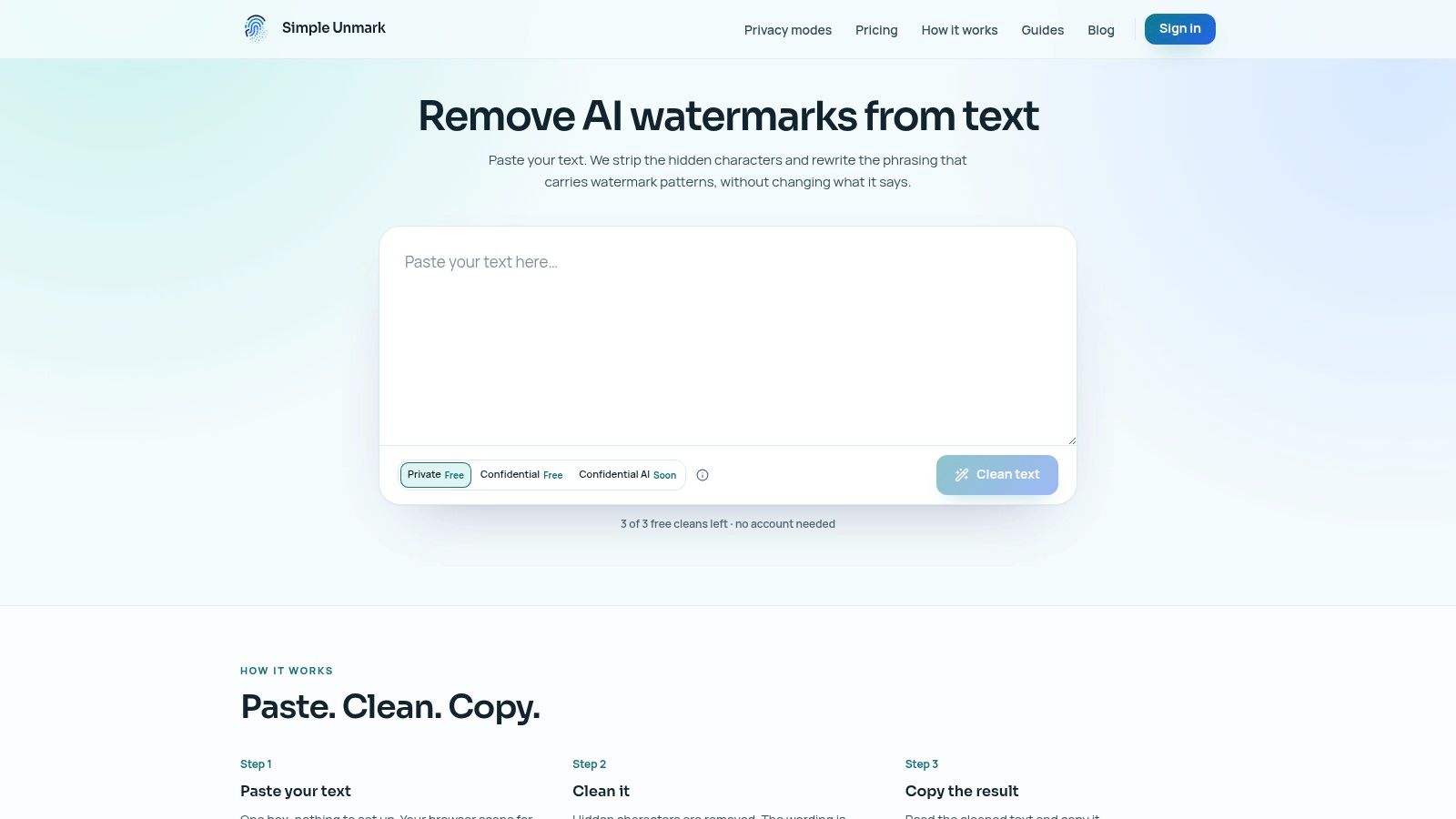
Simple Unmark combines deterministic Unicode cleanup with model-assisted rewriting. You paste text into a box, the browser scans for hidden characters as you type, and the final step is reading and copying the cleaned result. Character inspection is free and runs locally in the browser. The tool currently handles text only, not media.
Hidden characters and statistical watermarks are separate problems. The Unicode core specification explains that invisible direction controls affect surrounding text layout and have legitimate uses in bidirectional writing. Removing them can simplify pasted AI text, although multilingual passages still need careful review.
The limits that change the workflow
Account-based cleans support up to 5,000 words or 60,000 characters per request. Guests get three free cleans of up to 100 words each, and new accounts receive 10 starter credits. Paid credits are a one-time purchase, never expire, and require no subscription.
- Private processing: Costs 0.1 credit per started 100 words, with partial blocks rounded up. The app, ordinary HTTPS path, Python workload, and DeepInfra process plaintext, while submitted text and results are not stored in the application database or analytics.
- Confidential processing: Costs 0.2 credit per started 100 words. The browser verifies the cleaning service before encrypting text to it, so the web backend receives no text. DeepInfra still performs the rewrite.
- Confidential AI: Listed as coming soon at 0.4 credit per started 100 words. Selecting it registers interest without submitting text or spending credits.
Every clean includes Unicode cleanup and rewriting aimed at reducing statistical watermark patterns, including SynthID-style signals associated with Gemini. The rewrite aims to retain meaning, facts, numbers, names, tone, and intent. Perfect preservation and detector outcomes are not guaranteed.
Best fit: AI-assisted drafts that need both character cleanup and wording changes. Judge the result against your original, not against a detection score.
2. QuillBot
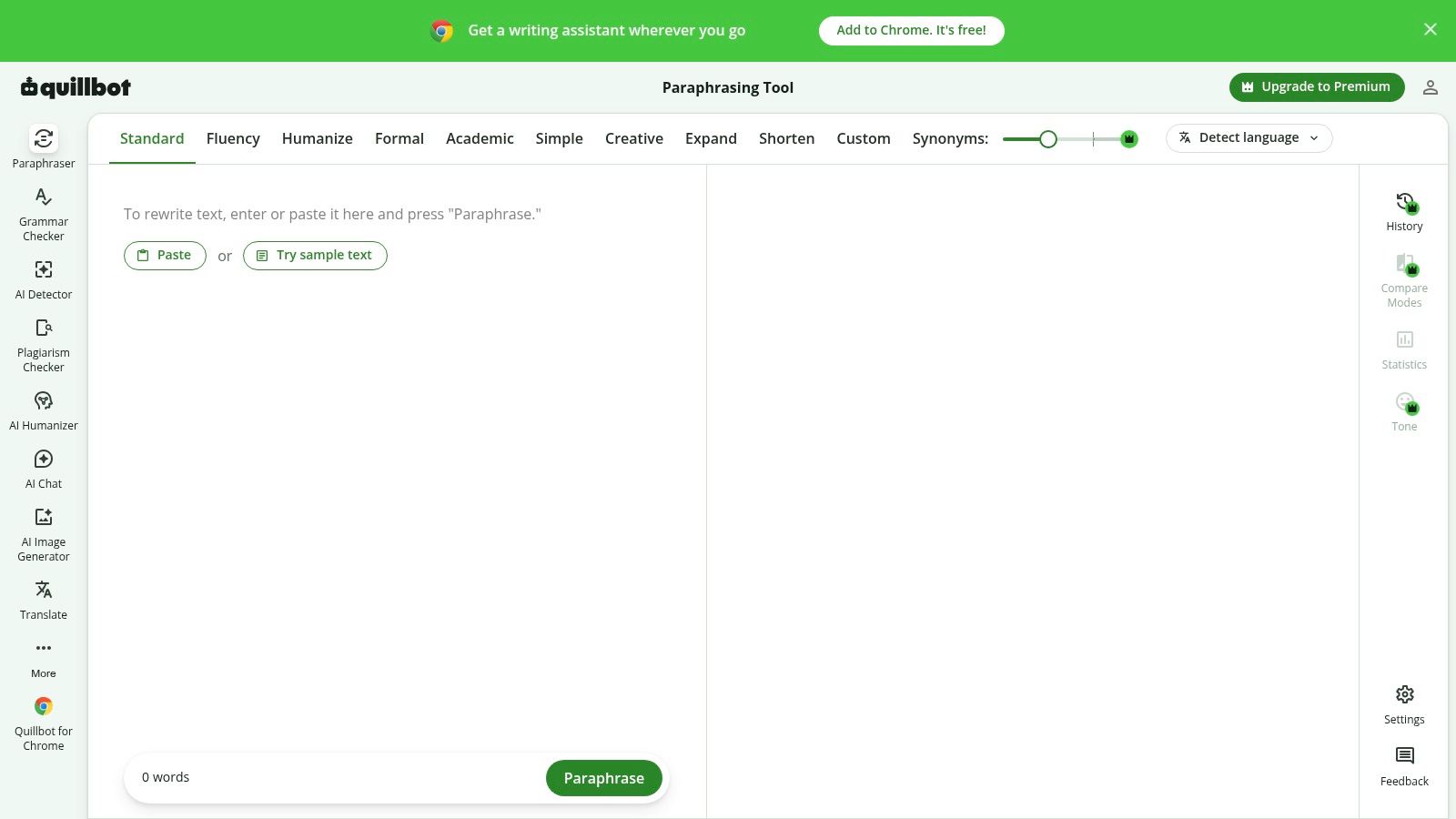
QuillBot is a practical choice for comparing alternative wording in short passages. The QuillBot paraphrasing page states that free submissions can contain up to 100 words and include Standard and Fluency modes, while Premium provides additional modes and unlimited paraphrasing.
That cap is the main trade-off. A short email fits the workflow; an article requires repeated submissions. Splitting a draft also means the tool may not receive the earlier definition, qualification, or example that explains the paragraph you're editing.
Use synonym controls carefully
QuillBot provides synonym controls alongside grammar and summarizing tools. More variation isn't automatically better: a technical term may be precise because it doesn't have a suitable substitute.
- What works: Comparing a restrained rewrite with a more fluent version before choosing individual edits.
- What breaks: Replacing established terminology just to make the wording look different.
- What to check: Names, quantities, citations, and whether separate rewritten passages still sound like the same writer.
For example, a product description might distinguish between water-resistant and waterproof. A smoother sentence that erases that distinction is a worse sentence.
Paraphrasing also shouldn't be confused with watermark inspection. Our AI watermark remover overview explains that separate task; ordinary wording changes don't establish authorship or guarantee a detector result.
Verdict: Good for short, controlled edits. Less convenient for long drafts where preserving context matters more than generating alternatives. Before pasting unpublished or sensitive work, review its current privacy terms rather than assuming a free submission stays on your device.
3. Grammarly Paraphrasing Tool
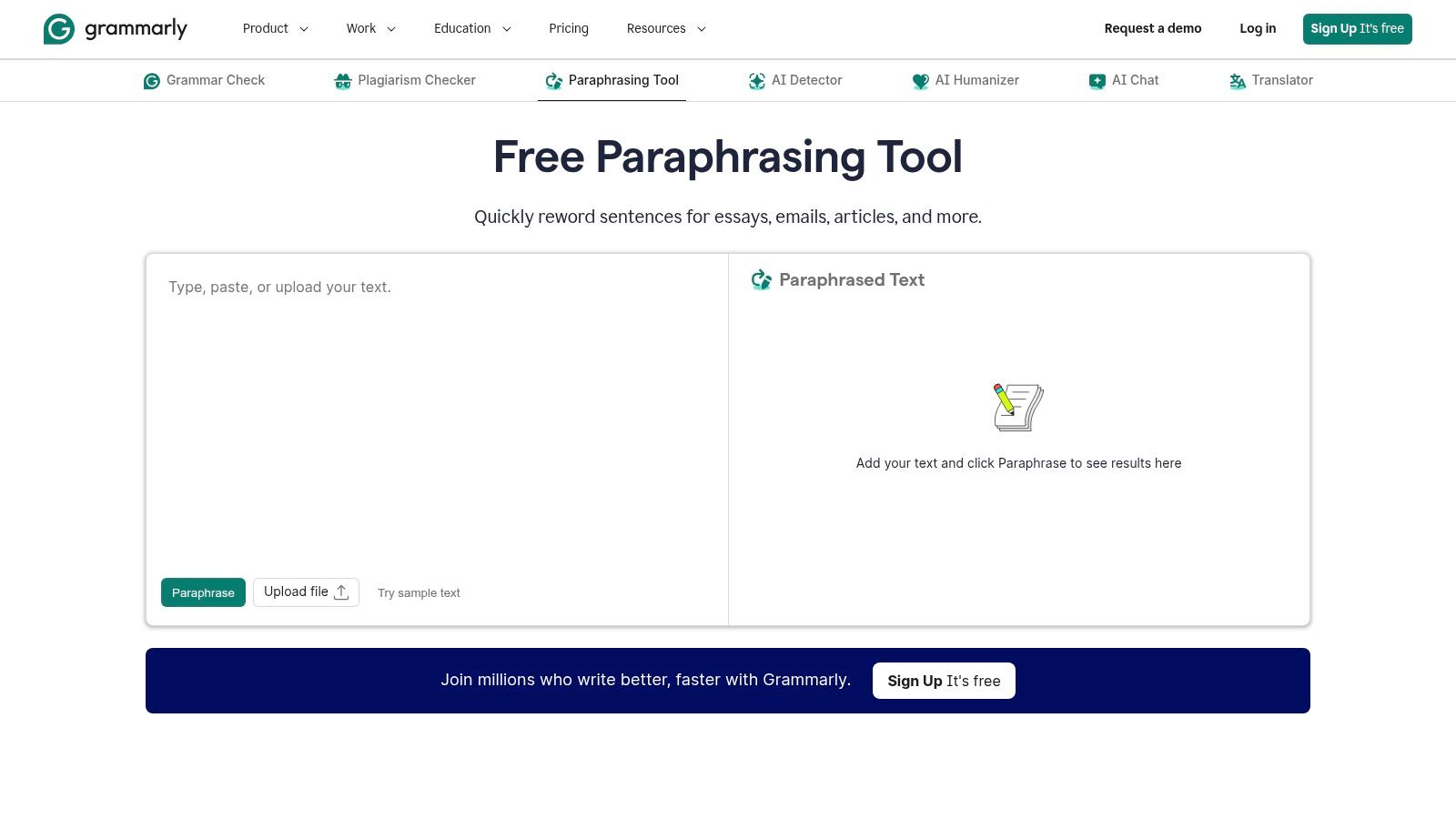
Already using Grammarly for proofreading? Its paraphraser is a convenient extension of that workflow, especially when a sentence is correct but unnecessarily complicated.
The Grammarly Paraphrasing Tool offers rewriting for essays, emails, and articles, with preset styles and voice customization in supported versions. Free accounts can access rewrites, but advanced paragraph-level features and custom voice options depend on the plan or product version.
The practical limitation is feature access, not just text length. Don't assume the standalone tool, Grammarly Docs, and paid products expose the same controls or allowances.
Editing rule: Accept a rewrite because it says the right thing more clearly, not because the software labels it an improvement.
Watch changes in certainty
Clarity edits can change how confidently a statement reads. A sentence saying a treatment may help isn't equivalent to one saying it helps, even if the latter is shorter.
Grammarly's proofreading integration is useful for catching awkward grammar after a rewrite. It doesn't replace checking whether the underlying claim survived.
- Strong use case: Tightening an email while keeping the intended level of politeness.
- Weak use case: Rewriting a technical passage without comparing terminology and qualifications.
- Privacy check: Review the terms for the specific Grammarly product you're using before submitting restricted material.
For a different kind of cleanup, our guide to removing AI watermarks from text separates wording changes from hidden-character removal. Neither task makes a factual claim accurate.
Verdict: A sensible choice for existing Grammarly users, provided the needed rewrite features are available in their version.
4. Wordtune

Say your email is accurate but sounds abrupt. Wordtune's sentence suggestions and formal or casual tone options are well matched to that problem. You can change the delivery without asking a tool to rebuild the whole document.
The constraint is the allowance: Wordtune's Basic plan includes 10 rewrites and AI suggestions per day, while paid plans offer higher or unlimited usage and additional features. That makes it more suitable for occasional edits than repeated experimentation across a long draft.
Spend the allowance on difficult sentences
Identify the problem before requesting another suggestion. Decide whether the sentence needs a softer tone, clearer structure, or less repetition; otherwise, you can consume the allowance comparing versions that aren't meaningfully better.
Wordtune also offers grammar and spelling support. Those checks help with presentation, but they don't validate a date, product specification, or quoted claim.
- Best trade-off: Useful tone adjustments for short messages without committing to a paid plan.
- Main restriction: A daily quota can interrupt an editing session.
- Required review: Check that a casual rewrite hasn't become dismissive or that a formal rewrite hasn't added certainty.
Be especially careful with customer support responses. Changing we can investigate to we will resolve this creates a commitment, not merely a different tone.
Privacy handling deserves a separate decision. Tone controls don't tell you whether submissions are retained or used for other purposes, so review the service's current terms before pasting customer correspondence.
Verdict: Useful for sentence-level decisions. Less suitable when you need to rewrite an entire article repeatedly in the same sitting.
5. Scribbr Paragraph Rewriter
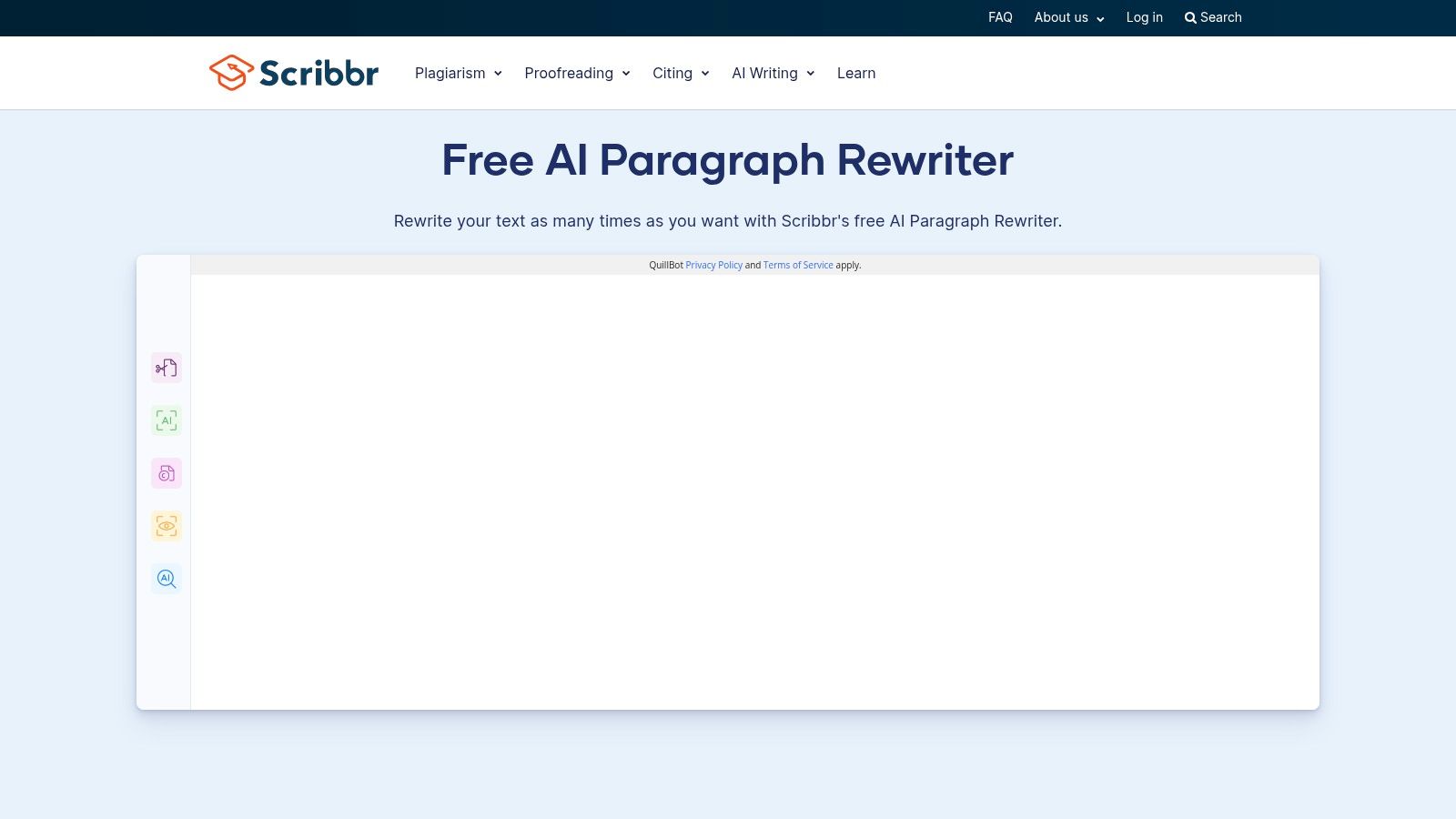
Unlimited use doesn't mean unlimited input. The Scribbr Paragraph Rewriter requires no registration and places no cap on how many times you run it, yet each paragraph can contain up to 125 words.
That per-paragraph cap defines the whole workflow. Scribbr supports document uploads and lets you choose a rewriting method and synonym level, but longer passages still get chopped at paragraph boundaries, and the splitting work falls on you. For a short essay that's a minor step. For a long report it becomes the main cost of using the tool.
Split by meaning, not by the counter
Keep a claim with the qualification that limits it. If a paragraph exceeds the allowance, divide it where the argument naturally changes rather than separating a statement from its supporting explanation.
After rewriting, read the assembled document start to finish. Individual paragraphs can read cleanly while the full piece repeats its introductions, shifts terminology between sections, or loses the connection between a pronoun and its subject.
- Advantage: No account creation stands between you and the first rewrite.
- Trade-off: Splitting and reassembling text adds editorial work on top of the rewrite itself.
- Review priority: Preserve citations, attribution, defined terms, and transitions between paragraphs.
The page displays user reviews, but that reputation signal says nothing about whether this rewriter preserves your particular text. Judge it on your own paragraphs instead.
For academic work, changing the wording doesn't remove the need to cite the original source. A rewritten explanation can still rest entirely on someone else's argument.
Verdict: A straightforward choice for manageable paragraphs when you want to skip account creation. Review the upload privacy terms separately, since skipping registration says nothing about how submitted text is stored or processed.
6. LanguageTool Paraphrasing Tool
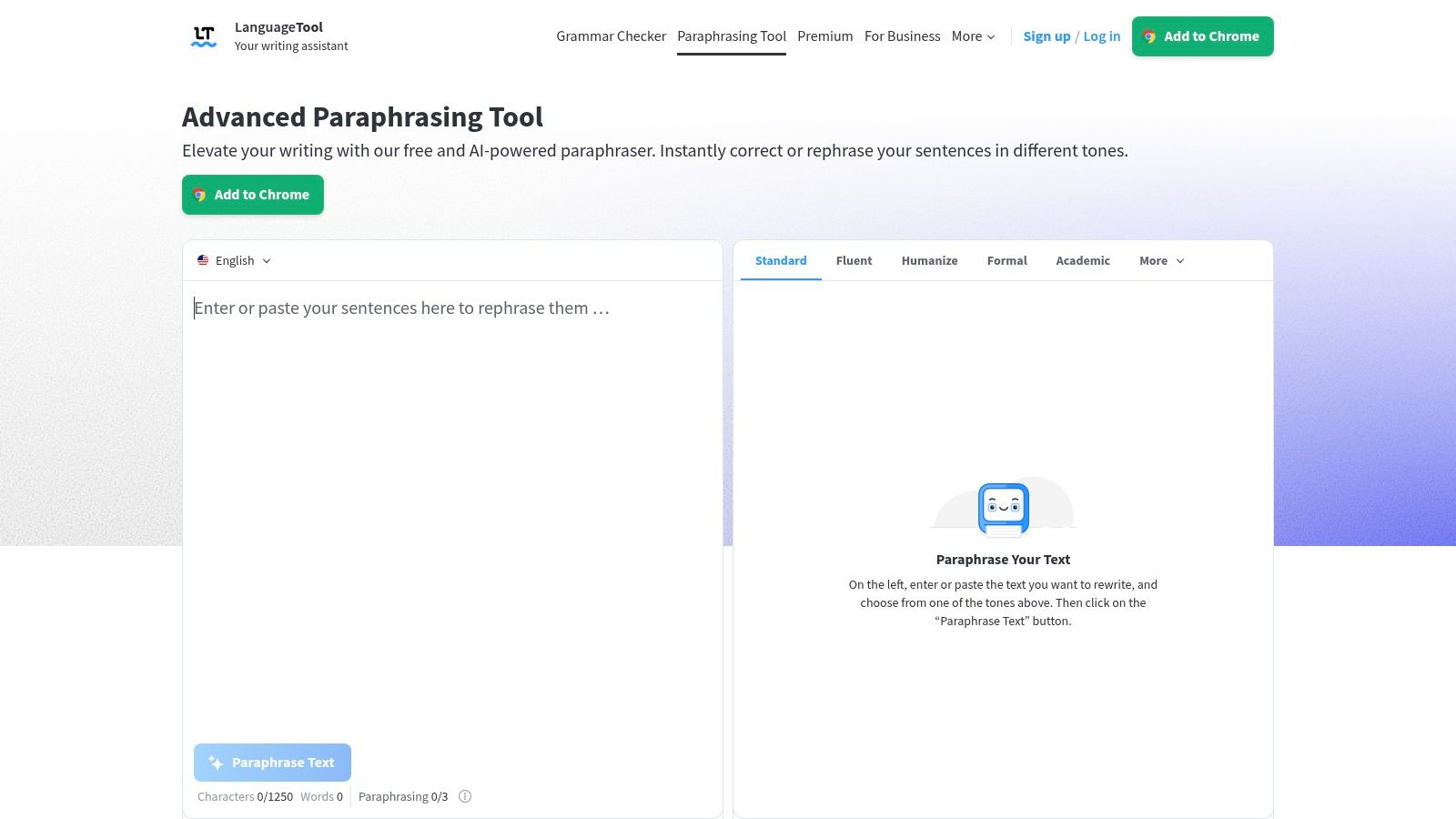
LanguageTool makes sense when rewriting is part of a grammar and style pass rather than the whole job. Its formal, concise, fluent, and simple options address different editing needs, and its English dialect choices help keep spelling conventions consistent.
The LanguageTool Paraphrasing Tool limits free use to three paraphrases per day, while Premium offers unlimited paraphrasing. That's a small allowance if you want to compare styles or revise multiple sections.
Save limited rewrites for sentences you can't fix with a straightforward manual edit.
Choose the editing objective first
Concise is useful when a sentence repeats itself. Simple suits instructions with unnecessary complexity. Formal can help a business message, but it can also make a friendly note sound distant.
LanguageTool's integration with proofreading tools is its practical advantage. You can address wording and correctness in a related workflow, with support for several languages rather than English alone.
- What works: Targeted rewrites plus grammar and style checking.
- What doesn't: Treating the free allowance as a document-wide editing service.
- What still needs checking: Dialect consistency, names, technical vocabulary, and whether shortening removed necessary detail.
Don't use a simplicity setting to flatten a legal or scientific distinction. If the original deliberately separates possible, probable, and confirmed, preserve those levels of certainty.
Before submitting multilingual or confidential work, check how the specific service handles pasted text. Language support is a feature claim, not a privacy guarantee.
Verdict: Stronger as a selective editing companion than as a free high-volume rewriter.
7. Spinbot
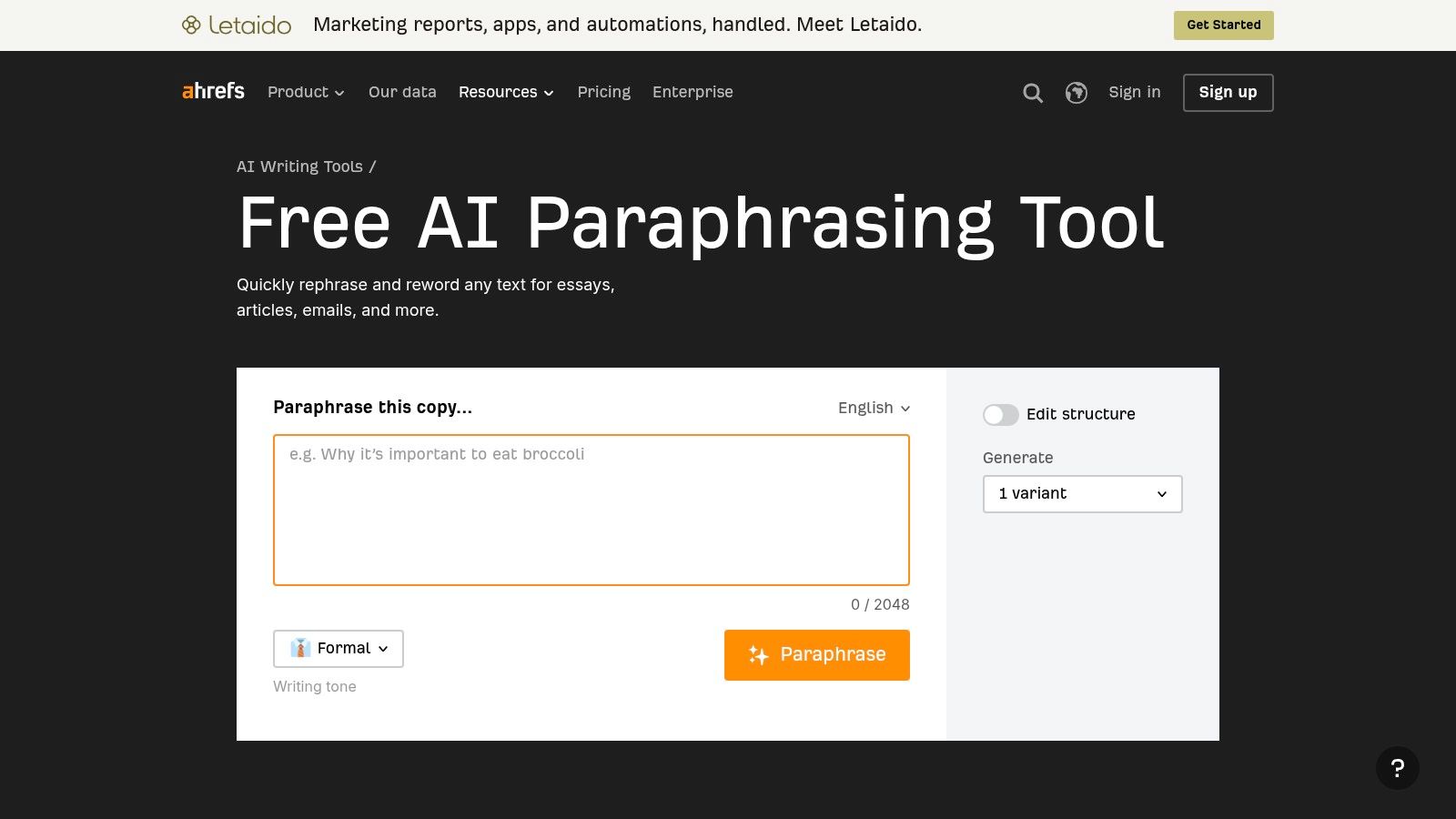
Spinbot offers more room per submission than short-paragraph tools. The Spinbot paraphrasing page says it processes up to 10,000 characters, described as about 1,000 words, and offers longer or shorter rewrites.
Treat the character limit as the operative constraint. The word equivalent is approximate, so dense technical vocabulary and long identifiers can use the available space differently from ordinary prose.
The service runs in your browser, requires no installation, and is ad-supported, with an ad-free option described on its site. Ads may make the editing experience less smooth, especially when you're moving between source and output.
Length controls aren't quality controls
A shorter rewrite can remove useful qualifications. A longer rewrite can introduce repetition or explanatory language that sounds plausible without adding verified information.
- Use it for: A quick alternative version of non-sensitive copy.
- Watch for: Awkward substitutions, changed emphasis, and added claims.
- Check before submitting: The current privacy terms and whether the text is appropriate for an online service.
For example, shortening installation instructions must not remove a prerequisite. Expanding a product description must not invent compatibility, performance, or warranty details.
The larger input allowance helps preserve more surrounding context, but it doesn't establish that the tool understands every dependency in the passage. Read the output against the original rather than judging it on fluency alone.
Verdict: Practical for a larger single-pass rewrite when you can tolerate ads and perform a close review. Browser-based access doesn't mean the rewriting happens locally.
8. Small SEO Tools Article Rewriter
Privacy handling is the distinguishing claim here. The Small SEO Tools Article Rewriter says rewriting runs locally in the browser tab using a Web Worker, and that text isn't uploaded, stored, or included in analytics.
That's different from a service that sends your passage to a remote model and deletes it afterward. It's still a statement from the tool's page, not an independent security audit or automatic approval for restricted documents.
Expect phrase editing, not a rebuilt argument
The tool describes deterministic phrase-level editing intended to keep the same topic rather than invent new claims. That approach may suit light wording changes, but it's less flexible than generative rewriting when a paragraph needs substantial restructuring.
- Privacy advantage: The page explicitly describes local processing and text handling.
- Editorial limitation: Phrase substitutions may leave weak structure or awkward rhythm untouched.
- Review requirement: The service doesn't fact-check your source or guarantee every edit improves it.
Preserving the topic isn't the same as preserving every claim. Check negations, comparisons, product names, and phrases expressing uncertainty after each rewrite.
Our explanation of AI watermarks versus AI detectors covers another important distinction: cleaner wording doesn't prove human authorship. A phrase-level rewriter shouldn't be judged by whether a detector happens to approve its output.
Verdict: Worth considering when the stated local-processing approach matters more than flexible rewriting. For confidential material, confirm that your organization permits the tool and that the specific page still describes the same processing behavior.
Free Allowances and Input Limits by Tool
| Item | Free allowance | Input limit per run | Best for |
|---|---|---|---|
| Simple Unmark | 3 guest cleans of up to 100 words each; 10 starter credits with an account | Up to 5,000 words | Cleaning hidden Unicode characters and rewriting text to reduce watermark patterns |
| QuillBot | Standard and Fluency modes; free use | Up to 100 words | Rewriting short passages with mode and synonym controls |
| Grammarly Paraphrasing Tool | Free rewrites; exact allowance not specified | Not specified | Improving clarity and style, especially for existing Grammarly users |
| Wordtune | 10 rewrites and AI suggestions per day | Not specified | Occasional sentence rewrites with tone options |
| Scribbr Paragraph Rewriter | Unlimited use; no registration required | Up to 125 words per paragraph | Rewriting individual paragraphs or uploaded documents |
| LanguageTool Paraphrasing Tool | 3 paraphrases per day | Not specified | Rephrasing alongside grammar and style checking |
| Spinbot | Free browser-based rewriting | Up to 10,000 characters, about 1,000 words | Quick, single-pass rewrites of longer text |
| Small SEO Tools Article Rewriter | Free use | Not specified | Browser-based phrase-level editing with stated local processing |
Choose by Limit, Then Check Every Number and Name
Start with text length. Short passages fit sentence and paragraph rewriters; long drafts need a higher input cap or a deliberate split plan. A free allowance is only useful if you can finish the editing task within it.
Then choose by the kind of work required. QuillBot offers short-passage alternatives, Grammarly fits a proofreading workflow, and Wordtune supports targeted tone changes. Scribbr suits paragraph-by-paragraph editing, LanguageTool combines selective paraphrasing with style checks, Spinbot allows larger submissions, and Small SEO Tools emphasizes local phrase editing.
Privacy is a separate decision from quality. No account doesn't mean no retention, and browser-based doesn't mean browser-local. Remove unnecessary identifiers before submitting sensitive text, and don't treat ordinary paraphrasing as reliable anonymization.
Review the output against the source
Clear unwanted hidden characters first, rewrite, then compare the result with the original. Keep legitimate multilingual formatting where it's needed rather than stripping controls indiscriminately.
- Facts and quantities: Check dates, percentages, units, prices, deadlines, and comparisons.
- Names and terminology: Preserve people, organizations, product names, citations, and defined terms.
- Tone and intent: Watch for added promises, stronger certainty, lost qualifications, and inappropriate informality.
For hidden-character cleanup and rewriting together, Simple Unmark handles text up to 5,000 words, with three guest cleans of up to 100 words available before deciding. That combined workflow still ends with human review, not automatic approval.
Detector scores shouldn't be your acceptance test. Google DeepMind's SynthID explanation describes a statistical signal in token choices and warns that classifier performance isn't consistently reliable across platforms and content types. Rewriting can change a signal without proving where the text came from.
The useful benchmark is whether the final version says what you intended and can withstand a factual check. The same principle applies to human editing for Shopify blog content: specific, accurate copy is more valuable than wording changed solely to appear less automated.
Choose the smallest intervention that fixes the problem. If a sentence only needs a clearer verb, edit the verb. Use a rewriter when it saves meaningful work, and keep the original available until you've checked the final draft.
Simple Unmark combines hidden Unicode cleanup with rewriting aimed at reducing statistical watermark patterns while preserving your intended meaning. Visit Simple Unmark to try a short passage, compare the cleaned result with your original, and copy it once you've checked the facts, names, numbers, and tone.
- rewrite text online
- free paraphrasing tool
- AI text rewriter
- paraphrase tool free
- watermark removal
More posts
Plain Text Editor Online: 10 Tools Compared for 2026
Compare 10 plain text editor online tools by file support, privacy, autosave, and sharing, with picks for writers and editors who need clean text.
AI Text Checker Free Tools Compared: 10 Options for 2026
Compare 10 AI Text Checker Free tools on word limits, sign-up rules, and accuracy caveats, plus how to pair detection with cleanup and human review.
AI Writing Assistant Free: 10 Tools That Work in 2026
Discover 10 AI writing assistant free tools with honest limits, privacy notes and cleanup tips. No fluff, just what works in 2026.