
AI Text Checker Free Tools Compared: 10 Options for 2026
Compare 10 AI Text Checker Free tools on word limits, sign-up rules, and accuracy caveats, plus how to pair detection with cleanup and human review.
The usual advice is to paste your draft into a free detector and trust the percentage. Don't. Most free AI text checkers return a likelihood score, not a verdict, and that score isn't necessarily a calibrated probability of authorship.
A false positive labels human writing as AI-generated. A false negative misses AI-generated writing. Both occur in independent testing, and a review of detector evaluations explains why performance changes with the dataset, passage length, threshold, and writing context.
If you're searching for an AI text checker free of charge, choose by practical constraints first: how much text it accepts, whether you need an account, which files it supports, and how often you can scan. A generous allowance is useful, but it doesn't establish accuracy.
Practical rule: Use detection to decide what deserves a closer read, not who deserves an accusation.
Keep cleanup separate. Simple Unmark removes hidden Unicode characters and rewrites wording, but neither cleanup nor rewriting proves human authorship or guarantees a detector outcome. Preserve the original draft before changing anything, especially when disclosure or document history matters.
Table of Contents
- 1. GPTZero
- 2. QuillBot AI Detector
- 3. Scribbr AI Detector
- 4. Copyleaks AI Detector
- 5. Pangram
- 6. Sapling AI Detector
- 7. Originality.ai
- 8. AI Text Detector
- 9. AI Detect
- 10. Stylome
- Free limits, sign-up rules, and best use for each checker
- Pairing a Free Checker With Cleanup and Human Review
1. GPTZero
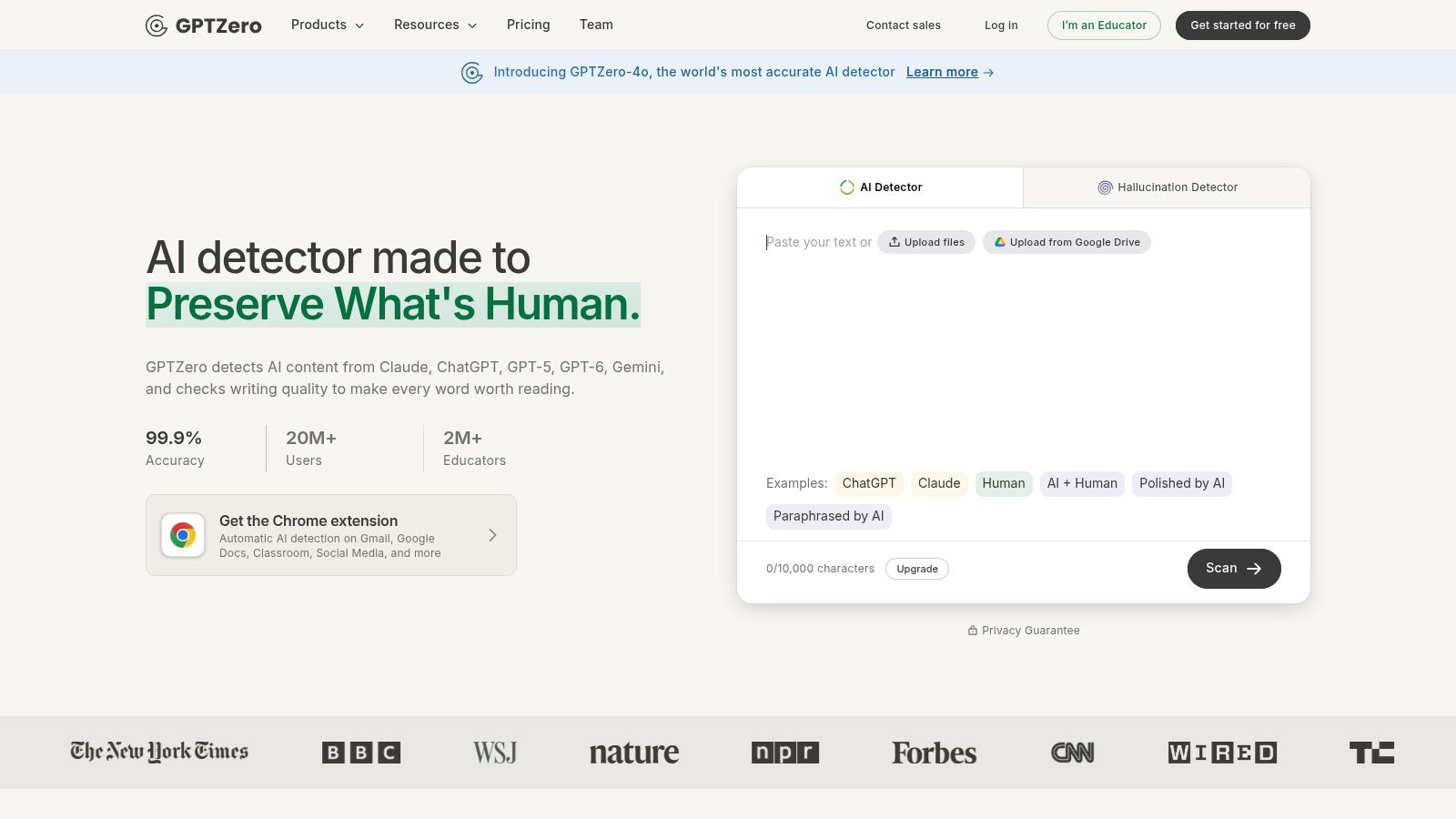
GPTZero suits document review better than a score-only spot check. It accepts pasted text and uploaded documents, returns an overall AI-likelihood assessment, and highlights sentences that contributed to the result.
Its coverage includes writing associated with ChatGPT, Gemini, and Claude. A free account opens up larger scans and batch file checks, while its browser extension supports reviewing text encountered online.
What the free access buys you
- Submission options: Paste a passage or upload documents rather than transferring everything manually.
- Review context: Sentence highlights identify passages to inspect, not just a document-wide score.
- Account trade-off: Larger checks and batch access require a free account; don't assume anonymous access provides the same allowance.
The useful feature is the highlighting. An editor can compare a flagged sentence against its source, surrounding argument, and revision history instead of guessing what triggered the result.
The limitation is equally important: a highlighted sentence isn't a finding of misconduct. Treat it as a place to investigate, and don't rewrite sound prose merely because it was flagged.
Also distinguish pattern-based classification from watermark verification. The explanation of how AI text watermarks work helps clarify why a general detector result doesn't establish whether a particular statistical watermark exists.
Best fit: Writers or editors reviewing longer documents and multiple files who want passage-level context. Check GPTZero's current free access before uploading a large batch, and review the submission terms before sharing confidential drafts.
2. QuillBot AI Detector
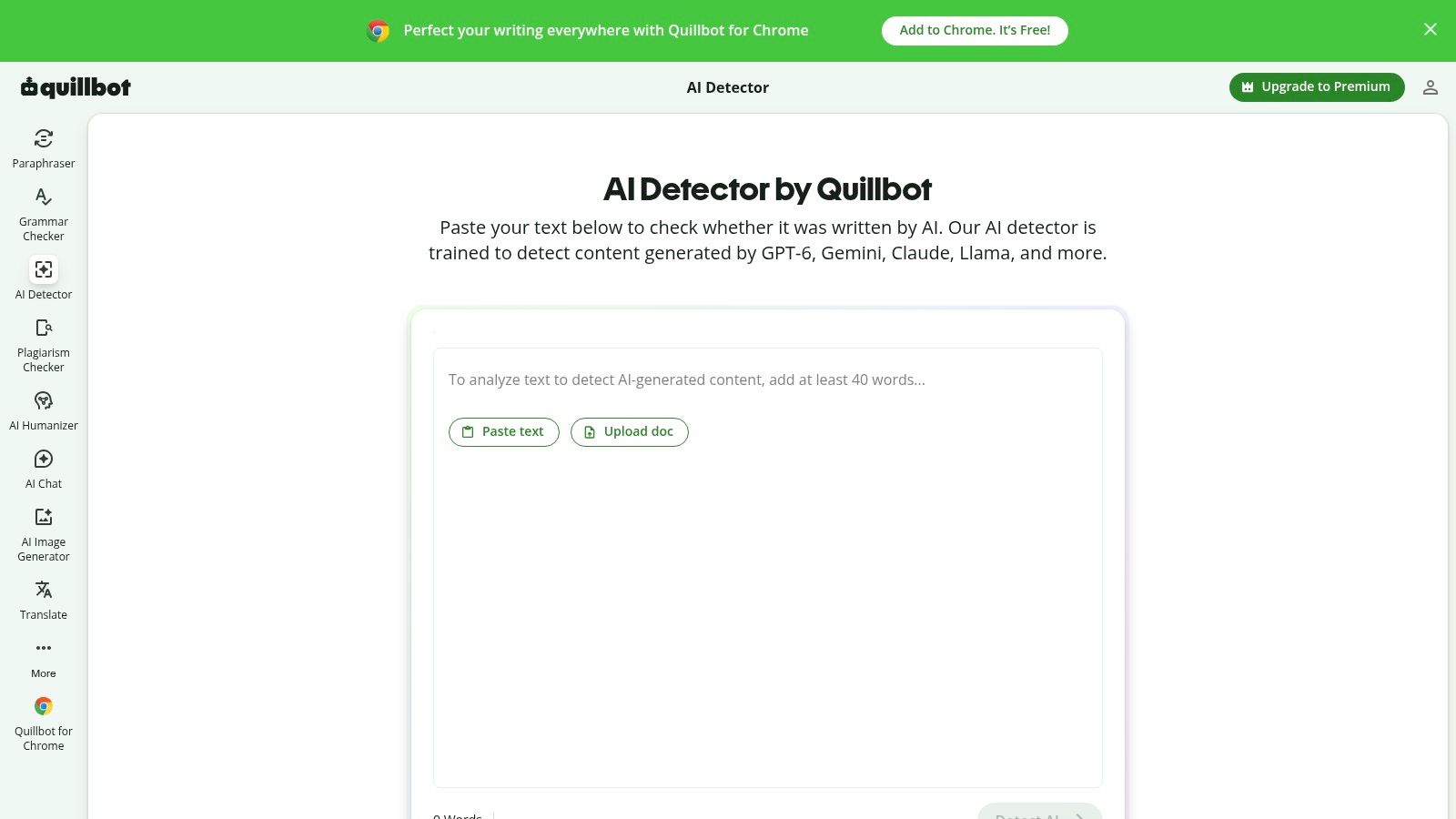
QuillBot is worth considering when the question isn't just whether AI generated a passage, but whether AI helped edit it. Its detector estimates AI-generated, AI-refined, and human-written content, with explanatory cards for flagged passages.
The QuillBot AI Detector free tier allows 1,200 words per scan and six scans per day. That makes it practical for occasional checks, but less suitable for repeatedly reviewing a long manuscript.
- Useful distinction: The AI-refined category acknowledges that editing assistance and full generation aren't the same activity.
- Helpful feedback: Explanatory cards give you something to inspect beyond the headline score.
- Paid boundary: Detailed reporting requires Premium.
QuillBot also sits alongside editing and paraphrasing tools. That's convenient for writers who want related functions in the same suite, but it shouldn't turn review into an endless rewrite-and-rescan loop.
Where the categories fall short
A category is still an estimate, not a reconstruction of the writing process. If a detector calls a paragraph AI-refined, that doesn't establish which changes were made, who made them, or whether the assistance violated a policy.
Use the result to ask a specific question: does the passage need source checking, clearer attribution, or disclosure of editing assistance? Those questions are more useful than chasing a cleaner percentage.
Best fit: Students, bloggers, and editors making occasional checks who value explanatory feedback. Keep the original and revised versions so you can assess what changed rather than relying on the detector's interpretation.
3. Scribbr AI Detector
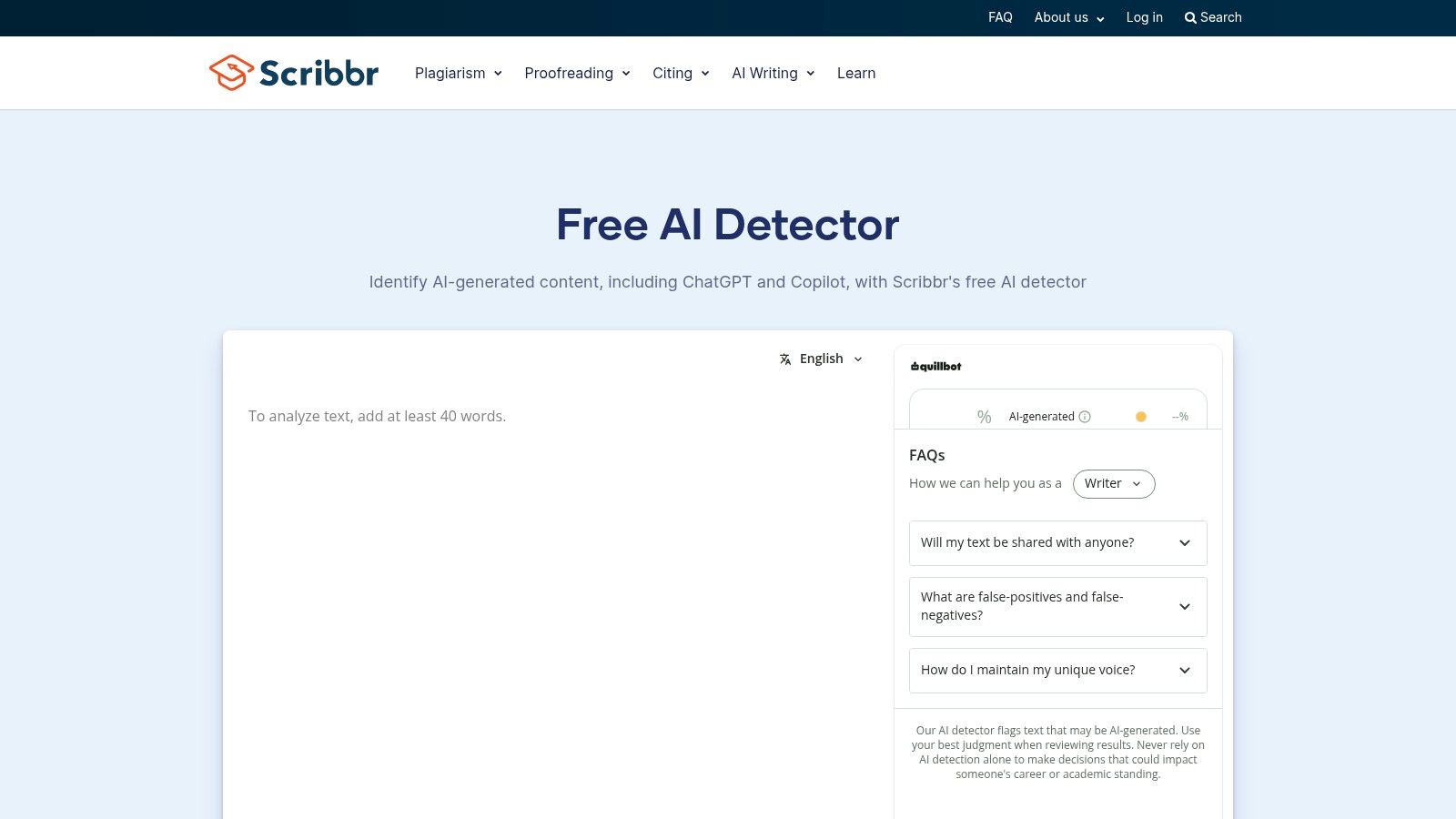
A detector score can start a review, but it cannot establish who wrote a passage. Scribbr's academic focus and paragraph-level feedback make it useful for locating text to check. It labels writing as AI-generated, AI-refined, or human-written.
The Scribbr AI Detector offers unlimited free checks without sign-up, with up to 1,200 words per submission, and supports English, Spanish, German, and French. For an occasional assignment excerpt, the lack of an account requirement is convenient.
Easy access, limited document context
A paper longer than the submission cap must be split into sections. That can help identify passages for closer review, but results from separate scans should not be treated as an authorship assessment of the whole paper.
Free detectors can also flag human-written academic text. Treat a result as a prompt to inspect the passage, not as proof of AI use.
Academic writing deserves review, not automatic suspicion.
- Strongest advantage: No account requirement or daily-check ceiling.
- Main constraint: The word cap interrupts full-document review.
- Review step: Compare flagged passages with drafts, references, and the author's explanation.
Best fit: Students and academic editors checking short passages. Use a flag to guide a conversation about the text and its sources, then assess the available evidence before drawing conclusions.
4. Copyleaks AI Detector
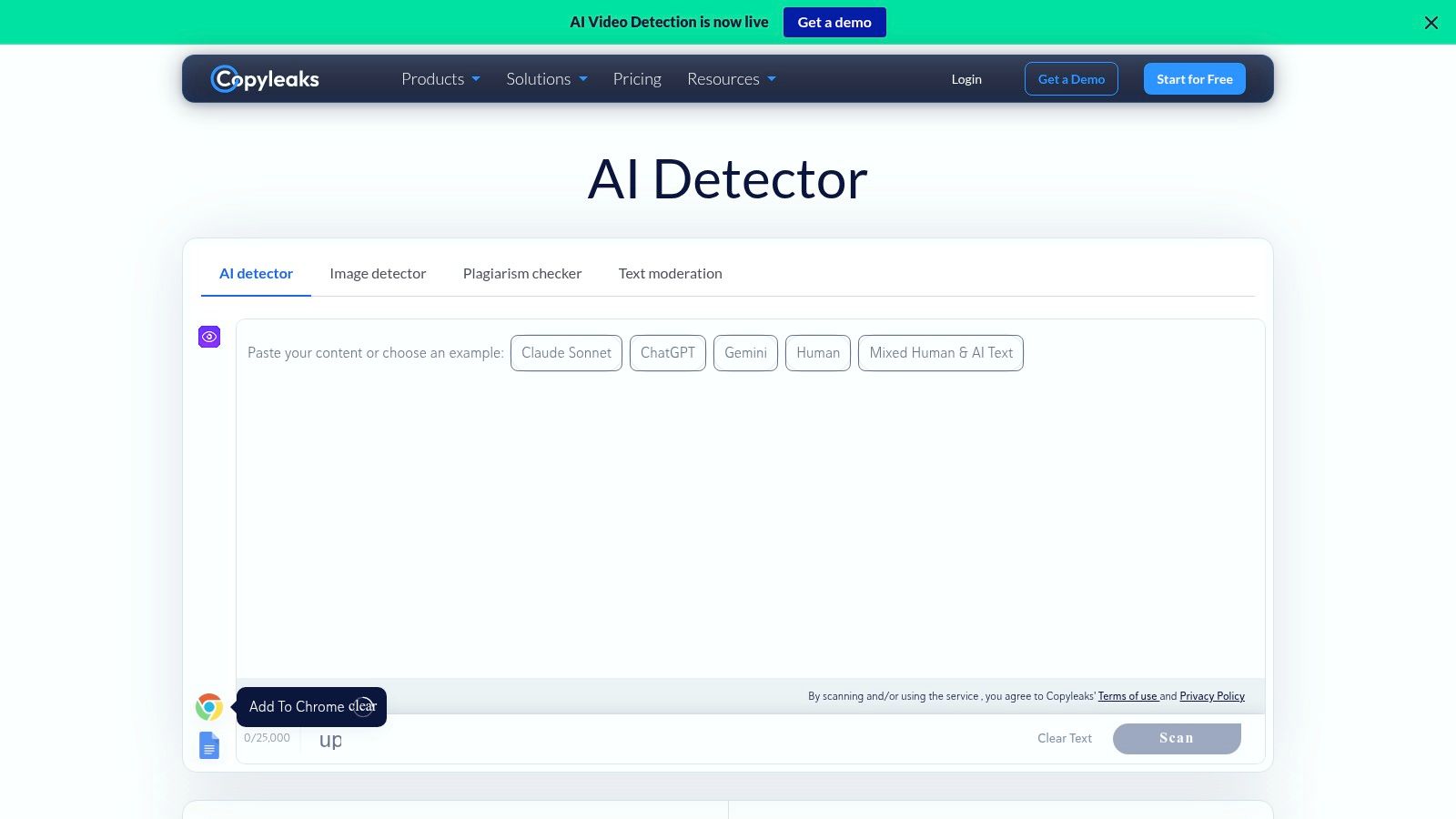
Copyleaks is an option for reviewing documents that combine human writing and AI assistance. It scans pasted text and documents for likely AI-written passages, with individual, education, and enterprise options beyond occasional use.
Copyleaks advertises up to 25,000 characters per scan, requires at least 350 characters, and offers additional monthly scan credits through free accounts. The key qualification is that free access is credit-limited, not unlimited.
- Capacity advantage: The advertised character allowance can accommodate substantial passages.
- Workflow advantage: Text and document submission support different review habits.
- Free-tier constraint: Check the available credits before planning recurring or batch work.
Character limits aren't word limits. Look at the actual draft's character count rather than assuming an allowance advertised in characters will cover the same material as another tool's word-based cap.
Mixed-writing detection still needs context
A mixed-writing assessment can help identify where to look, but it can't settle whether the assistance was permitted. An author may have disclosed AI editing, or a publisher may allow it under specific conditions.
For consequential screening, ask for performance at a low false-positive threshold. A NAACL evaluation found that some systems achieved 0.89 AUROC yet detected fewer than 20% of AI-generated passages at a 1% false-positive rate.
That research isn't a Copyleaks-specific rating. It explains why a vendor's headline accuracy claim shouldn't decide whether an individual document passes review.
Best fit: Users who need substantial text submissions and a potential route to institutional workflows, while accepting credit limits and human review.
5. Pangram
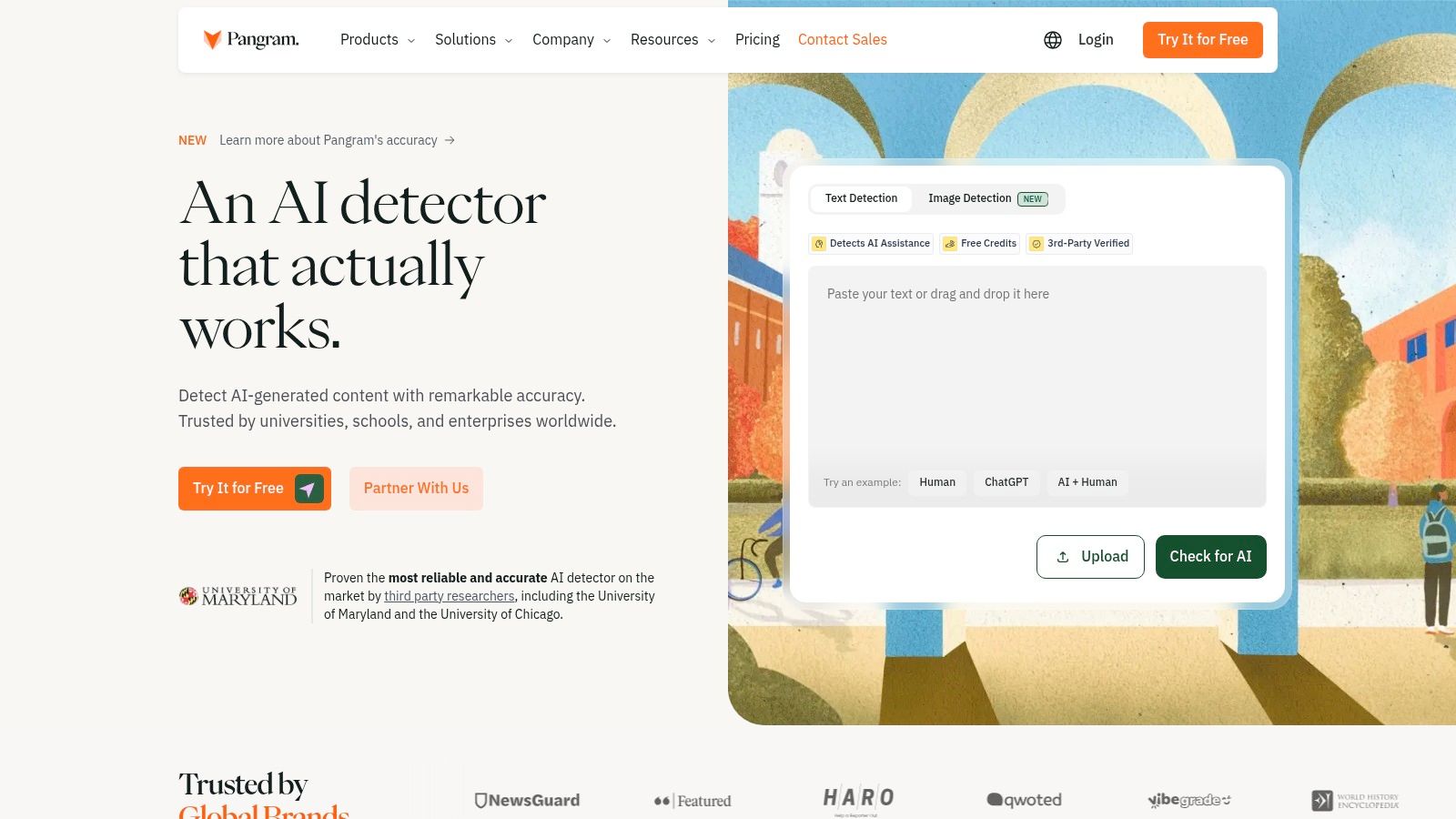
Pangram stands out for submission options. Alongside text detection, its free plan includes document uploads and OCR for scanned pages, which is useful when the material isn't already available as selectable text.
Pangram's published offering lists up to 2,000 free words per day and detection in more than 20 languages. Its broader platform includes a browser extension, Google Docs integration, and API access; check which integration features are included in your access level.
Useful for documents, constrained by daily volume
- Scanned material: OCR provides a route from page images to text review.
- Multilingual work: Language coverage broadens the submission options, but doesn't establish equal accuracy across languages.
- Paid boundary: Expanded usage and features such as plagiarism checks require payment.
The daily allowance matters more than the upload convenience if you routinely review long documents. Plan around the full day's workload, not just whether an individual file can be submitted.
Inspect extracted text before interpreting a result. You want to evaluate the author's actual wording, not an unnoticed extraction problem.
Keep normalization separate from authorship assessment, too. The guide to removing AI watermarks from text explains the distinction between cleaning hidden characters and rewriting statistical wording patterns.
Neither operation proves human authorship, and rewriting isn't a substitute for disclosure. Preserve the original file and any extracted text before making changes.
Best fit: Reviewers working with scanned documents or multilingual material who value flexible submission methods more than unrestricted daily volume. Results can still misclassify text, so integrations should support review rather than automate accusations.
6. Sapling AI Detector
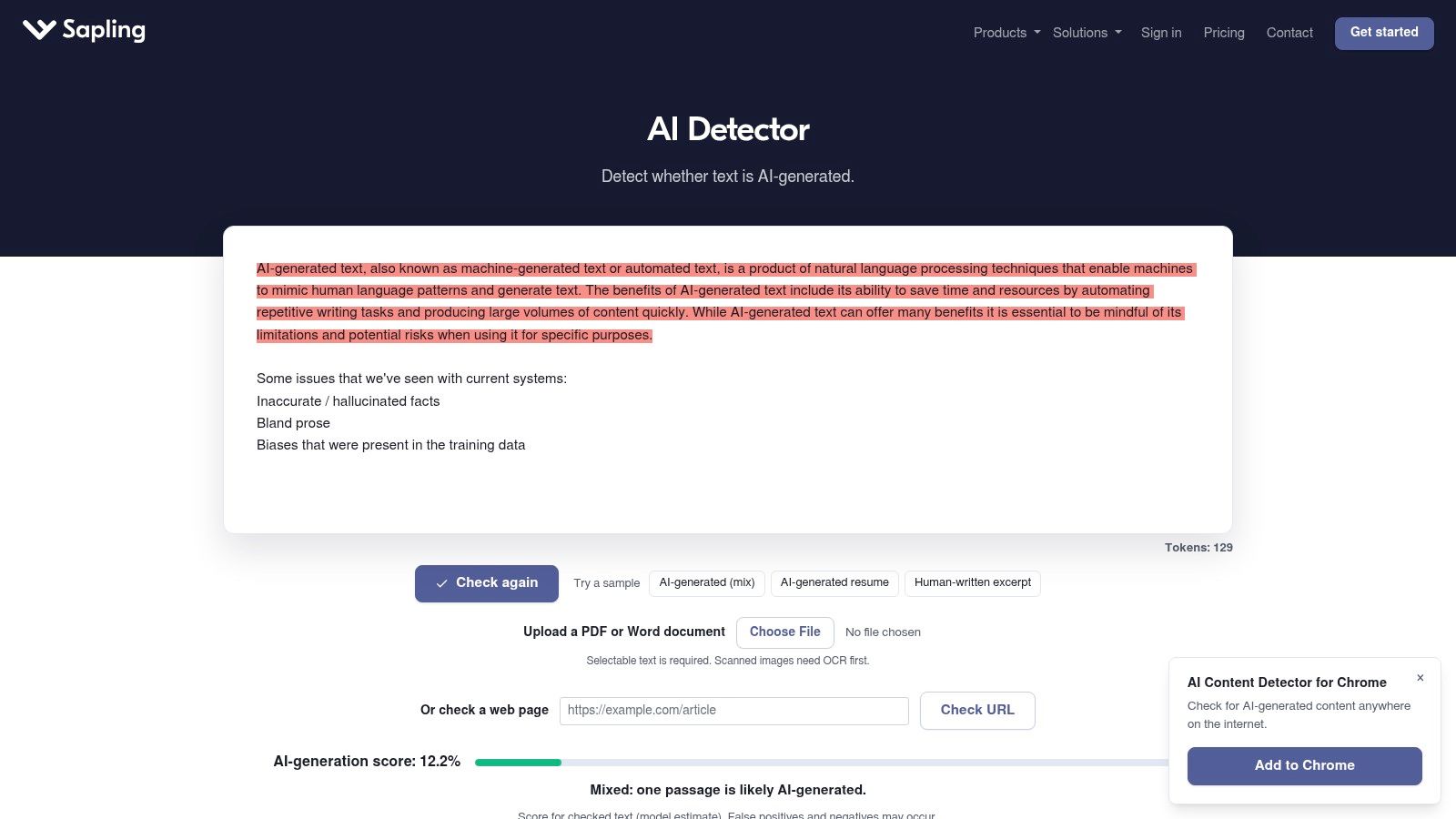
For a short passage, Sapling offers a straightforward spot check with sentence scores and local signal highlighting. For a full article, its free allowance is restrictive.
The Sapling AI Detector allows up to 2,000 characters per free check. It also supports Word and PDF uploads, with browser-extension and API options available through its broader offering.
- Useful output: Highlights show which portions influenced the assessment.
- Practical limitation: A character-based cap leaves limited room for long-form context.
- Upgrade route: Longer checks and developer workflows are available beyond basic free use.
File-upload support doesn't remove the text allowance. Check the permitted scan length before treating a convenient upload button as a way to review an entire document.
Don't confuse a short check with a strong conclusion
Sapling warns that its results can be incorrect. Very short inputs also provide less signal, so cutting a passage down merely to fit the free tier may make the result less useful.
A small submission box is a usage constraint, not a recommendation for the ideal sample length.
Use it to inspect a coherent passage, then read the highlighted wording in context. Don't isolate a generic sentence and treat its classification as evidence about the whole draft.
Best fit: Writers making quick, short-text checks and developers assessing whether detection belongs in a larger application. It's less appealing for editors who need to review complete articles without dividing them into fragments.
No specific daily allowance or anonymous-use rule is established here, so verify those details before building a recurring workflow around the free checker.
7. Originality.ai
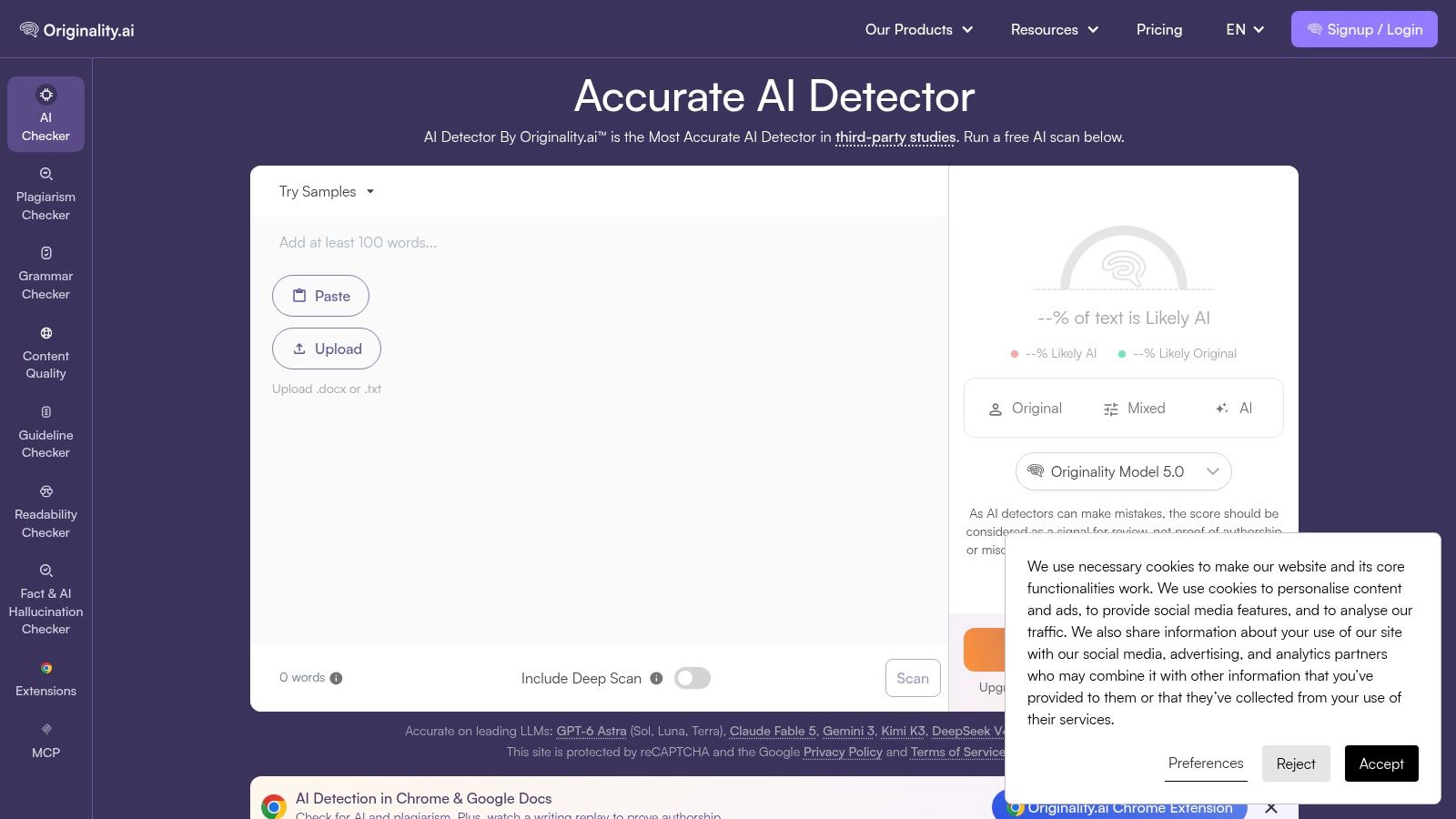
Originality.ai suits publishers who want AI detection alongside plagiarism and readability tools. Its free checker takes pasted text and DOCX or PDF uploads. The wider paid product supports additional content-review tasks, though a broader toolkit does not make an authorship estimate more conclusive.
The Originality.ai free checker allows three scans per day, up to 2,000 words per scan, with a 100-word minimum. That can cover an occasional editorial check, but repeated revisions may use up the daily allowance quickly.
Check current data terms before uploading
Check Originality.ai's current data terms to see whether scan history is stored and for how long before uploading unpublished manuscripts, client documents, or sensitive internal copy. A document uploader does not remove your responsibility to protect the material.
- Good fit: Occasional editorial checks where document uploads are convenient.
- Usage constraint: The daily scan limit restricts repeated checks during revision.
- Separate questions: AI detection, plagiarism checking, and readability assessment address different editorial needs.
A detector result does not establish whether a passage copied another source. Citation repair may still be needed even when no text is flagged. Treat the output as one review signal, not proof of who wrote the text.
Short submissions can affect results, and meeting the minimum word count does not guarantee a reliable classification. Submit a coherent, meaningful passage instead of padding an excerpt to qualify.
For editorial teams, the practical choice is whether the wider toolkit fits their actual review process. Paying for broader reporting does not turn an uncertain authorship estimate into proof. Keep factual verification, source attribution, disclosure checks, and authorship concerns as distinct tasks.
Best fit: Publishers and content teams considering a broader review suite. Check the current data terms and free-tier limits before using it for sensitive work or a recurring workflow.
8. AI Text Detector
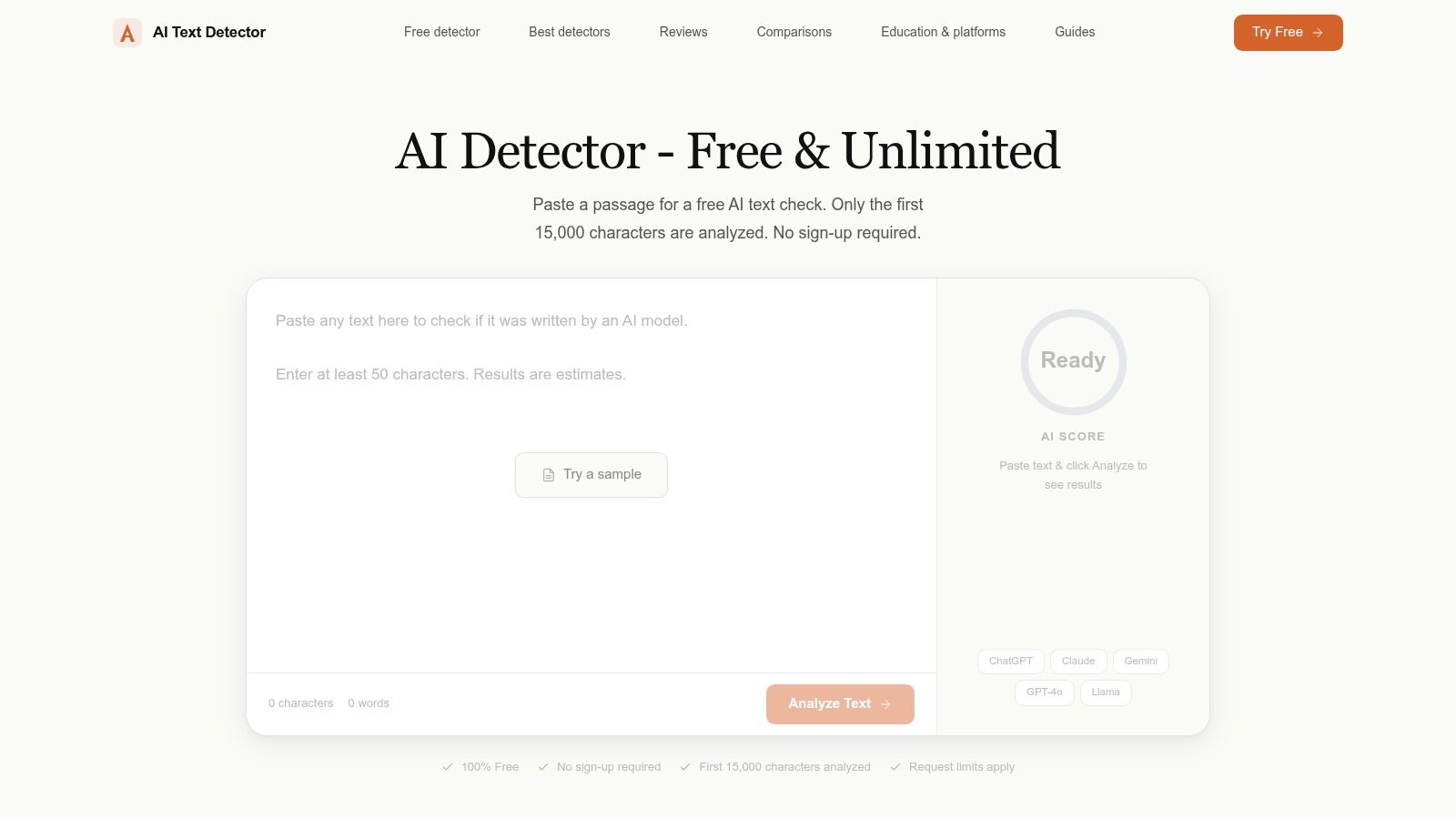
The attraction is straightforward: substantial advertised capacity without an account. The caution is that these are vendor-published usage and coverage claims, not independent validation.
AI Text Detector advertises unlimited analyses, up to 50,000 characters per analysis, and support for more than 150 languages, without sign-up or a credit card. It also provides confidence scores and a signal-by-signal breakdown.
- Access advantage: You can try the service without creating an account.
- Review advantage: A breakdown offers more material to inspect than a headline label.
- Evidence limitation: Broad language coverage doesn't demonstrate dependable performance in every supported language.
Its public reputation may be less extensively documented than that of longer-running platforms. That's a reason to examine its methodology and terms carefully, not a reason to assume either good or poor accuracy.
Confidence is not provenance
A confident classification doesn't establish who wrote a passage. It also doesn't necessarily mean the service checked for a generation-time watermark.
The distinction between AI watermarks and AI detectors matters: general detection infers patterns associated with AI writing, while watermark detection looks for an embedded statistical signal.
Use the breakdown to identify questions for review. Does the flagged wording lack specific evidence? Is it repetitive? Does it accurately represent the cited source? Those are editable problems regardless of authorship.
Best fit: Users prioritizing large pasted submissions and account-free access. Treat the generous allowance as a convenience, not evidence that the resulting classification is more reliable than a smaller tool's output.
9. AI Detect
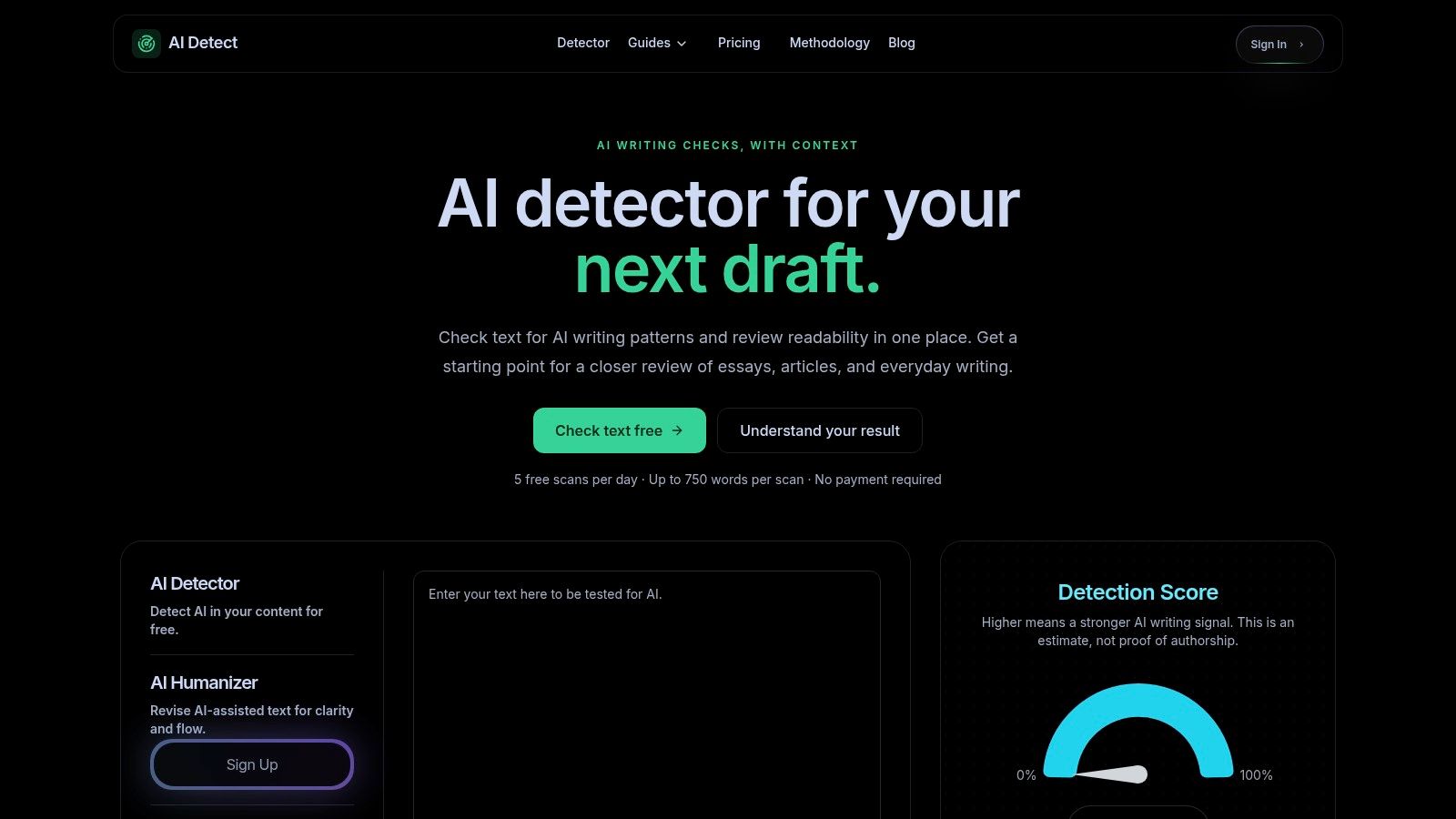
AI Detect combines an AI-writing estimate with readability and grade-level feedback. That makes it useful when you want to review how a passage reads as well as whether a detector flags it.
AI Detect's free access includes five scans per day and up to 750 words per scan, without a payment requirement. The service presents its result as an estimate for review, not proof of who wrote the text.
Readability adds context, not authorship evidence
A readability estimate can prompt an editor to examine sentence complexity or audience fit. It can't determine whether a person or model produced the passage.
- Useful combination: Readability feedback and an AI-writing signal appear in the same workflow.
- Length constraint: Longer articles need another approach or separate submissions.
- Volume constraint: The daily allowance isn't suited to frequent batch checking.
No payment requirement shouldn't be read as a promise that every access condition is absent. Verify the current sign-up rules before planning an account-free workflow.
The service's cautious framing is sensible. An independent evaluation of detection tools found both false positives and false negatives, with machine-translated writing presenting particular difficulties; that's general evidence about the category, not a specific AI Detect test.
Best fit: Writers reviewing short drafts who want readability context alongside detection. Edit for clarity and accuracy first, then assess any flag against the actual writing history.
A clearer paragraph is a worthwhile outcome. A lower AI score, by itself, isn't evidence that the paragraph became more accurate, original, or appropriately disclosed.
10. Stylome
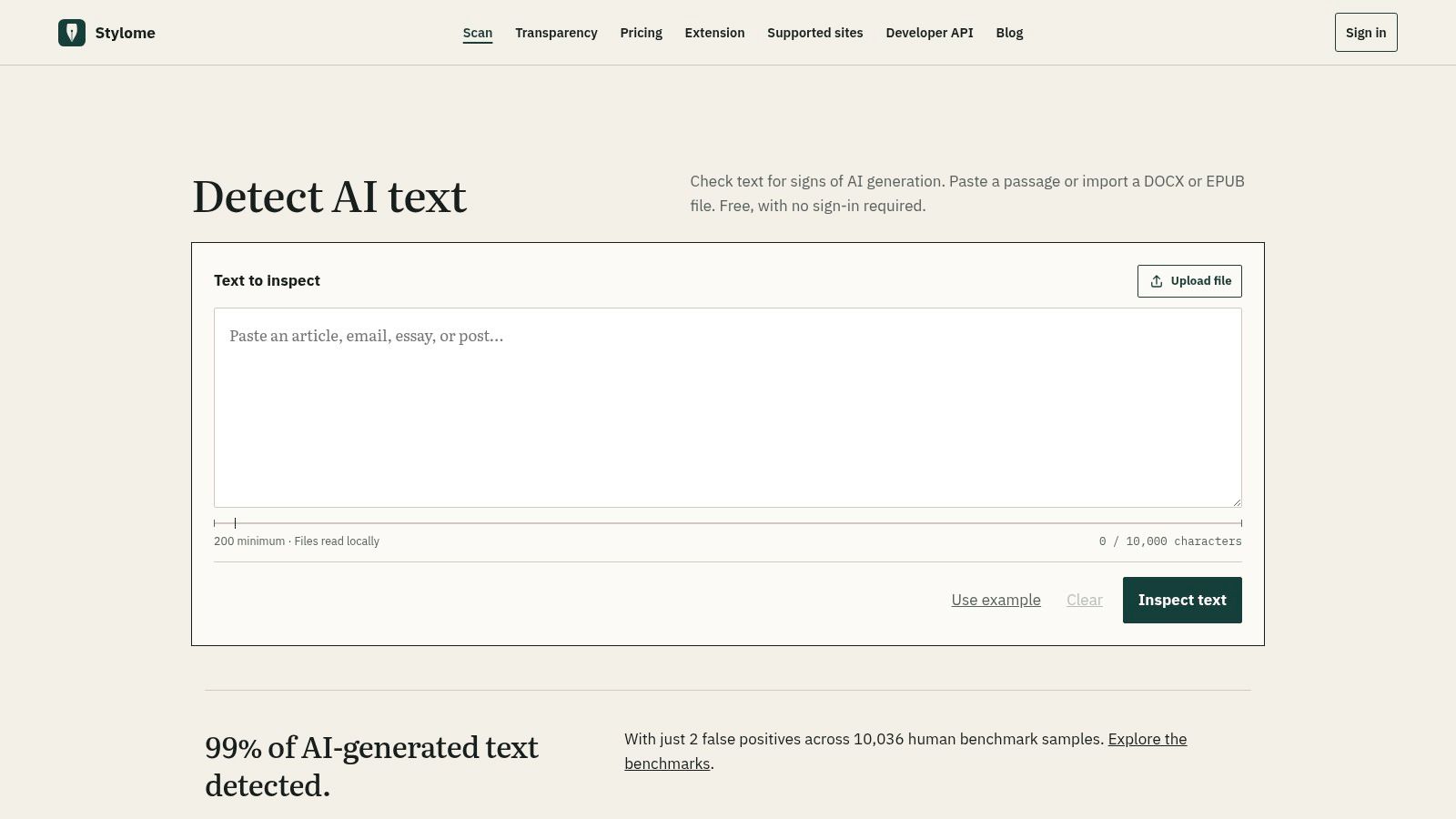
Stylome is distinctive for checking text while browsing. Its extension can flag writing on Reddit and other websites, while the main service accepts pasted text and imported DOCX and EPUB files.
Stylome offers free detection without sign-in and publishes benchmark results and methodology. That documentation gives users something to examine, but self-published results still aren't a guarantee for an unfamiliar document.
- Low-friction access: No sign-in is required to try detection.
- Flexible inputs: Pasted text and document imports support different review tasks.
- Browser use: The extension can help inspect writing encountered online.
A precise free word cap or daily allowance isn't established here. Verify those limits before choosing it for manuscript review or recurring checks; “free without sign-in” doesn't automatically mean unlimited.
Browsing is a different review setting
A website excerpt may not give you the complete document or its revision history. Even when the extension flags a passage, you still need context before making an authorship claim.
Use a browser flag as a reason to inspect the writing, not to publicly accuse its author.
Read the published methodology with your own material in mind. Ask whether the tested writing resembles the language, genre, length, and editing conditions of the passage you're reviewing.
Best fit: Readers and editors who want browser-based checks alongside document imports. For full manuscripts, submit coherent text and inspect the result against drafts and sources rather than carrying an isolated browser classification into an editorial decision.
False positives and false negatives remain possible, whichever interface you use.
Free limits, sign-up rules, and best use for each checker
| Item | Free Limit | Sign-Up Needed | Best For |
|---|---|---|---|
| GPTZero | Larger scans and batch checks with a free account | For larger scans and batch checks | Sentence-level highlights and reviewing longer documents |
| QuillBot AI Detector | 1,200 words per scan; 6 scans per day | Not specified | Occasional checks with explanatory feedback |
| Scribbr AI Detector | 1,200 words per submission; unlimited checks | No | Student and academic writing |
| Copyleaks AI Detector | Up to 25,000 characters per scan; free credits are limited | Free account for additional monthly credits | Mixed human and AI writing |
| Pangram | Up to 2,000 words per day | Not specified | Multilingual checks and document workflows |
| Sapling AI Detector | Up to 2,000 characters per check | Not specified | Quick checks of short text |
| Originality.ai | 2,000 words per scan; 3 scans per day | Not specified | Publishers and content teams |
| AI Text Detector | Advertises unlimited checks, up to 50,000 characters per analysis | No | Large text checks without an account |
| AI Detect | 750 words per scan; 5 scans per day | No payment required; account needs not specified | AI checks with readability estimates |
| Stylome | Free detection; limit not specified | No | Browser-based checks and DOCX or EPUB imports |
Pairing a Free Checker With Cleanup and Human Review
Choose the checker that fits the document, then review the evidence it can't see. File support, submission length, daily limits, account requirements, and data terms matter more operationally than an unsupported accuracy promise.
Preserve the original before scanning or editing. Compare flagged passages with source material, drafts, version history, and the author's explanation of any AI assistance.
Keep the review tasks separate
- Detection: Identify passages that deserve inspection without treating the score as proof.
- Verification: Check facts, quotations, citations, and whether the argument reflects its sources.
- Cleanup: Remove copy-paste artifacts and review wording changes against the original.
- Disclosure: Follow the applicable academic, editorial, client, or workplace rules.
If a result conflicts with credible authorship evidence, investigate the conflict rather than giving the score automatic priority. Another detector can provide a comparison, but agreement between tools still doesn't replace document history and human review.
Hidden Unicode characters are a separate technical issue. Unicode's guidance on default-ignorable characters identifies U+200B ZERO WIDTH SPACE as a character that can exist in text without occupying visible horizontal space.
Simple Unmark can remove hidden characters and rewrite wording while preserving meaning, facts, numbers, proper nouns, tone, and intent. Compare the output with the original, especially where quotations, technical terminology, or precise claims must remain unchanged.
Recheck changes without chasing a score
Recheck edited text when it helps your review, but record what changed and why. Don't keep paraphrasing solely to obtain a preferred detector label.
Statistical watermarking is different from invisible-character cleanup. SynthID's technical documentation describes probabilistic detection and explains that thorough rewriting or translation can reduce detector confidence.
That doesn't make rewriting proof of human authorship or a reason to hide AI assistance. Cleanup is an editing step, not an authorship certificate, and no detector outcome can be guaranteed.
Simple Unmark removes hidden Unicode artifacts and rewrites AI-assisted passages while preserving their meaning and factual details. Visit Simple Unmark to clean copy-paste problems and review revised wording, keeping your original draft and any required AI disclosure intact.
- AI text checker
- free AI detector
- AI detection tools
- AI content detector
- AI text cleanup
More posts
AI Writing Assistant Free: 10 Tools That Work in 2026
Discover 10 AI writing assistant free tools with honest limits, privacy notes and cleanup tips. No fluff, just what works in 2026.
Paraphrase Tool Free: 10 Honest Picks for 2026
Compare 10 paraphrase tool free options by limits, fidelity, privacy, and watermark resistance—plus where Simple Unmark fits for cleaner AI text.
10 AI Essay Checker Tools for Detection and Cleanup
Compare 10 AI essay checker tools for detecting AI-generated text, reviewing flagged passages, cleaning watermarks, and managing false positives.