
Best Watermark Remover Free: 10 Tools in 2026
Compare the best watermark remover free tools for text, hidden Unicode, and document marks — with honest limits, workflows, and what each tool actually does.

What kind of watermark needs removing: a visible logo on an image, invisible characters in pasted text, or a statistical signal distributed across AI-generated wording? The best free watermark remover depends on that distinction, not on which website promises the cleanest result.
Visible image watermarks are logos, signatures, or overlays embedded in pixels. They require image-editing tools, which aren't the focus of this text-oriented comparison. Image metadata cleanup, offered by some tools below, doesn't erase a visible logo.
Hidden Unicode characters include zero-width marks and formatting controls that can affect copying, searching, or rendering. Their presence doesn't prove AI authorship. Removing them is character cleanup, not evidence that an AI watermark has been removed.
Statistical text watermarks, such as SynthID, work differently. They modify token-selection probabilities during generation rather than inserting a hidden character payload, as explained in Google DeepMind's SynthID overview. Character cleanup, plain-text conversion, and line-break removal don't remove those patterns.
The tools below fall into two practical groups: inspectors that preserve wording, and cleaners that optionally rewrite it. Some also handle file metadata, a separate operation again. Their order reflects workflow fit rather than benchmark performance, and none should be treated as proof of human authorship or guaranteed detector evasion.
Table of Contents
- 1. Simple Unmark
- 2. AIwatermark.studio
- 3. NoMark
- 4. AIwatermark.dev
- 5. TextWatermarkRemover.org
- 6. Sabrina Tools Watermark Remover
- 7. Aiso Watermark Remover
- 8. Unmarker Invisible Character Remover
- 9. WatermarkCheck
- 10. AI Text Watermark Remover (aitextwmr.com)
- Free watermark remover tools at a glance
- Choosing the Right Tool for Your Actual Problem
1. Simple Unmark
Simple Unmark is the publisher's own product, not an independent recommendation. It handles text only, and it treats two different jobs as separate: deterministic cleanup of hidden Unicode characters and model-assisted rewriting that tries to reduce statistical watermark patterns. Visible image marks and file metadata are outside its scope.
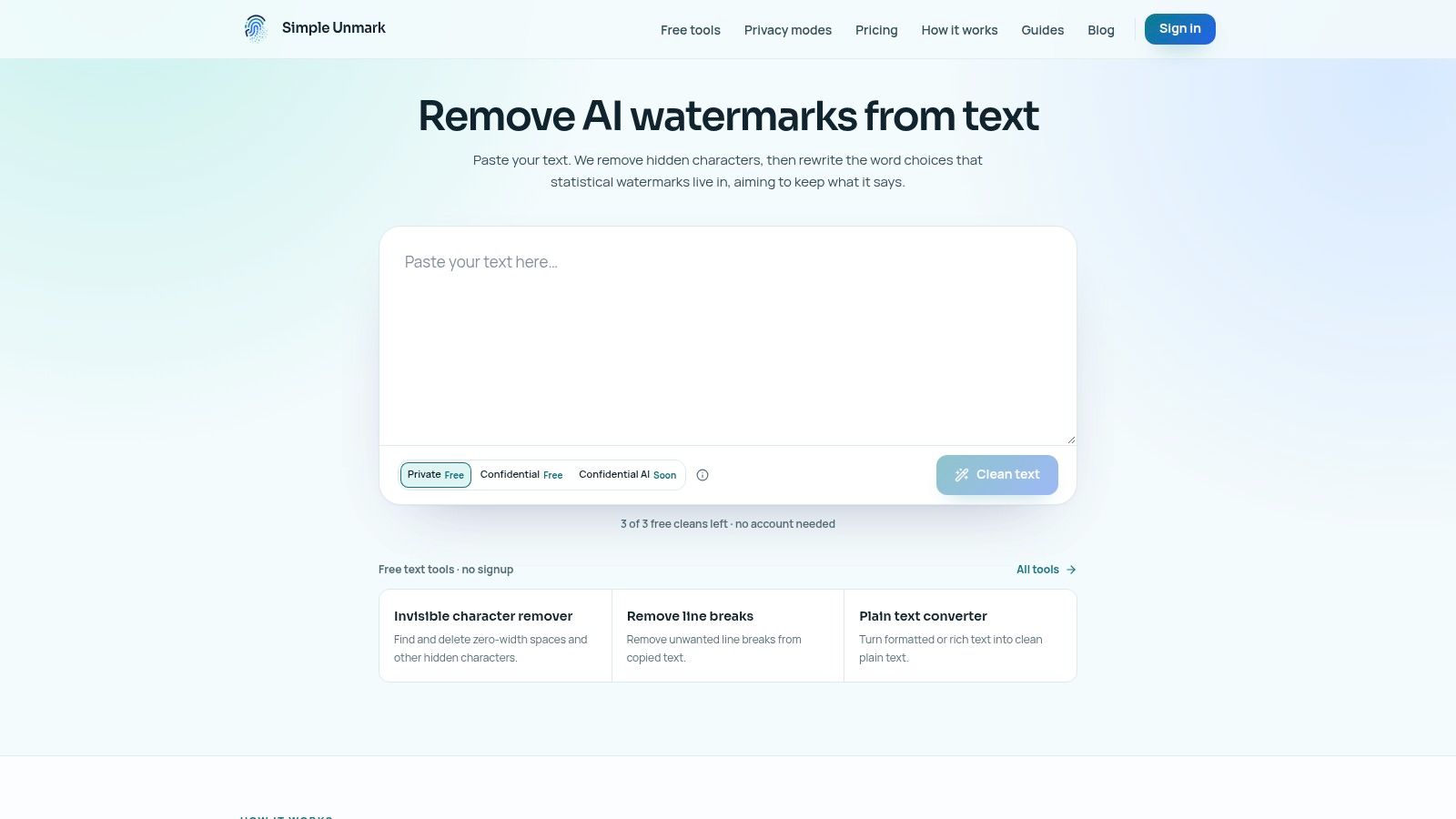
A pasted product description containing a zero-width space may need only inspection and character removal. A passage whose wording needs revision goes through the main paste-clean-copy workflow, then a comparison against the original. Character cleanup is mechanical. Rewriting is probabilistic, and the two should not be judged by the same standard.
Free Utilities Versus Rewriting
- Local utilities: The invisible-character remover, line-break remover, and plain-text converter run in the browser with no signup, credits, or upload. The Unicode inspector lists supported characters by code point; line-break cleanup preserves optional paragraph breaks; the plain-text converter accepts rich pasted text or HTML and exports .txt. These tools do not rewrite wording or verify statistical watermark removal.
- Guest cleaning: Without an account, users get 3 free cleans of up to 100 words each. New accounts receive 10 starter credits. A run supports up to 5,000 words, with processing rounded to the next 100 words.
- Paid usage: Private processing costs 0.1 credit per started 100 words and stores no text in the application database. Confidential costs 0.2 credit per started 100 words; in that mode the browser verifies the cleaning service before encrypting text to it, so the Simple Unmark app never receives the text, though DeepInfra still performs the rewrite. Confidential AI costs 0.4 credit per started 100 words and is coming soon. Credits never expire, and there is no subscription.
Guest text is not saved. Rewrites aim to preserve facts, numbers, proper nouns, tone, and intent, but they need human review. Simple Unmark cannot measure the remaining provider watermark signal and does not guarantee watermark removal, perfect meaning preservation, or a particular detector score.
2. AIwatermark.studio
AIwatermark.studio advertises browser-based Unicode cleanup, best-effort statistical text rewriting, and metadata or provenance cleanup across document and media formats. Its stated appeal is free access without an account or upload, with processing described as local.
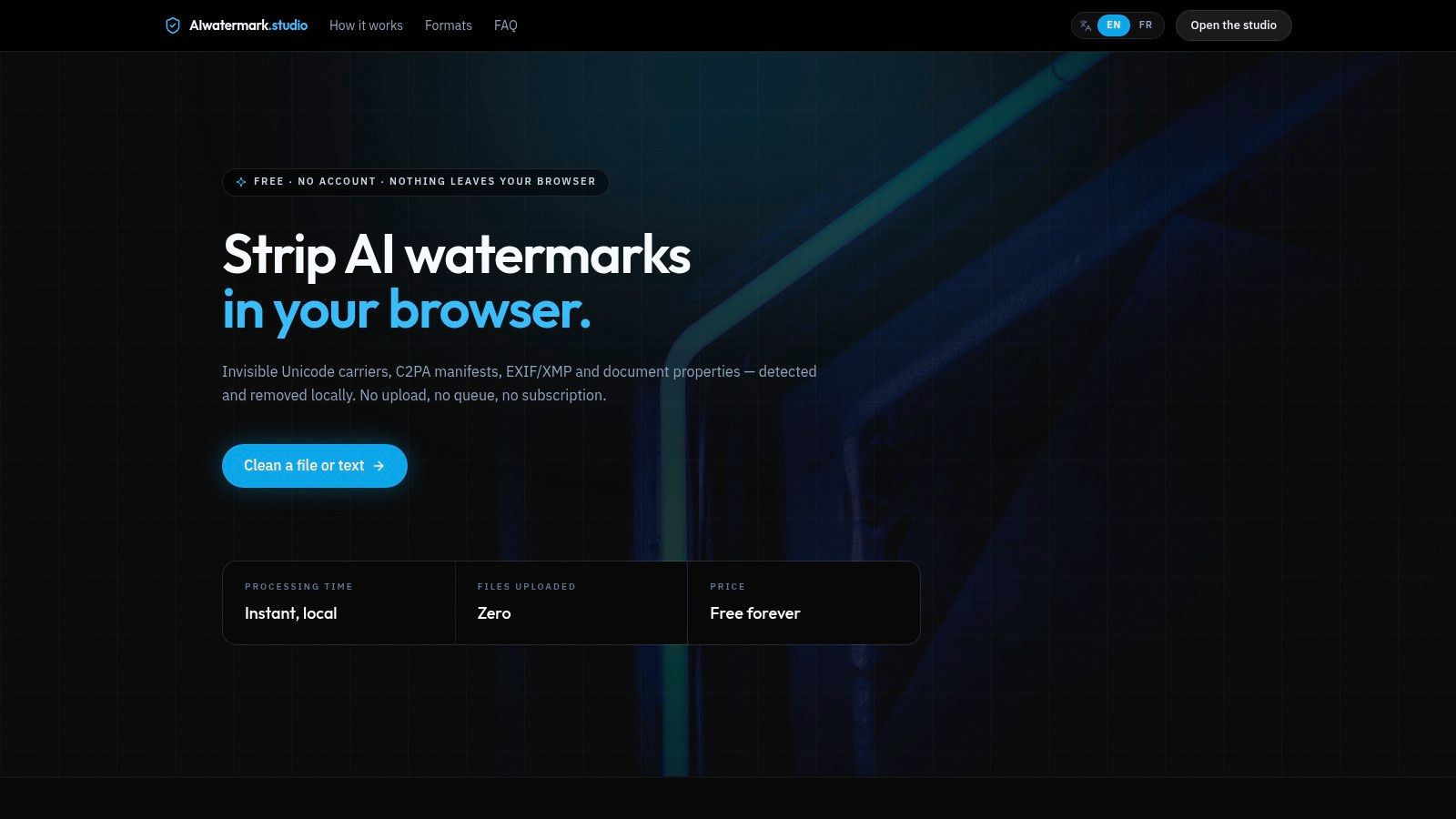
That breadth suits mixed file-cleaning tasks, but each operation needs separate evaluation. Removing a document property, deleting a zero-width character, and changing sentence wording don't establish the same outcome.
Practical rule: A file with less metadata isn't necessarily a file without a watermark.
Match the Operation to the Artifact
For a pasted paragraph, inspect supported Unicode findings before enabling rewriting. For a document, check which metadata fields the selected operation changes, and retain the original file when attribution or editing history matters.
The main trade-off is scope versus clarity. A broad cleaner can reduce tool switching, but its overall watermark-removal label shouldn't replace an operation-by-operation explanation.
Statistical rewriting remains best-effort, even when a service describes other cleanup functions as deterministic. Privacy-sensitive users should confirm that the chosen operation runs locally rather than assuming that a browser interface guarantees local processing.
3. NoMark
An editor who wants to inspect before rewriting should consider NoMark. It scans text for hidden Unicode characters, offers optional rewriting, and provides browser-based image metadata cleanup.
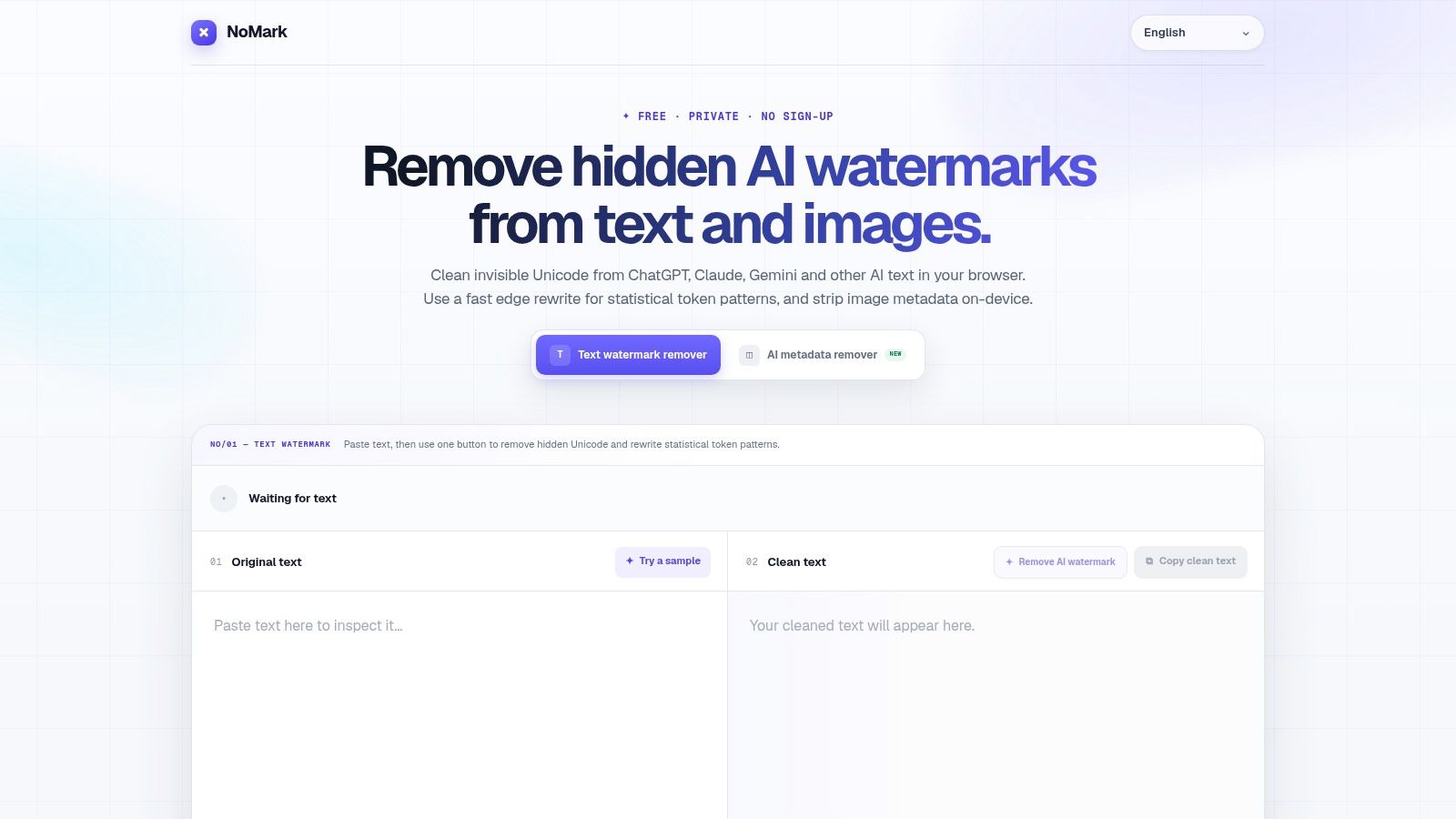
Its useful distinction is between a character finding and a statistical watermark claim. A Unicode scan can identify supported code points; it can't establish that a paragraph carries a probabilistic watermark.
- Strong fit: Free, account-free inspection before deciding whether wording needs changing.
- Important boundary: Optional rewriting uses an edge model rather than purely local character cleanup.
- Separate feature: Image metadata removal doesn't remove a visible overlay and may be irrelevant to text-only work.
A sensible editorial workflow is to save the original passage, review the character findings, and stop after cleanup if the visible wording already meets the assignment. Rewriting an approved quotation or contractual clause introduces risk without necessarily solving the actual copy-and-paste problem.
For confidential drafts, the distinction between scanning and rewriting matters more than the absence of an account. No signup doesn't mean no remote processing, so the selected operation's data handling should determine whether a passage belongs in the tool.
4. AIwatermark.dev
AIwatermark.dev focuses on text cleanup with optional rewriting and provider-oriented workflows for Claude, ChatGPT, and related text. It advertises a free online tool while acknowledging that it lacks official detector access and can't certify removal.
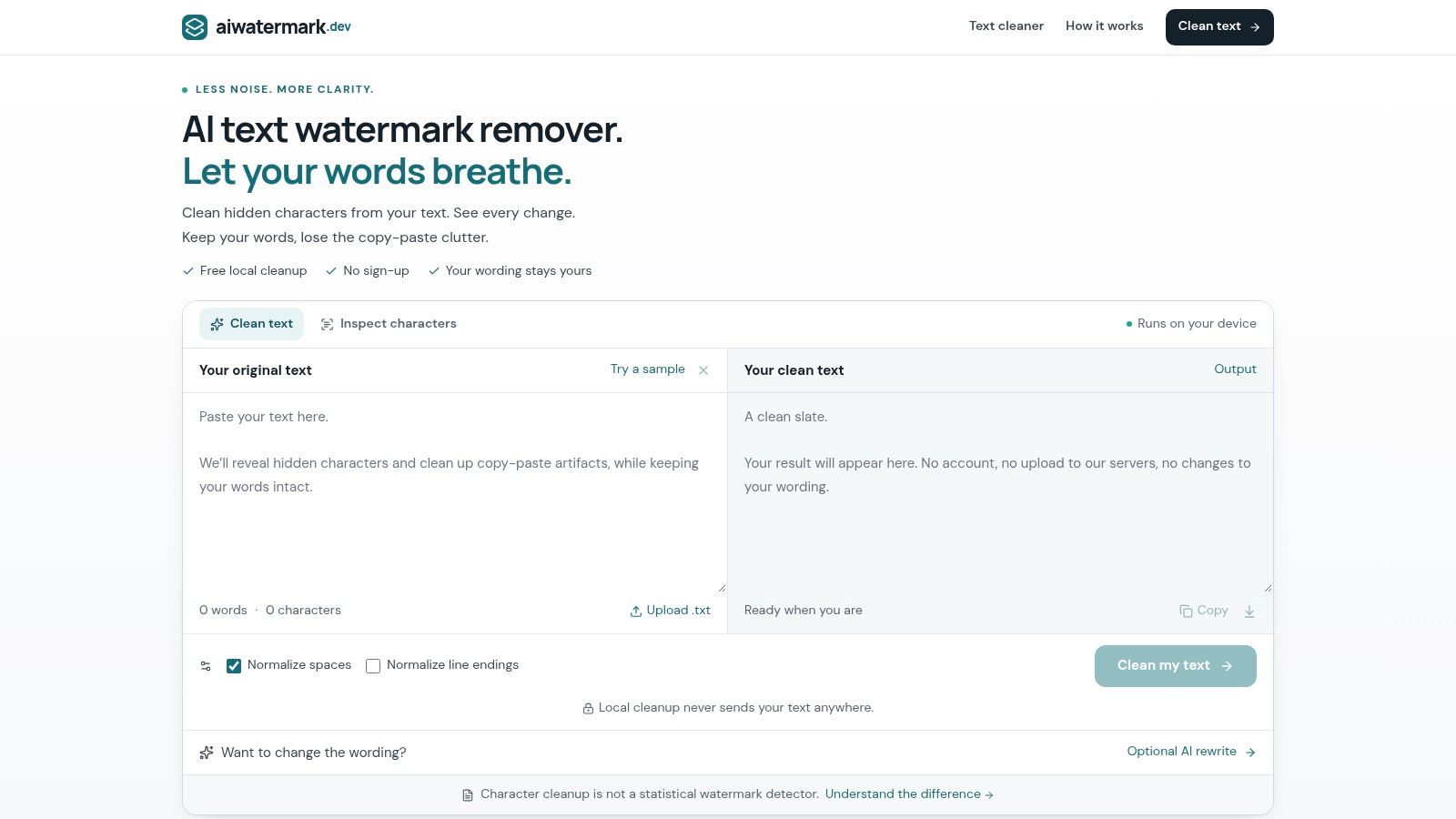
Provider-specific pages are navigation aids, not evidence that every output from a provider is watermarked. A page named for ChatGPT or Claude doesn't establish what marking system, if any, was used on a particular passage.
Where Rewriting Fits
The technical rationale is strongest for documented statistical systems. Google's SynthID documentation says thorough rewriting or translation can greatly reduce detector confidence, while cropping, changing a few words, and mild paraphrasing may leave the signal intact.
That distinction makes optional rewriting more relevant than superficial formatting changes when statistical signals are the actual concern. It still doesn't make a rewritten result certified clean.
The practical advantage is a text-focused workflow without unrelated image-editing promises. The limitation is verification: users must assess factual preservation independently, check current free-use limits, and treat provider-specific removal claims cautiously.
Dated provider claims should also be checked against the publisher's methodology and provider-status guide before they become policy or purchasing assumptions.
5. TextWatermarkRemover.org
TextWatermarkRemover.org advertises provider-oriented checks for Claude, ChatGPT, Gemini, and Grok, plus a deeper rewrite option. Its descriptions acknowledge best-effort rewriting and the lack of a public official detector for some claims.
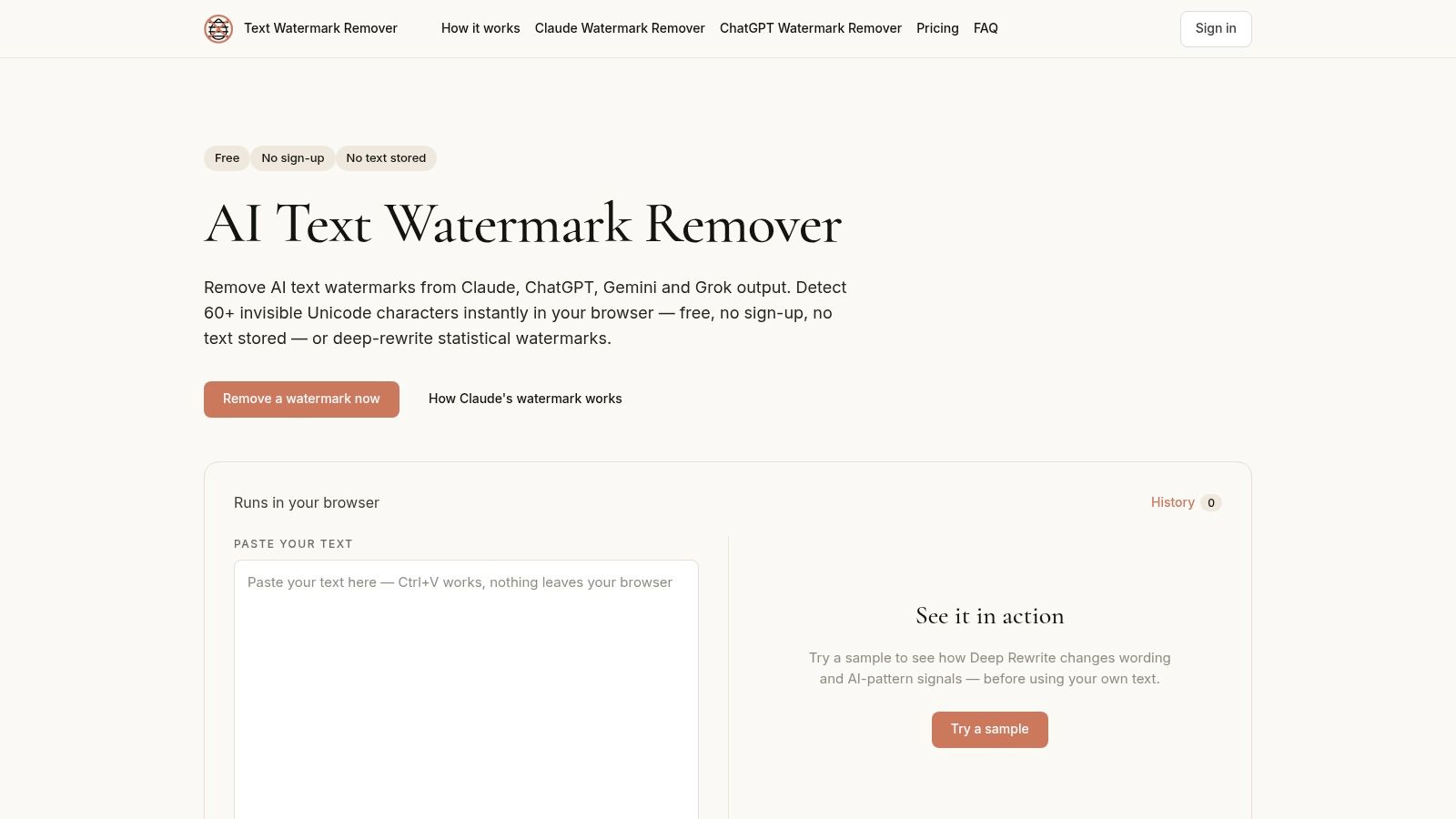
The deeper rewrite option is the relevant distinction from a simple invisible-character remover. It can change wording, which also means it can change emphasis, voice, or the relationship between a claim and its supporting citation.
- Potential benefit: A single text interface for drafts associated with several AI providers.
- Editorial cost: More extensive rewriting requires closer comparison of names, quantities, qualifications, and quotations.
- Verification limit: A provider-labelled result isn't authoritative without a documented verification method.
An independent SynthID robustness assessment found detection declined sharply under paraphrasing and round-trip translation while remaining comparatively resilient to straightforward lexical replacement. That supports evaluating the transformation itself rather than assuming every rewrite has equivalent effects.
For publication work, semantic fidelity should take priority over a reassuring status message. Advertised free access is useful for a small trial passage, but current limits should be checked before assigning a longer document to the workflow.
6. Sabrina Tools Watermark Remover
Sabrina Tools Watermark Remover separates hidden-character cleanup from text rewriting and supports some document and image metadata tasks. It advertises no signup and warns that detector outcomes aren't guaranteed.
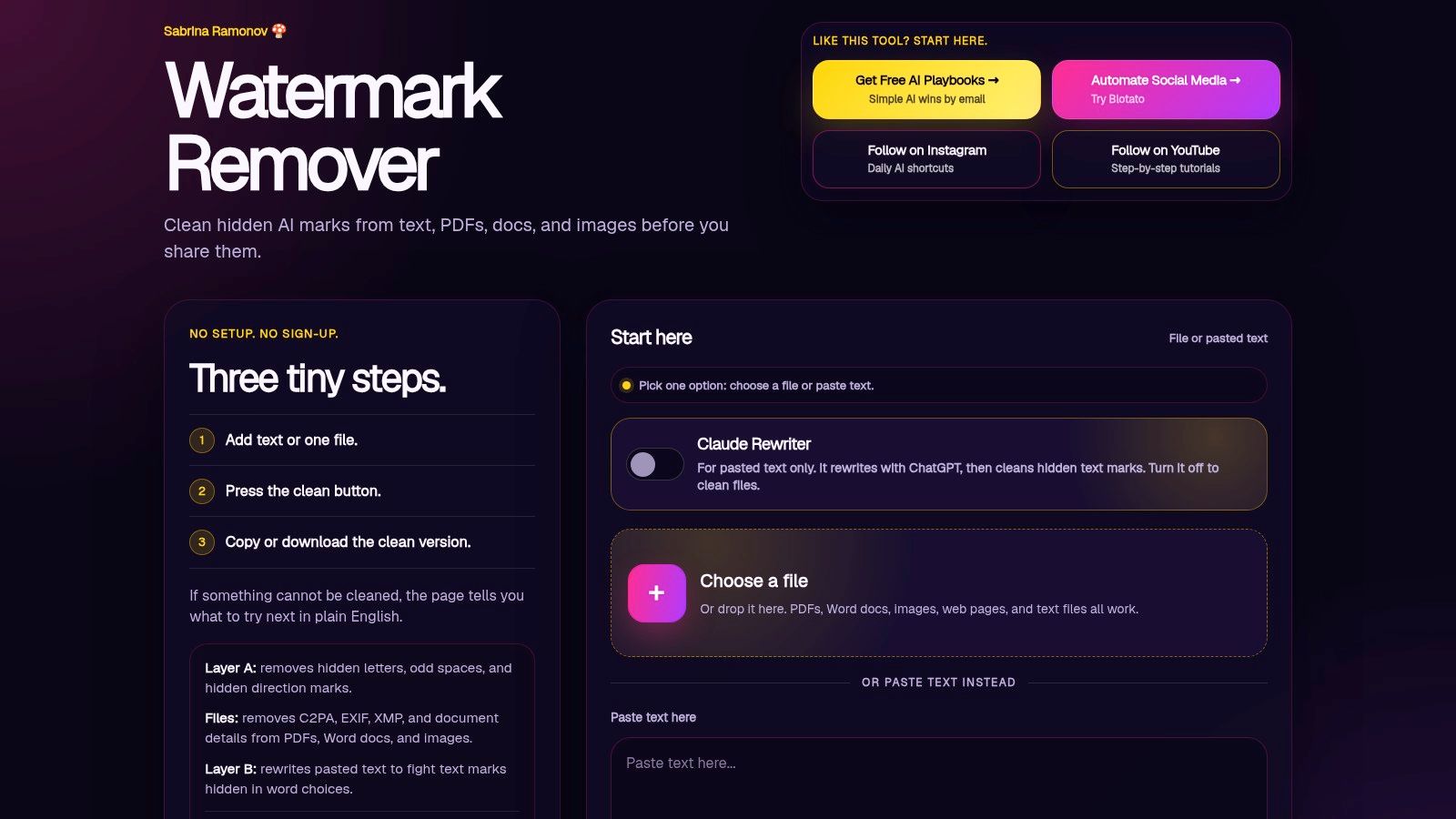
That separation is helpful when a paragraph contains unusual spaces but its wording has already been approved. Character cleanup can address the formatting problem without asking a model to revise the prose.
Keep Normalization Separate
Standard Unicode normalization reconciles equivalent character representations. It isn't the same as selectively deleting invisible characters, and neither operation is statistical watermark rewriting.
The Unicode Consortium's invisible-character guidance explains that seemingly invisible characters can carry word-breaking or directional semantics. Indiscriminate deletion can therefore change rendering or text behavior, particularly in multilingual content.
Preserve meaningful text behavior, not merely the appearance of a clean character report.
The main advantage is choosing a narrower operation before a more invasive one. The trade-off is that multiple cleaning layers create more opportunities to change content unintentionally.
Current limits should be checked in the live tool. For an edited manuscript, compare the cleaned version with the original before enabling any rewrite option, especially around quotations, citations, and language-specific formatting.
7. Aiso Watermark Remover
Inspection comes first in Aiso Watermark Remover, a hosted tool advertising free access for Unicode, metadata, and provenance-related cleanup. Its optional statistical-text feature uses rewriting rather than merely deleting hidden characters.

An inspection-first workflow is useful when the suspected problem hasn't been identified. A file may need metadata review, while the text inside needs no wording changes at all.
- Inspect first: Determine whether the finding concerns characters, file properties, or an advertised statistical signal.
- Choose narrowly: Apply only the operation relevant to the actual problem.
- Preserve evidence: Keep the original file and a record of edits when provenance matters.
The privacy question isn't whether the service costs money. Before submitting a manuscript, client document, or student record, examine retention, training use, deletion controls, encryption, and processing jurisdiction.
For regulated or disputed material, removal may be the wrong first response. Changing wording or provenance fields can make later authentication harder, so the original and editing record should remain available.
Aiso's practical attraction is inspection before action. Its limitation is that coverage depends on the artifact involved, and statistical rewriting can change text without guaranteeing a detector outcome.
8. Unmarker Invisible Character Remover
Unmarker Invisible Character Remover is a narrower browser utility for hidden and unusual Unicode characters. It doesn't rewrite prose, making it relevant when the visible wording should stay unchanged.
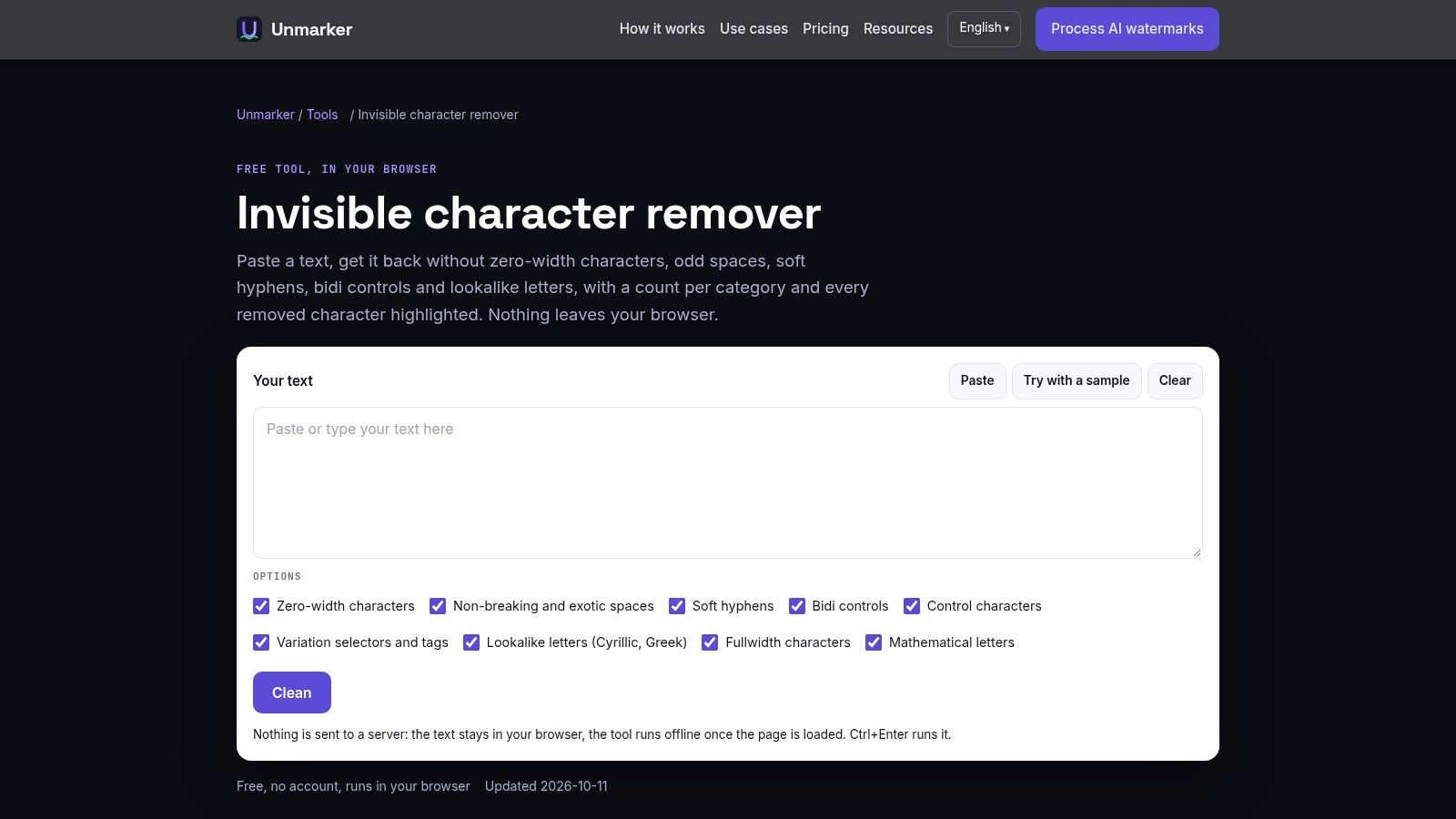
It detects supported zero-width characters, unusual spaces, soft hyphens, direction controls, and some lookalike characters, then reports removals by category. That feedback is more useful for copy-and-paste troubleshooting than an unexplained clean status.
Best Fit for Wording Preservation
Consider a product name that looks correct but won't match a search in the destination system. Inspection can reveal an unexpected character without paraphrasing the name or surrounding sentence.
The guide to hidden Unicode versus statistical watermarks explains why this kind of repair addresses a different problem from rewriting token-choice patterns.
The advantage is restraint: free, account-free character cleanup without a model changing the passage's voice. The limitation is equally clear: it doesn't reduce statistical watermark patterns through rewriting.
Lookalike replacement and direction-control removal still deserve review. A visually similar character can be intentional, and a control character can affect legitimate rendering, so category-level reports should guide selective decisions rather than automatic deletion of everything flagged.
9. WatermarkCheck
WatermarkCheck offers an X-ray view of hidden Unicode in pasted text and source code. It labels code points, processes content locally, and allows cleaned text to be copied without signup.
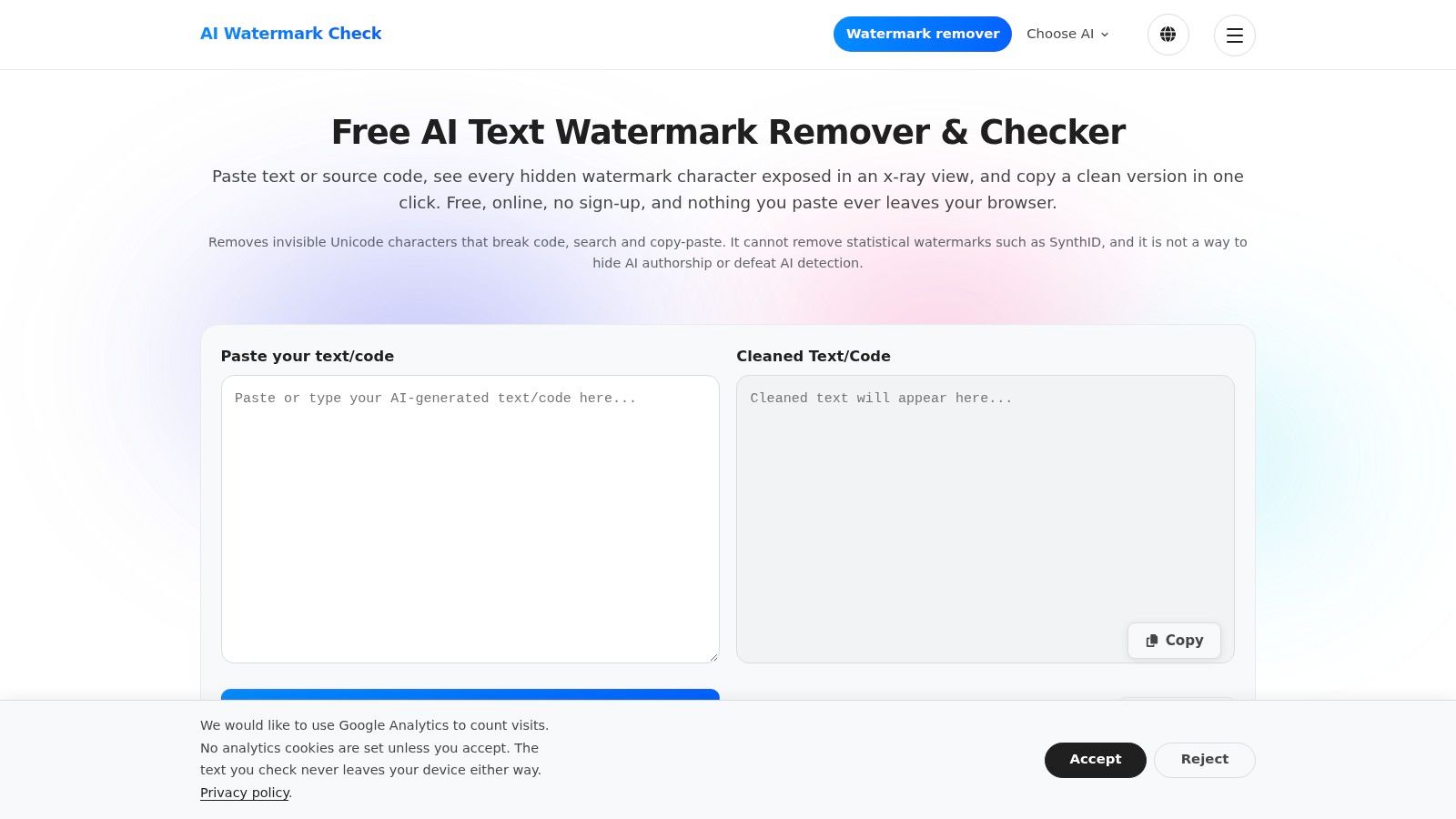
For developers, character-level visibility is the useful feature. An unexpected control in a source file needs precise inspection, not a prose rewrite that might alter identifiers, comments, or literal strings.
- Useful capability: Labelled code points make supported hidden characters easier to diagnose.
- Privacy benefit: Local processing avoids uploading pasted content for the scan.
- Explicit limit: There's no rewrite function, and the tool doesn't remove statistical watermarks such as SynthID.
The distinction between AI watermarks and AI detectors also matters. A character inspector, a provider watermark detector, and a classifier estimating AI-like style answer different questions.
For source code: Review every proposed deletion, then run the project's formatter, tests, or parser before accepting the cleaned file.
This is a diagnostic utility rather than an authorship judge. Its narrower scope is an advantage when the task is finding the exact character behind a search, copy, or rendering problem, but it won't satisfy a request for statistical rewriting.
10. AI Text Watermark Remover (aitextwmr.com)
AI Text Watermark Remover focuses on removing supported invisible Unicode characters while leaving visible wording unchanged. It supports pasted text and several document and image formats, with an itemized change report.
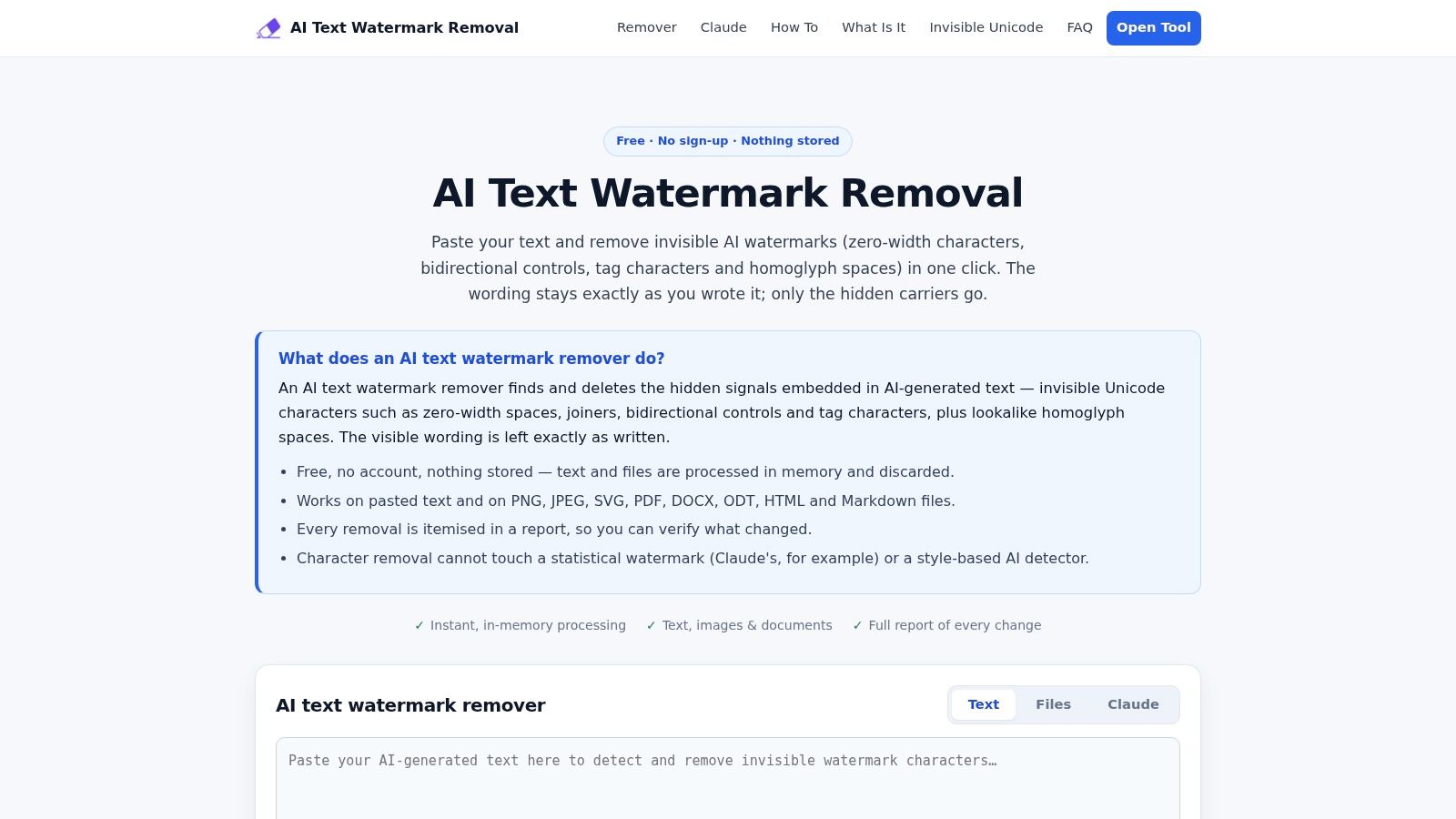
The service advertises free access, no signup, and in-memory processing. In-memory processing isn't synonymous with browser-local processing, so sensitive-content decisions still require checking where the selected operation runs.
Reports Instead of Rewrites
An itemized report helps an editor understand what changed instead of accepting a modified passage. That makes the tool relevant when copy integrity matters more than changing the prose's statistical profile.
Its limitation is explicit: character removal doesn't address statistical text marks or style-based AI detection. Support for an image format also shouldn't be confused with removing a visible image watermark.
The text watermark rewriting overview describes the different class of operation needed to alter token-choice patterns.
This tool therefore fits approved wording that needs character cleanup, not a request for meaning-preserving paraphrasing. File-based output should still be checked for layout, annotations, and unintended changes before replacing the original document.
Free watermark remover tools at a glance
| Item | Works on | Rewrites text? | Free access | Runs locally |
|---|---|---|---|---|
| Simple Unmark (recommended) | Text; hidden Unicode cleanup | Yes | 3 free guest cleans; 10 starter credits for new accounts | Not stated |
| AIwatermark.studio | Text, documents, and media metadata | Yes | Advertised as free; no account required | Yes, according to the site |
| NoMark | Text and image metadata | Optional | Free; no account required | Partly; rewriting uses an edge model |
| AIwatermark.dev | Text; provider-specific workflows | Optional | Advertised as free; limits may vary | Not stated |
| TextWatermarkRemover.org | Text from several AI systems | Yes | Advertised as free; limits may vary | Not stated |
| Sabrina Tools Watermark Remover | Text, documents, and image metadata | Optional | No sign-up advertised; limits not stated | Not stated |
| Aiso Watermark Remover | Text, files, and metadata | Yes, optional | Advertised as free; limits may vary | Not stated |
| Unmarker Invisible Character Remover | Text; hidden Unicode characters | No | Free; no account required | Yes, in the browser |
| WatermarkCheck | Text and code; hidden Unicode characters | No | Free; no sign-up required | Yes |
| AI Text Watermark Remover (aitextwmr.com) | Text and supported document and image formats | No | Free; no sign-up required | In-memory processing advertised |
Choosing the Right Tool for Your Actual Problem
Formatting and copy-and-paste artifacts need a local character tool, not a rewriter. Unmarker and WatermarkCheck handle that narrow job. Simple Unmark's free browser-local utilities cover the neighboring cases: an invisible character remover, line-break cleanup that keeps optional paragraph breaks, and a plain-text converter that accepts rich pasted text or HTML and exports a .txt file. No signup, credits, or upload is involved in any of them. None rewrites wording, so none touches statistical watermark signals. Standard Unicode normalization remains a separate operation and is not a universal delete-hidden-characters command.
Statistical watermark concerns call for a different expectation. A rewriting tool can alter token-choice patterns, a real change rather than a cosmetic edit, but no tool guarantees the watermark is gone or that a specific detector returns a particular score. ETH Zurich's SRI Lab analysis of SynthID probing explains why statistical watermark strength depends on the available token choices and the amount of text. A detector result describes one detector at one moment. It is not a certificate of authorship.
A Practical Paste-Clean-Review Workflow
- Preserve the original: Save the source passage and, where relevant, the model, prompt, generation date, and editing history.
- Inspect locally: Identify supported hidden characters before deciding whether cleanup is necessary.
- Select the smallest change: Remove a specific artifact for a formatting problem; reach for rewriting only when transforming the wording is appropriate.
- Compare meaning: Check facts, numbers, proper nouns, citations, negations, legal qualifications, and tone against the original.
- Document the result: Keep the transformed version and an edit record rather than a detector screenshot.
A rewrite that turns a qualified claim into a stronger assertion has failed editorial review, whatever the detector reports. Quotations, statutory wording, contractual clauses, and source citations deserve the most conservative handling.
Hidden characters never prove AI authorship, and a clean character scan does not prove human authorship. Detector results alone should not decide academic penalties, employment decisions, publication acceptance, or compliance findings.
Provider-specific directories can help locate a relevant interface. Readers can browse Claude watermark remover details, though a listing is not evidence that a Claude passage carries a watermark or that removal from it can be certified.
Before relying on a free tier, check current word caps, account requirements, and data-handling terms. For confidential material, keep local inspection separate from remote rewriting, and preserve provenance wherever an audit or disclosure obligation may apply.
Simple Unmark pairs a free, browser-local invisible-character inspector with text rewriting aimed at reducing statistical watermark patterns. Visit Simple Unmark to test a non-sensitive sample, pick the cleanup route that matches the problem in front of you, and compare rewritten output against the original before you use it.
- best watermark remover free
- AI watermark remover
- hidden Unicode remover
- SynthID text cleaner
- free text cleanup tools
Related articles

How AI Text Watermark Removal Works
Learn how character cleanup differs from statistical watermark rewriting, what Simple Unmark does, and why removal cannot be independently confirmed.
Text Watermark Removers: Cleanup vs. Rewriting
Understand hidden-character cleanup and statistical watermark rewriting. Choose a method by the text problem and review every substantive change.
How to Rewrite AI Content: A Practical Review Workflow
Improve an AI-assisted draft with clearer structure, specific wording and factual checks. Inspect hidden characters and compare the final text with its source.