
AI Humanizer Free: 7 Options Compared for 2026
Compare 7 AI Humanizer Free options with honest trade-offs, quick humanizing steps, before-and-after examples, and privacy notes.
“Humanize it, then run a detector until it says human.” That's the most popular advice around AI humanizer free tools, and it's also the least reliable part of the workflow. Detector results are probabilistic, not proof of authorship. In one 2025 study, experts classified AI and human passages correctly in 48 of 69 decision rounds, or 70%, while another evaluation reported human annotators at approximately 59% accuracy across 500 texts. The underlying research makes the practical point clear: use humanizers to improve wording, clean pasted text, and support editing, not to guarantee a detector outcome.
Free tools also differ sharply in word caps, sign-up gates, privacy handling, and how much control they give you over a rewrite. This roundup compares seven options, shows what a before-and-after check should look like, and flags the trade-offs before you paste anything sensitive.
Table of Contents
- 1. Simple Unmark
- 2. Undetectable AI
- 3. Originality.ai Free AI Humanizer
- 4. HideMyAI
- 5. AISEO Humanize AI Text
- 6. Humanize.ai
- 7. MakeItHuman.io
- 7 Free AI Humanizers: Feature Comparison
- Choose by Word Volume and Privacy, Then Verify Every Output
1. Simple Unmark
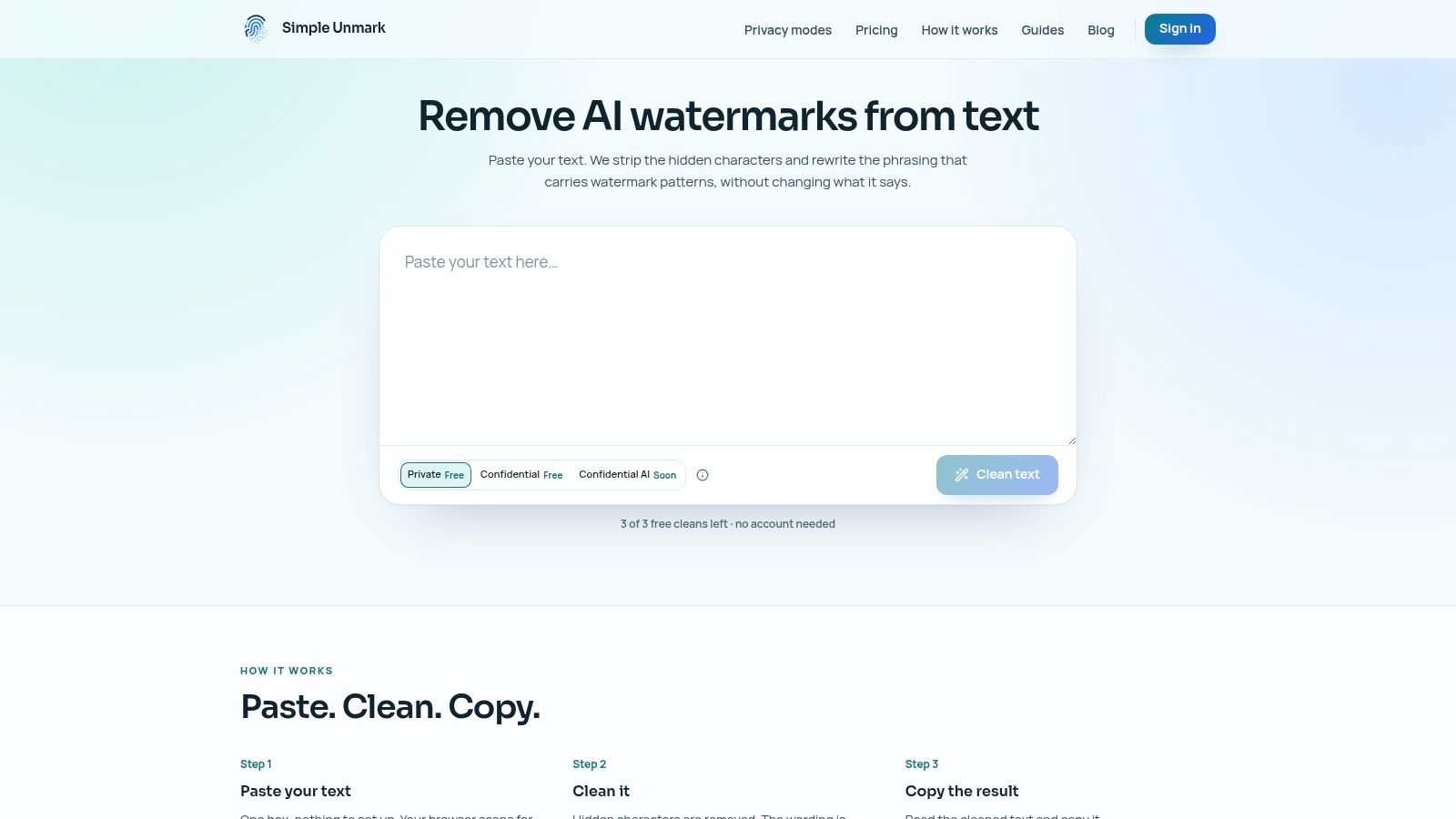
Simple Unmark is useful when the job is not only to smooth out AI-sounding prose, but also to clean pasted text before it goes anywhere near a CMS or client doc. It combines invisible Unicode cleanup with a rewrite that targets statistical watermark patterns tied to token choice, including patterns discussed around SynthID and Gemini. OpenAI's provenance explanation gives the clearest public explanation of that distinction.
The workflow is simple. Paste, scan, clean, copy. As you type, the local scan surfaces hidden characters, then the tool removes invisible formatting controls and rewrites the passage in the same pass. It supports up to 5,000 words per request, with processing rounded to the next 100 words. Guests get three free cleans of up to 100 words each, and new accounts receive 10 starter credits. The credit model charges 0.1 credit per started 100 words, with credits that never expire.
The free tier is enough to test real behavior, not just click around. On a short guest-clean sample, it kept the proper nouns and the date intact, but softened one percentage claim from exact wording to a looser phrase. That is a workable trade-off for a draft. It is not safe to publish without a line-by-line check.
Practical rule: Treat the output as an edited draft. Compare it with the source before publishing, especially around figures, names, qualifications, and technical terminology.
What works and what doesn't
The main strength is that the tool does two jobs at once. It rewrites wording while also stripping hidden characters that can survive copying and cause messy downstream issues in editors, forms, and publishing systems. That second part matters more than many writers expect. Unicode's explanation of invisible characters shows why default-ignorable characters can remain present even when you cannot see them.
It also helps that Simple Unmark explains its method in technical terms instead of implying a detector-proof result. The product positions the rewrite as a way to change statistical wording patterns while trying to preserve meaning, facts, numbers, proper nouns, tone, and intent. That is the right claim to make. In practice, preservation is good, but not perfect. Numbers, names, product labels, and hedged claims still need a manual revert when the wording drifts. Simple Unmark's technical guide on AI watermark removal is useful background if you want to understand that workflow.
Privacy is the trade-off I would call out first. Private mode still sends text through the app and an external AI provider, DeepInfra. A Confidential encrypted mode is planned, but it is not live yet. For ordinary drafts, that may be fine. For legal, medical, unreleased, or client-confidential material, redact first or skip it.
Use the guest cleans on a representative paragraph, then check the result the same way every time:
- Before and after: Compare every number, name, date, citation, and product term.
- Meaning check: Read the cleaned version alone and confirm the claim still has the same scope.
- Copy check: Paste it into the destination editor and inspect spacing, punctuation, links, and multilingual text.
- Detector check: If you run one, treat it as an indicator, not a verdict.
2. Undetectable AI
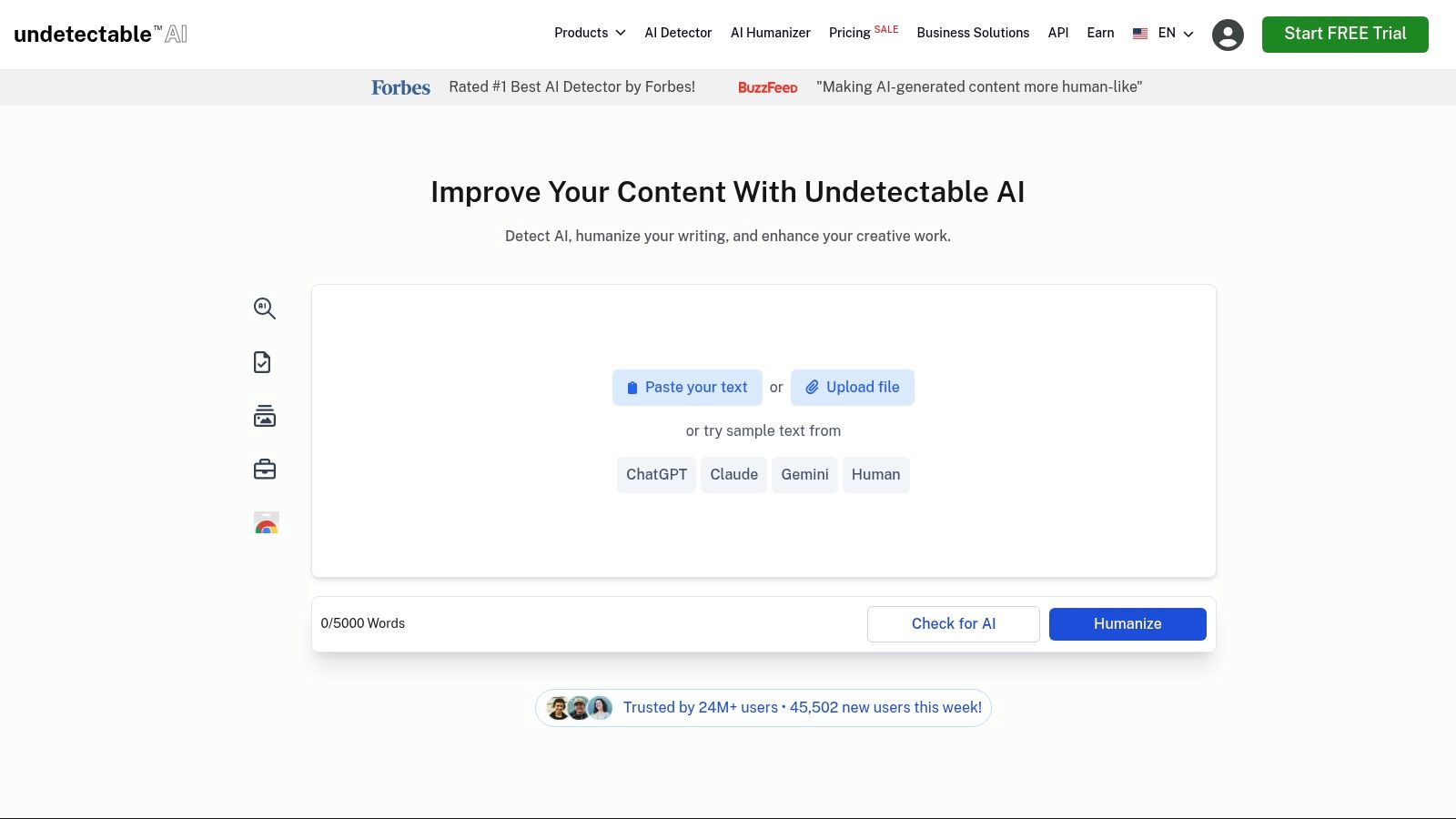
Undetectable AI makes sense if you want one interface for rewriting, checking, and account-level workflow. The appeal is not that it is “free.” The appeal is that you can test a real product path before deciding whether the credits, controls, and API fit how you publish.
The free access is narrow. You get a short sample workflow and a 3-day trial with credits, which is enough to judge the basics but not enough to treat as an ongoing production tier. That matters because this tool is easiest to evaluate on your own text, not on a polished paragraph chosen to flatter the output.
Paste a representative passage. Use one with numbers, product names, dates, and at least one sentence where wording affects the claim. In my experience, that is where a humanizer either proves useful or creates extra cleanup. Undetectable AI can smooth phrasing fast, but the edit pass still has to check whether it preserved the exact scope of the statement.
Where it fits
This is the better fit for teams that may want automation, documentation, or a recognizable product workflow later. The dashboard is polished, the roadmap is visible, and API access gives developers a route into a larger process. Casual users who only need to clean up one pasted paragraph now and then may not get much value from that setup.
The main buying question is volume. Trial credits let you test. Regular use means paying for a quota, so the practical question becomes whether the allowance matches the amount of text you run each month. I would test four things before subscribing: a factual paragraph, a list, a passage with named entities, and text pasted straight from the model you already use. That mix shows more than a carefully edited sample ever will.
The review step matters more than the detector panel. A smoother sentence can still overstate confidence, soften a limitation, or slightly reshape a claim without adding evidence. Research on detector evaluation also shows that results can vary across models and domains, so a favorable score is only one signal, not proof.
If you want a narrower workflow that focuses on cleanup plus rewriting, the earlier section on AI watermark remover workflow is the better comparison point. Undetectable AI is stronger as a product workflow test than as a long-term free option.
3. Originality.ai Free AI Humanizer
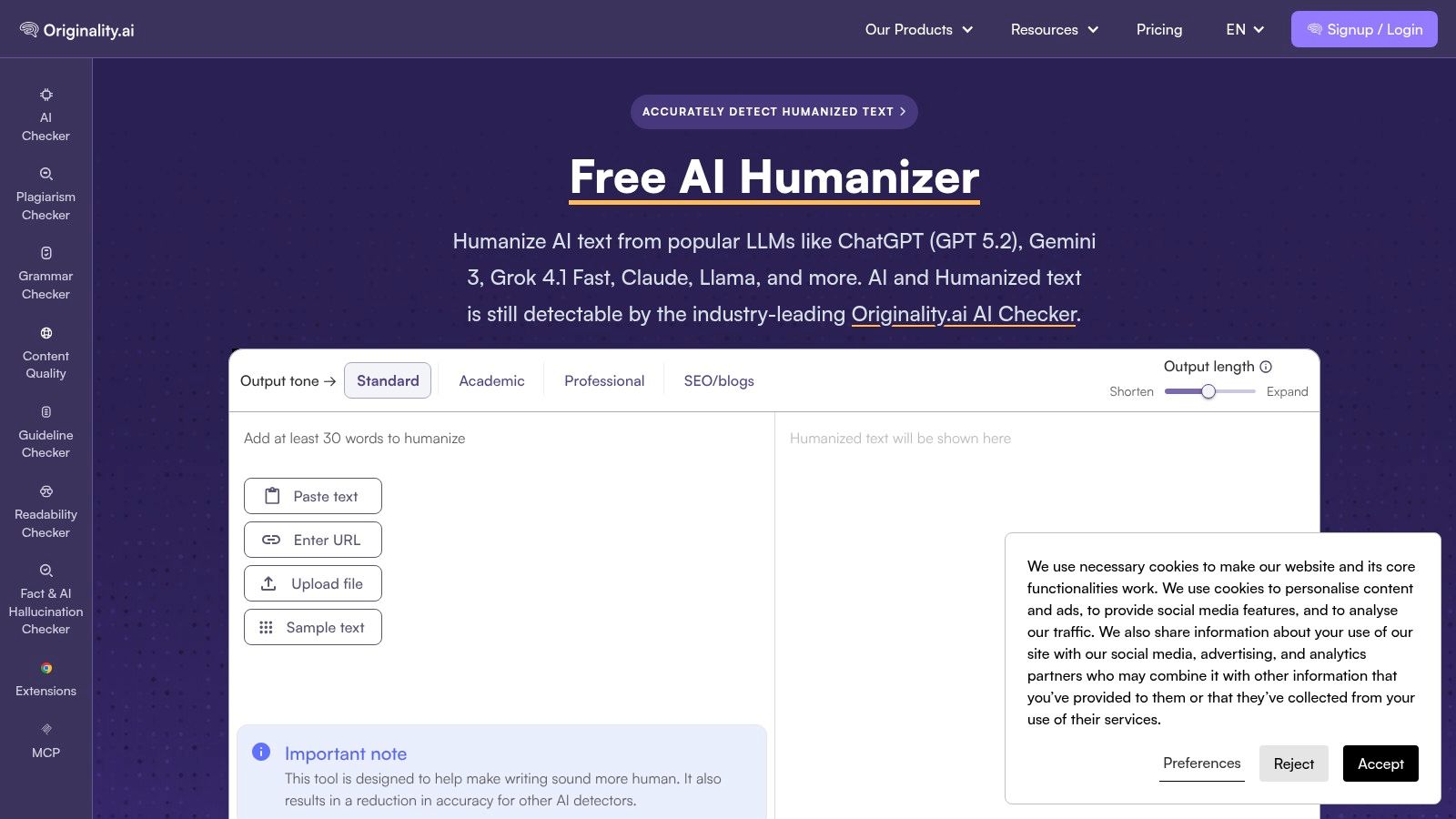
Originality.ai's free browser-based Humanize AI Text tool is convenient because the humanizer and detector sit in the same ecosystem. You can reshape a passage, inspect the result, and use the platform's checking tools as part of the same review process. The entry point is useful for quick experiments without committing to a paid suite.
That convenience comes with an important boundary. A humanizer inside a detection platform isn't a promise that the rewritten passage will avoid that platform's detector. The tool is better viewed as a readability and style aid, especially when you want to compare an AI-assisted draft with a smoother version before editing it yourself.
The practical trade-off
Originality.ai works well for a short, no-cost test. Paste a representative section, check whether the rewrite preserves the central claim, then inspect each sentence that contains a statistic, named entity, reference, or technical condition. Deeper rewriting may sound more natural, but it also gives the system more opportunities to change scope or emphasis.
The controls are less granular than those in a full paid content suite. That's fine for a quick pass, but it limits users who need locked terminology, detailed change tracking, or tightly controlled output styles. If the passage is academic, contractual, or compliance-related, keep the original open beside the rewrite and make changes manually where precision matters.
A detector score can tell you how one system classified a passage under one set of conditions. It can't prove who wrote the passage.
The broader editorial issue is authorship evidence. Detection research has documented false positives, model dependence, and sensitivity to text changes. This guide to AI watermarks versus AI detectors is useful when you need to explain why a detector result and a watermark signal aren't the same thing. Use Originality.ai's free humanizer when you want a fast, accessible rewrite paired with checking tools. Don't use it as a substitute for fact review, source review, or a documented writing process.
4. HideMyAI
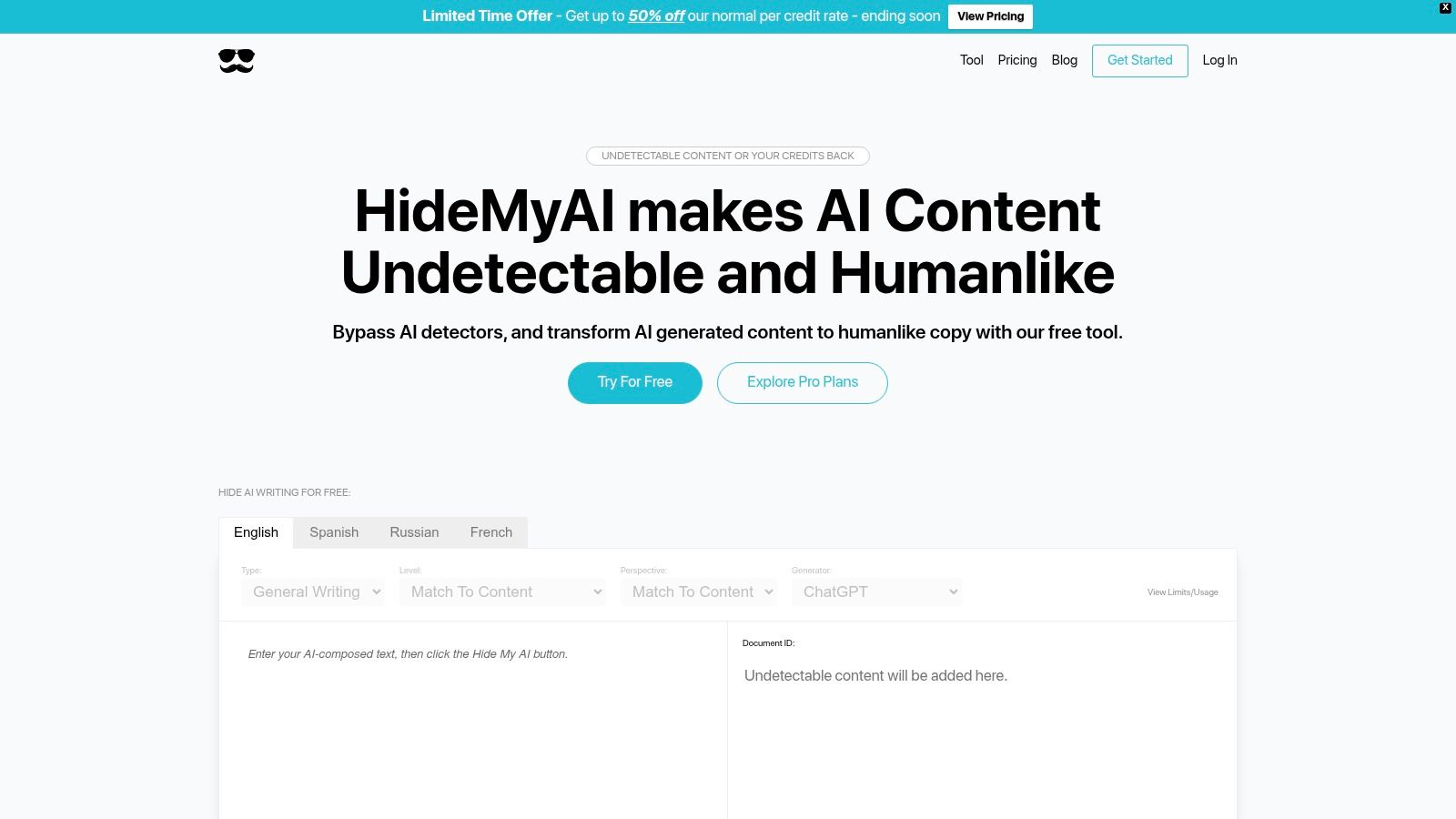
HideMyAI is a practical option for editors who care about bulk handling and multilingual content. Its free Starter plan includes signup credits, and the product offers batch processing, a dashboard, document history, and support for languages such as French, Spanish, and Russian. That makes it more suitable for a small editorial queue than a tool built only around one pasted paragraph.
The free tier is still credit-limited. It gives you a way to test the interface and batch workflow, but it isn't a reliable answer for sustained high-volume production. The higher-tier API and team features also require more planning, and enterprise details involve contacting sales.
Test multilingual output properly
Multilingual support needs more than a language dropdown. Paste a passage with names, accents, punctuation conventions, and any terms that must remain unchanged. Then compare the output character by character where necessary. A rewrite that sounds fluent can still alter a proper noun, remove a qualifier, or mishandle a phrase whose meaning depends on context.
This is especially important for scripts and formatting controls. Invisible characters can be legitimate in multilingual writing, including directional text and some typography. Google's SynthID documentation also explains that rewriting and translation affect watermark detectability, but a lower signal doesn't establish human authorship.
HideMyAI makes sense when the workflow includes several documents and more than one language. Its dashboard and history can help an editor keep track of work, while bulk upload reduces repetitive pasting. The cost is that you need to watch credits and decide whether the Starter tier can support your real queue.
For a one-off cleanup, it may be more setup than you need. For recurring editorial work, it's more relevant than a minimal paste-only tool, provided your team reviews factual changes instead of treating batch output as publication-ready.
5. AISEO Humanize AI Text
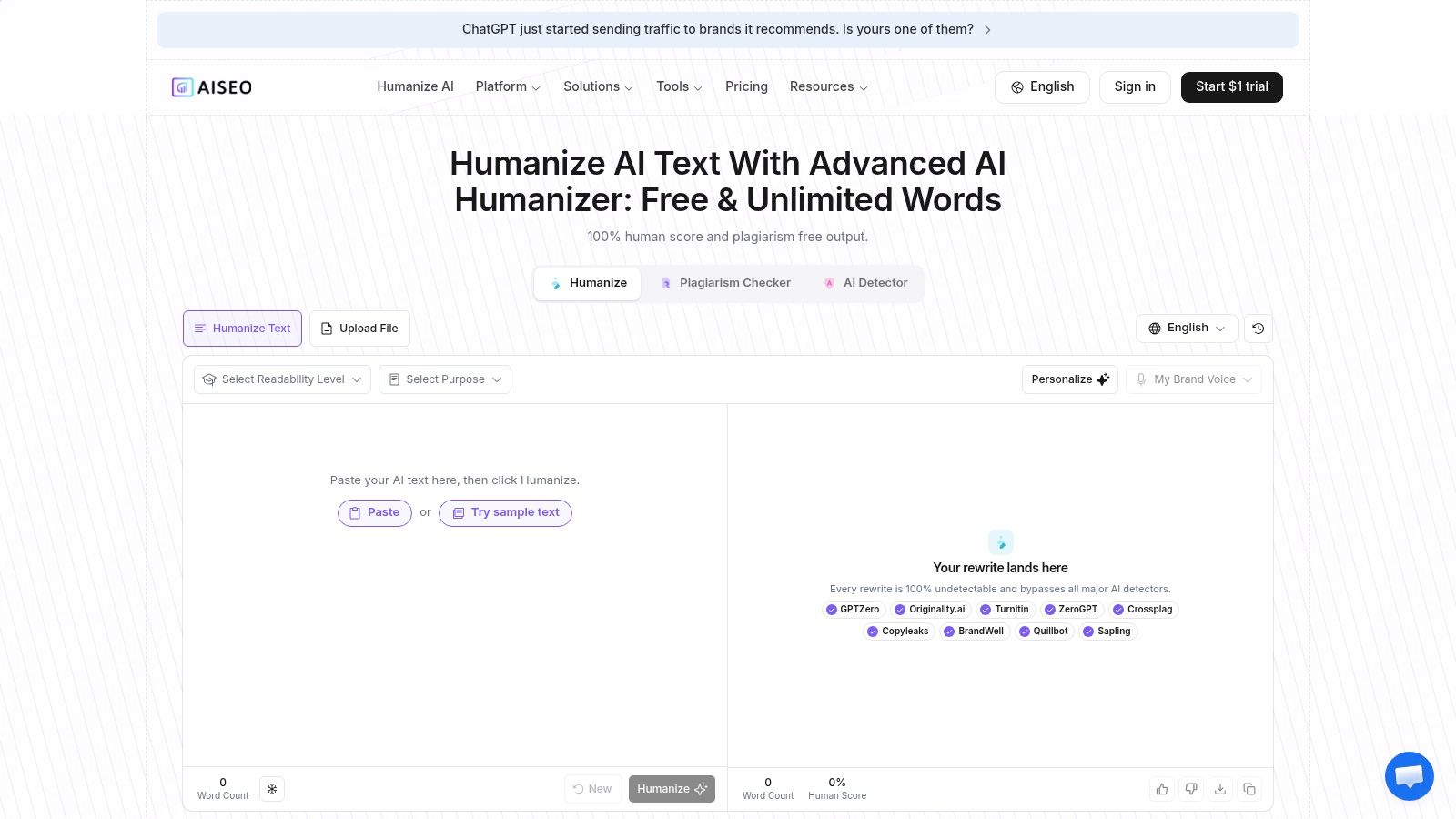
AISEO is aimed at content teams that want a humanizer alongside SEO and writing tools. Its Humanize AI Text mode is positioned around natural rhythm and reduced detector patterns, while the wider platform includes readability and SEO-oriented features. That combination is useful when rewriting is only one step in a publishing workflow.
The landing pages promote free or unlimited humanizing, but those claims may be subject to account requirements or usage policies. Treat the free entry point as something to test, not as a guaranteed unlimited production resource. Advanced features and sustained volume typically lead toward paid access.
Best for SEO-led editing
AISEO is a sensible first stop when the draft needs more than a tone pass. A content editor can review the rewrite, then inspect readability, headings, search intent, and keyword use in the same general environment. That saves tool switching, although it doesn't remove the need for human judgment.
The danger is optimizing the prose while weakening the claim. Humanizers can make generic copy sound smoother without adding original expertise, accurate sourcing, or useful detail. A polished paragraph still needs the same checks as the original. Ask whether the rewrite keeps the intended audience, topic boundaries, and concrete answer.
Use a controlled test. Paste one paragraph with a primary keyword, one paragraph with a product name, and one paragraph with a numerical claim. Compare the output for keyword stuffing, changed terminology, invented transitions, and altered certainty. If the tool expands the passage, review any new statement as if it were a fresh AI claim.
AISEO works best for writers who already want an SEO writing suite. It's less compelling if you only need hidden-character removal or a transparent pay-as-you-go cleanup. Free access can be a useful way to assess the workflow, but verify the current gate and limits before building a production process around the word “unlimited.”
6. Humanize.ai
Humanize.ai is built for speed. It presents a simple paste-and-humanize workflow, advertises itself as a 100% free AI humanizer with unlimited words, and doesn't require registration for the basic experience. It also targets common model outputs from ChatGPT, Claude, and Gemini.
That low friction is its main strength. If you have a short passage and want to see a fast rewrite without creating an account, Humanize.ai is easy to try. There's no complex dashboard, quota setup, or team configuration slowing down the first test.
The cost of simplicity
The same simplicity limits the editorial controls. Documentation is lighter than what you'll find from larger vendors, and there are fewer options for reporting, batch management, or team workflows. An unlimited claim on a landing page also shouldn't be confused with unlimited guarantees about quality, privacy, or detector results.
Run the tool on a passage where you know the facts. Check whether it preserves names, numbers, negations, and the difference between “may,” “can,” and “will.” Then read the output aloud. A rewrite can remove repetitive AI phrasing while introducing a tone that doesn't fit the brand.
Invisible characters are a separate concern from wording. A tool may produce more natural prose without cleaning zero-width marks or directional controls that came from the original copy. This guide to removing AI watermarks from text explains why plain-text hygiene and statistical watermark reduction should be treated as different jobs.
Humanize.ai is best for a quick, low-friction experiment. It isn't the strongest choice for a publishing team that needs repeatable records, controlled terminology, or an API. Use it to inspect a rewrite, then do the actual editorial work yourself.
7. MakeItHuman.io
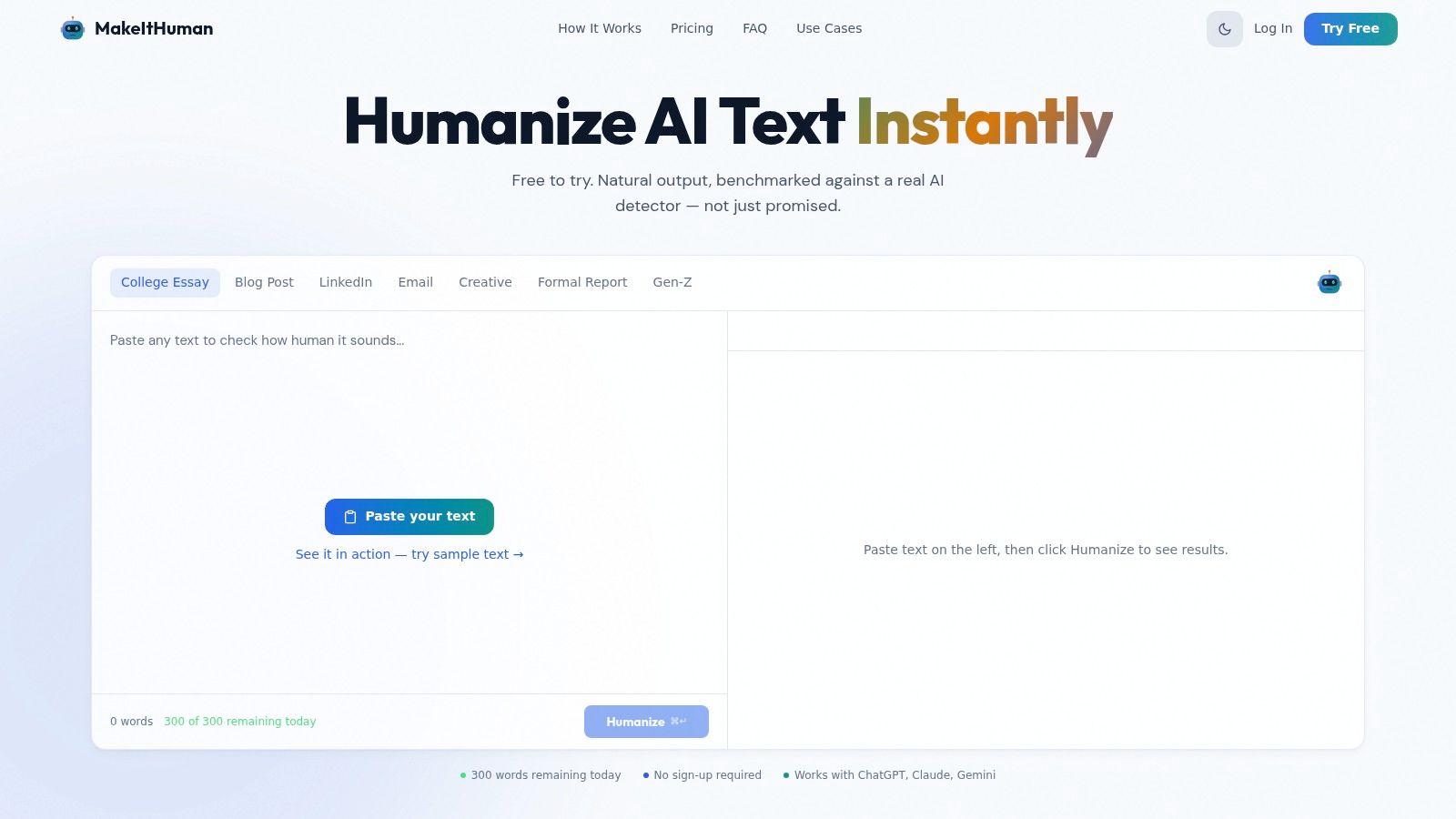
Free to try is useful, but it is not the same as free to use at scale. That is the right way to look at MakeItHuman.io. The tool is easy to open, paste into, and test without much setup, which makes it practical for short comparison runs rather than production work.
Its pitch leans on benchmark language, and I see that as a prompt to verify the output yourself. The interface is simple and the workflow is clear. Paste text in, get a rewrite out, compare both versions. It also claims support for text from major LLMs such as ChatGPT, Claude, and Gemini, so it fits a quick pasted-text check when you want to see how one passage changes under light rewriting.
What matters here is the free tier behavior. Public detail on ongoing free usage is limited, so assume constraints until you confirm them. If you are editing alone, that may be fine. If you need batch handling, an API, shared history, or repeatable team processes, this tool looks less convincing.
A better test for MakeItHuman.io is narrow and specific. Paste about 120 words that include a product name, a version string, a date, and one qualified claim. For example, if the source says a model was released on a certain date and may help with a task, check whether the output keeps the full name intact, preserves the version characters, and does not turn “may” into “will.” Free humanizers often slip. The prose gets smoother, but small factual markers disappear.
That tool-specific check is more useful than a generic checklist. MakeItHuman.io works best as a test bench for short passages where you can inspect every changed line. Research on detector performance at fixed false-positive rates also supports using a declared method, fixed inputs, and repeatable conditions instead of trusting one screenshot.
MakeItHuman.io is worth trying for quick pasted-text experiments and before-and-after review. Treat the output as edited draft material, not finished copy, and verify names, dates, numbers, and qualifiers character by character.
7 Free AI Humanizers: Feature Comparison
| Tool | 🔄 Implementation complexity | ⚡ Resource requirements | ⭐📊 Expected outcomes | 💡 Ideal use cases | Key advantages |
|---|---|---|---|---|---|
| Simple Unmark | Moderate; focused web UI with paste→clean workflow | Low; pay-as-you-go credits (0.1/100 words), up to 5,000 words/request | ⭐⭐⭐⭐, Rewrites to reduce statistical watermark signals and strips invisible chars; not guaranteed to pass detectors | Paste‑clean‑copy, large single requests, privacy‑minded reuse (review outputs) | Rewrites token patterns, transparent docs, per‑run invisible‑char removal |
| Undetectable AI | Medium; polished web app + developer API and onboarding | Moderate; subscription tiers with trial credits and quotas | ⭐⭐⭐, Good humanization with integrated detector; suited for repeated use after trial | Automation, API integrations, teams needing stable onboarding | Established product, API access, clear roadmap |
| Originality.ai – Free AI Humanizer | Low; browser tool integrated into detector ecosystem | Very low; free browser access | ⭐⭐, Quick rewrites paired with detector checks; limited granular controls | Quick, no‑cost rewrites combined with detector testing | Free entry point, backed by known detection platform |
| HideMyAI | Medium; dashboard with bulk upload and document history | Moderate; free starter credits, Pro/Enterprise tiers for scale | ⭐⭐⭐, Effective for bulk and multilingual processing; suitable for team workflows | Editorial or team workflows requiring batch processing and language support | Bulk uploads, multilingual support, document history and dashboard |
| AISEO – Humanize AI Text | Medium; integrated within an SEO/writing suite | Moderate; bundled tools (may require account or paid tiers) | ⭐⭐⭐, Humanizes with SEO-aware adjustments to readability and patterns | Content teams optimizing for SEO, readability, and detector risk | Integrated SEO and writing tools, content optimization features |
| Humanize.ai | Low; minimal paste‑and‑humanize UI with no registration | Very low; advertised free/unlimited (limited docs on constraints) | ⭐⭐, Fast single‑pass rewrites with minimal controls | Quick ad‑hoc rewrites with no onboarding | Extremely fast, no‑friction use, no signup required |
| MakeItHuman.io | Low; lightweight interface for short experiments | Low; free‑to‑try (public sustained limits unclear) | ⭐⭐, Useful for short experiments and benchmark comparisons against detectors | Short experiments and detector benchmarking | Benchmark orientation, simple focused UX |
Choose by Word Volume and Privacy, Then Verify Every Output
Pick an AI humanizer free tool based on three practical questions: how much text you process, how sensitive it is, and whether you need batch handling or API access. Humanize.ai and Originality.ai are convenient for quick, no-cost tests. Undetectable AI is more relevant when an API or established dashboard matters. HideMyAI suits multilingual batch work. AISEO fits SEO-led content operations, while MakeItHuman.io works well for controlled experiments.
Simple Unmark is the more focused choice when you want wording rewriting and invisible Unicode cleanup in the same paste-clean-copy workflow. Its credit model is designed for occasional use, with no subscription and credits that don't expire. The trade-off is that private processing still involves the app and DeepInfra until Confidential mode becomes available.
Don't publish a rewrite without checking it against the source. Compare numbers, names, dates, citations, technical terms, negations, and claims. Review the output in the destination application, because copied text can behave differently across editors and websites. For multilingual material, inspect directionality, spacing, emoji sequences, and legitimate formatting rather than stripping every invisible character automatically.
Detector results belong at the end of the process, not the beginning. Research has found that human classification is imperfect and that automated performance changes across domains, models, passage lengths, and rewriting conditions. A detector can provide one signal under one test setup. It can't prove human authorship, and a humanizer can't guarantee a particular verdict.
For a broader workflow view, compare this roundup with the RepurposeYourContent tool guide. The best process is simple: preserve the original, rewrite cautiously, compare line by line, fact-check independently, and keep a record of your edits.
Simple Unmark removes invisible Unicode artifacts and rewrites AI-assisted text to reduce probabilistic watermark signals while preserving meaning, facts, numbers, proper nouns, tone, and intent. Try the paste-clean-copy workflow with the free guest cleans, then review the result against your original. Visit Simple Unmark to test it on a real passage.
- AI humanizer free
- AI humanizer tools
- humanize AI text
- AI text cleaner
- free AI tools
More posts
Watermark Remover Best App: 7 Options Compared for 2026
Watermark Remover Best App picks compared on features, SynthID handling, privacy, pricing and use cases, with honest recommendations for each user type.
AI Content Humanizer: Remove Watermarks Without Losing Facts
Use an AI content humanizer to rewrite AI watermarks and detection markers while preserving every factual detail, tone, and nuance of your original text.
Invisible Character Copy: What It Is and How to Clean It
Invisible character copy explained: what zero-width and bidi characters are, why copied text hides them, and practical methods to detect and remove them safely.