
10 AI Tools for Content Creators in 2026
Compare 10 AI tools for content creators, from writing and research to video and text cleanup, with use cases, trade-offs, and pricing guidance.
The best AI tool for a creator isn't the one with the longest feature list. It's the one that removes the bottleneck slowing down your next publishable asset. A research tool won't fix weak editing. A video generator won't organize your content calendar. A writing assistant won't remove hidden Unicode characters from text you paste into a CMS.
That matters because creators increasingly use AI as a routine production layer. A 2026 creator survey found that 57.3% use AI tools every day, while 89.2% always review and edit AI output before publishing (Kit's creator economy report). The practical question isn't whether to use AI. It's where human judgment still matters and which tool deserves a place in your workflow.
This list groups AI tools for content creators by the job they improve: planning and research, writing and editing, design, video production, repurposing, and watermark-aware text cleanup. Each recommendation focuses on fit, conceptual cost, limitations, and workflow impact, not generic feature counts. For a wider workflow shortlist, compare these tools to transform your workflow.
Table of Contents
- 1. Simple Unmark
- 2. Canva Magic Studio
- 3. Adobe Express and Firefly
- 4. Jasper
- 5. Notion AI
- 6. Descript
- 7. Runway
- 8. Synthesia
- 9. OpusClip
- 10. Perplexity
- Top 10 AI Tools for Content Creators, Feature Comparison
- Build a Smaller Stack That You Will Use
1. Simple Unmark
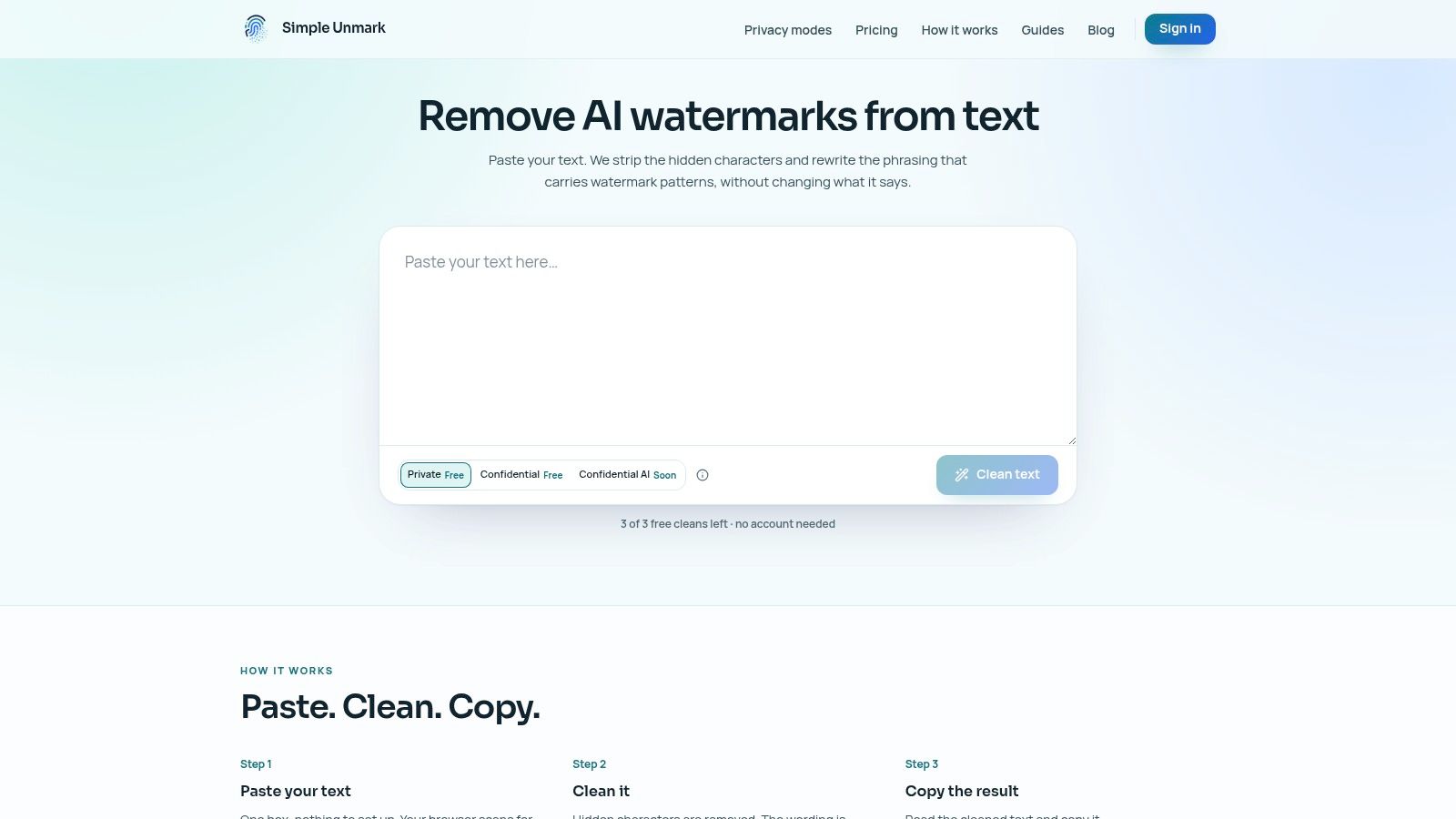
AI-assisted text creates a cleanup problem that ordinary grammar tools don't solve. Pasted text can contain invisible Unicode marks, direction controls, zero-width characters, or unusual spacing. Other text may carry statistical patterns associated with AI generation. Simple Unmark addresses both problems in one focused, web-based workflow.
Paste text, scan it in the browser, clean it, and copy the result. The tool removes hidden characters and rewrites wording to reduce probabilistic watermark signals while aiming to preserve meaning, facts, numbers, proper nouns, tone, and intent. Its rewrite pass changes token-choice patterns rather than making a few superficial find-and-replace edits, which makes it more useful than a basic invisible-character cleaner.
Google DeepMind describes SynthID-Text as a watermarking scheme that biases token sampling so a detector with a secret key can identify model-generated text later (Nature's technical paper). Google has expanded SynthID to text generated through the Gemini app and web experience (Google DeepMind's SynthID overview). Simple Unmark is built specifically for this kind of cleanup, including Gemini and SynthID-oriented text.
Where it fits
Use Simple Unmark after drafting and before publishing, submitting, or moving text into another system. It suits writers cleaning AI-assisted blog sections, editors checking pasted copy, and creators who need plain text without invisible artifacts. The service supports up to 5,000 words per request, with processing rounded to the next 100 words. Each started 100 words uses 0.1 credit, so occasional users don't need another recurring subscription.
New accounts receive 10 starter credits, while guests get three free cleans of up to 100 words each. Credits are one-time purchases, don't expire, and payments are handled through Stripe. That model is a good fit for irregular cleanup jobs, not for someone looking for a full writing or research suite.
Practical rule: No cleaner can guarantee a particular detector's verdict. Review every rewritten passage for accuracy, voice, and intent before publication.
Privacy needs attention. Private mode processes text through the app and its AI provider, DeepInfra, but doesn't store submitted text in the database or analytics. A confidential encrypted mode that bypasses the app is planned, not currently available. Independent security analysis has found that SynthID-Text can be detected through black-box queries and may be scrubbed more easily in naive attack settings than some other schemes (ETH Zurich's analysis).
Choose Simple Unmark when cleanup is the specific bottleneck. Don't choose it as a replacement for a planner, editor, image tool, or video suite.
2. Canva Magic Studio
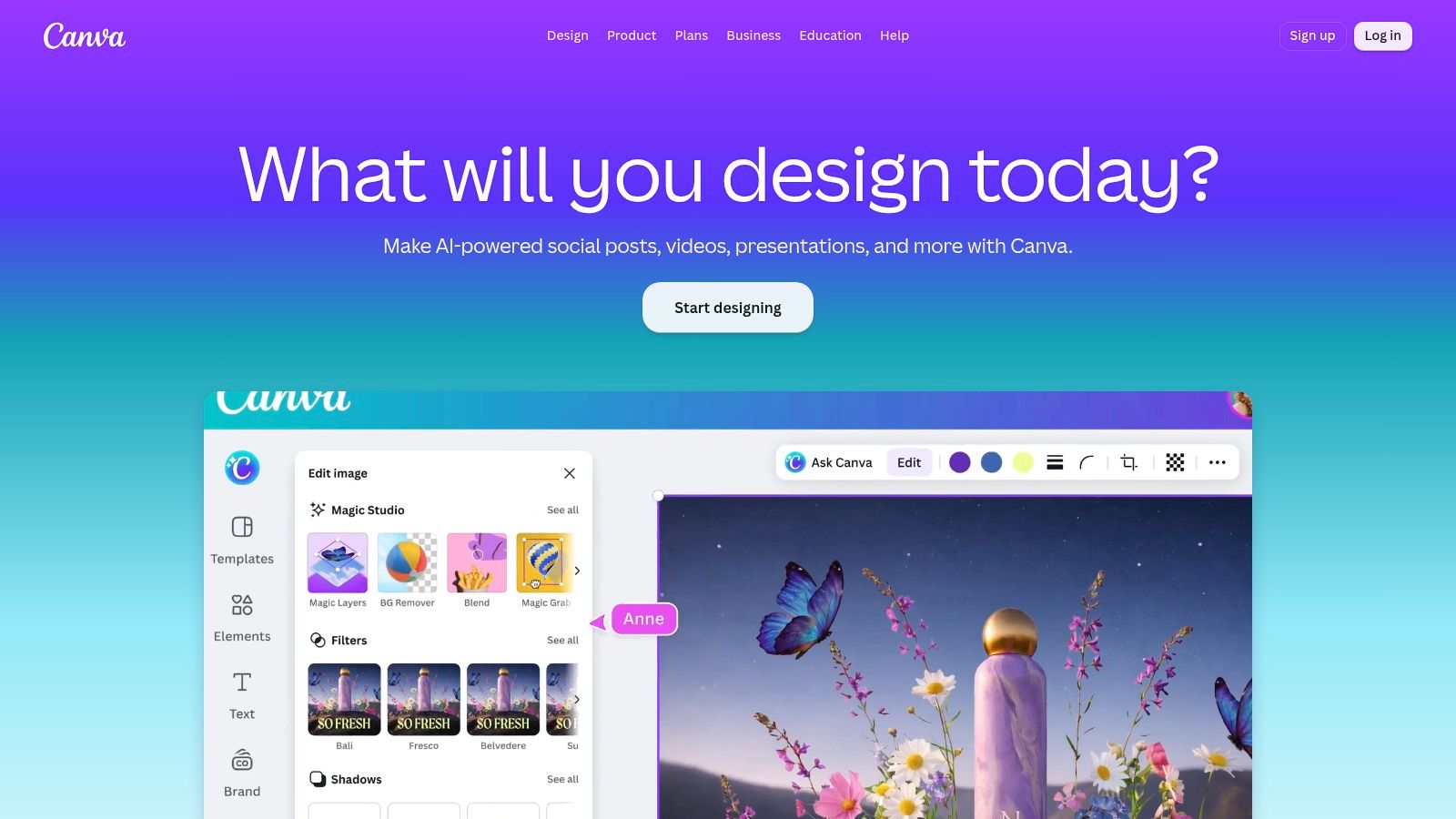
Canva is the strongest default for creators who need to produce social graphics, thumbnails, presentations, simple videos, and branded layouts without working like professional designers. Magic Studio adds AI tools for writing, image generation, video creation, translation, animation, resizing, and background or subject editing.
The advantage is breadth inside a familiar design workflow. A solo creator can turn a rough post idea into a carousel, resize it for several channels, apply brand assets, and schedule the result without moving between specialist applications. Templates and stock libraries reduce the time spent staring at a blank canvas.
Best use case
Use Canva when speed and consistency matter more than unusual visual direction. It works especially well for recurring social formats, lead magnets, event graphics, presentation decks, and straightforward short-form video. Brand kits and collaboration features also make it practical for small teams that need shared templates and approval workflows.
The conceptual cost is subscription access plus metered AI allowances. Heavy users may need add-ons or a higher plan, so check how often your team generates images, videos, translations, and bulk variants. Free access can be useful for testing, but serious production usually requires more capacity and administrative control.
Canva's limitation is specialization. Its AI video capabilities are convenient, but they don't replace a dedicated editor for complex timelines, detailed sound design, or advanced effects. Generated visuals also need review for composition, text rendering, and brand accuracy.
Pick Canva if one person handles many content formats and wants the fewest handoffs. Pick another tool if your work depends on cinematic generation, detailed post-production, or precise art direction.
3. Adobe Express and Firefly
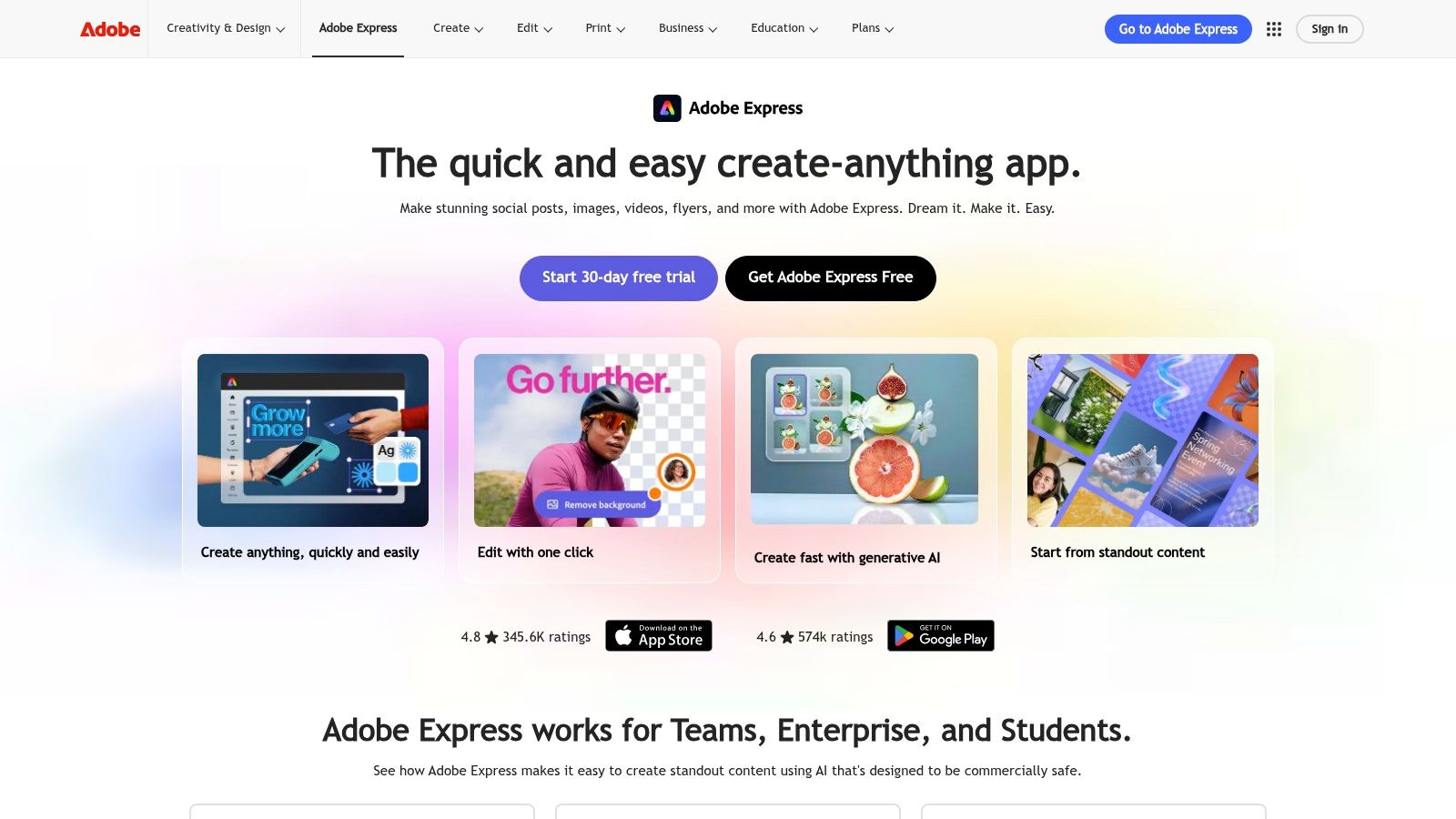
Adobe Express is the better choice for creators who need fast production but care about a clear path into professional Adobe workflows. Firefly powers image generation, video features, and text effects, while Express handles templates, brand kits, scheduling, and lightweight publishing tasks.
Its key buying advantage is the connection to Creative Cloud. A creator can build a quick social asset in Express and hand it off to Photoshop, Illustrator, or Premiere when the job needs deeper control. Adobe also emphasizes content credentials and a commercial-safety posture around Firefly outputs, which matters for brands that need stronger governance than a casual image generator provides.
The trade-off
Firefly uses monthly generative credits. That makes the cost conceptually predictable, but asset-heavy production can consume the allowance quickly. Monitor usage if your workflow includes many image variations, video generations, or repeated experiments. Higher-volume needs may push you toward Firefly Pro or a broader Creative Cloud plan.
Adobe Express is a strong fit for branded social content, campaign assets, quick video posts, and teams already using Adobe libraries. It isn't the simplest option for someone who wants a completely standalone tool with no connection to a wider creative ecosystem. Nor is it the right replacement for a full professional edit when a project needs complex compositing or detailed timeline work.
Choose Adobe Express and Firefly when brand safety, asset provenance, and Adobe handoff influence the decision. Choose Canva when template speed and ease of use matter more than integration with professional Adobe applications.
4. Jasper
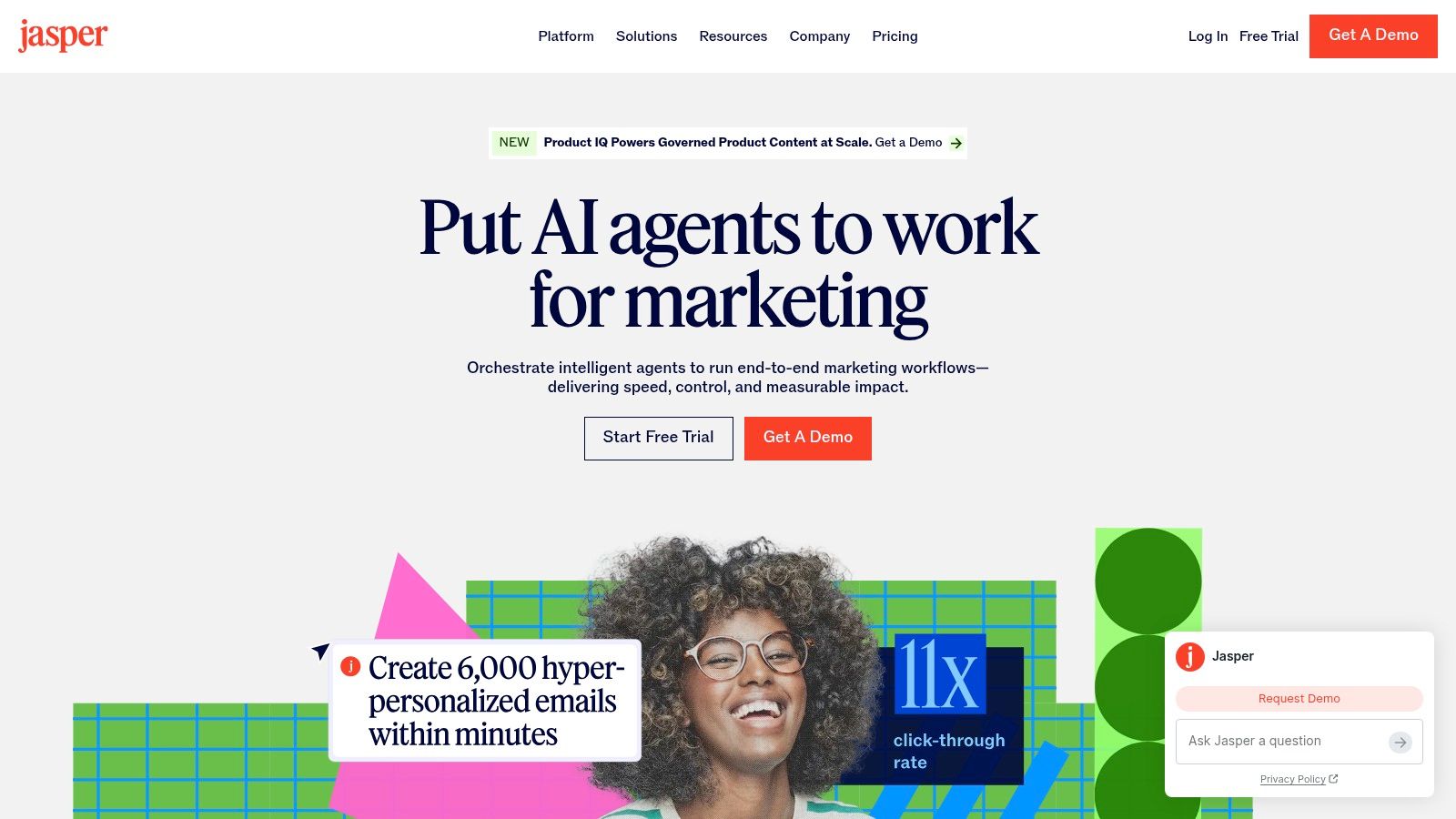
Jasper is for teams producing structured marketing content across multiple channels. It isn't the cheapest way to generate a paragraph, and it shouldn't be purchased for occasional brainstorming. Its value comes from applying brand voice, knowledge assets, audience profiles, campaign briefs, and repeatable workflows to content production.
A marketing team can use Jasper for ads, emails, product pages, campaign copy, and related briefs. Brand Voices help writers keep language consistent, while Canvas and templates support recurring formats. Business users can also build no-code agents for more involved workflows, which makes Jasper more relevant to teams with defined processes than to creators who work entirely from scratch.
Buy it for governance
Jasper's conceptual cost is team-scale software rather than a casual chatbot. You pay for brand controls, collaboration, reusable context, and operational consistency. That makes it expensive if you only need a draft now and then, but easier to justify when several people produce similar content every week.
The main limitation is that structure doesn't guarantee accuracy or originality. Writers still need to verify product claims, add audience insight, and make the copy sound like a person rather than a template. Jasper can enforce a voice guide, but it can't replace a good editorial brief or a human who understands the customer.
Use Jasper when a team needs repeatable, on-brand marketing production. Don't use it as your main research source. Pair it with a cited research tool, and clean or review AI-assisted copy with a dedicated process such as this guide to AI watermark removal when text provenance or copy safety matters.
5. Notion AI
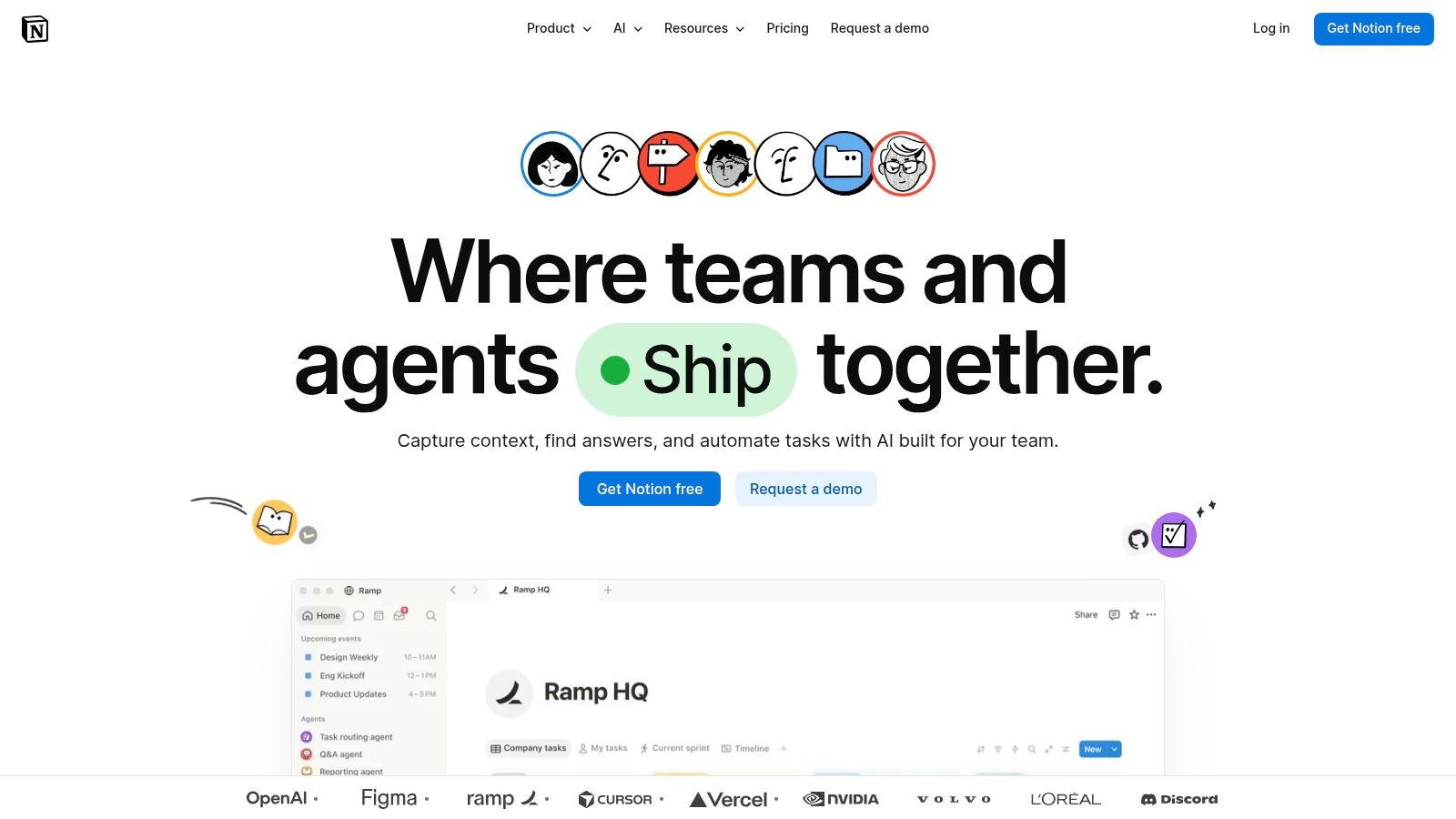
Notion AI fits creators who already keep their ideas, briefs, scripts, research notes, and publishing plans in Notion. Its advantage isn't a single spectacular generation feature. It's the reduced friction between planning and production because the assistant can work with workspace context and connected apps.
Use inline AI for drafting, editing, translation, and summaries. Use databases to scaffold content calendars and production systems. Notion Agent can work across workspace material and connected tools, while Research Mode and Enterprise Search support more involved information gathering. For a creator with a well-maintained workspace, that context can reduce repeated copy-pasting.
The right workflow
Start with a content idea in a database. Turn it into a brief, add audience notes, draft a script, create an asset checklist, and record revision decisions in the same workspace. That makes Notion AI especially useful for creators who need organization as much as generation.
The conceptual cost is workspace dependence and governed AI usage. Advanced features and model access vary by plan, and Notion's credit system affects how much premium AI work you can do. The tool also becomes less useful when your information is scattered across unrelated apps or stored in pages nobody updates.
Don't treat Notion AI as a final fact-checker. It can summarize your own notes efficiently, but external claims still need source verification. Creators researching how watermarking works can also consult this explanation of AI text watermarks before deciding how to handle AI-assisted drafts.
Choose Notion AI for a connected planning system. Choose Perplexity when live web research and source discovery are the main bottleneck.
6. Descript
Descript is the best pick for speech-heavy video. It treats a recording like a document, so you can edit the video by editing its transcript. That makes it particularly effective for podcasts, interviews, courses, webinars, talking-head videos, and short clips built from spoken material.
Its workflow covers recording, transcription, script-based editing, captions, filler-word removal, audio cleanup, screen recording, and export. Overdub and AI Speakers can help correct or replace spoken sections, while Studio Sound improves recorded audio without requiring a full audio engineering setup.
Where it saves time
A creator can record a rough interview, remove a paragraph from the transcript, delete filler words, add captions, and produce a clean social cut without navigating a traditional timeline for every change. That is the reason to buy Descript. The tool connects editorial decisions directly to the words people hear.
The limitation is equally clear. Descript isn't the ideal primary editor for heavy visual effects, intricate multicam projects, elaborate motion graphics, or detailed cinematic sound work. Those projects still belong in a traditional non-linear editor.
The conceptual cost is usage-based media processing within a subscription plan. Review transcription, export, voice, and AI allowances against your recording volume before committing. A creator publishing occasional talking-head clips may need less capacity than a podcast team processing a large archive.
Choose Descript if spoken content drives your calendar. It will give you more practical time savings than a general video generator for most dialogue-led workflows.
7. Runway
Runway is for creators who need generated visual material rather than a faster way to edit ordinary footage. Use it for stylized reels, concept films, trailers, product atmosphere, storyboards, experimental B-roll, and image-to-video sequences.
Its strength is a production-oriented set of controls around modern video models, including Gen-4.5 and Gen-4 Turbo. Creators can generate in parallel, adjust duration, upscale outputs, and work with image, video, and audio tools in the same environment. That makes Runway more useful than a simple prompt box when you need to test several visual directions.
Budget the generation process
Runway's conceptual cost is credits converted into generation time, images, and output quality. You need to understand the relationship between credits and seconds before planning a large batch. High-resolution generation can consume credits quickly, especially when you iterate on prompts or reject several results.
Runway is a visual generation layer, not a complete content strategy.
The biggest limitation is uncertainty in creative consistency. Generated clips can look impressive but still require selection, trimming, compositing, sound, and continuity checks. A creator producing a product demonstration with exact visual requirements may need conventional footage or a professional post-production workflow alongside Runway.
Choose Runway for visual invention and B-roll. Choose Descript for spoken edits. Choose Adobe tools when the final asset must move smoothly into a broader professional design and editing pipeline.
8. Synthesia
Synthesia is the practical choice for presenter-led videos without cameras, actors, or a conventional recording setup. You provide a script, choose an avatar and voice, and create an explainer, course introduction, internal update, or localized promotional video.
The platform supports a large avatar library, voiceover and dubbing workflows, multilingual production, templates, embeddable players, and LMS-friendly exports such as SCORM. That makes it especially useful for education, training, product walkthroughs, and repeatable business communication.
Choose consistency over performance
Synthesia's main benefit is operational consistency. A team can revise a script and produce another presenter video without arranging a shoot. Localization is also easier to manage than recreating a live recording for every audience.
The limitation is authenticity. Avatars can still appear synthetic, especially in formats that depend on emotional performance, personal trust, or a strong creator identity. Branding and polish often require additional design work around the avatar, including better opening frames, supporting visuals, captions, and editing.
The conceptual cost is per-video or plan-based production capacity, plus the creative cost of accepting an avatar-led format. Don't buy it because you want a replacement for a recognizable human creator. Buy it when repeatability, localization, and controlled delivery matter more than a natural on-camera presence.
Use Synthesia for explainers, onboarding, training, and localized content. Use Runway for stylized visual storytelling and Descript for footage built around a real speaker.
9. OpusClip
OpusClip solves a distribution problem. If you already have a podcast, interview, webinar, livestream, or long YouTube recording, it finds short-form opportunities and formats them for social channels.
The workflow combines AI clipping, captions, auto-reframing, virality scoring, multi-ratio exports, scheduling, and team features. Export options for Premiere and Resolve let an editor take over when an automatically selected clip needs more precise treatment.
Use it on your back catalog
OpusClip is most valuable when you have more long-form material than time to cut it manually. Upload a recording, review the suggested moments, correct captions, adjust framing, and export versions for different platforms. It can turn a neglected archive into a repeatable short-form pipeline, but it shouldn't decide your editorial strategy alone.
The main trade-off is creative control. Automated selection can miss context, choose a weak opening, or cut a statement that only works with the surrounding discussion. Manual editors remain better for intricate storytelling, pacing, visual callbacks, and sensitive topics. The free tier also includes watermarks and usage limits, so test the output against your real publishing needs before relying on it.
For another route into short-form production, compare tools that turn long videos into shorts. Choose OpusClip when volume and speed matter. Choose Descript when the edit begins with the transcript and needs more hands-on control.
10. Perplexity
Perplexity is the strongest research choice in this list. It provides cited answers, searches the live web, routes queries across models, and helps creators gather sources for scripts, outlines, reports, and explainers.
The core benefit is traceability. Instead of accepting a polished paragraph without context, you can open the cited pages, compare claims, and decide which evidence belongs in the final asset. Projects and Spaces help keep research organized, while file and image uploads let you work from material you already have.
Research before you draft
Use Perplexity to map a topic, identify primary sources, find competing viewpoints, check terminology, and create an outline grounded in links. Don't copy the answer directly into publication. Source pages can be incomplete, claims can be misread, and the generated synthesis still needs human verification.
The conceptual cost is access to research capacity and advanced features, with rate limits and heavier workloads governed by paid plans. A casual creator may be fine with basic access. A publisher doing repeated source-heavy research should budget for Pro or Max access and still maintain an editorial verification step.
Perplexity is not a substitute for expertise. It reduces the time needed to find and organize information, but you remain responsible for accuracy, context, attribution, and fair interpretation. If you need a practical workflow for removing AI watermarks from text, keep that cleanup step separate from research so source checking doesn't get lost in rewriting.
Top 10 AI Tools for Content Creators, Feature Comparison
| Tool | Core capability | Key / unique features (✨) | Quality (★) | Price / Value (💰) | Best for (👥) |
|---|---|---|---|---|---|
| Simple Unmark 🏆 | AI watermark remover + invisible‑char cleanup; rewrites to reduce SynthID/Gemini signals (≤5,000 w/run) | ✨ Rewrites token-choice patterns; automatic zero‑width removal; live local scan; privacy docs | ★★★★☆ | 💰 0.1 credit / started 100w; credits never expire; 10 starter / 3 guest free cleans | 👥 Writers, publishers, researchers needing clean, copy-safe text |
| Canva (Magic Studio) | All-in-one visual design + generative AI (images, video, copy) | ✨ Large templates, brand kits, Magic Write/Studio tools | ★★★★☆ | 💰 Free → Pro; AI usage metered / add-ons | 👥 Solo creators, marketers, small teams |
| Adobe Express + Firefly | Web creator suite with Firefly generative assets & content credentials | ✨ Commercial-safe outputs; Creative Cloud handoff; templates | ★★★★☆ | 💰 Monthly plan + generative credits | 👥 Brand teams, designers needing CC integration |
| Jasper | AI writing + brand governance at scale | ✨ Brand Voices, knowledge assets, no-code agents | ★★★★ | 💰 Team pricing; higher cost for heavy use | 👥 Marketing teams, agencies producing scaled content |
| Notion AI | Workspace-integrated AI for drafting, edits, and automation | ✨ Notion Agent, workspace context, research mode | ★★★★ | 💰 Feature-limited by plan / AI credits | 👥 Teams and creators who plan & publish from one workspace |
| Descript | Text-based audio/video editor with AI voices & cleanup | ✨ Edit by transcript, Overdub voice cloning, Studio Sound | ★★★★★ | 💰 Free → Pro tiers; media-heavy plans costlier | 👥 Podcasters, creators of talking-head/video content |
| Runway | AI image/video generation & editing (modern video models) | ✨ Gen-4.5/Gen-4 Turbo; 4K upscaling; parallel jobs | ★★★★ | 💰 Credit system; high-res = credit-intensive | 👥 Video creators, stylized reel & concept teams |
| Synthesia | Script-to-avatar video in 160+ languages | ✨ 125+ avatars, dubbing, LMS exports (SCORM) | ★★★★ | 💰 Subscription / per-video pricing | 👥 eLearning, explainers, localized video teams |
| OpusClip (Opus.pro) | Auto-repurposing long videos into shorts with captions | ✨ Virality Score, multi-ratio exports, scheduler | ★★★★ | 💰 Free tier (watermark/limits) → Pro with credits | 👥 YouTubers, podcasters, social short creators |
| Perplexity | Cited answer engine routing models + live web | ✨ Inline sources, multi-model routing, Projects | ★★★★ | 💰 Free basic; Pro/Max for higher limits | 👥 Researchers, scriptwriters, fact-checkers |
Build a Smaller Stack That You Will Use
Don't buy ten tools because ten tools appear in a list. Most creators need a small stack built around recurring bottlenecks, not a collection of overlapping subscriptions. Start with the workflow you repeat every week, then add a specialist only when the current process has a clear failure point.
Choose Notion AI or Perplexity for planning and research. Notion AI is better when your briefs, ideas, scripts, and production notes already live in one workspace. Perplexity is better when you need live web research, cited sources, and fast validation before drafting.
Choose Jasper for structured brand content. It earns its place when a team produces repeatable campaigns across ads, emails, product pages, and other marketing formats. It isn't the right purchase for occasional personal writing. A general assistant may cover that use case with less operational overhead.
Choose Canva or Adobe Express for visual assets. Canva is the easier one-stop option for templates, social content, presentations, and quick resizing. Adobe Express and Firefly make more sense when commercial-safety posture, content credentials, stock libraries, and handoff to Photoshop, Illustrator, or Premiere affect the decision.
For spoken video, choose Descript. It saves time by connecting transcript edits to the recording itself, which suits podcasts, interviews, courses, and talking-head content. Choose OpusClip when the main problem is extracting short clips from a long archive and distributing them across social platforms.
Choose Runway or Synthesia for generated video based on the output you need. Runway is for stylized visual generation, concept work, and B-roll. Synthesia is for repeatable presenter videos, explainers, training, and localization.
Choose Simple Unmark when text cleanup or invisible-character removal is the specific need. It removes hidden Unicode artifacts and rewrites wording to reduce probabilistic watermark signals while aiming to preserve the source meaning. It isn't a writing suite, research platform, or detector guarantee. It's a focused final-stage tool.
Test every tool against one recurring workflow before expanding your stack. Track output quality, revision time, credit usage, export limits, and how often a human has to repair the result. Review every AI-generated or rewritten asset before publication, especially claims, names, numbers, citations, visual details, and brand-sensitive language.
Simple Unmark removes hidden Unicode characters and rewrites AI-assisted text to reduce probabilistic watermark signals while preserving meaning, facts, numbers, proper nouns, tone, and intent. If clean, copy-ready text is the bottleneck in your workflow, visit Simple Unmark and test the paste, clean, copy process.
- AI tools for content creators
- AI content tools
- content creation software
- AI video tools
- AI writing tools
More posts
AI Watermark Explained: How Detection Works and Fails
Learn how AI watermark detection works, why it often fails, and what writers and editors should realistically expect from tools like SynthID in 2026.
AI Writing for Students: A Responsible Workflow Guide
Master AI writing for students with practical steps for drafting, cleaning text, citation, and avoiding plagiarism while preserving academic integrity.
Text Watermark Remover: How It Works in 2026
Find a text watermark remover that actually works in 2026. Learn how hidden watermarks are detected and what rewriting-based cleanup really delivers.